
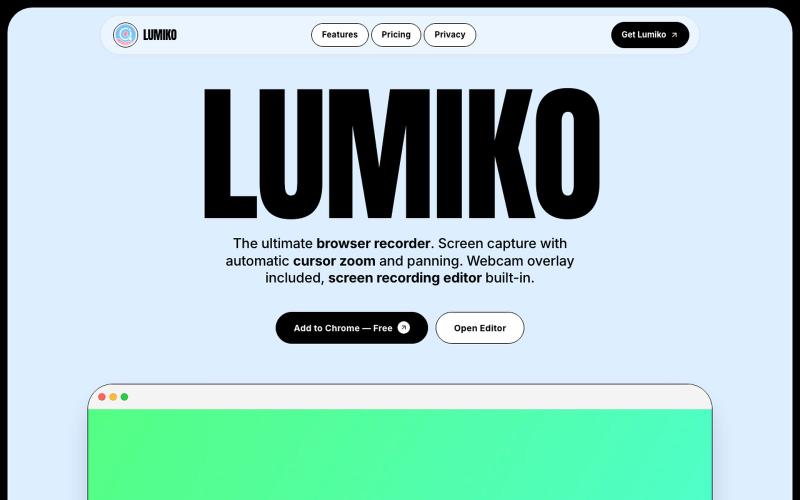
Productivity23 hours ago
Lumiko — Free Chrome Screen Recorder with Cursor Zoom
Free Chrome screen recorder with automatic cursor zoom, panning, and built-in editor.
Ashish106 · HN
Lumiko – Chrome screen recorder with automatic cursor zoom
The full gallery
Tech stack
21 projects
Free Chrome screen recorder with automatic cursor zoom, panning, and built-in editor.
Ashish106 · HN
Lumiko – Chrome screen recorder with automatic cursor zoom

Chrome extension for recording screen demos with automatic zoom effects and custom backgrounds.

@gabani_vatsal · X
Building Screen recorder which adds zoom effects and custom backgrounds

Record your screen in the browser, save to Google Drive, and share via instant links for $29.

@HashamBuilds · X
Building Walkthrough, screen recorder, $29 once, videos save to your own Google Drive. No subscription, no vendor servers. 14 days refund with no question asked. Now shipping in public daily. 🔗

AI copilot that records, transcribes, and extracts insights from business calls in the browser.
u/carlosmarcialt · Reddit
I spent months building my SaaS and completely forgot the marketing part I just realized Voxandra has had exactly zero marketing. Not bad marketing. Literally none. So this Reddit post is now the entire marketing department. Voxandra is an AI phone copilot for people and teams who still get real work done over phone calls. Supplier calls, payment follow ups, claims, banks, government offices, universities, and all the other places that somehow still behave like email was never invented.

Screen recorder for Mac & Windows with auto-zoom on clicks, gradient backgrounds, and webcam overlay.

@zuess05 · X
Shipped some banger updates to

Free native macOS screen recorder with built-in editor and auto-zoom.

@screenkite_com · X
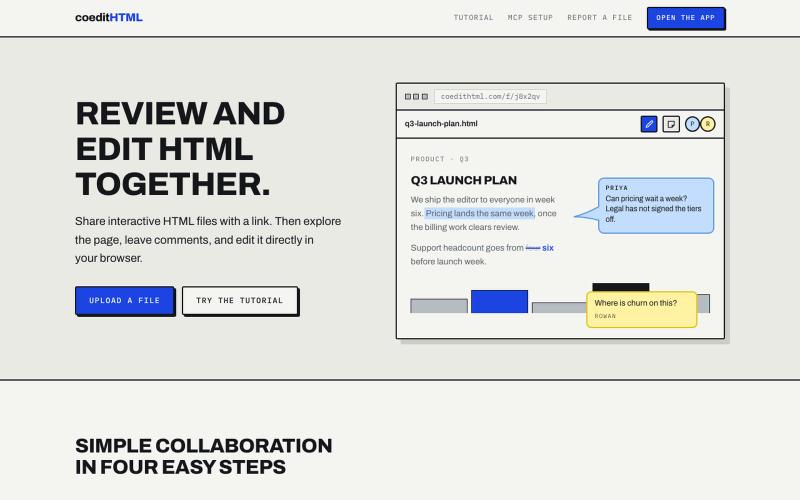
Share and collaborate on standalone HTML files in real time. Leave comments, drop sticky notes, and edit files directly in your browser.
u/Vast-Grapefruits · Reddit
I built a tool to collaborate on HTML artifacts like a PowerPoint As a consultant, I've watched artifacts become more common as a way to communicate ideas and insights, both internally and with clients. The problem is there's no good way to comment on them, collaborate, or make quick edits; so in practice, they're slow to actually use. I built a free tool that lets you leave comments and edit directly, all while sharing with your team. After you make your edits you can export
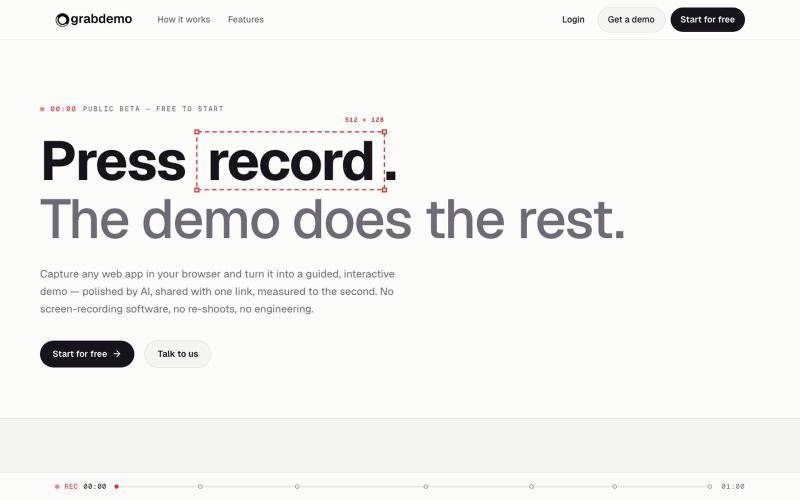
Convert screen recordings into interactive demos that are polished by AI and tracked automatically.

@grabdemo_ · X

Automate Twitter/X posts and replies with AI, and monitor accounts via browser extension.
u/alexkendig · Reddit
I got tired of paying monthly for X tools, so I built a BYOK/Local browser extension instead Hey everyone, I use X/Twitter to share product updates, find customers, and build an audience. The problem is that most X tools eventually become another expensive subscription. TweetHunter, Typefully style tools, schedulers, AI assistants, outreach tools, it adds up quickly, often $30–$90/month. So I built Tweetback, a browser extension workspace for X that uses your own AI key in
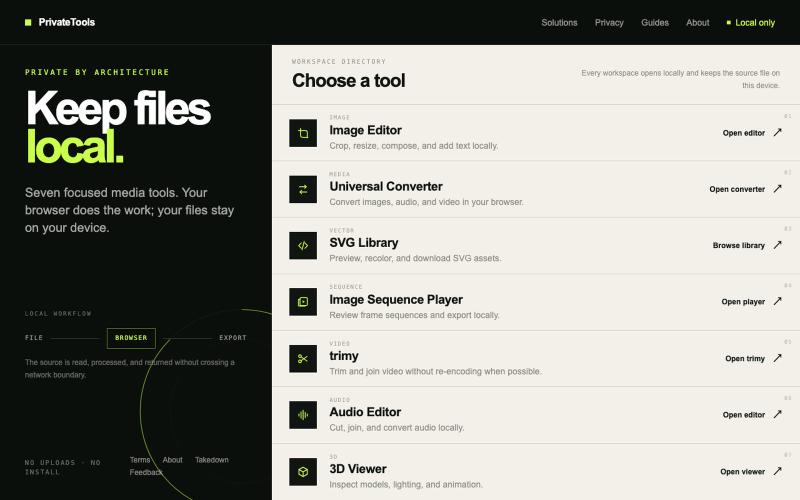
Edit images, convert files, browse SVGs, review sequences, trim video, edit audio, and inspect 3D models locally without uploads.

@motionvector3 · X
Useful online tools for creators
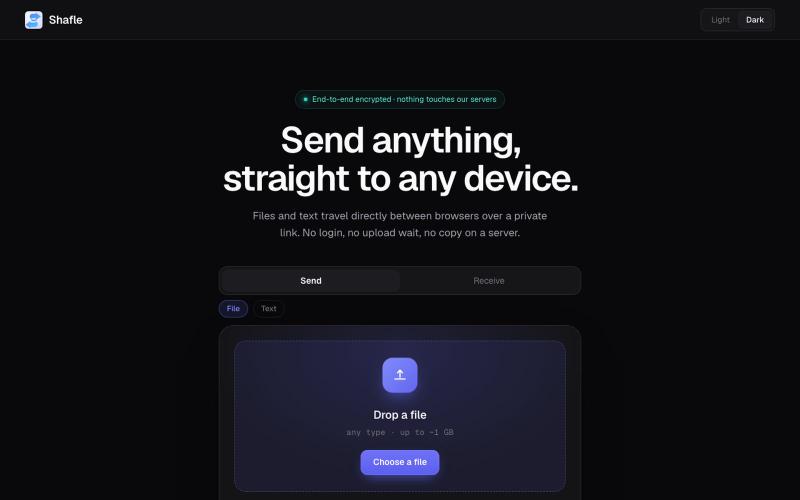
Share files and text directly between browsers without server storage or login.

@bytestreak · X
Building a frictionless, forever free file sharing utility tool. Check it out here:
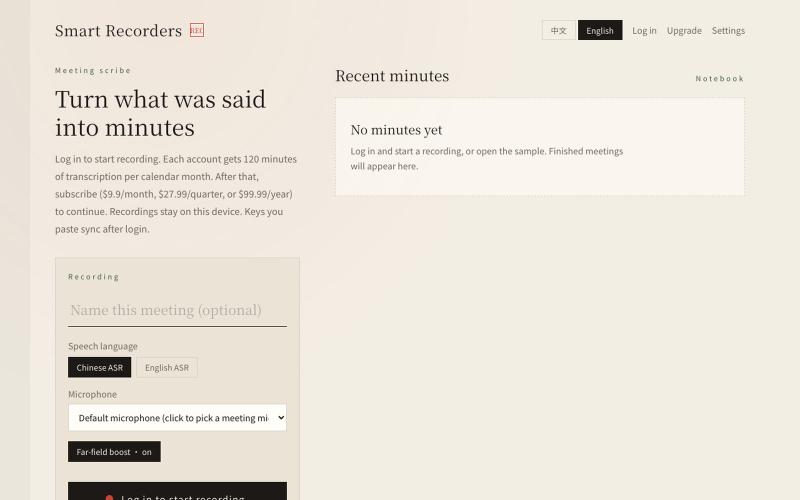
Smart Recorders — live meeting dictation with automatic minutes and a one-page summary.

@shawkalent · X
我开发了两个平台,一个是开源平台: