
Productivity17 hours ago
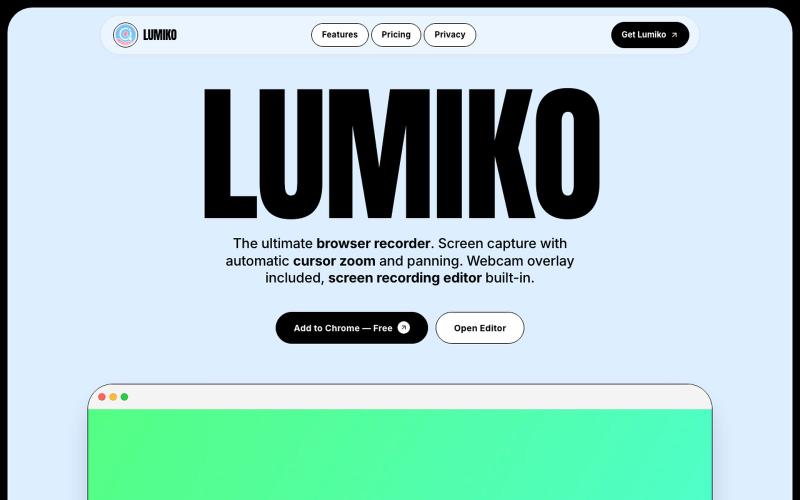
Lumiko — Free Chrome Screen Recorder with Cursor Zoom
Free Chrome screen recorder with automatic cursor zoom, panning, and built-in editor.
Ashish106 · HN
Lumiko – Chrome screen recorder with automatic cursor zoom
The full gallery
Tech stack
60 projects
Free Chrome screen recorder with automatic cursor zoom, panning, and built-in editor.
Ashish106 · HN
Lumiko – Chrome screen recorder with automatic cursor zoom

Chrome extension for recording screen demos with automatic zoom effects and custom backgrounds.

@gabani_vatsal · X
Building Screen recorder which adds zoom effects and custom backgrounds
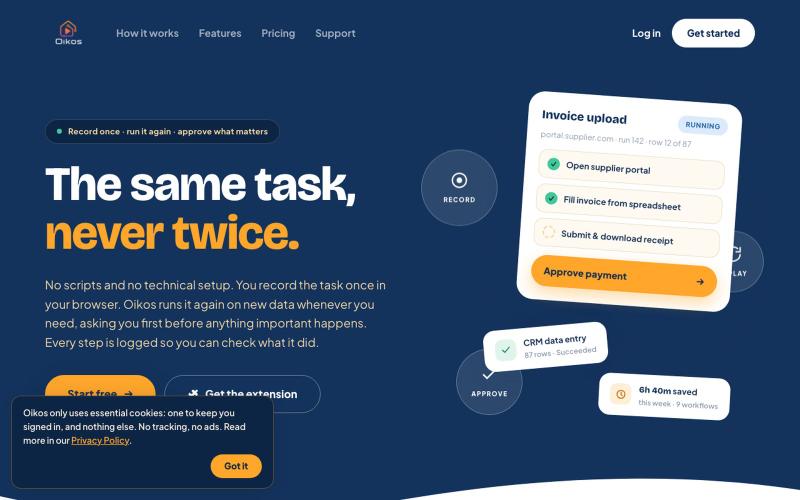
Record browser tasks once and replay them automatically on new data.

@OikosAutomation · X

Record your screen in the browser, save to Google Drive, and share via instant links for $29.

@HashamBuilds · X
Building Walkthrough, screen recorder, $29 once, videos save to your own Google Drive. No subscription, no vendor servers. 14 days refund with no question asked. Now shipping in public daily. 🔗
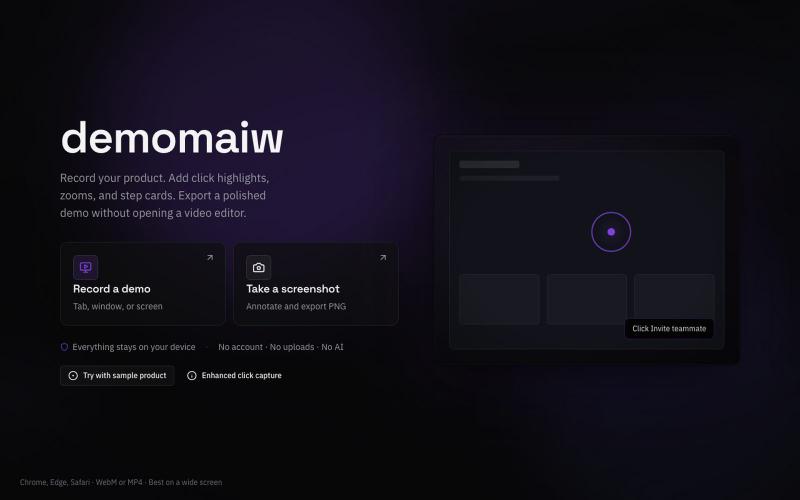
Record silent product demo videos in your browser with all data staying on your device.

@xyzmaiw · X
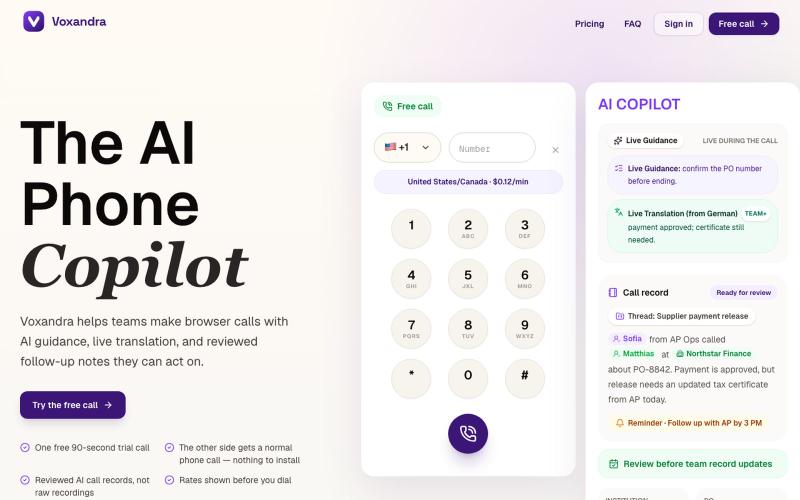
AI copilot that records, transcribes, and extracts insights from business calls in the browser.
u/carlosmarcialt · Reddit
I spent months building my SaaS and completely forgot the marketing part I just realized Voxandra has had exactly zero marketing. Not bad marketing. Literally none. So this Reddit post is now the entire marketing department. Voxandra is an AI phone copilot for people and teams who still get real work done over phone calls. Supplier calls, payment follow ups, claims, banks, government offices, universities, and all the other places that somehow still behave like email was never invented.

Screen recorder for Mac & Windows with auto-zoom on clicks, gradient backgrounds, and webcam overlay.

@zuess05 · X
Shipped some banger updates to

Free native macOS screen recorder with built-in editor and auto-zoom.

@screenkite_com · X

Edit, compress, convert, and merge video and audio files in your browser.
zhw2590582 · V2EX
最近对网站进行了重构,做成了免费的视频工具站:[ArtPlayer Tools]( https://artplayer.org/tools/) 主要是围绕着 ffmpeg.wasm 和 mediabunny 实现的一些可以直接在浏览器里用的视频/音频工具,常用的有: - 视频压缩:[Compress Video]( https://artplayer.org/compress-video/) - 视频裁剪:[Crop Video]( https://artplayer.org/crop-video/) - 视频合并:[Merge Video]( https://artplayer.org/merge-video/) - 视频尺寸调整:[Resize Video]( https://artplayer.org/resize-video/) - 视频旋转:[Rotate Video]( https://artplayer.org/rotate-video/) - 视频调速:[Change Video Speed]( https://artplayer.org/change-video-speed/) - 添加文字到视频:[Add Text to Video]( https://artplayer.org/add-text-to-video/) - 添加水印:[Watermark Video]( https://artplayer.org/watermark-video/) - 提取字幕:[Subtitle Editor]( https://artplayer.org/subtitle-editor/) - HLS 转 MP4:[HLS to MP4]( https://artplayer.org/hls-to-mp4/) - 音频可视化:[Audio Visualizer]( https://artplayer.org/audio-visualizer/) 大部分工具都是本地处理,文件不会上传到服务器。最开始是因为自己偶尔要处理一些视频,开剪辑软件又有点重,在线工具又担心隐私,所以就慢慢做成了一个站。 目前还在持续完善,体验肯定还有不少粗糙的地方,比如不同浏览器的兼容、移动端操作、长视频性能之类的。 网站: [ArtPlayer Tools]( https:
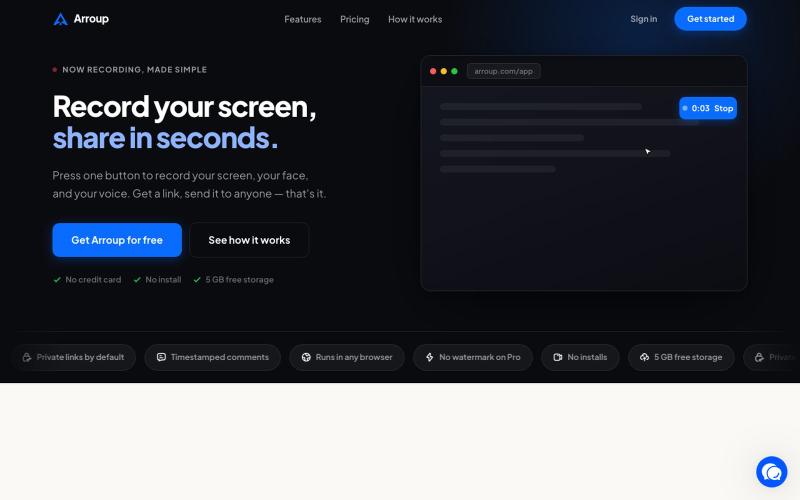
Record your screen, camera, and mic, then share with a link instantly.

@VladSmigelski · X
Building Loom alternative -

A browser-native intent memory for individual contributors. Never lose what you meant to do.

@Slaetapp · X
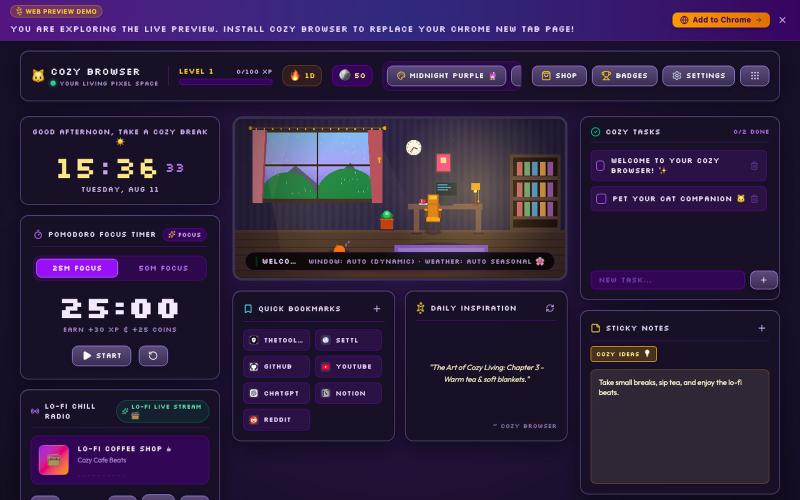
Transform your Chrome New Tab page into a cozy living pixel room with Lo-Fi chill music, Pomodoro study timer, ambient sound mixer, and multi-language support.

@DevanshuRuhela · X