

Productivity1 month ago
Cubix Capture – Free Screen Recorder with Auto Zoom | Mac & Windows
Screen recorder for Mac & Windows with auto-zoom on clicks, gradient backgrounds, and webcam overlay.

@zuess05 · X
Shipped some banger updates to
The full gallery
Tech stack
32 projects
Screen recorder for Mac & Windows with auto-zoom on clicks, gradient backgrounds, and webcam overlay.
@zuess05 · X
Shipped some banger updates to

Free native macOS screen recorder with built-in editor and auto-zoom.

@screenkite_com · X

Edit, compress, convert, and merge video and audio files in your browser.
zhw2590582 · V2EX
最近对网站进行了重构,做成了免费的视频工具站:[ArtPlayer Tools]( https://artplayer.org/tools/) 主要是围绕着 ffmpeg.wasm 和 mediabunny 实现的一些可以直接在浏览器里用的视频/音频工具,常用的有: - 视频压缩:[Compress Video]( https://artplayer.org/compress-video/) - 视频裁剪:[Crop Video]( https://artplayer.org/crop-video/) - 视频合并:[Merge Video]( https://artplayer.org/merge-video/) - 视频尺寸调整:[Resize Video]( https://artplayer.org/resize-video/) - 视频旋转:[Rotate Video]( https://artplayer.org/rotate-video/) - 视频调速:[Change Video Speed]( https://artplayer.org/change-video-speed/) - 添加文字到视频:[Add Text to Video]( https://artplayer.org/add-text-to-video/) - 添加水印:[Watermark Video]( https://artplayer.org/watermark-video/) - 提取字幕:[Subtitle Editor]( https://artplayer.org/subtitle-editor/) - HLS 转 MP4:[HLS to MP4]( https://artplayer.org/hls-to-mp4/) - 音频可视化:[Audio Visualizer]( https://artplayer.org/audio-visualizer/) 大部分工具都是本地处理,文件不会上传到服务器。最开始是因为自己偶尔要处理一些视频,开剪辑软件又有点重,在线工具又担心隐私,所以就慢慢做成了一个站。 目前还在持续完善,体验肯定还有不少粗糙的地方,比如不同浏览器的兼容、移动端操作、长视频性能之类的。 网站: [ArtPlayer Tools]( https:
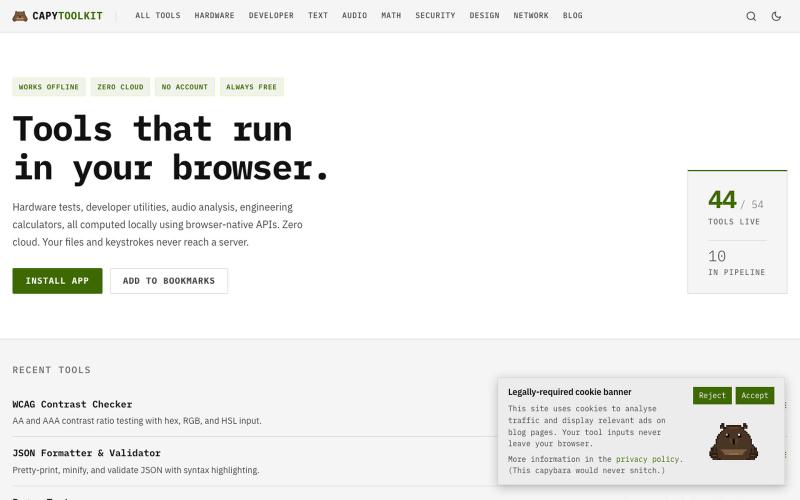
Free browser utilities for developer work, hardware testing, and audio—100% client-side with no data uploads.
ChillyCapy · HN
CapyToolkit – Browser-native developer and hardware diagnostic tools

Quickly curate hundreds of photos in your browser using local, privacy-focused processing.
alexmaster · V2EX
玩摄影,选片神马的最烦,于是搞了个选片工具 uuzp.cn 每次拍完照片都是几百张,选片最烦人了。 当然隐私更重要,本地处理,无上传。 纯浏览器端处理。 https://uuzp.cn 欢迎大家使用

Free tools to convert, compress, and edit files directly in your browser without uploads.

@faisalhaleem · X
Just launched — free browser-based file tools runs entirely in your browser. Video to GIF (with trim slider) Merge / Split / Shrink PDF Your files NEVER leave your device. No sign-up needed. Free forever. #buildinpublic #webdev #indiedev #tools #privacy
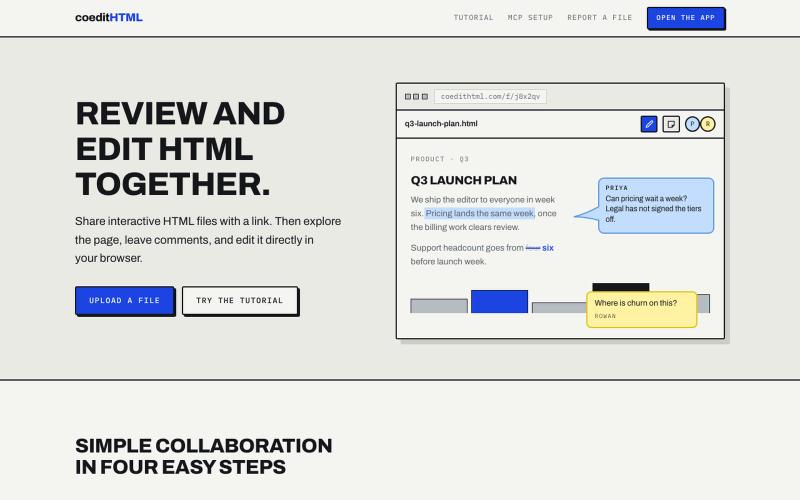
Share and collaborate on standalone HTML files in real time. Leave comments, drop sticky notes, and edit files directly in your browser.
u/Vast-Grapefruits · Reddit
I built a tool to collaborate on HTML artifacts like a PowerPoint As a consultant, I've watched artifacts become more common as a way to communicate ideas and insights, both internally and with clients. The problem is there's no good way to comment on them, collaborate, or make quick edits; so in practice, they're slow to actually use. I built a free tool that lets you leave comments and edit directly, all while sharing with your team. After you make your edits you can export
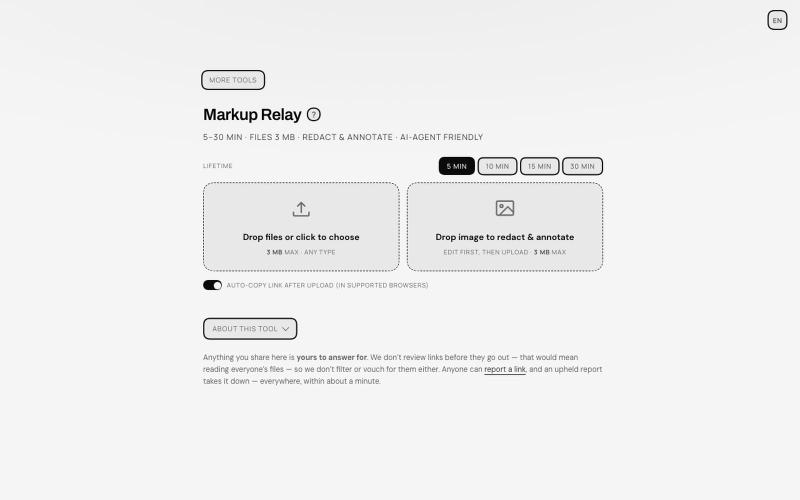
Annotate and redact files in your browser, then share with auto-expiring links.
TANTFENG · V2EX
周末到啦 介绍一个更加通用的 AI 导盲犬 Ampcode 推出的 Orbs 非常好用 但是反反复复提交图片 debug 会有点心累 现在远程 vibe coding 开发的场景越来越多了 agent 的识图能力也越来越强 但是如何给 agent 传递且描述准确的信息成了瓶颈 像 cursor design mode 这种好用的工具并不在大多数地方提供 尤其是画面动态变化的时候 或者步骤较多的时候可能需要多次标注以及关键帧引导才行 Markup Relay 作为 SUB&SUB 工作室第一个构想的开源产品提供了一个还在不断完善的思路 来作为 agent 的导盲和接力助手 让标注的内容能够被 agent 读懂 即便是视频 也可以方便的提取关键帧来描述画面的变动 https://tools.subnsub.com/relay 使用方法很简单 在桌面端浏览器内 你可以通过拖动支持的文件到窗口内进行快速编辑 如果是框选工具 在处理完毕后会对未框选的区域在浏览器端自动打码并上传至 cloudflare 的 R2 桶 并在设定时间内自动删除 https://i.
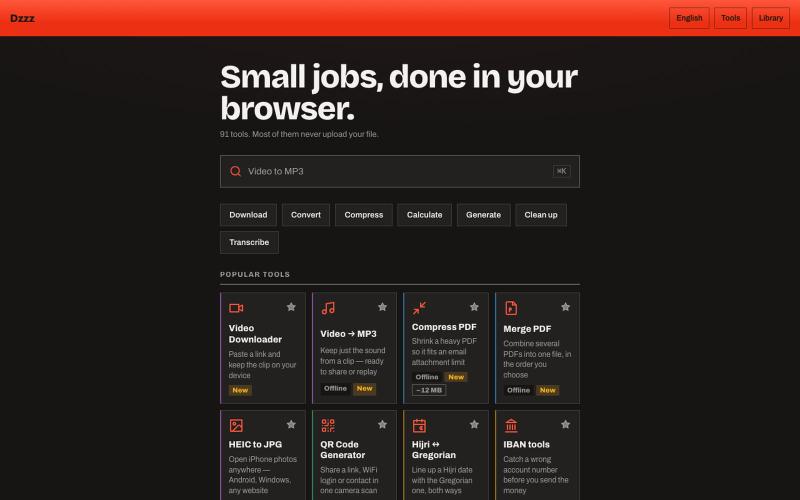
90+ free browser tools for converting, compressing, and calculating files locally.
u/Current-Parking-1296 · Reddit
dzzz.ai over 90 tools in one website privacy focus Hey r/SideProject , I kept uploading private invoices and contracts to random "free PDF tool" sites just to compress a file. Eventually it occurred to me that the browser can do this locally — so I built dzzz.ai : over 90 tools that run entirely on your device. PDF compress/merge, video trim and conversion, background removal, HEIC→JPG, document scanning with your camera, audio transcription, CSV cleanup. All WebAssembly — ffmpeg, Ghost
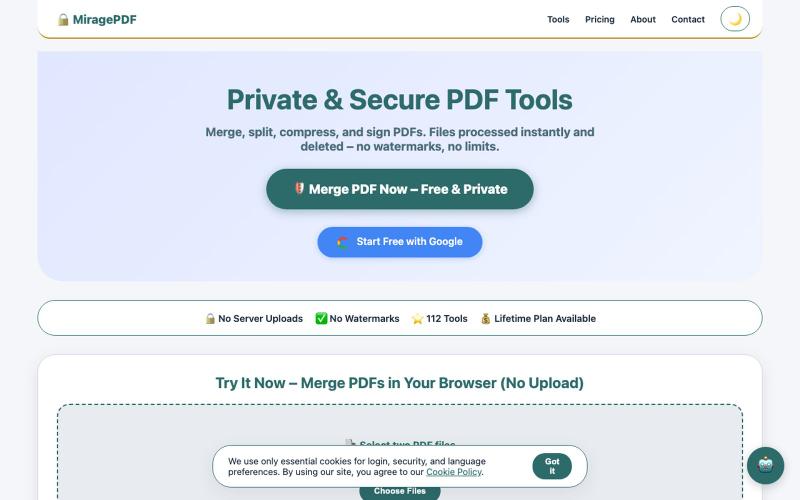
Free PDF tools in your browser for merging, splitting, compressing, and protecting files.

@magictoolshup · X
This unique website handles everything for you with great precision and professionalism. A key feature is that it never uploads your files—they remain solely within your browser for maximum privacy. Give it a try,you will discover something impressive.
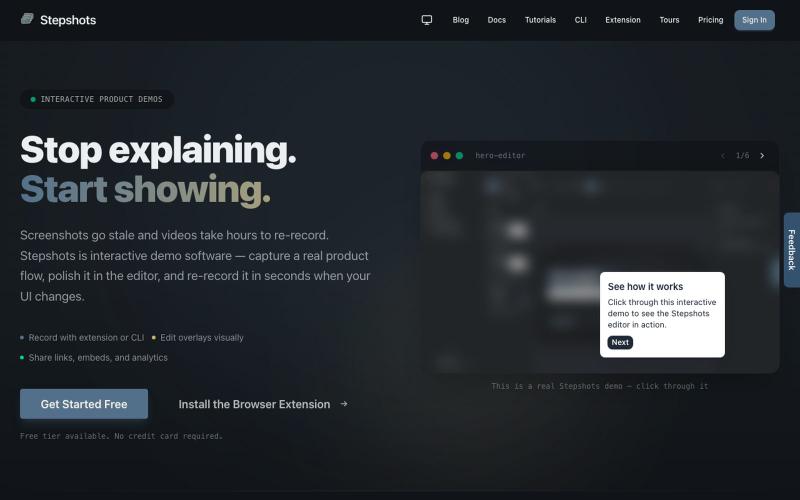
Record, edit, and share interactive product demos with a browser extension or CLI, with guided tours and engagement tracking.

@haukejung · X
Need interactive demos showing your product in action? Try

Automate Twitter/X posts and replies with AI, and monitor accounts via browser extension.
u/alexkendig · Reddit
I got tired of paying monthly for X tools, so I built a BYOK/Local browser extension instead Hey everyone, I use X/Twitter to share product updates, find customers, and build an audience. The problem is that most X tools eventually become another expensive subscription. TweetHunter, Typefully style tools, schedulers, AI assistants, outreach tools, it adds up quickly, often $30–$90/month. So I built Tweetback, a browser extension workspace for X that uses your own AI key in