
Other1 day ago
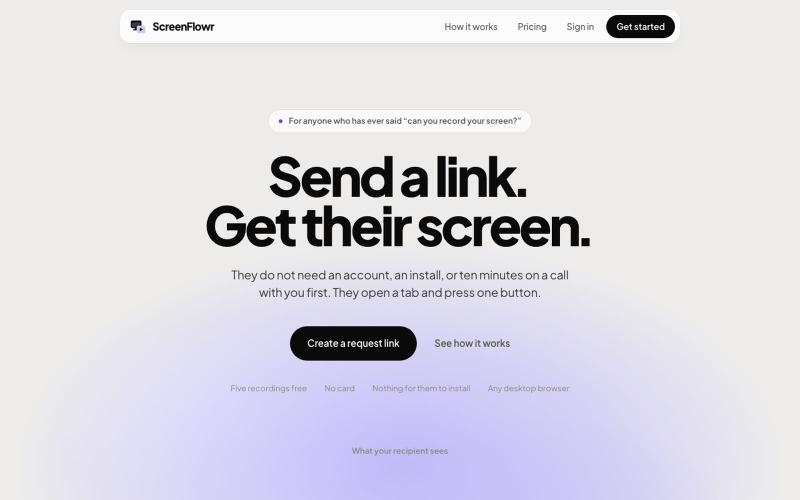
ScreenFlowr: send a link, get their screen recording
Send someone a link and get their screen recording back. No account, no install, and nothing for them to work out. Five recordings free.

@mikevannelli · X
The full gallery
Tech stack
60 projects
Send someone a link and get their screen recording back. No account, no install, and nothing for them to work out. Five recordings free.
@mikevannelli · X
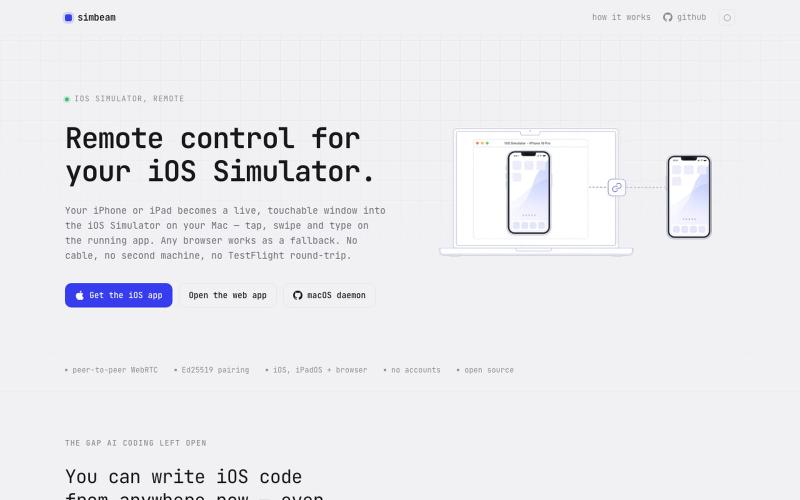
Control your Mac's iOS Simulator from any browser or mobile device over encrypted WebRTC.

@kei_sidorov · X
Remote iOS vibe coding used to be painful because of the installation loop. Build → upload → install → launch → test → repeat. That cycle kills iteration. So I built Now I can connect to my iOS Simulator from anywhere and test changes in seconds.
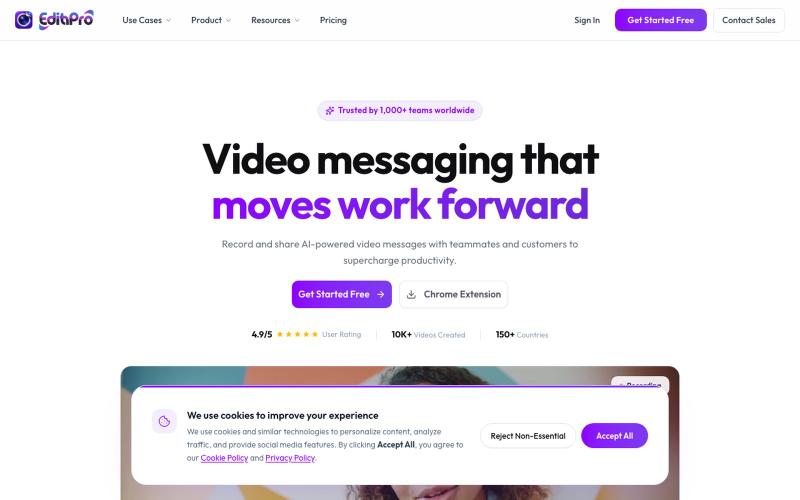
Record your screen with AI summaries to share team messages.

@edithproapp · X
Best screen recording and sharing tool for teams. Built-in video automation and workflows. Businesses can integrate it in their apps using our SDKs
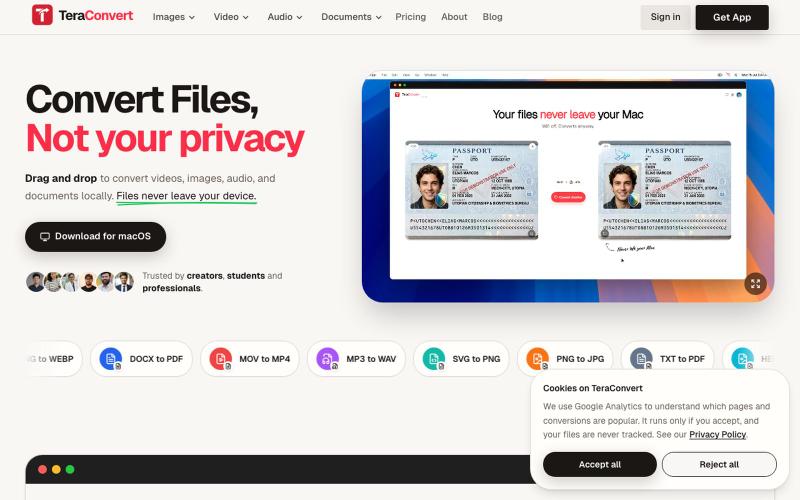
Convert images, video, audio, and documents without uploading a thing. Everything runs on your device. 800+ conversions on Mac, 200+ in the browser. First conversion is free, then

@yogendrasinghx · X
Alright, roast this Privacy-first file converter for Mac 800+ conversions, everything happens locally. Don't hold back 😭
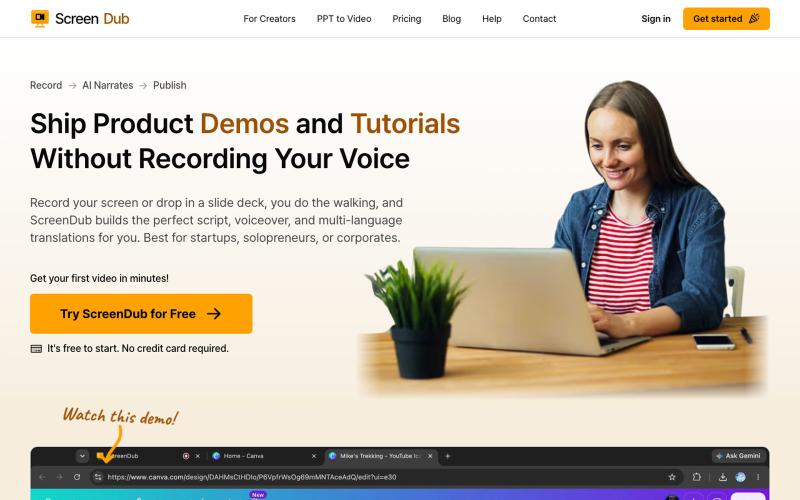
Record screens and generate AI-narrated scripts for product demos and tutorials in multiple languages.

@me_using_x · X
Do you need a product demo or wanna make tutorial/help videos? Your problem is solved for ever now! Try: PS: I am the developer who built this and I am self promoting it via this thread. 😀
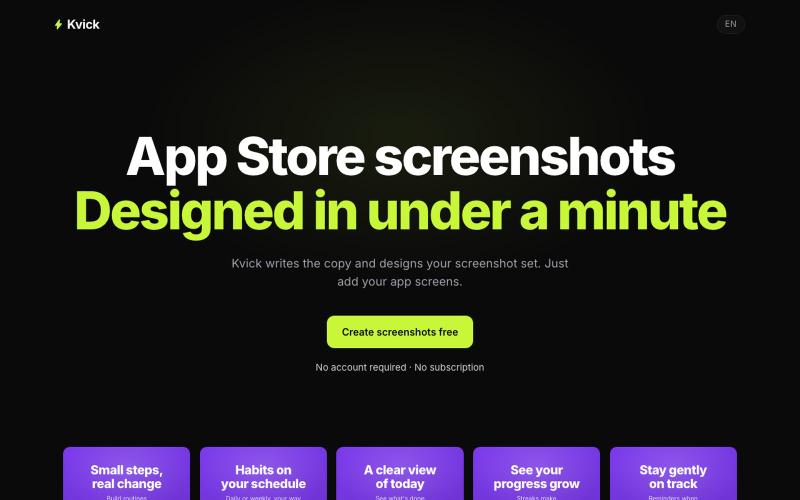
Create five polished screenshots for the Apple App Store and Google Play in minutes. Add your app details and screens, then export a consistent, store-ready set.

@BuildWithKenny · X
Kvick turns app screenshots into complete App Store / Google Play screenshot sets, with translations included.
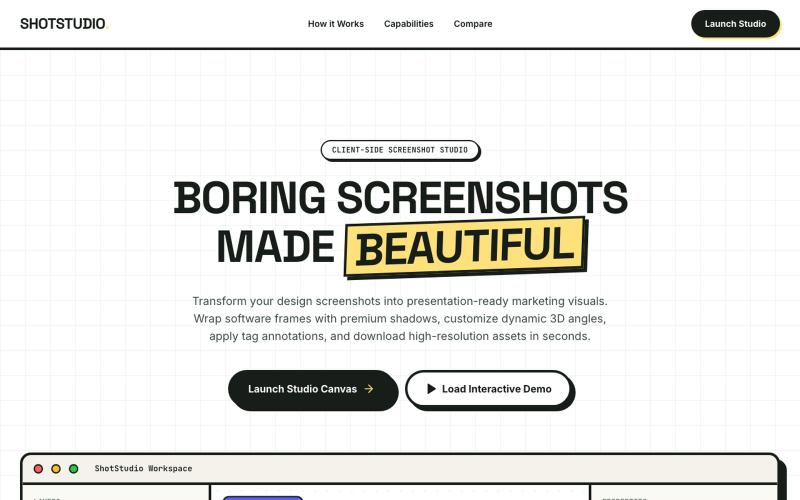
Add device frames, shadows, and annotations to screenshots.

@klein_more88816 · X
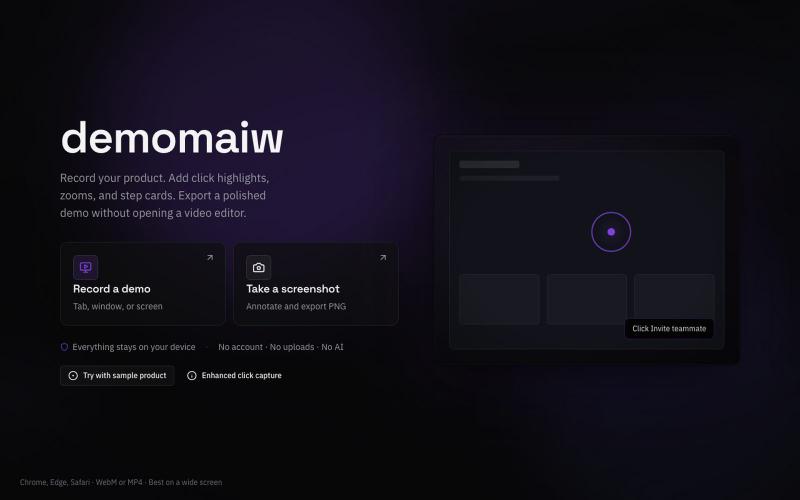
Record silent product demo videos in your browser with all data staying on your device.

@xyzmaiw · X
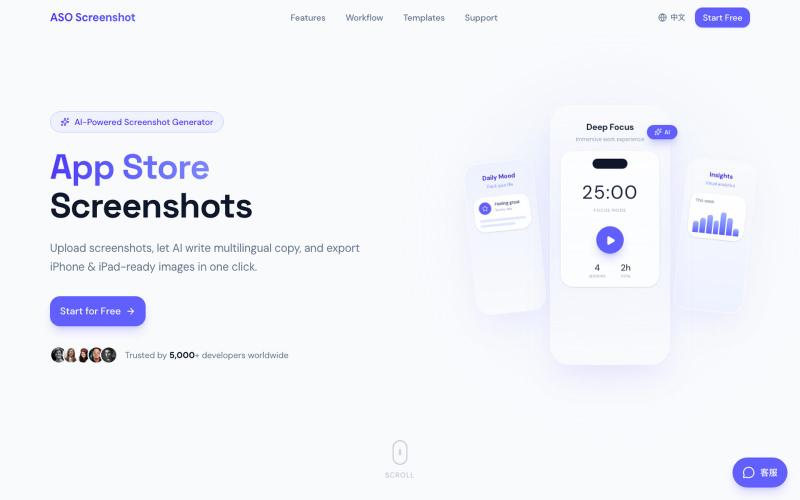
Upload app screenshots and AI generates multilingual marketing text and store-ready images for all device sizes.

@zihengli163713 · X
每次上线APP的时候,做这个截图都要花费很多时间。 所以我做了一个网站,导入你的APP界面,直接一键生成对应的宣传图页面,自动生成6种语言 自动适配尺寸,一键推送到App Store Connect里面。 目前完全免费开放给大家用,欢迎反馈!
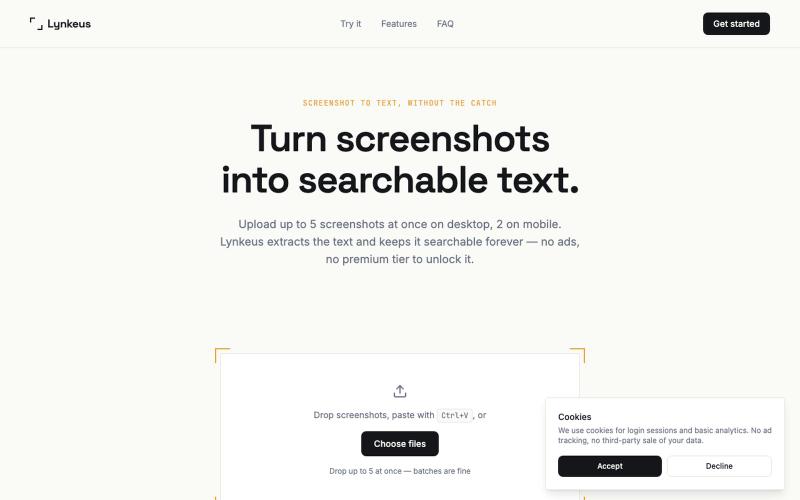
Extract text from screenshots instantly. Free, no ads, searchable history.

@DoriaJefferson3 · X
Checked reviews of a popular screenshot-to-text app before building Lynkeus. Same complaints every time: ads everywhere, $15/week paywall, unusable free tier. Lynkeus has none of that. Upload, extract, search forever — free tier is actually free.
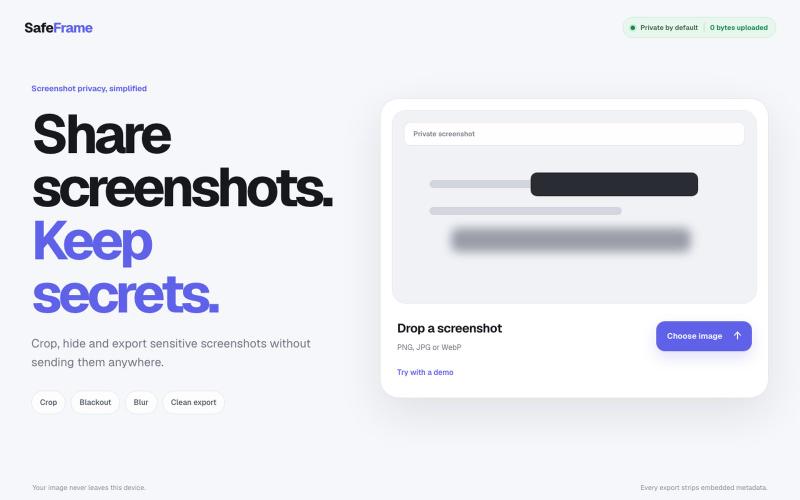
Crop, redact, blur, and export screenshots privately without uploading to any server.

@noshkass · X
Built SAFEFRAME a private, browser-only screenshot sanitizer. Crop, blackout, blur, and export sensitive screenshots without uploading a single byte. Try it: Built with ChatGPT Sites. @chatgptapp #Giveaway
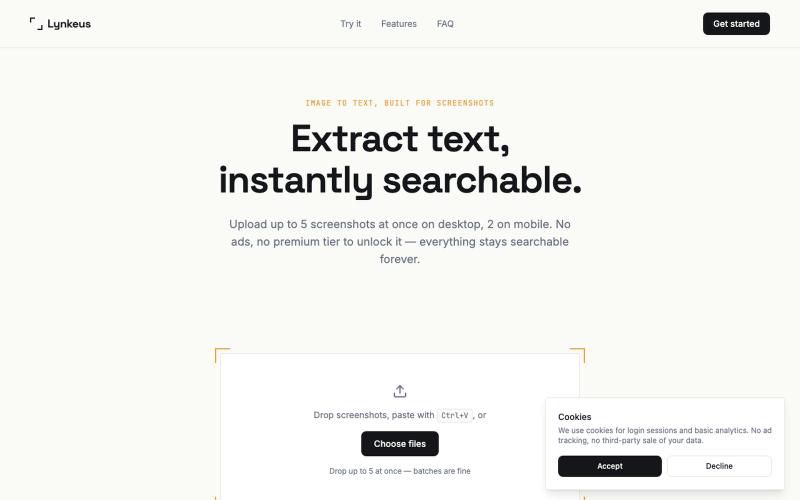
Extract text from screenshots and images, instantly searchable and editable.
@DoriaJefferson3 · X