

Creative Tools1 month ago
ScreenKite — Free, Native macOS Screen Recorder (Fast & Native)
Free native macOS screen recorder with built-in editor and auto-zoom.

@screenkite_com · X
The full gallery
Tech stack
60 projects
Free native macOS screen recorder with built-in editor and auto-zoom.
@screenkite_com · X

Screen recorder for Mac & Windows with auto-zoom on clicks, gradient backgrounds, and webcam overlay.

@zuess05 · X
Shipped some banger updates to
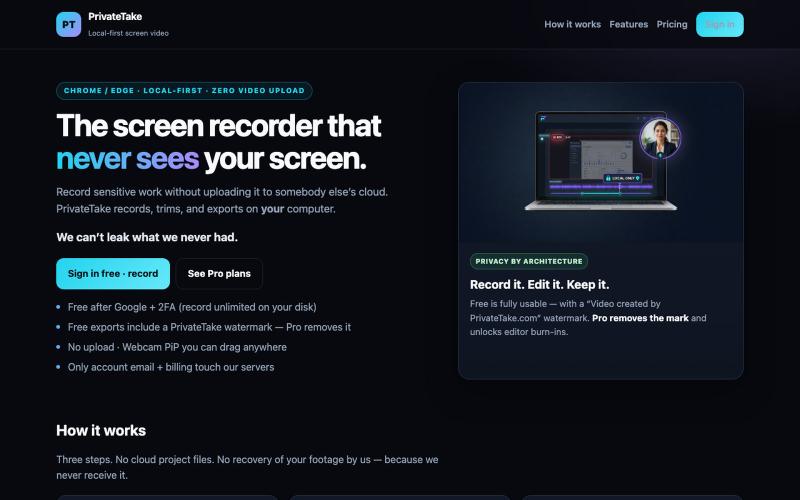
Record and edit screen videos locally without cloud uploads.

@MarkZofMarkZ · X
Screen Recorder that doesn't share your recordings to the cloud:
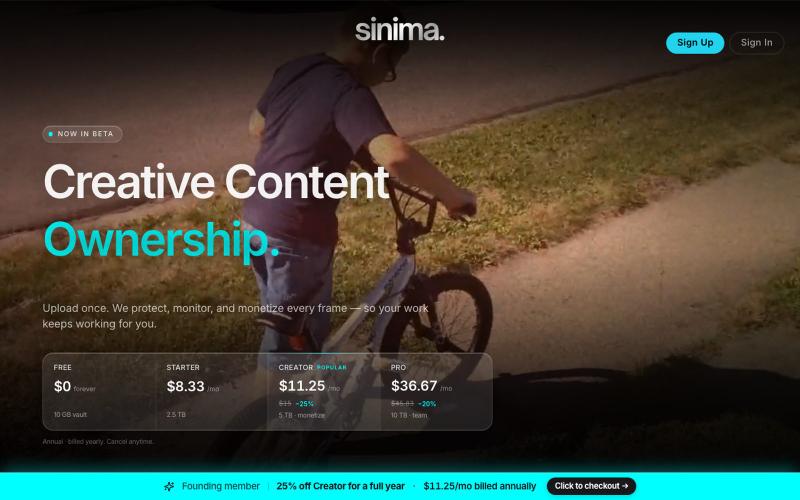
Upload screen recordings to protect and license them to AI platforms.

@LisaTrublet · X
Vimeo alternative for creators and filmmakers, with IP protections built in. 25% off Creator Core. 🎉

Record your screen in the browser, save to Google Drive, and share via instant links for $29.

@HashamBuilds · X
Building Walkthrough, screen recorder, $29 once, videos save to your own Google Drive. No subscription, no vendor servers. 14 days refund with no question asked. Now shipping in public daily. 🔗
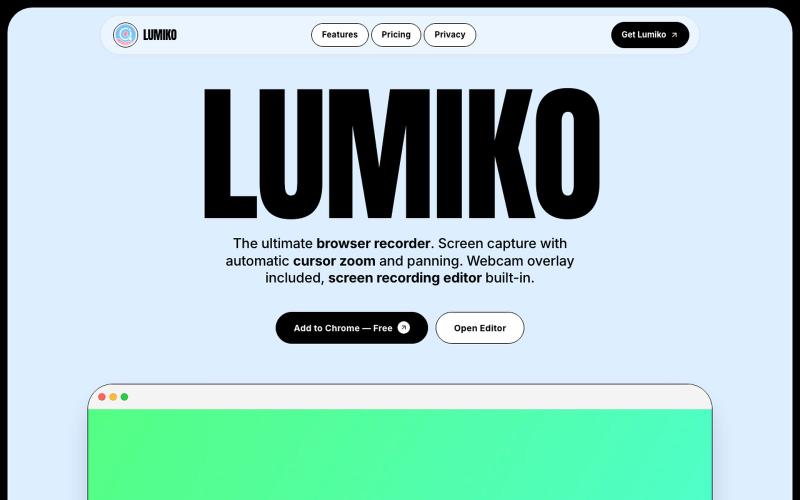
Free Chrome screen recorder with automatic cursor zoom, panning, and built-in editor.
Ashish106 · HN
Lumiko – Chrome screen recorder with automatic cursor zoom
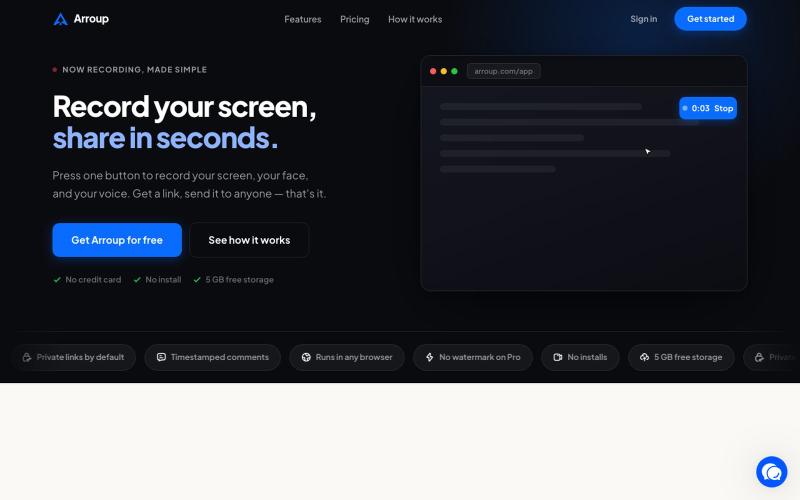
Record your screen, camera, and mic, then share with a link instantly.

@VladSmigelski · X
Building Loom alternative -

Chrome extension for recording screen demos with automatic zoom effects and custom backgrounds.

@gabani_vatsal · X
Building Screen recorder which adds zoom effects and custom backgrounds
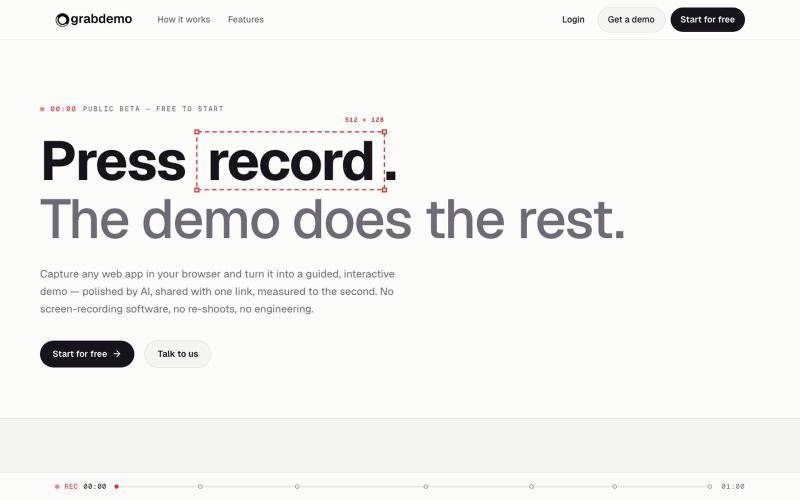
Convert screen recordings into interactive demos that are polished by AI and tracked automatically.

@grabdemo_ · X
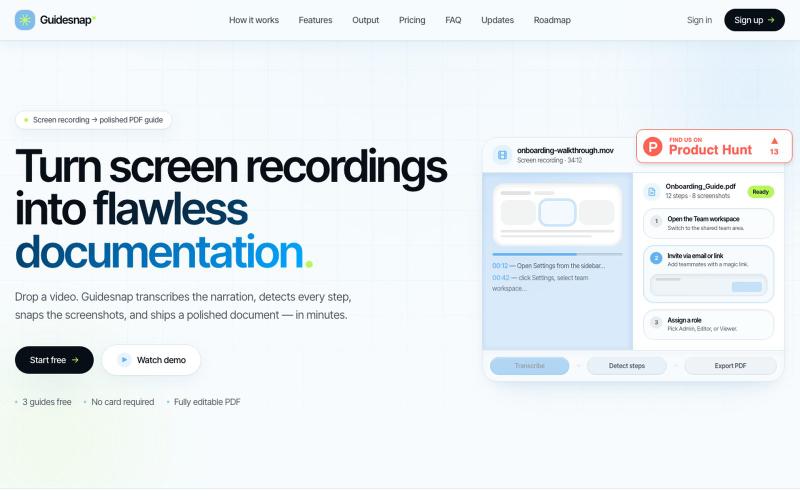
Convert screen recordings into formatted PDF guides automatically.

@vanmurten_eth · X
Guidesnap: turn any screen recording into a polished PDF guide.
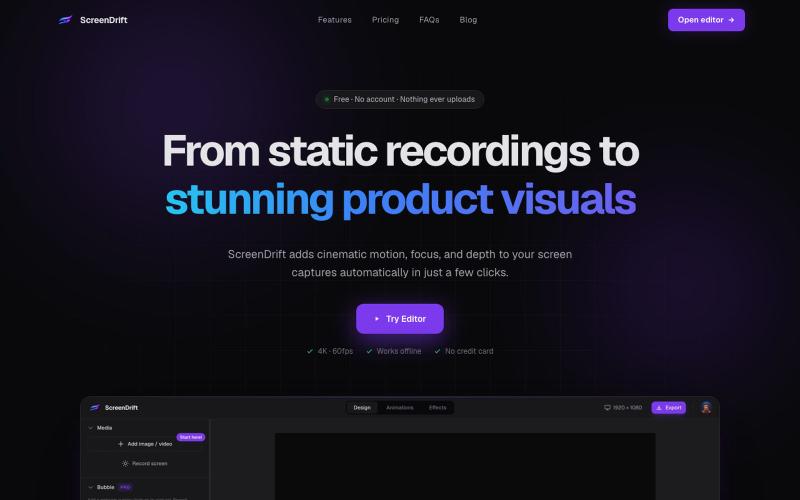
Create professional 3D product videos from screen recordings, camera footage, or any video. All processing happens on your device.

@hariprasad_bg · X
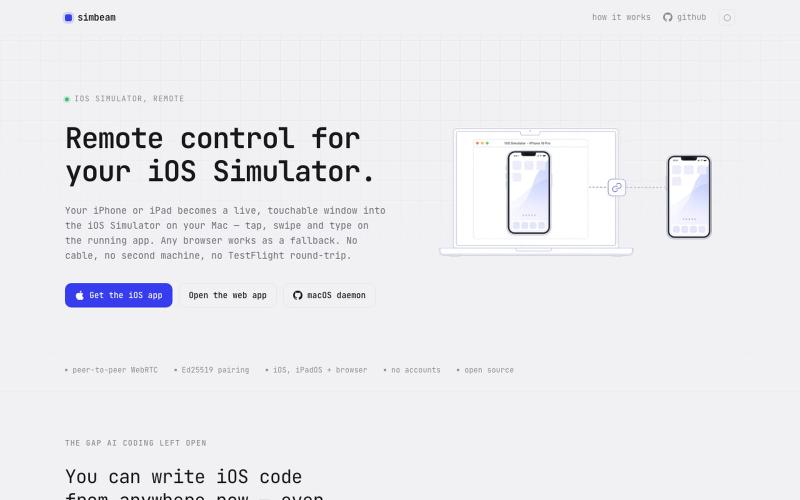
Control your Mac's iOS Simulator from any browser or mobile device over encrypted WebRTC.

@kei_sidorov · X
Remote iOS vibe coding used to be painful because of the installation loop. Build → upload → install → launch → test → repeat. That cycle kills iteration. So I built Now I can connect to my iOS Simulator from anywhere and test changes in seconds.