

创意工具1 month ago
PostCapture — Social Media Screenshot Generator for X, TikTok, YouTube & Bluesky
将社交媒体帖子转换为精美可分享图像,支持多个平台。

@larsbuilds · X
here's the link for the lazy ones :)
完整作品展
技术栈
34 projects
将社交媒体帖子转换为精美可分享图像,支持多个平台。
@larsbuilds · X
here's the link for the lazy ones :)
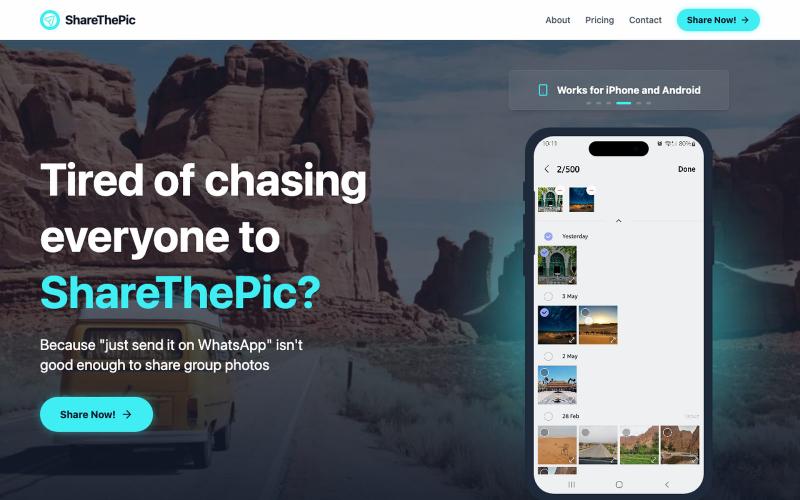
为旅行照片创建可分享的链接,无需压缩或应用。

@masterjesuser · X
if you planning a group trip or activity recently, try out to make photo sharing less of a pain
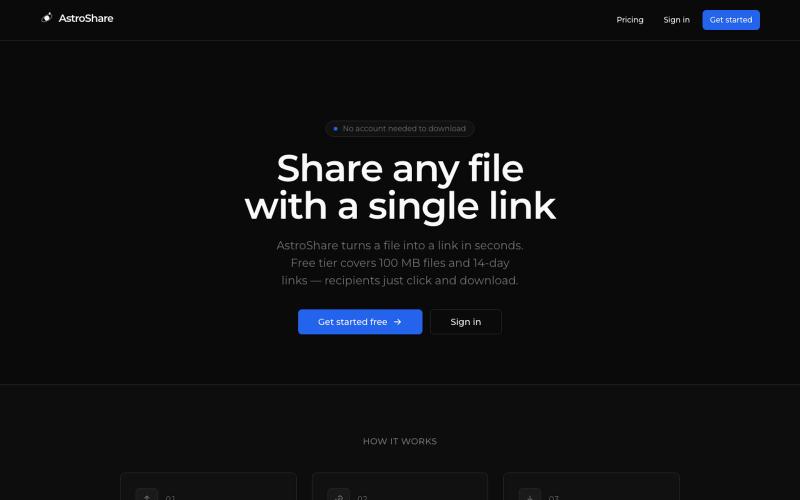
上传文件,生成分享链接让任何人下载。

@astrolinkcc · X
Try one of our products!
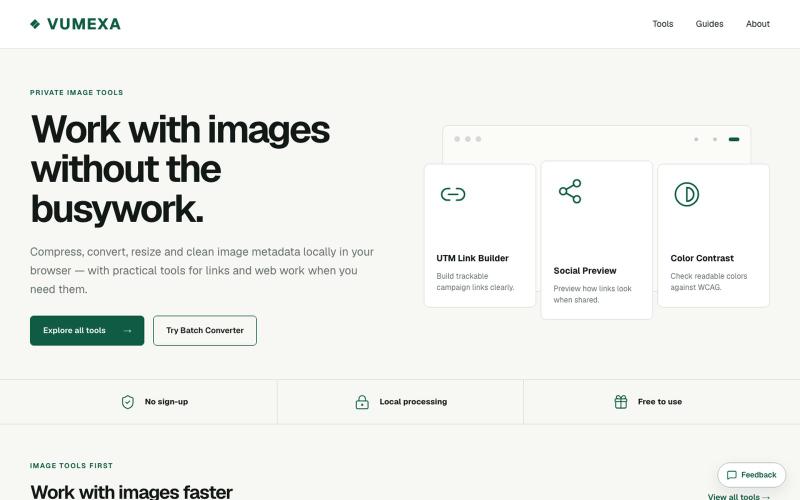
在浏览器中压缩、转换和调整图像大小,支持 JPG、PNG、WebP、GIF、AVIF 等。

@VumexaAi · X
Building VUMEXA — free browser tools for small image/file tasks. Current focus: compress images, hit exact KB limits, resize, and convert WebP/JPG. No uploads, no sign-up. Files stay local in the browser.
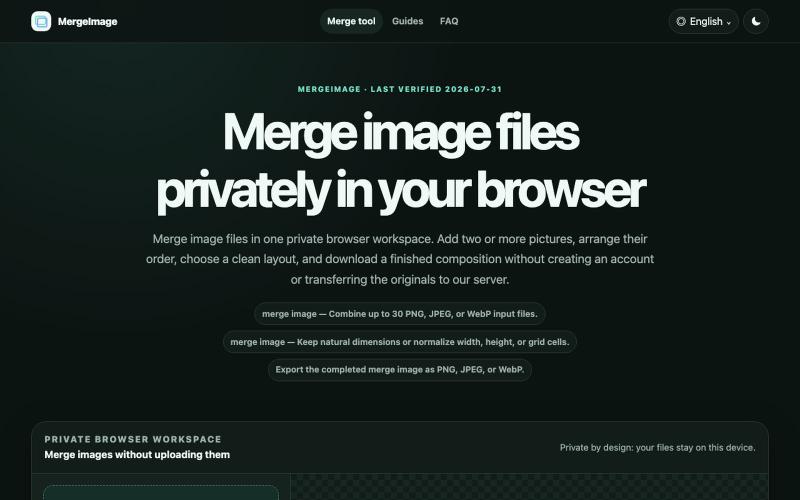
Merge image files horizontally, vertically, in a grid, or with smart screenshot stitching. Reorder, resize, preview, and download locally. No signup, watermark
lby910722 · V2EX
做了一个完全在浏览器本地处理的图片拼接工具: MergeImage 最近做了一个免费图片拼接工具 **MergeImage**: https://mergeimage.app/ 起因很简单:临时把截图、商品图或前后对比图合成一张时,很多在线工具需要先把原图上传到服务器,或者在导出时加水印。我想做一个打开就能用、处理边界也更清楚的小工具。 目前支持: - 最多添加 30 张 PNG 、JPEG 或 WebP - 横向、纵向、网格,以及连续截图的智能重叠拼接 - 拖拽排序、旋转、翻转、间距、背景和尺寸对齐 - 预览后导出 PNG 、JPEG 或 WebP - 图片解码、排版和编码都在当前浏览器本地完成,不需要注册,也不会添加水印 智能拼接会保守判断重复区域;如果置信度不够,会保留完整图片并退回普通纵向拼接,避免误删内容。 现在还是 MVP ,桌面端和移动端都可以直接用,也做了中文界面。欢迎试用,尤其想听听大家对长截图、网格排版和大图性能的反馈。
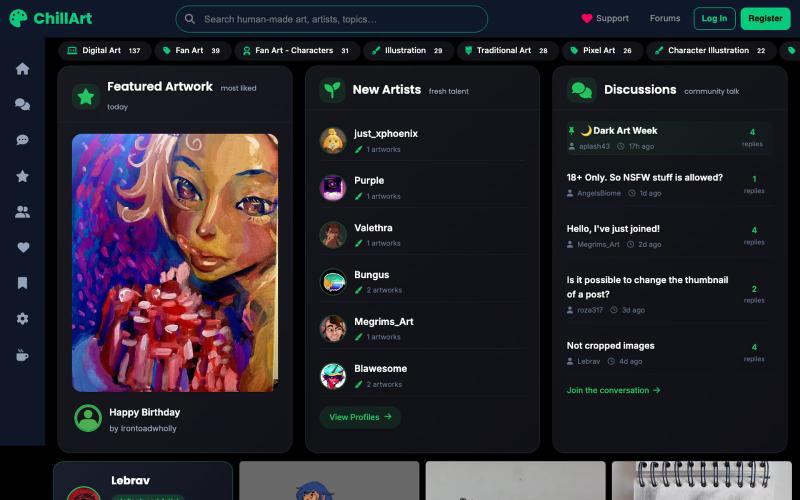
手工艺术品和摄影分享发现社区
u/Stock_Giraffe_748 · Reddit
I built ChillArt, a community focused on human-made art, looking for feedback I've been working on a side project called ChillArt: a community for artists to share human-made artwork, discover other creators, participate in discussions, and build personal galleries.I started it because I wanted a place that focused on artwork created by people rather than AI-generated content. The platform is still small, but artists have already started sharing their work and connecting with each other. So

为摄影师提供 AI 面部识别和白标图库的活动照片分享平台。

@Jatinthadani1 · X
标记和提取截图部分分享给 ChatGPT 或 Claude。
akshitdandyan · Product Hunt
Label.Photos Make screenshots easier for AI to understand
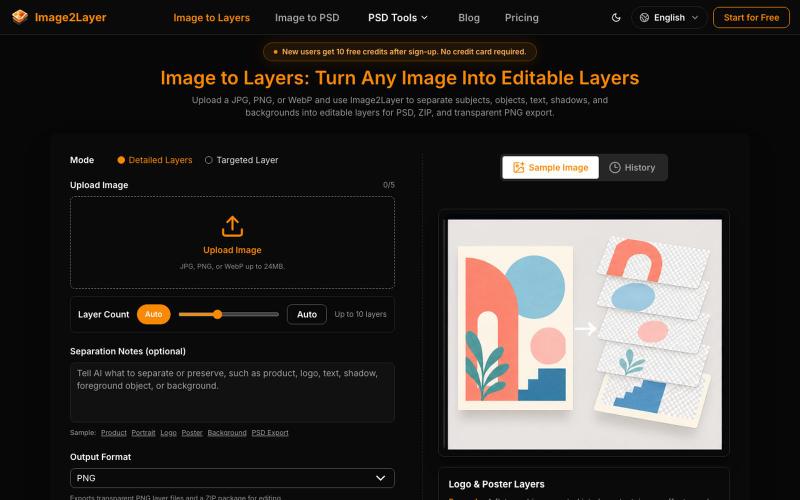
使用AI将平面图片分解为可编辑的图层,支持PNG、ZIP和PSD格式导出。
295732356 · V2EX
Image2Layer:用 AI 将图片转换为可编辑 PSD 图层 最近在做设计和内容制作时,我发现一个很常见的问题:很多图片只有一张扁平化的 JPG 或 PNG 文件,想要修改其中的对象、背景或文字,往往需要重新抠图、建立蒙版,再手动整理图层。 所以我们做了 [Image2Layer]( https://image2layer.com),这是一个基于 AI 的图片图层处理工具,目标是帮助用户更快地把普通图片转换成可编辑的设计素材。 ## Image2Layer 可以做什么? Image2Layer 的核心功能是 AI image layer separation 。用户上传一张图片后,系统会分析其中的主体、对象、背景和其他视觉元素,并尝试将它们拆分成独立图层,方便后续编辑和复用。 如果你主要需要进行图片格式转换,也可以使用: - [Image to PSD]( https://image2layer.com/image-to-psd):将图片转换为可编辑的 PSD 文件 - [PNG to PSD]( https://image2layer.com/p
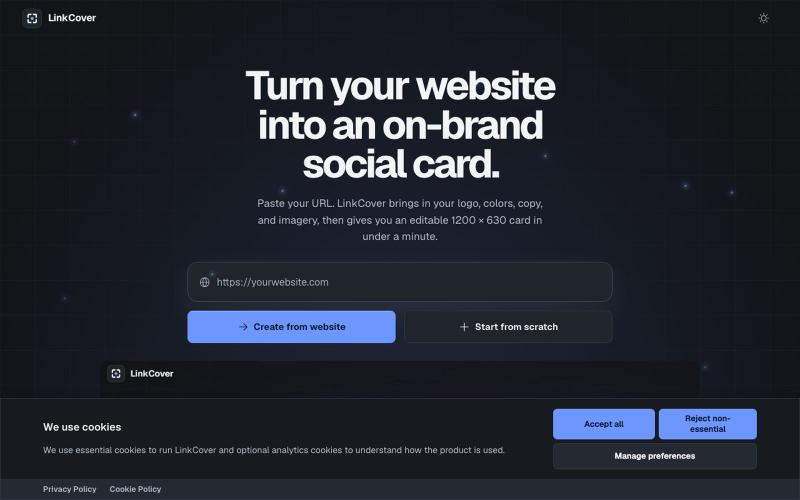
Create an editable, on-brand 1200 × 630 Open Graph image from any website in under a minute. No sign-up or watermark required.

@TiborAntal · X
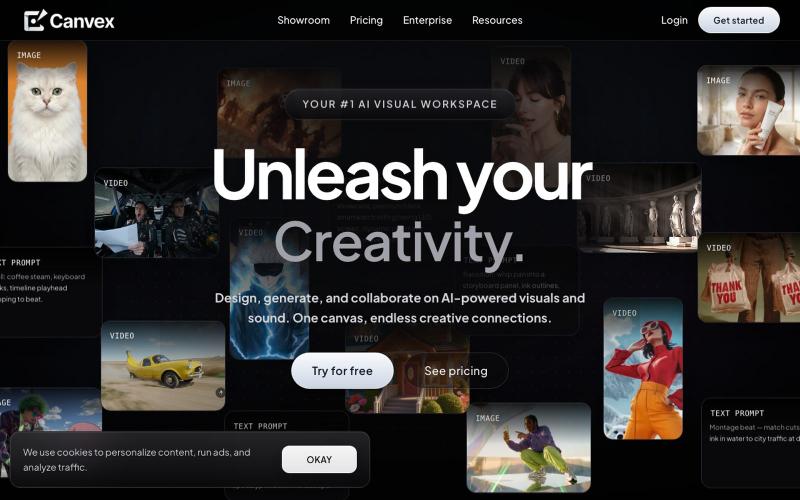
在CanvexAI上设计和生成电影及创意项目的视觉内容。

@Canvexxx · X
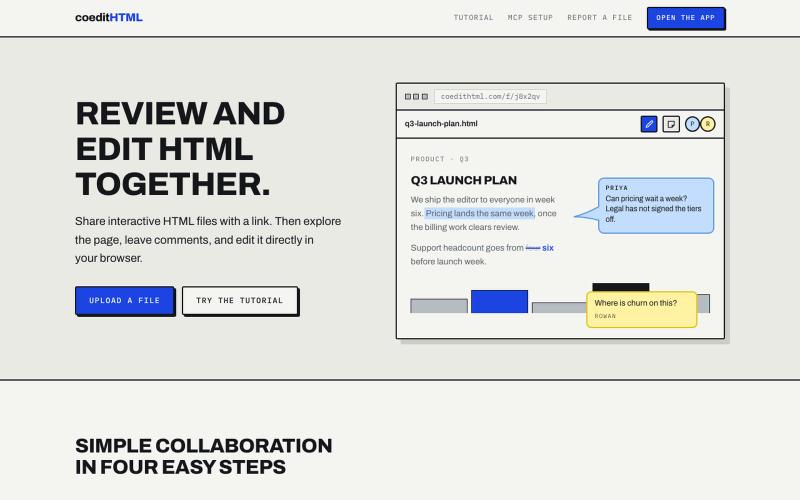
Share and collaborate on standalone HTML files in real time. Leave comments, drop sticky notes, and edit files directly in your browser.
u/Vast-Grapefruits · Reddit
I built a tool to collaborate on HTML artifacts like a PowerPoint As a consultant, I've watched artifacts become more common as a way to communicate ideas and insights, both internally and with clients. The problem is there's no good way to comment on them, collaborate, or make quick edits; so in practice, they're slow to actually use. I built a free tool that lets you leave comments and edit directly, all while sharing with your team. After you make your edits you can export