

创意工具1 month ago
PostCapture — Social Media Screenshot Generator for X, TikTok, YouTube & Bluesky
将社交媒体帖子转换为精美可分享图像,支持多个平台。

@larsbuilds · X
here's the link for the lazy ones :)
完整作品展
技术栈
60 projects
将社交媒体帖子转换为精美可分享图像,支持多个平台。
@larsbuilds · X
here's the link for the lazy ones :)
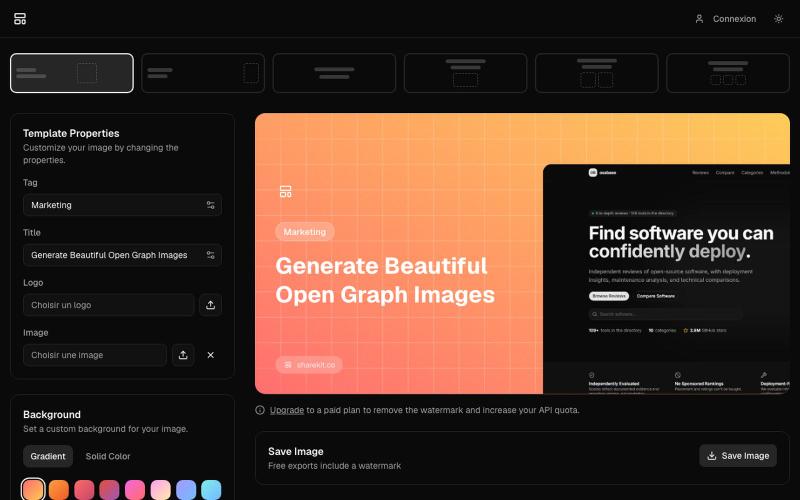
Create beautiful Open Graph images for your website

@wtAngat · X
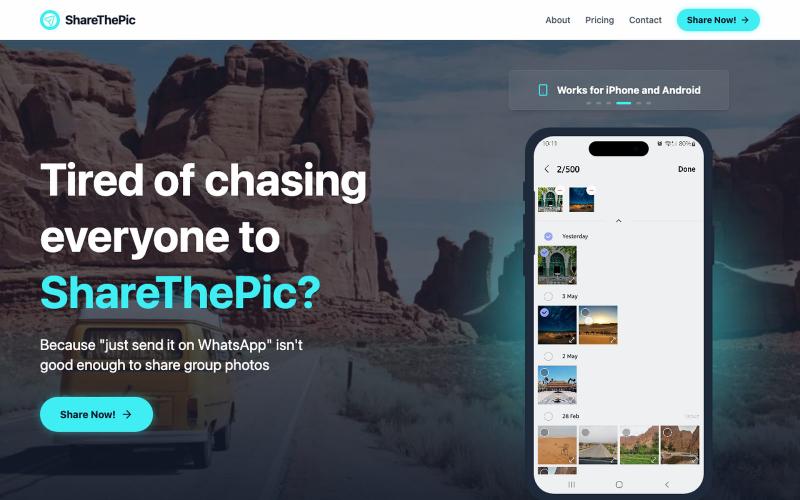
为旅行照片创建可分享的链接,无需压缩或应用。

@masterjesuser · X
if you planning a group trip or activity recently, try out to make photo sharing less of a pain
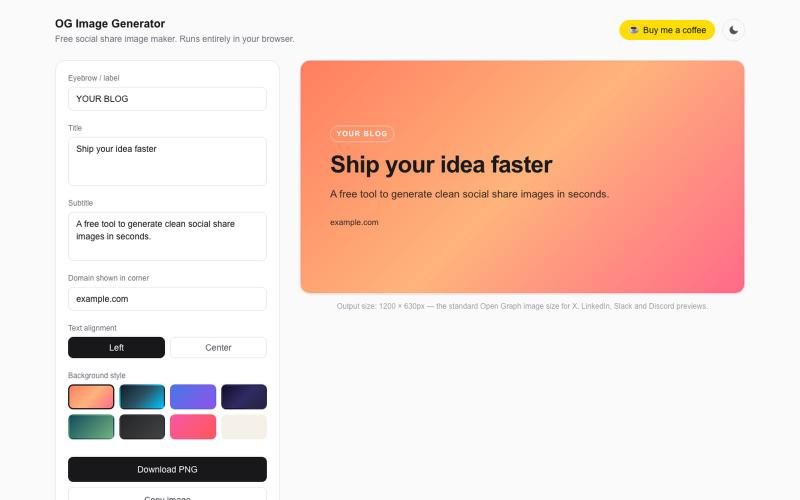
在浏览器中直接生成 OG 图像用于社交分享,无需注册。

@wabi031tec · X
Just shipped a tiny free tool: an OG image generator that runs 100% in your browser — no signup, no server, no tracking. Pick a style → add your text → download a clean 1200x630 share image. #BuildInPublic

通过AI将产品照片转换为目录页面,可在WhatsApp分享。

@TarikaUjjwal · X
Hey, i am building Dukanpage Turn your products into one link. Snap a photo of your product, AI fills in the name, description and Made for traders and wholesalers. Free to Start -
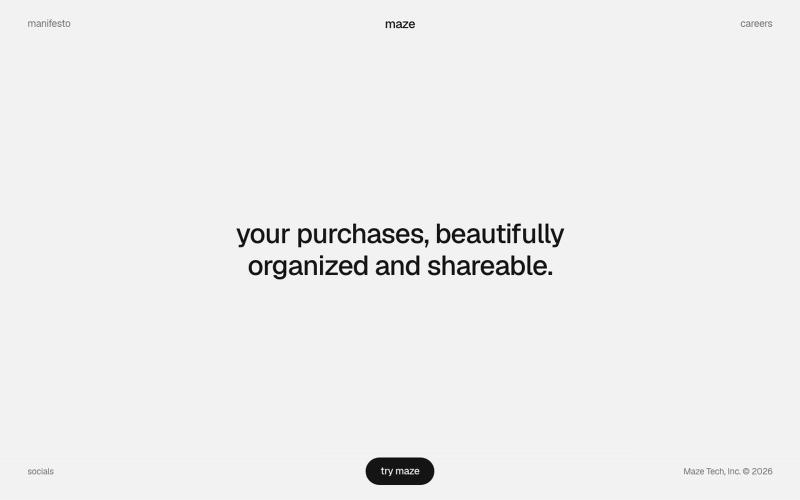
用 Maze 整理和分享你的购物物品,打造视觉化精选集合。

@michaelaplesner · X
hey :) building @trymaze_app <3 it's like Pinterest for the things you actually bought.
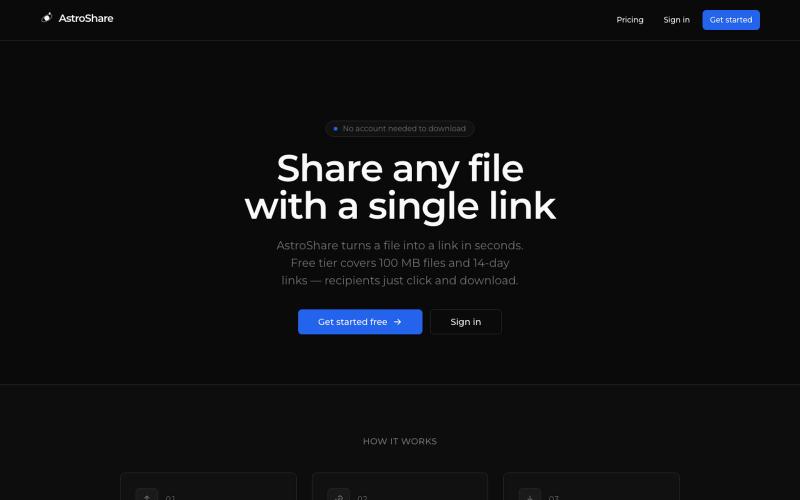
上传文件,生成分享链接让任何人下载。

@astrolinkcc · X
Try one of our products!
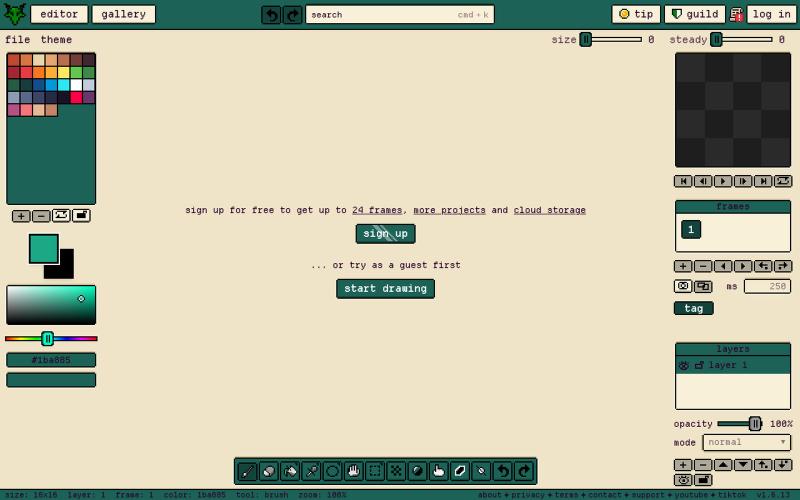
Gribble is a free pixel art editor for any device to draw, animate, and share pixel art frame by frame. No install, no signup needed.

@napahlmdev · X
working on at a baseline it's a cross-platform extensive pixel art tool, but got volume usage potential for everything from young artists to crochet design to image pixelation
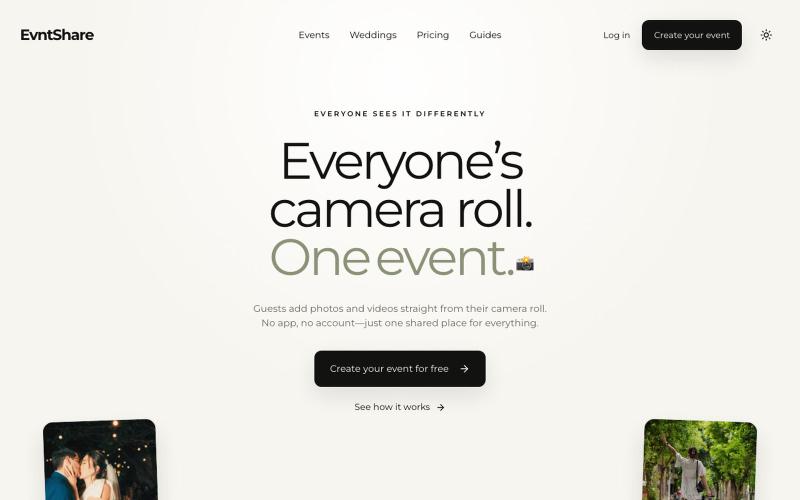
Collect wedding and event photos from every guest with one QR code and a private live gallery. No app download or guest account required.

@yosioy_ · X
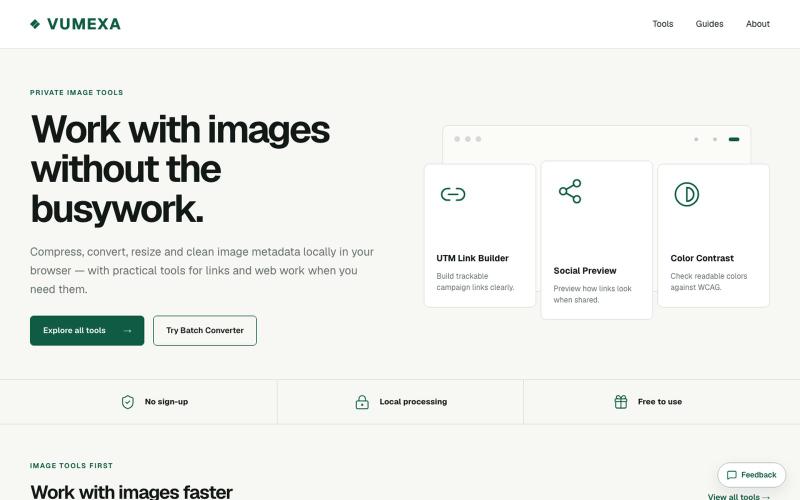
在浏览器中压缩、转换和调整图像大小,支持 JPG、PNG、WebP、GIF、AVIF 等。

@VumexaAi · X
Building VUMEXA — free browser tools for small image/file tasks. Current focus: compress images, hit exact KB limits, resize, and convert WebP/JPG. No uploads, no sign-up. Files stay local in the browser.
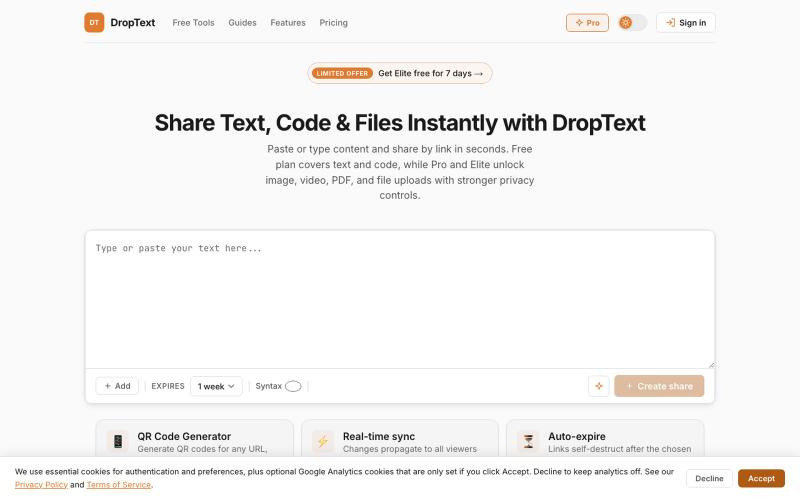
Drop text, files and content, get a link. Share text, code, images, videos, and files with auto-expiry, live collaboration, and secure premium controls.

@Jatin__Saini · X
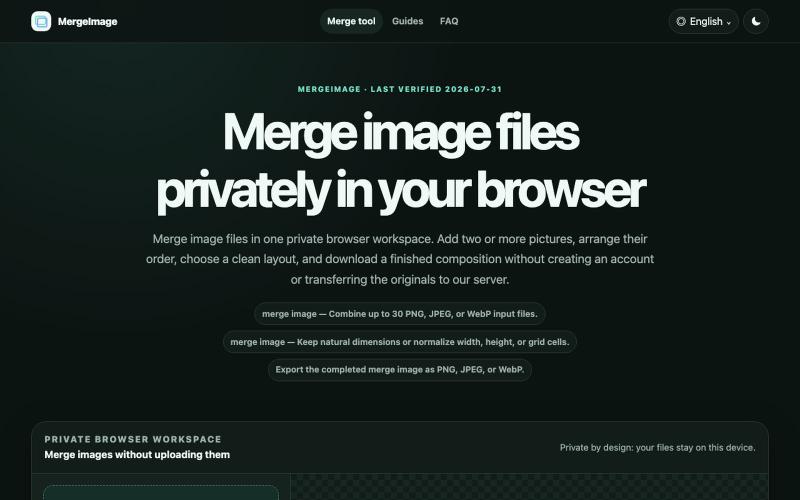
Merge image files horizontally, vertically, in a grid, or with smart screenshot stitching. Reorder, resize, preview, and download locally. No signup, watermark
lby910722 · V2EX
做了一个完全在浏览器本地处理的图片拼接工具: MergeImage 最近做了一个免费图片拼接工具 **MergeImage**: https://mergeimage.app/ 起因很简单:临时把截图、商品图或前后对比图合成一张时,很多在线工具需要先把原图上传到服务器,或者在导出时加水印。我想做一个打开就能用、处理边界也更清楚的小工具。 目前支持: - 最多添加 30 张 PNG 、JPEG 或 WebP - 横向、纵向、网格,以及连续截图的智能重叠拼接 - 拖拽排序、旋转、翻转、间距、背景和尺寸对齐 - 预览后导出 PNG 、JPEG 或 WebP - 图片解码、排版和编码都在当前浏览器本地完成,不需要注册,也不会添加水印 智能拼接会保守判断重复区域;如果置信度不够,会保留完整图片并退回普通纵向拼接,避免误删内容。 现在还是 MVP ,桌面端和移动端都可以直接用,也做了中文界面。欢迎试用,尤其想听听大家对长截图、网格排版和大图性能的反馈。