
生产力2 days ago
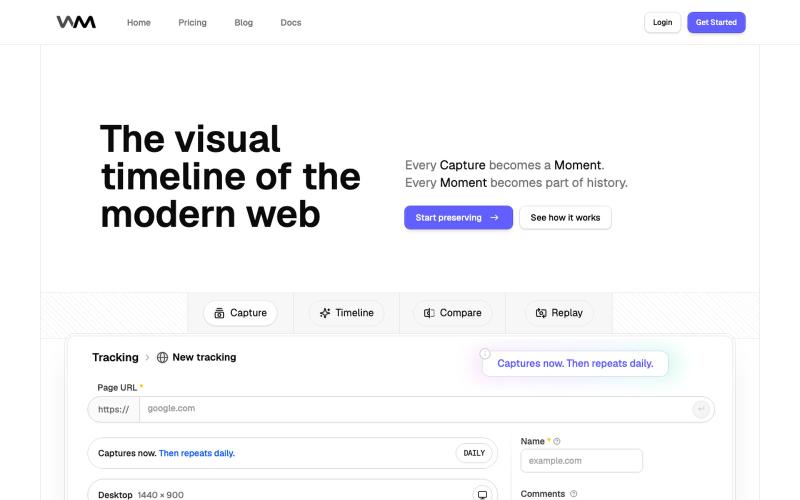
Replayable Website History | WebMoment
记录和重放网站历史,追踪设计变化。

@WebMomentApp · X
Dropping here, for saving how websites looked before the next redesign changes everything: @WebMomentApp
完整作品展
技术栈
20 projects
记录和重放网站历史,追踪设计变化。
@WebMomentApp · X
Dropping here, for saving how websites looked before the next redesign changes everything: @WebMomentApp

用 Chrome 扩展和网页编辑器将屏幕截图转化为精美设计。

@buildwithshyam · X

粘贴网址描述需求,用 ResetUI 生成现代化登陆页面设计。

@YaramasaGautham · X
Redesign you Landing page with URL
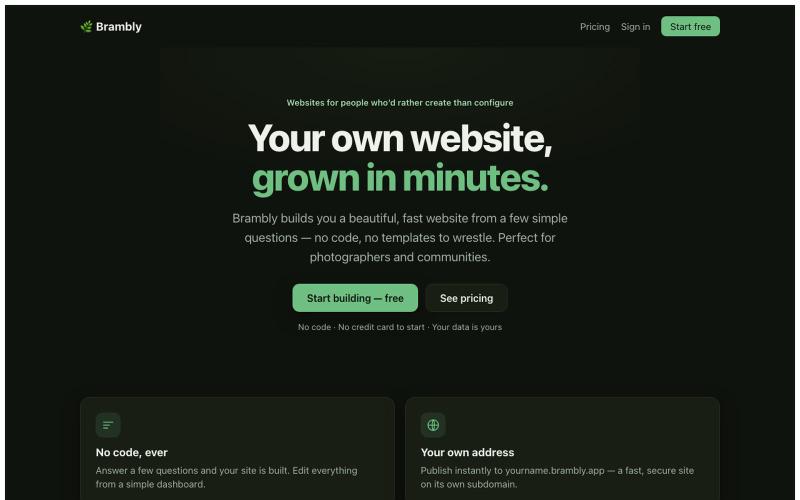
通过回答简单问题创建美观网站,无需编码。

@LukeyPunnett · X
Take a look at would love to hear your feedback - launched today 💪🙏
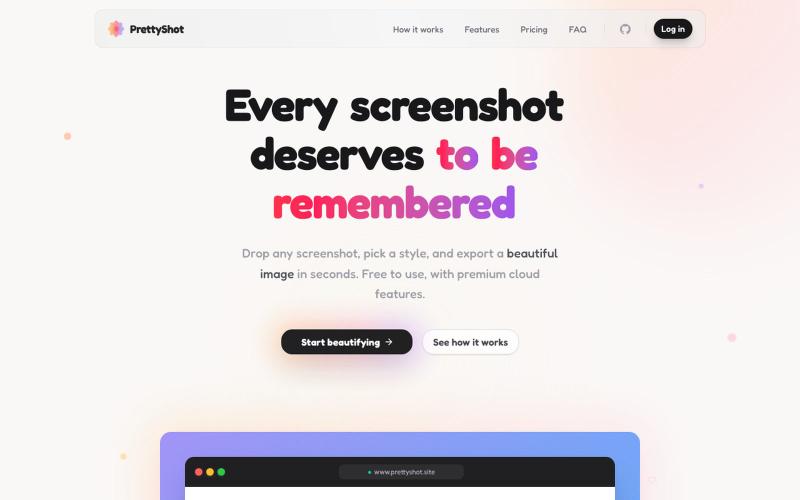
给截图添加样式并即时导出美化图像。

@prassami · X
- instantly turns your boring raw screenshots into beautiful images.
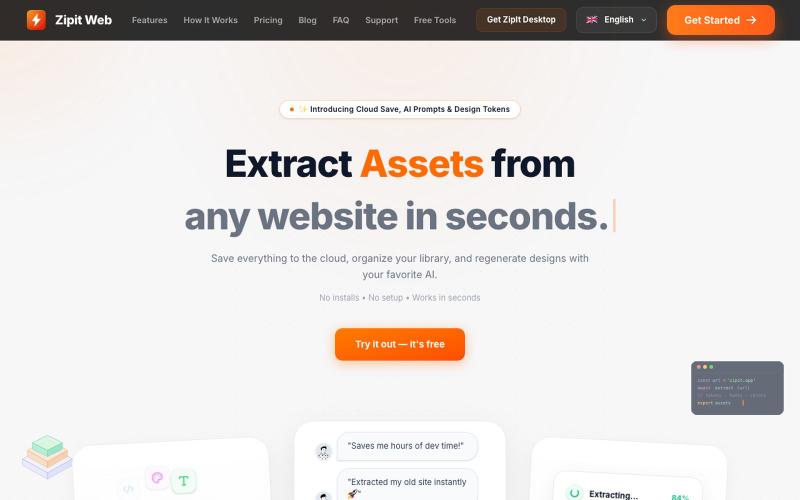
从任何网站即时提取代码、设计令牌、字体、颜色和媒体资源。

@bharatmodi2014 · X
Extract code, design tokens, fonts, colors, and media instantly. Save everything to the cloud, organize your library, and regenerate designs with your favorite AI.

图片转 ASCII 字符画、复制符号、查看码表、进制转换——全在浏览器。
HeStudy · V2EX
做了个纯前端的 ASCII 工具站:图片转字符画、banner 生成、符号一键复制 平时偶尔需要查 ASCII 码表、复制一些特殊符号(箭头、制表符这类),每次都是搜一个满屏广告的老站凑合用,索性自己做了一个: https://getascii.com 目前有这些工具: 图片转 ASCII 字符画(拖一张图进去就行,支持调宽度/字符集/反色) 文字转 ASCII banner 大字 常用符号一键复制(箭头、制表符、数学符号、颜文字) 完整 ASCII 码表 + 一个交互式键盘映射图(点键盘上的键显示对应的 dec/hex 码) 进制转换器( hex/dec/bin ↔ ASCII ) 几个实现上的点: Astro 构建的纯静态站,所有工具都是纯客户端计算,图片不会上传到任何服务器 没有账号系统,没有付费墙,打开就用 整站是绿色荧光终端风( CRT 扫描线 + JetBrains Mono ),算是给终端审美交个作业 顺手给它做了个 25 秒的宣传片: https://www.youtube.com/watch?v=AjzU5mw1PrI
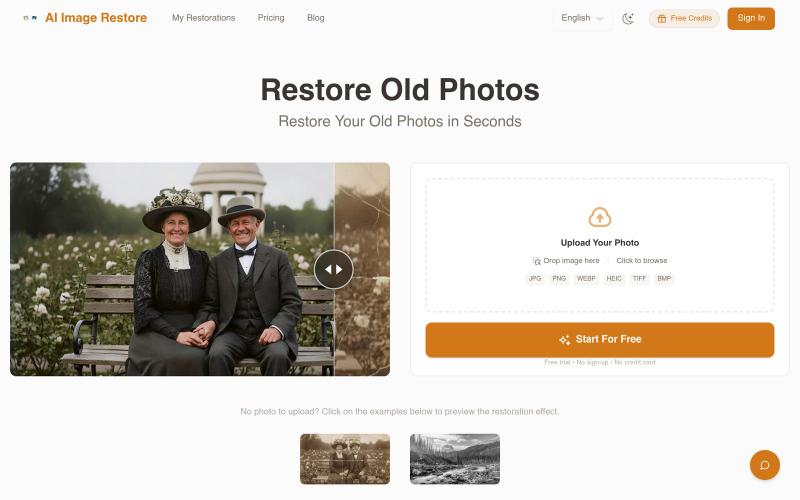
用 AI 修复老照片、去除划痕、黑白上色与图像增强。
PhotoRestore.ai — AI 照片修复工具,支持老照片修复、划痕去除、黑白照片上色与图像增强,上传即可自动修复,无需注册

浏览器中免费合并PDF、压缩图片、去除背景和其他实用工具。

@damiadeh · X
Your files utility tools stacks in your browser. No uploads, files stays on your pc.
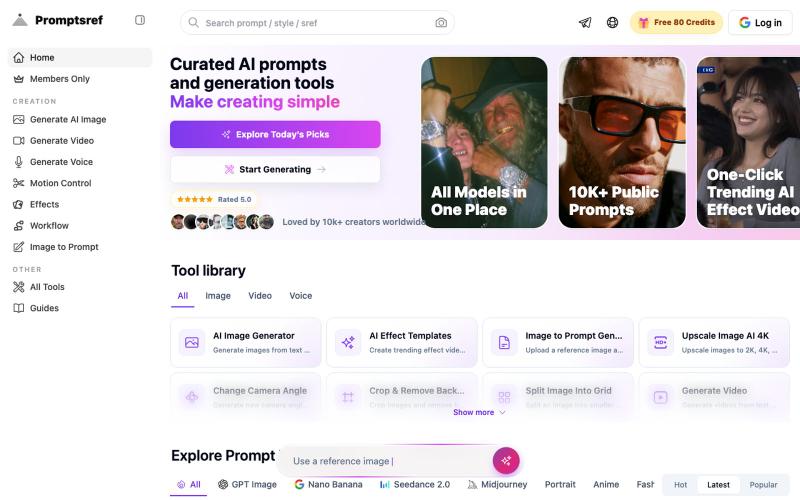
浏览精选 Midjourney sref 代码库,快速生成特定图像风格。
Midjourney Sref code 精选库 — 在 Midjourney 的 prompt 输入 `--sref xxx` ,可以固定生成某种特定风格的图片。这对很多人来说非常方便,不用写一堆效果词,只要记住几位数字就可以。但 `--sref xxx` 有大概 40 亿个,其中重复或者质量不佳的不在少数。因此做了一个网站把一些个人觉得不错的 sref code 收集起来并进行分类,方便新人或
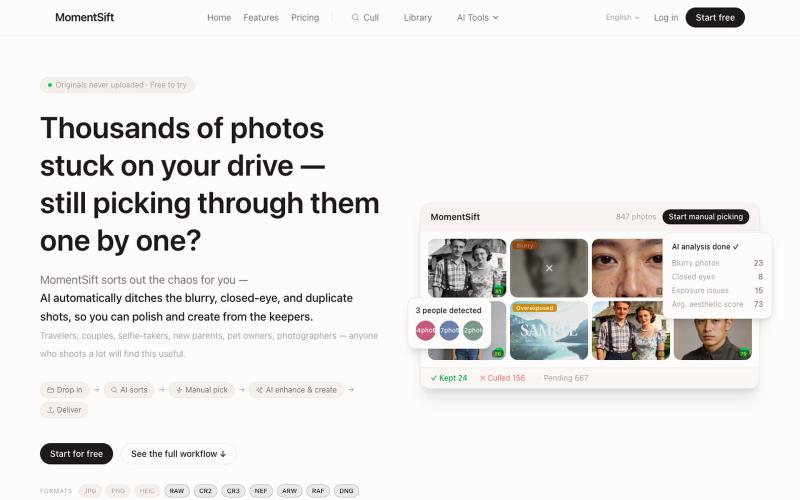
MomentSift: 用AI筛选、增强和生成照片。
ansheng_hu · Product Hunt
MomentSift Cull, enhance, and create better photos with AI
以任何格式保存想法,本地存储并通过 Google 跨设备同步。

@boatnote_app · X
- Capture to Complete ⛵️