
生产力2 days ago
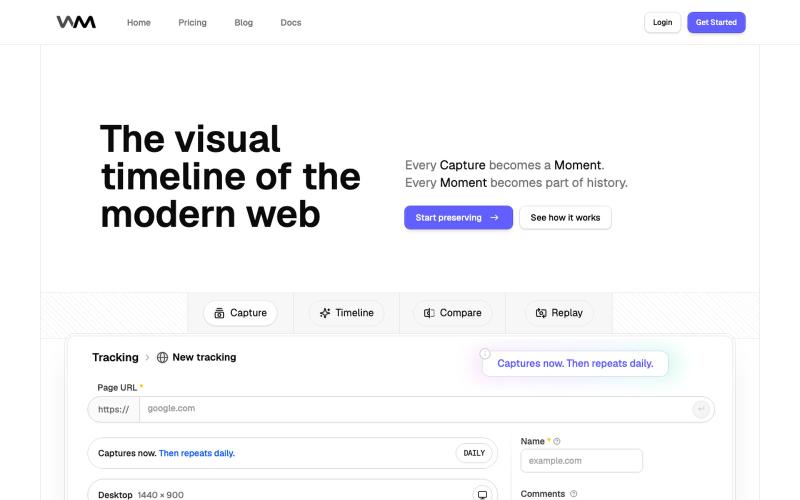
Replayable Website History | WebMoment
记录和重放网站历史,追踪设计变化。

@WebMomentApp · X
Dropping here, for saving how websites looked before the next redesign changes everything: @WebMomentApp
完整作品展
技术栈
60 projects
记录和重放网站历史,追踪设计变化。
@WebMomentApp · X
Dropping here, for saving how websites looked before the next redesign changes everything: @WebMomentApp

用 Chrome 扩展和网页编辑器将屏幕截图转化为精美设计。

@buildwithshyam · X
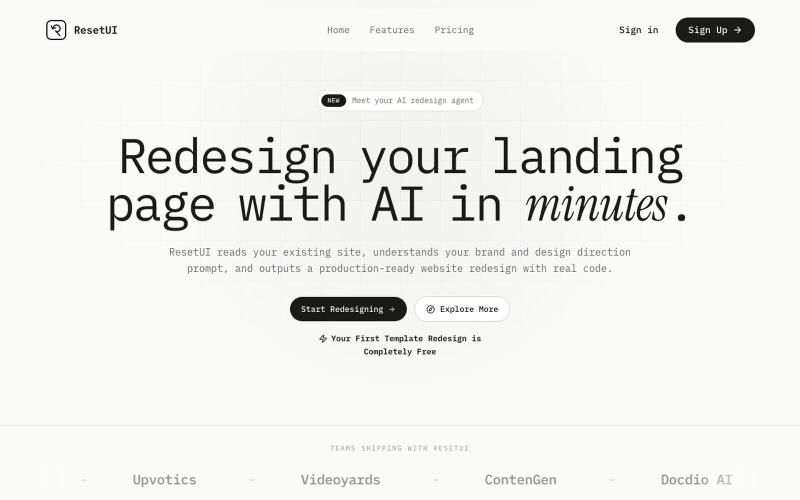
粘贴网址描述需求,用 ResetUI 生成现代化登陆页面设计。

@YaramasaGautham · X
Redesign you Landing page with URL
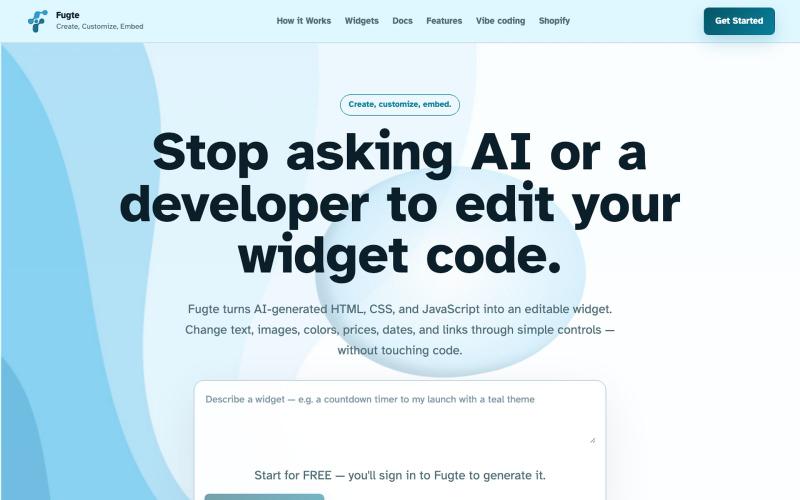
用 AI 创建自定义交互小部件并嵌入到任何网站。

@fugteapp · X
which empowers nontechnical users to be able to customize code generated by AI or developer, and be able to share and embed it to the website they are already using
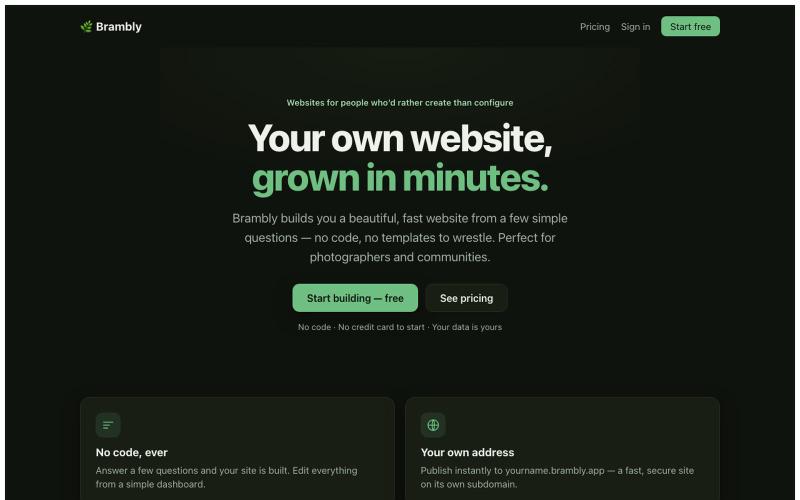
通过回答简单问题创建美观网站,无需编码。

@LukeyPunnett · X
Take a look at would love to hear your feedback - launched today 💪🙏
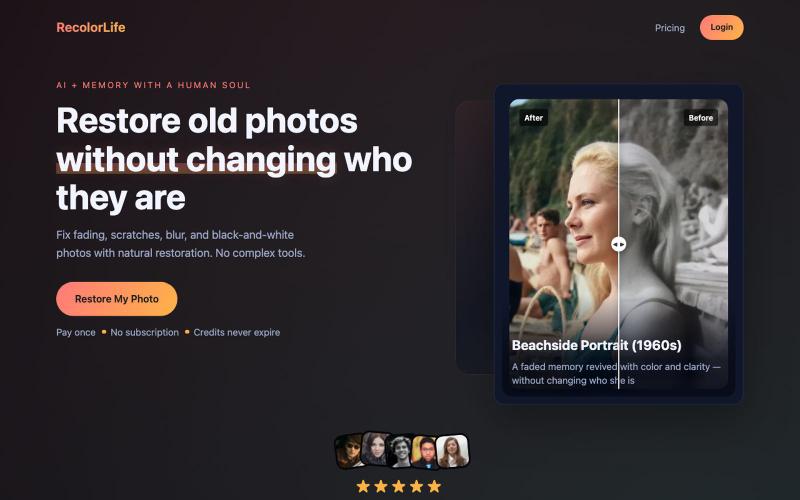
使用AI修复和上色褪色或黑白照片。

@jay4fun_ · X
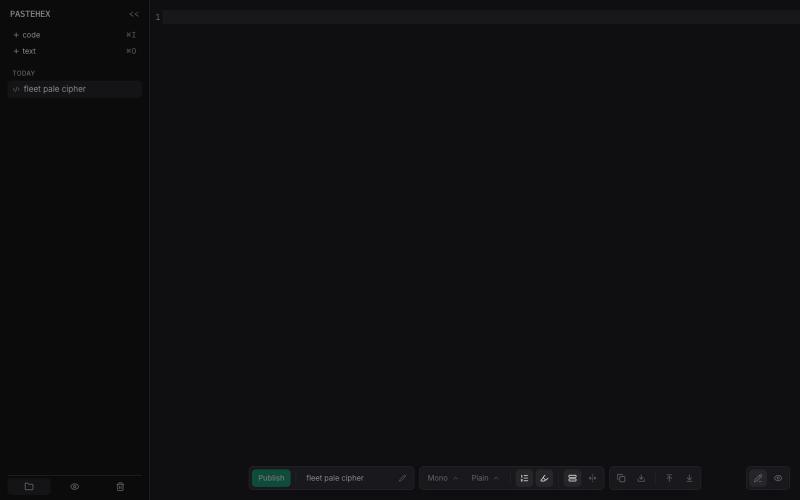
为 HTML 和 Markdown 页面添加加密的绘图和注释。
pandrre · HN
I've built tldraw for HTML and Markdown pages (with encryption)
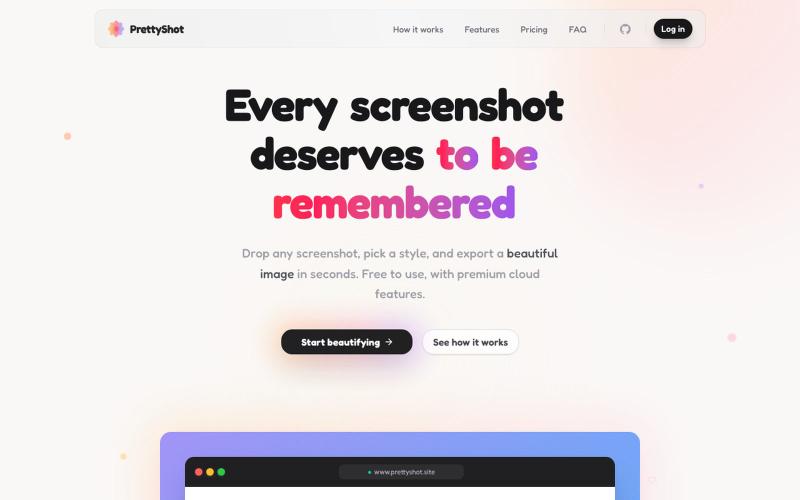
给截图添加样式并即时导出美化图像。

@prassami · X
- instantly turns your boring raw screenshots into beautiful images.
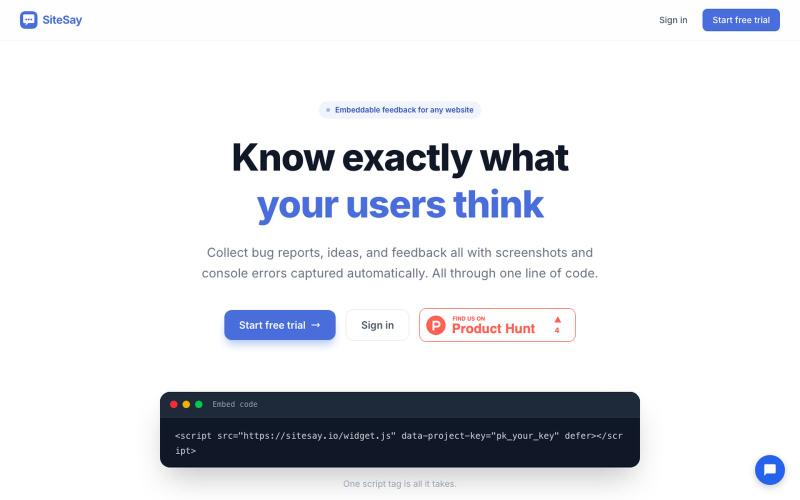
在您的网站上嵌入轻量级 widget,收集用户反馈、bug reports 和 screenshots

@CoryMeikleDev · X
I built SiteSay a tool that allows you to embed an incredibly lightweight (4.33kB gzipped) widget to your website for collecting feedback/bug reports with screenshots. It also automatically attaches any uncaught JS errors/unhandled promise rejections.
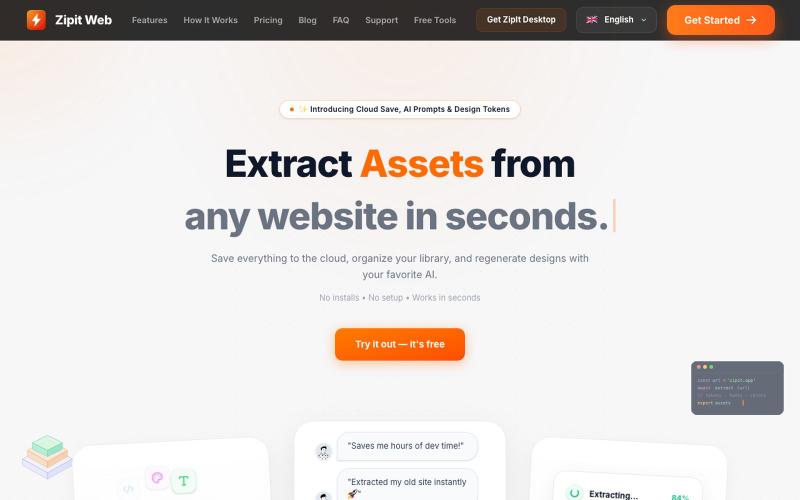
从任何网站即时提取代码、设计令牌、字体、颜色和媒体资源。

@bharatmodi2014 · X
Extract code, design tokens, fonts, colors, and media instantly. Save everything to the cloud, organize your library, and regenerate designs with your favorite AI.
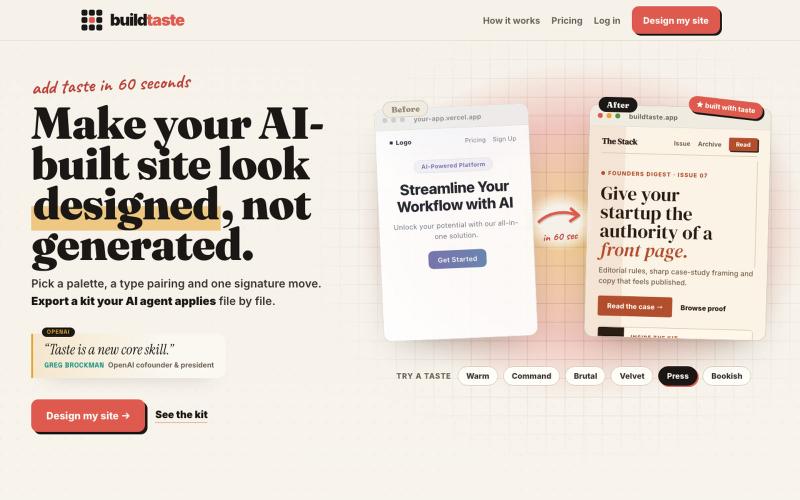
为你的AI生成网站应用设计系统和字体。

@Hamzadevio · X
just shipped. my goal is to help founders add taste to their vibe coded ugly looking apps. (especially the purple gradient, can't see it no more..)

图片转 ASCII 字符画、复制符号、查看码表、进制转换——全在浏览器。
HeStudy · V2EX
做了个纯前端的 ASCII 工具站:图片转字符画、banner 生成、符号一键复制 平时偶尔需要查 ASCII 码表、复制一些特殊符号(箭头、制表符这类),每次都是搜一个满屏广告的老站凑合用,索性自己做了一个: https://getascii.com 目前有这些工具: 图片转 ASCII 字符画(拖一张图进去就行,支持调宽度/字符集/反色) 文字转 ASCII banner 大字 常用符号一键复制(箭头、制表符、数学符号、颜文字) 完整 ASCII 码表 + 一个交互式键盘映射图(点键盘上的键显示对应的 dec/hex 码) 进制转换器( hex/dec/bin ↔ ASCII ) 几个实现上的点: Astro 构建的纯静态站,所有工具都是纯客户端计算,图片不会上传到任何服务器 没有账号系统,没有付费墙,打开就用 整站是绿色荧光终端风( CRT 扫描线 + JetBrains Mono ),算是给终端审美交个作业 顺手给它做了个 25 秒的宣传片: https://www.youtube.com/watch?v=AjzU5mw1PrI