
创意工具1 week ago
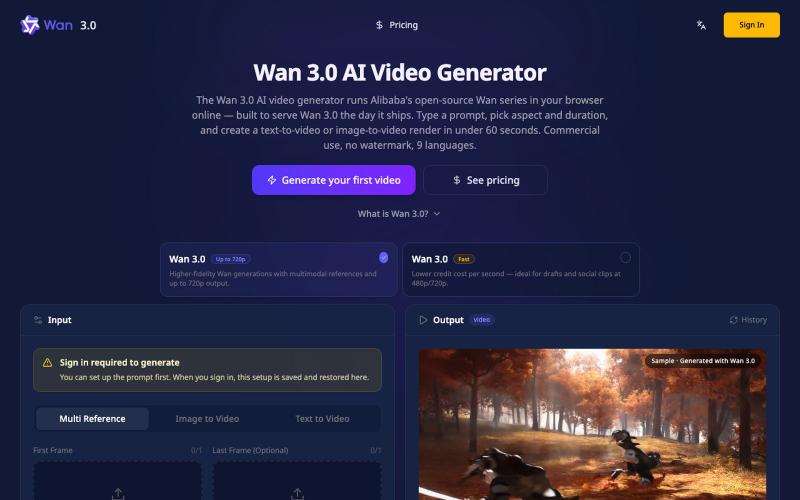
Wan 3.0 AI Video Generator — 4K, Browser-Based, No GPU
在浏览器中从文本或图像生成4K视频,无需GPU。
Wan3Pro — AI 在线视频生成工具
完整作品展
技术栈
32 projects
在浏览器中从文本或图像生成4K视频,无需GPU。
Wan3Pro — AI 在线视频生成工具
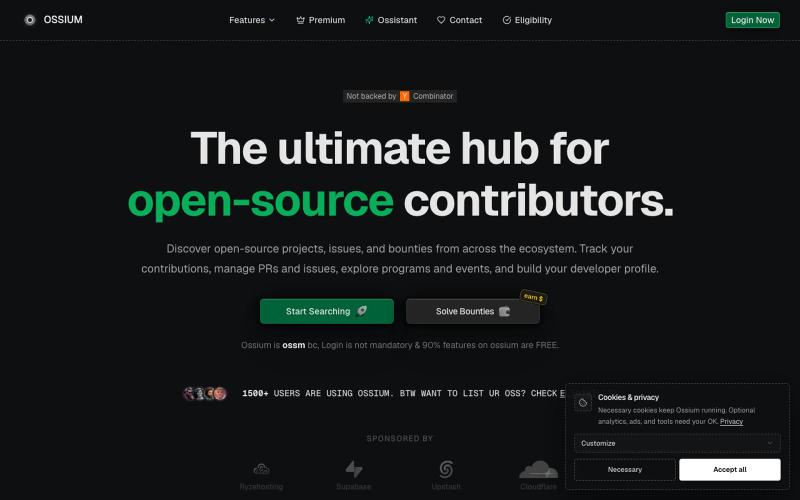
在 GitHub 上发现热门开源项目,在一个仪表板中跟踪 PR 和 Issue。

@manixh · X
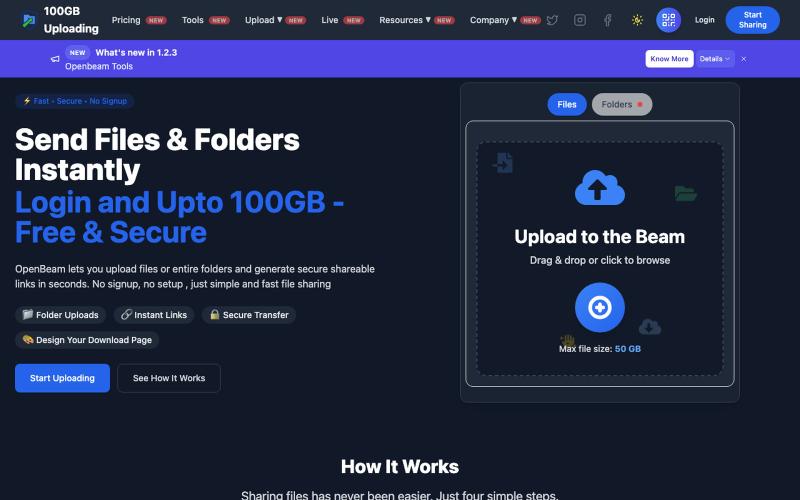
OpenBeam:无需注册,即时分享高达100GB的文件和文件夹。

@Abhishe33854772 · X
Replace Files, Keep the Same Link Upload a file once and share the link Need to update the file later? Simply replace it in and the original link continues to work.
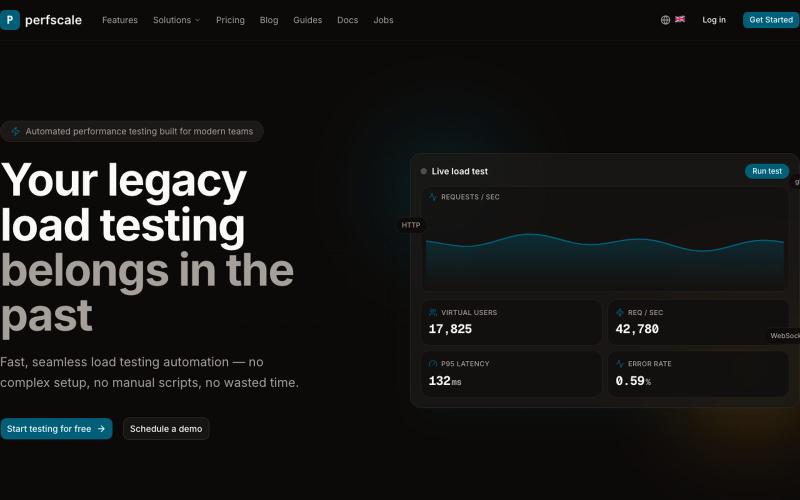
为现代团队自动化负载测试,无需复杂设置或手动脚本编写。

@GorodkovVi85373 · X
- load testing made easy even without enginnering team. Faster, cheaper, distributional
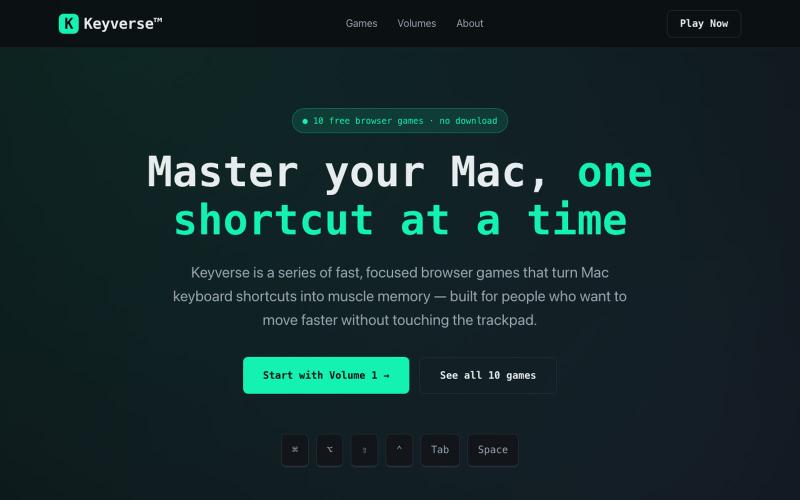
Keyverse 是免费浏览器游戏系列,通过关卡教你 Mac 快捷键,无需下载。

@EjCruz77 · X
Just launched Keyverse — a free browser game that teaches you Mac keyboard shortcuts by playing, not memorizing. No install. No signup. Just open and train. #buildinpublic #indiedev #macOS
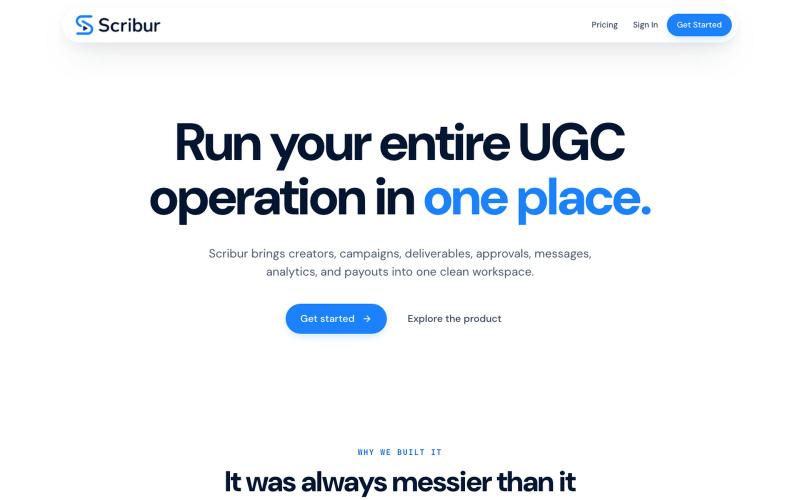
在一个工作区中规划、制作、审查和发布创作者内容。

@DaiwikShashi · X
Building Scribur — the operating system for in-house UGC teams. We help in-house teams manage campaigns, content ideas, scripts, submissions, revisions, approvals, creator communication, and performance tracking all in one place.
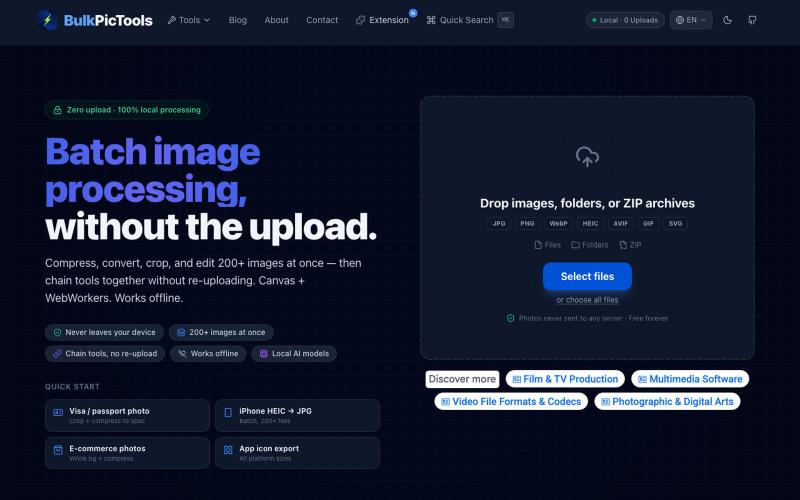
在浏览器中批量处理图片,支持工具链、本地AI和格式转换。
BulkPicTools — 免费浏览器端图片批量处理工具,支持**工具链串联**(压缩→转格式→裁剪一次完成,无需重复上传),本地 AI 去背景/人脸模糊(WebGPU,无需 API Key),支持 200+ 张图片批量处理,文件不上传服务器。
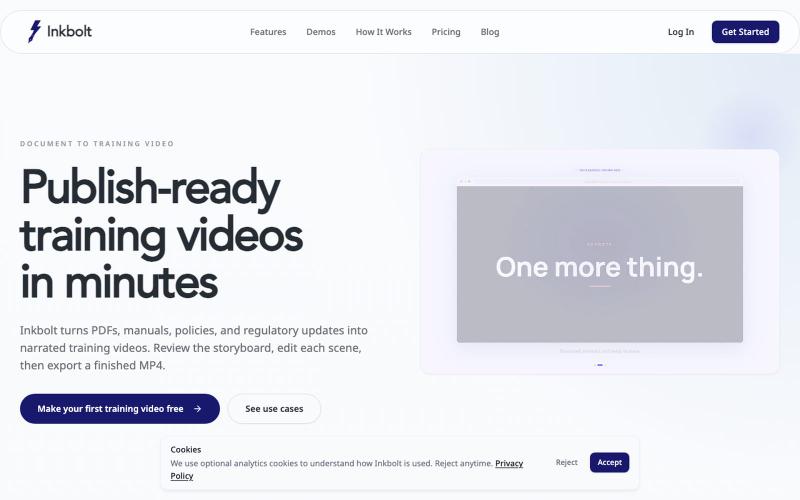
将PDF转为带旁白的培训视频,使用模板和AI设计。
u/No-Tap6993 · Reddit
I built a slide deck video builder Most AI generated visual can look like slop. I built a slide deck video builder for training content. It generates beautiful slide decks from 18 templates, adds voice over, allows post editing, and finally export to mp4. Check it out at https://inkbolt.ai and let me know what you think! I have to give a shout out to this repo for inspiring how to do design properly with AI. https://github.com/zarazhangrui/frontend-slides submitted b
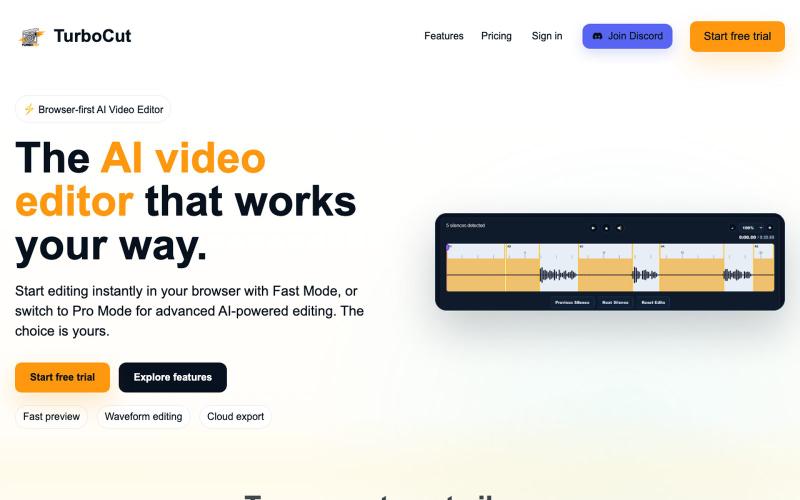
在浏览器中运行的AI视频编辑器,支持快速编辑和可选云处理功能。

@AtifIqrar · X
Building TurboCut 🚀 An AI video editor that runs directly in your browser for private, lightning-fast editing, with optional cloud AI for heavier workflows. Built for YouTubers, content creators, educators and agencies who want to save hours editing.

为 Codex Desktop 设计自定义主题,调整背景、颜色、透明度和视觉效果。
plutozc · V2EX
做了个 Codex Desktop 主题预览和切换工具,先调好再安装 最近一直在用 Codex Desktop ,觉得默认界面看久了有点单调,就顺手做了个主题编辑工具,分享一下: [Codex Skin]( https://getcodexskin.com) 可以先在网页里预览主题,调整背景透明度、面板透明度、颜色、模糊和圆角等参数,满意之后再下载并切换到 Codex Desktop 。 目前支持: - 自定义 JPG 、PNG 、WebP 背景 - 在线实时预览主题效果 - 调整透明度、颜色、模糊、圆角 - 预览满意后生成安装命令 - 不喜欢了可以恢复默认外观 目前主要面向 macOS 上的 Codex Desktop ,还是个人项目,功能和兼容性都在继续打磨。 欢迎试试,也想听听大家对主题参数、预览效果和安装流程的反馈。 直接网址: https://getcodexskin.com [轻喷 轻喷,可能还有些 bug
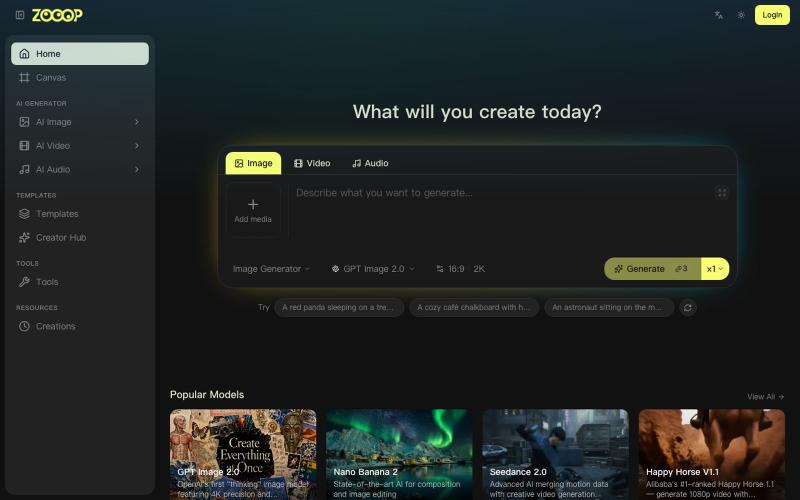
ZOOOP是AI原生创作平台,在浏览器无限画布生成图像、视频和音频。
ZOOOP — AI 原生创作平台,支持在浏览器端无限画布上生成图像、视频和音频,提供去背景、高清化等专项工具及即用型 AI 模板,支持发布模板赚取积分,并具备团队共享积分模式。
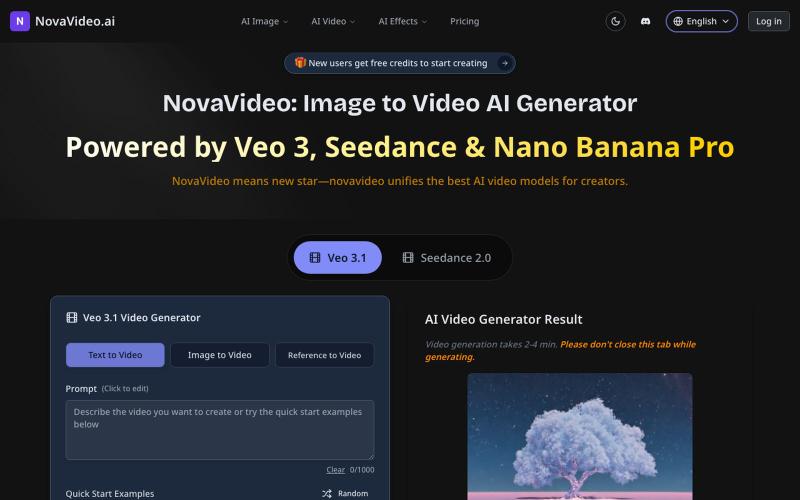
用AI模型将照片转化为电影级视频,支持Sora、Kling等。
novavideo.ai — 使用领先的图片转视频 AI 模型和热门视频特效模板,将照片转化为视频