
创意工具2 weeks ago
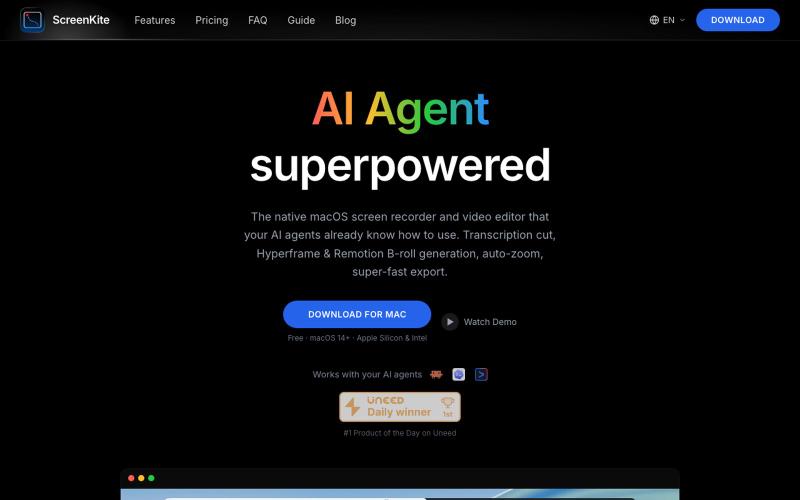
ScreenKite — Free, Native macOS Screen Recorder (Fast & Native)
免费的原生 macOS 屏幕录像机,内置编辑器和自动缩放。

@screenkite_com · X
完整作品展
技术栈
60 projects
免费的原生 macOS 屏幕录像机,内置编辑器和自动缩放。
@screenkite_com · X
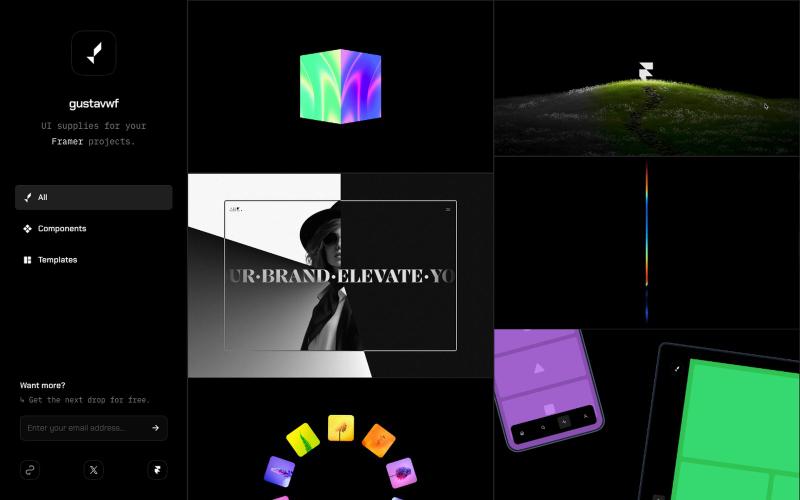
为 Framer 项目提供的可复用 UI 组件和设计资源库。

@gustavwf · X
Working on a new @framer creation for

Mac & Windows 屏幕录制工具,支持点击自动缩放、渐变背景和摄像头叠加。

@zuess05 · X
Shipped some banger updates to
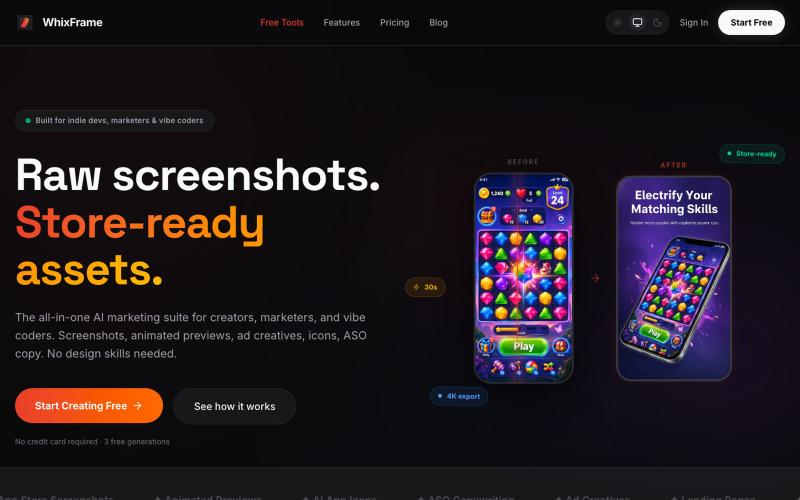
无需设计技能,用AI生成应用商店截图、图标和营销素材。

@Erdousky · X
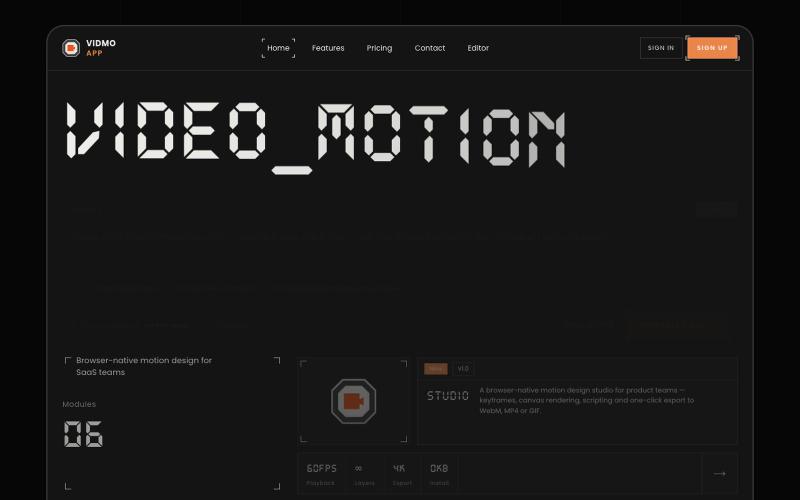
Vidmo 是浏览器 AI 视频编辑器,从提示词创建动画视频,支持关键帧、效果和配音编辑。
u/Savings_Wolverine408 · Reddit
turns out you can make launch videos in the browser now! turns out you can make launch videos in the browser now, and Claude Opus is doing the heavy part we have been working on vidmo.app , a free browser based motion design editor for making product videos, launch clips, social ads, and simple motion graphics without opening After Effects. the idea is not to make another AI video toy where you type one prompt and get stuck with whatever comes out. the editor works more lik
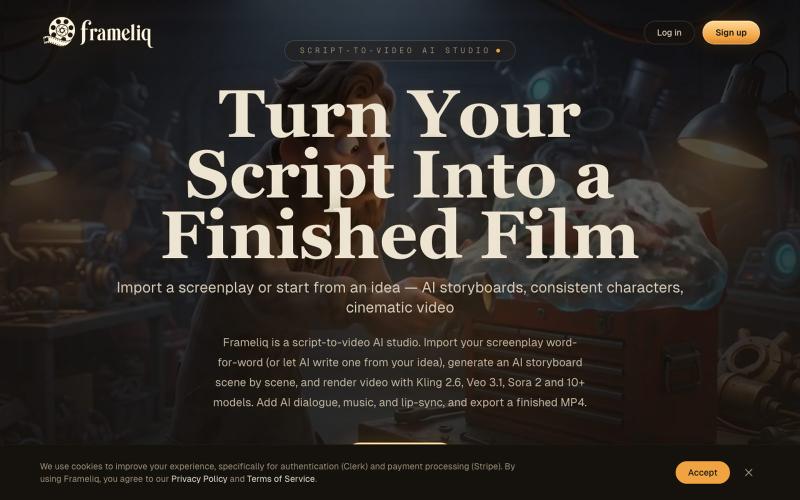
用AI故事板和一致的角色将剧本转换为视频

@tinkerersanky · X
You can make films with AI
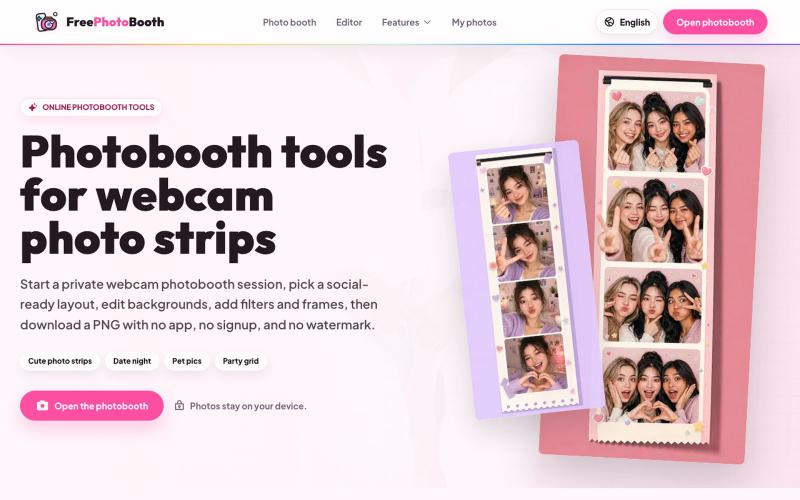
用摄像头拍摄照片纸条,支持滤镜、相框和背景编辑。
cmlanche · V2EX
做的在线照相亭本来还有点流量,结果我 301 瞎整一通,彻底废了,重新上了一个站 地址:[freephotobooth.online]( https://freephotobooth.online/) 上面是老地址,本来流量还可以,上站第二天就有 300 个新点击,但我嫌弃域名后期没有品牌优势,所以 301 到了另外一个域名,但上了之后看到流量没有了,又很焦虑,然后又把新站 301 到老站,现在彻底 game over 不得已重新写了一个站,再上,有兴趣可以围观一下,看看哪个更好,有啥问题我可以改改,主打听劝 新站地址:[https://photobooth100.com/]( https://photobooth100.com/)
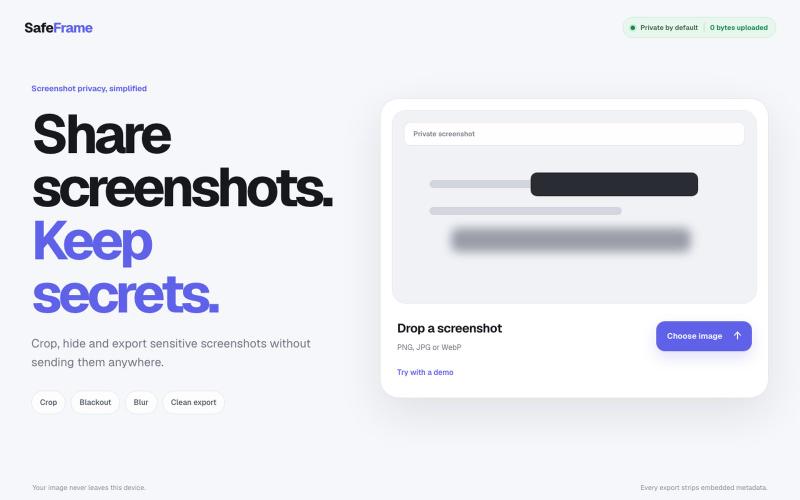
裁剪、编辑、模糊和导出截图,完全私密,无需上传任何数据。

@noshkass · X
Built SAFEFRAME a private, browser-only screenshot sanitizer. Crop, blackout, blur, and export sensitive screenshots without uploading a single byte. Try it: Built with ChatGPT Sites. @chatgptapp #Giveaway

Screely — 在浏览器中快速为截图添加框架、背景和注释,生成专业效果图。

@Aticmatic_com · X
of course for people:
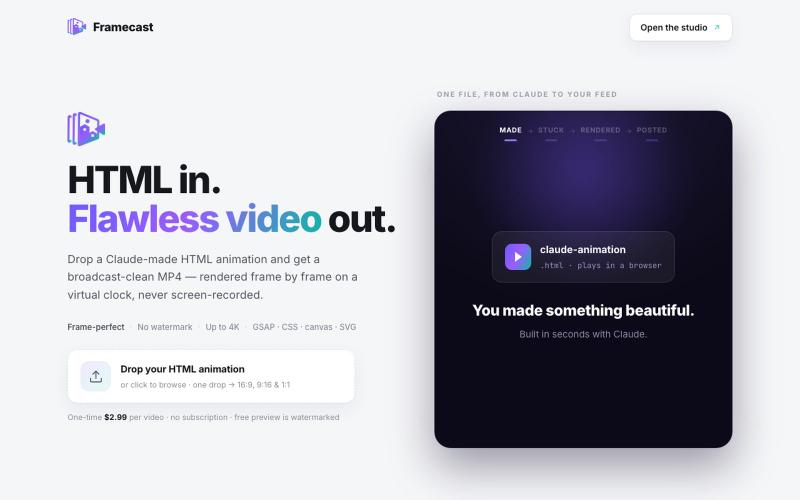
将 HTML 动画转换为无水印视频,适用于 YouTube、TikTok 和其他社交平台。

@FrameCastVideo · X

在浏览器中编辑、压缩、转换和合并视频及音频文件。
zhw2590582 · V2EX
最近对网站进行了重构,做成了免费的视频工具站:[ArtPlayer Tools]( https://artplayer.org/tools/) 主要是围绕着 ffmpeg.wasm 和 mediabunny 实现的一些可以直接在浏览器里用的视频/音频工具,常用的有: - 视频压缩:[Compress Video]( https://artplayer.org/compress-video/) - 视频裁剪:[Crop Video]( https://artplayer.org/crop-video/) - 视频合并:[Merge Video]( https://artplayer.org/merge-video/) - 视频尺寸调整:[Resize Video]( https://artplayer.org/resize-video/) - 视频旋转:[Rotate Video]( https://artplayer.org/rotate-video/) - 视频调速:[Change Video Speed]( https://artplayer.org/change-video-speed/) - 添加文字到视频:[Add Text to Video]( https://artplayer.org/add-text-to-video/) - 添加水印:[Watermark Video]( https://artplayer.org/watermark-video/) - 提取字幕:[Subtitle Editor]( https://artplayer.org/subtitle-editor/) - HLS 转 MP4:[HLS to MP4]( https://artplayer.org/hls-to-mp4/) - 音频可视化:[Audio Visualizer]( https://artplayer.org/audio-visualizer/) 大部分工具都是本地处理,文件不会上传到服务器。最开始是因为自己偶尔要处理一些视频,开剪辑软件又有点重,在线工具又担心隐私,所以就慢慢做成了一个站。 目前还在持续完善,体验肯定还有不少粗糙的地方,比如不同浏览器的兼容、移动端操作、长视频性能之类的。 网站: [ArtPlayer Tools]( https:
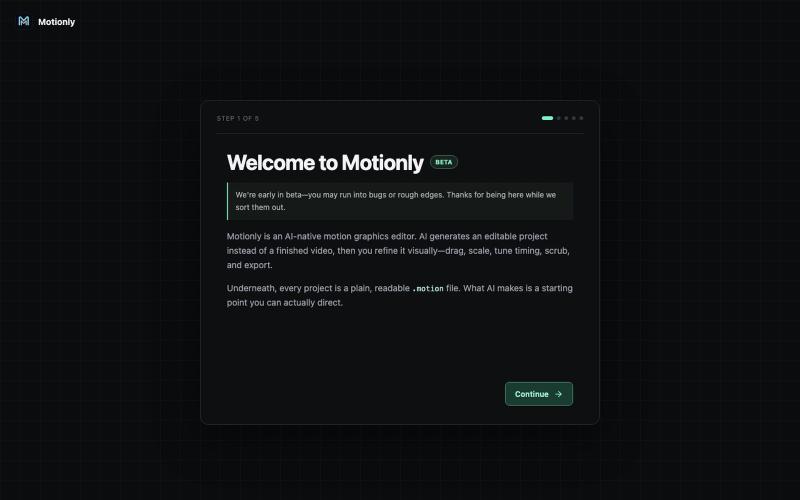
免费开源浏览器动画编辑器,支持AI辅助创建动画。
u/StylePristine4057 · Reddit
I Updated Motionly: A free, lightweight, AI-assisted motion graphics editor that runs right in your browser. The video above was created from a Motionly project written with help from an AI assistant. I'm building Motionly, an open-source motion graphics editor that lets AI help create editable animation projects instead of just generating a final video. The idea is simple: AI creates the first draft, then you open it in Motionly and refine it visually. You can move elements