
生产力1 month ago
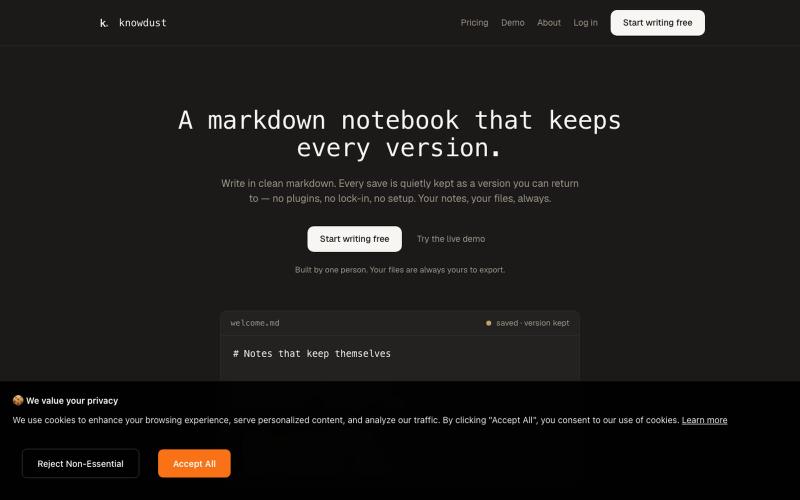
knowdust — a markdown notebook that keeps every version
一个Markdown笔记本,自动保存每个编辑版本,让你随时回到过去的内容。

@khagankarimi · X
simple markdown notebook with version history
完整作品展
技术栈
60 projects
一个Markdown笔记本,自动保存每个编辑版本,让你随时回到过去的内容。
@khagankarimi · X
simple markdown notebook with version history
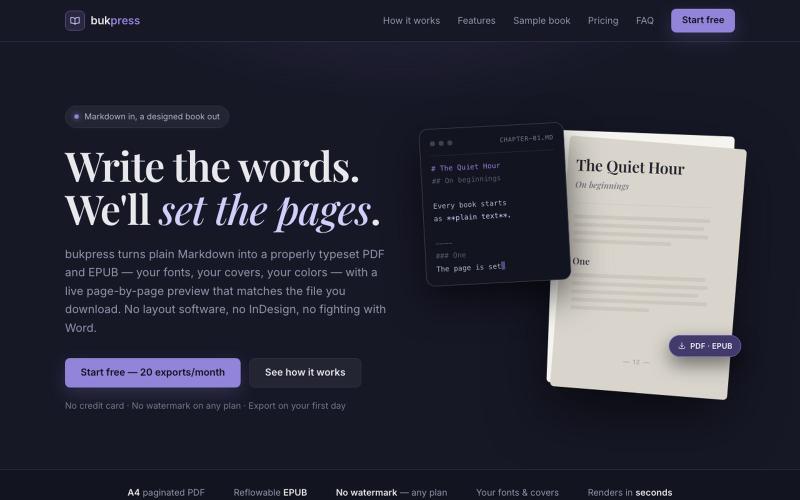
将 Markdown 转换为排版精美的 PDF 和 EPUB,支持自定义字体和颜色。

@hiddenbydigital · X
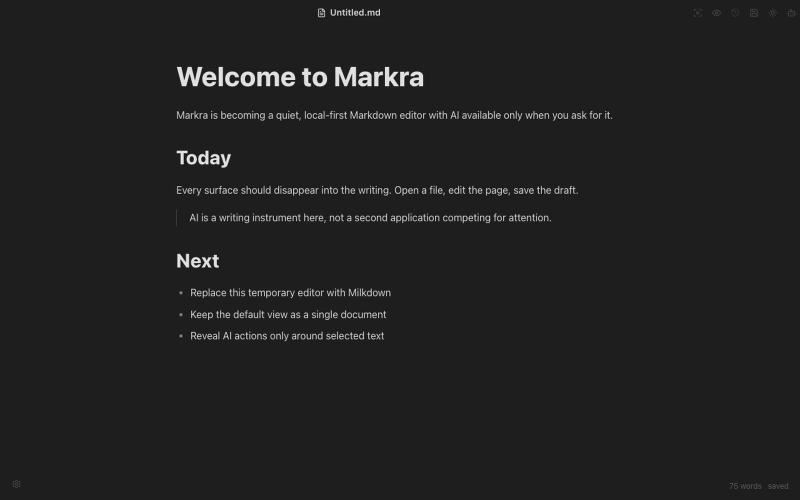
开源Markdown编辑器,支持本地存储、跨平台和AI辅助编辑。
Markra — 本地优先的开源所见即所得 Markdown 编辑器,支持 Web、macOS、Windows 和 Linux,AI 修改可预览后应用 - [更多介绍](https://github.com/markrahq/markra/blob/main/README.zh-CN.md)
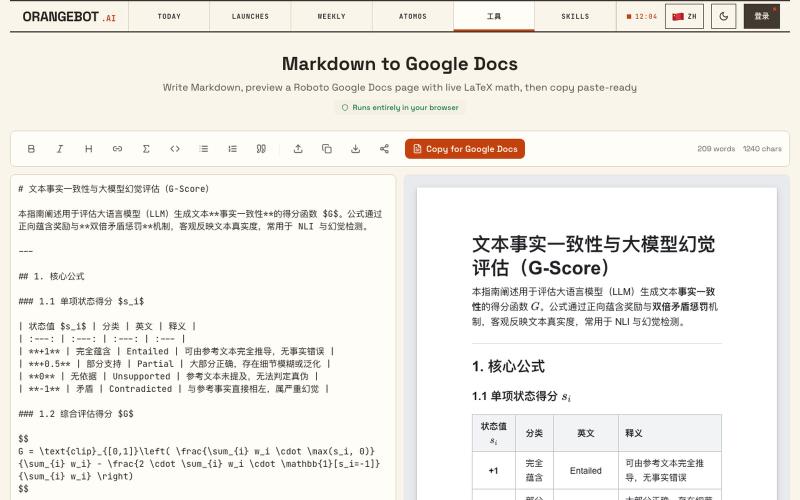
将 Markdown 转换为 Google Docs 文档,支持 LaTeX 数学公式。
shenhuang · Product Hunt
Markdown to Google Docs Paste AI markdown, get a clean Google Doc, math included
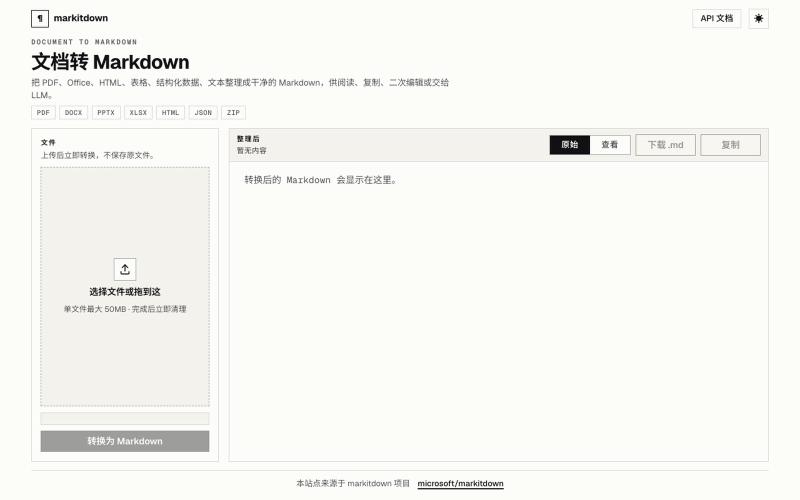
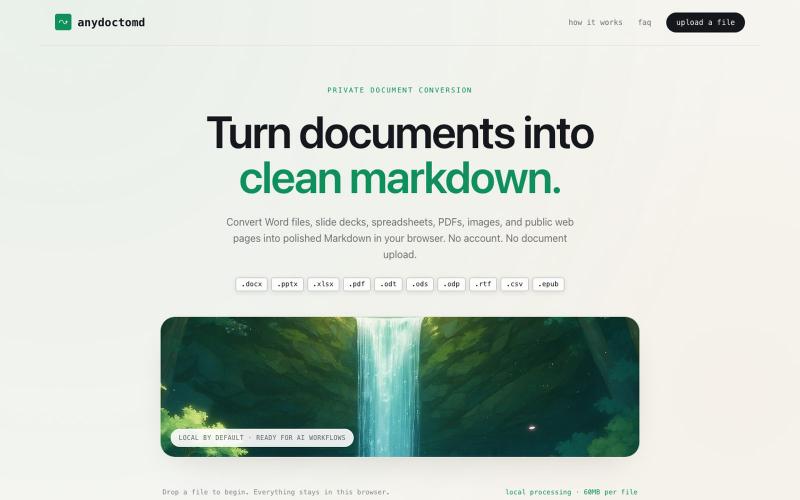
Doc2Md:将 PDF、Word、Excel 等文件转换为 Agent 友好的 Markdown。
Doc2Md — 将 PDF、Word、Excel 等多种格式文件转换成 Agent 友好的 Markdown 格式 - [更多介绍](https://doc2md.cn)
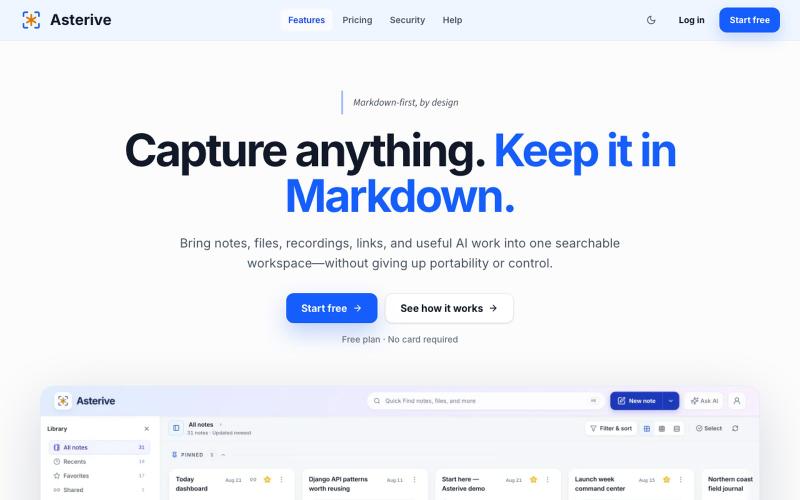
A Markdown-first capture workspace for developers, researchers, and AI-heavy knowledge workers to keep notes, files, recordings, links, and reviewable AI work together.

@mhkarimi12 · X
Something like notion and obsedian but markdown-based and beautiful
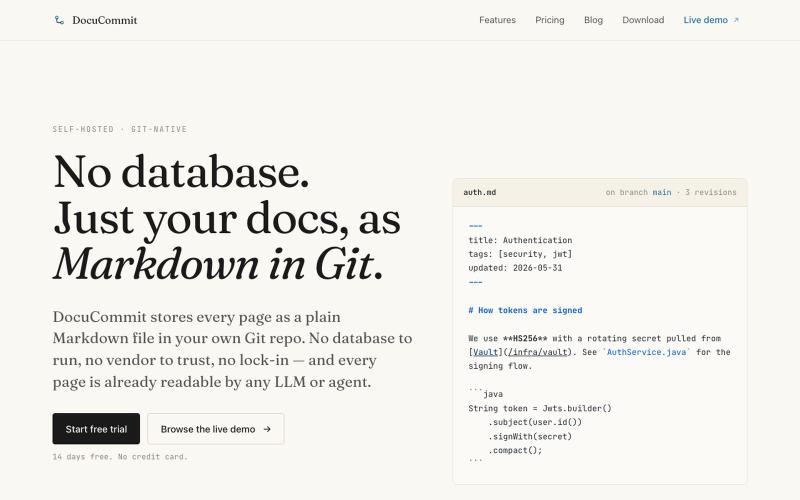
在Git仓库中存储Markdown文档,无数据库依赖,无厂商锁定。

@alizreim · X
Documentation that lives in your own git repository
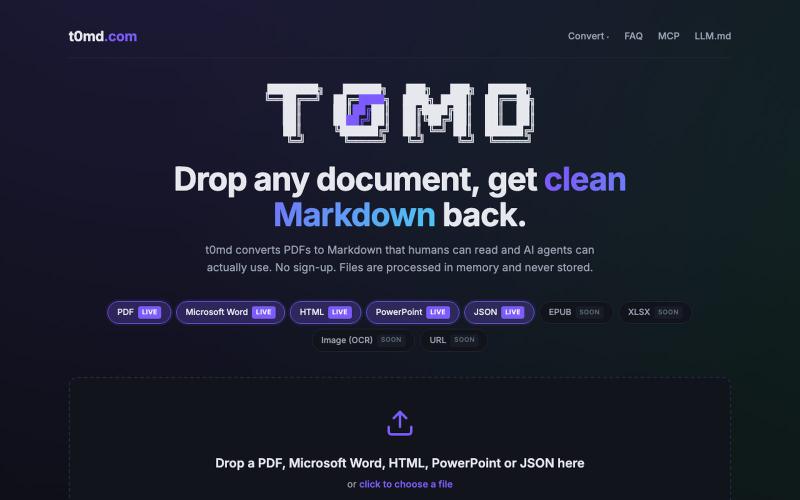
将 PDF、Word 等多种格式文档转换为 Markdown,用于 AI 代理。
u/kirillzubovsky · Reddit
Selling t0md.com – Privacy-first multi-format to Markdown converter A few months ago I was dumping research PDFs and Word docs into Claude and Cursor and watching the token bill climb for no good reason. Heavy formats are terrible for context windows as the agents have to first convert the documents, then parse the MD files, then do the processing. I thought I could help the agents, and I built t0md.com. However exciting it was to make something quickly that solves a big problem, it's not
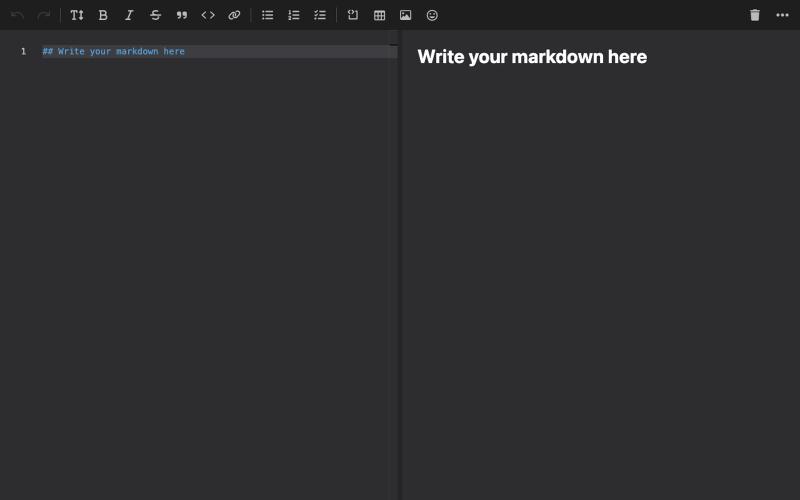
A friendly and powerful Markdown editor with real-time preview.

@runeqimd · X
Hey! We are your new favorite browser-based markdown editor 👀 Fast, clean, and ready to write.
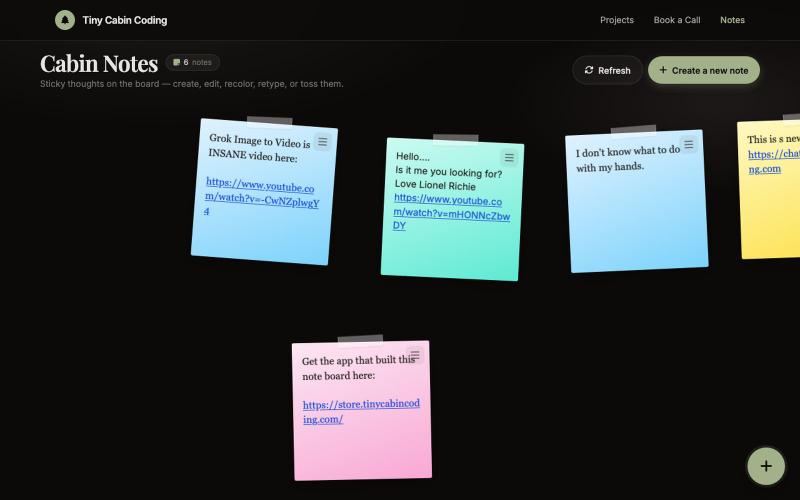
由Codex和Grok驱动的AI笔记应用。

@Number1AIFanboy · X
I got to go to bed. More coding tomorrow. I just had a realization that I'm building cool shit, using @grok in an app that I built with Codex and refined with Grok. And now Grok just works on himself. LFG🚀 Drop me a note here: Get the app here (use LAUNCH50):
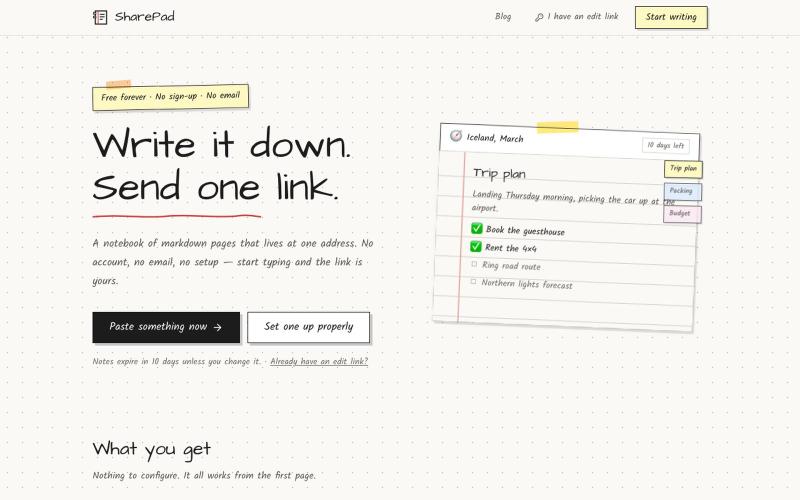
Write a notebook of markdown pages and share it with a single link. Password lock, expiry dates, comments and PDF export. Free, and no account needed.

@VarshithVhegde1 · X
