
其他2 days ago
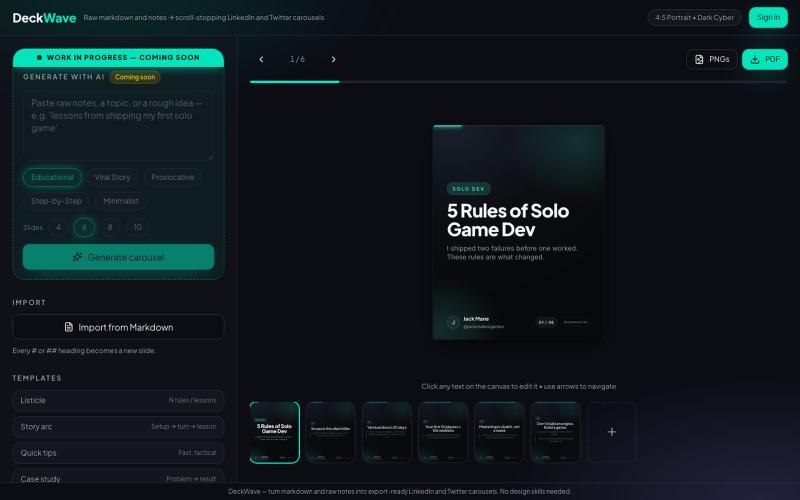
Markdown to LinkedIn & X Carousel Generator | DeckWave
Convert plain Markdown notes into clean PDF and PNG carousels for LinkedIn and X in seconds without Canva or complex design tools.

@mrdeathpl · X
完整作品展
技术栈
60 projects
Convert plain Markdown notes into clean PDF and PNG carousels for LinkedIn and X in seconds without Canva or complex design tools.
@mrdeathpl · X
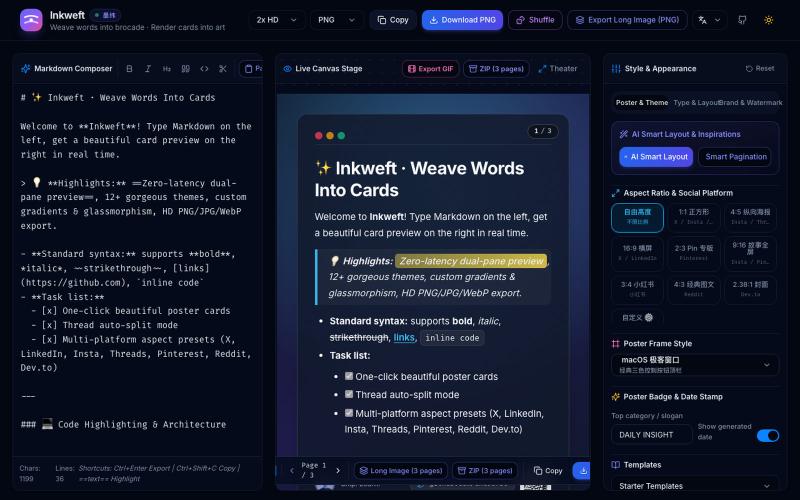
将 Markdown 笔记转换为高颜值社交海报卡片,12 个主题,导出 PNG/JPG/WebP。

@dxer0730 · X
做了一个把 Markdown 笔记 3 秒变成高颜值社交海报的小工具,支持连载切图与无缝长图拼接 在线体验 / 开源:
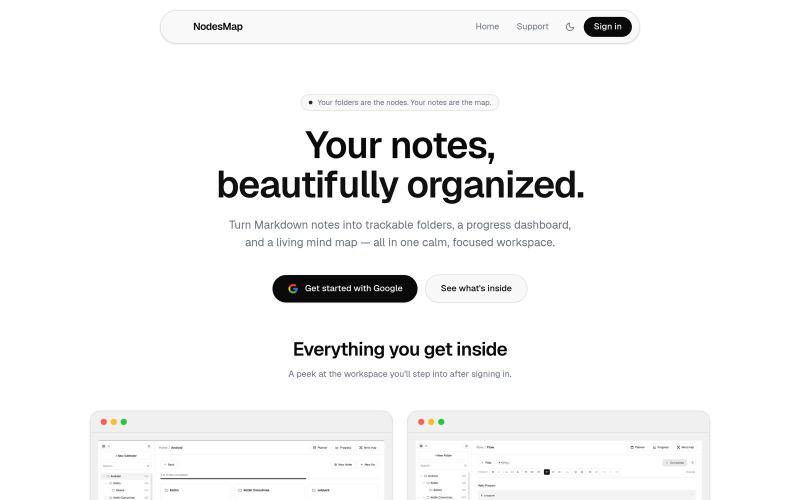
用 markdown 笔记组织想法,支持进度追踪,并将其可视化为交互式思维导图

@vasanthadabala · X
Not really a startup. It's just something I built for myself a simple note taking app with a planner, progress tracker, and mind map I'm going to share it publicly @NodesMap check it
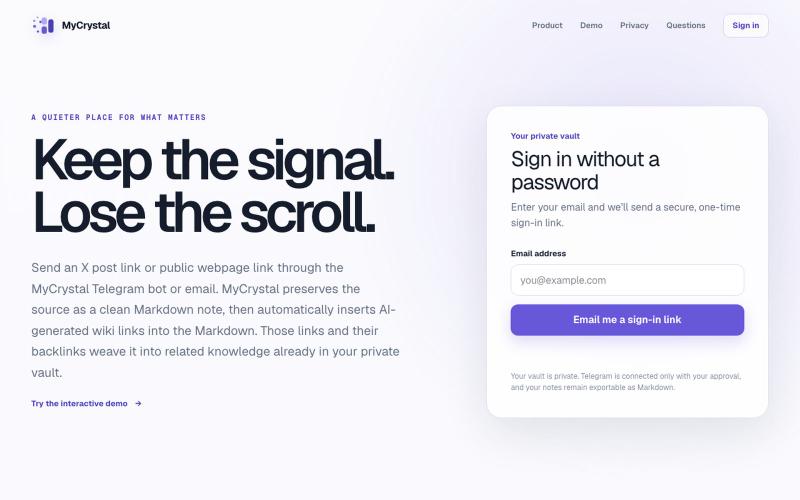
通过邮件或Telegram保存网页链接,将其转化为相互关联的笔记。

@MyCrystalSite · X
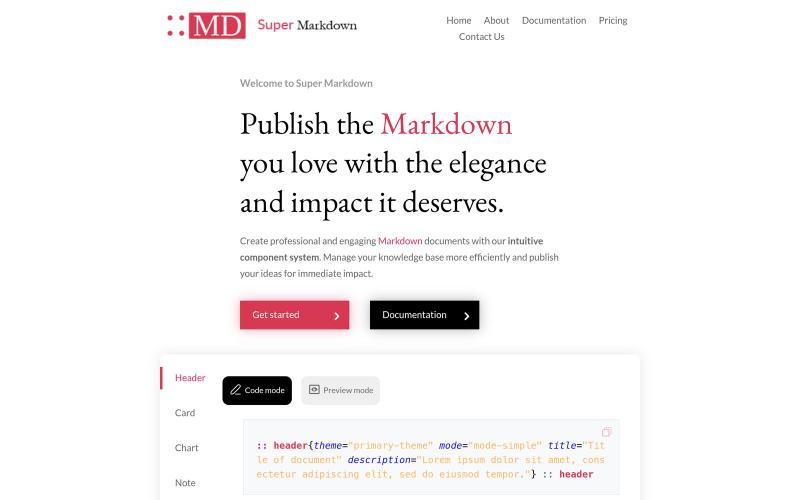
使用组件创建和设计 Markdown 文档,以组织和发布你的知识库。

@sidbyok · X
Write your documents in Markdown with a professional visual rendering without HTML/CSS, just native Markdown.
在浏览器中实时编写和预览Markdown文档,支持语法高亮。

@krishnakrmahto · X
Built Easy Markdown Editor — a reading-first Markdown editor where you edit the rendered document instead of raw Markdown.
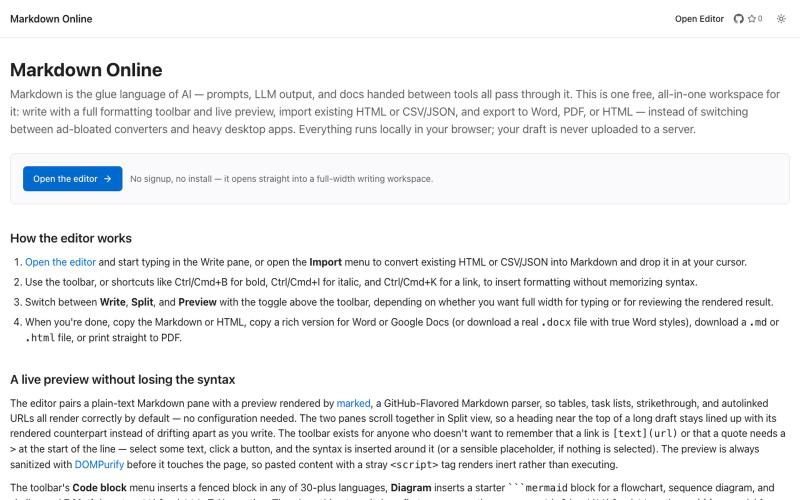
浏览器Markdown编辑器,支持实时预览和导出为HTML、Word、PDF。
u/Eleraffa · Reddit
Built a browser-only Markdown editor for my own daily LLM workflows — live DBML schemas, proper DOCX export, token counts Hey r/SideProject , I move a lot of text between LLMs, local docs, and web tools every day. I couldn't find a lightweight browser editor that handled a few specific micro-annoyances without shoving ads in my face, requiring a signup, or routing text through a server. So I vibe-coded Markdown Online (mostly hacked together with Claude) to solve my own itch. It’s a plai
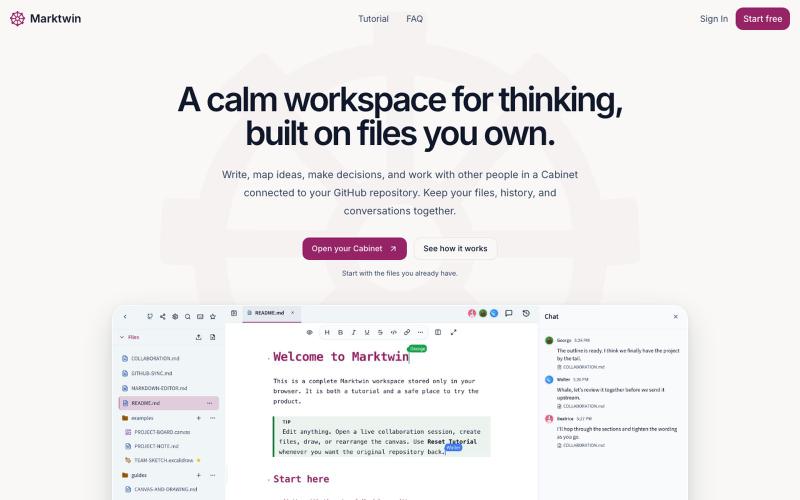
在协作工作空间中思考、讨论和编辑你的Markdown文件。
nathwolf · HN
Marktwin – collaborative workspaces on Markdown files you own
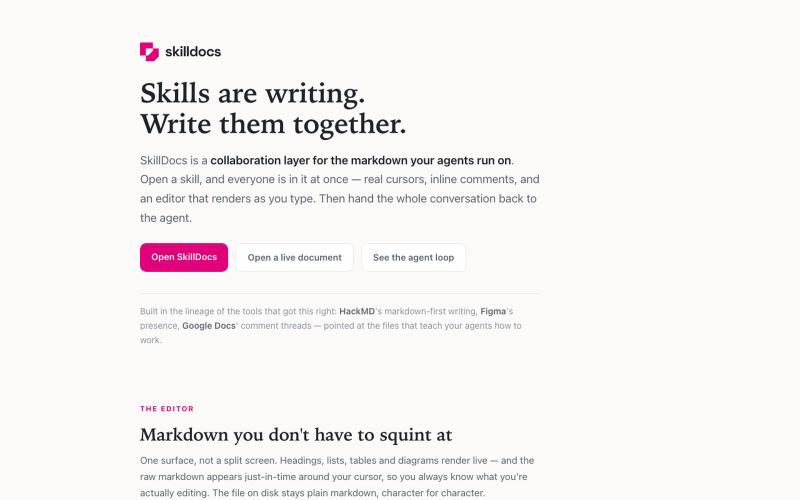
实时协作的Markdown编辑器,支持内联评论和MCP代理集成。
rajivayyangar · HN
Skilldocs – Figma for Markdown
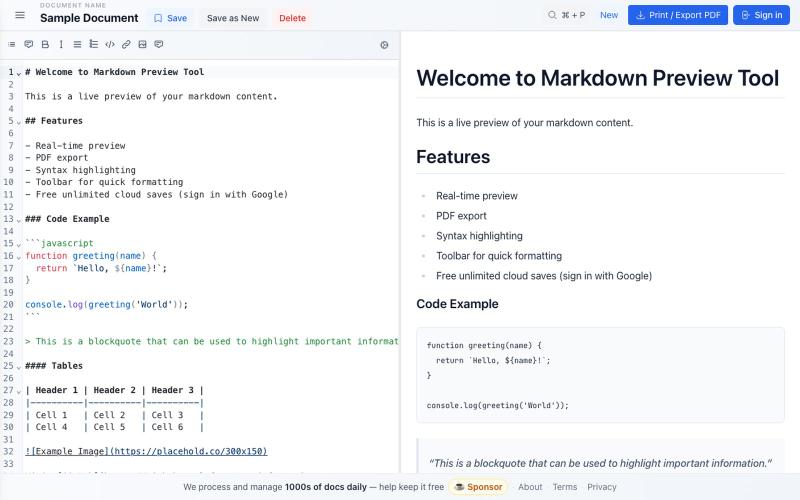
免费 Markdown 编辑器,实时预览、云保存和 PDF 导出。

@bheru_l · X
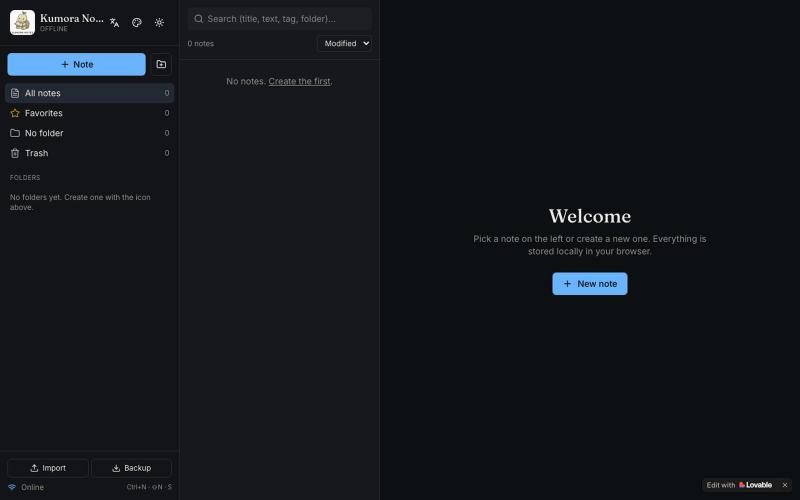
离线笔记本,支持文件夹、标签和 Markdown 格式。

@fuckingologist · X
🚀 Fully offline notes that actually work! 📱 KUMORA NOTES — ideas & tasks, no internet needed. Try now 👉 #OfflineNotes #Productivity #LovableAl #BuiltWithAl #SecondBrain Built with @Lovable @antonosika
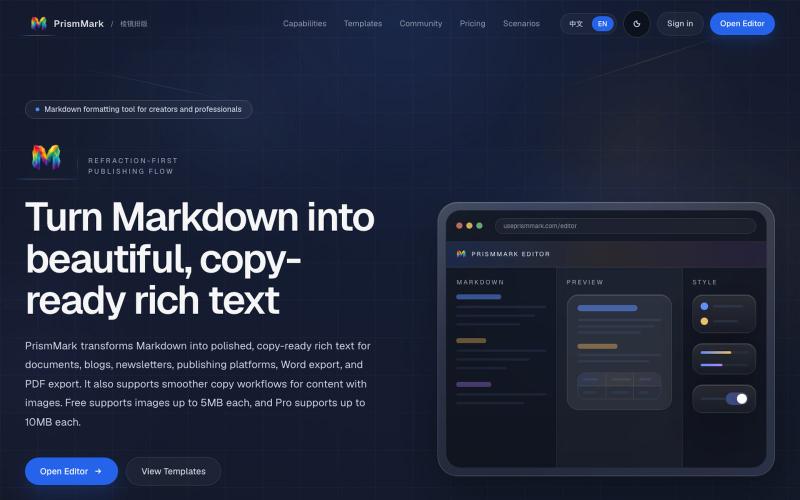
将 Markdown 转换为适合微信公众号、Word 和 PDF 的排版内容。

@bingobray · X
我做了一个类似的工具: 除了支持公众号,还支持word和pdf😁