
Project detail · Developer Tools
Screenshot Annotation — Snap to elements, annotate in place
Capture and annotate screenshots with auto-fitted boxes, circles, and arrows that snap to page elements.
screenshotannotation.com
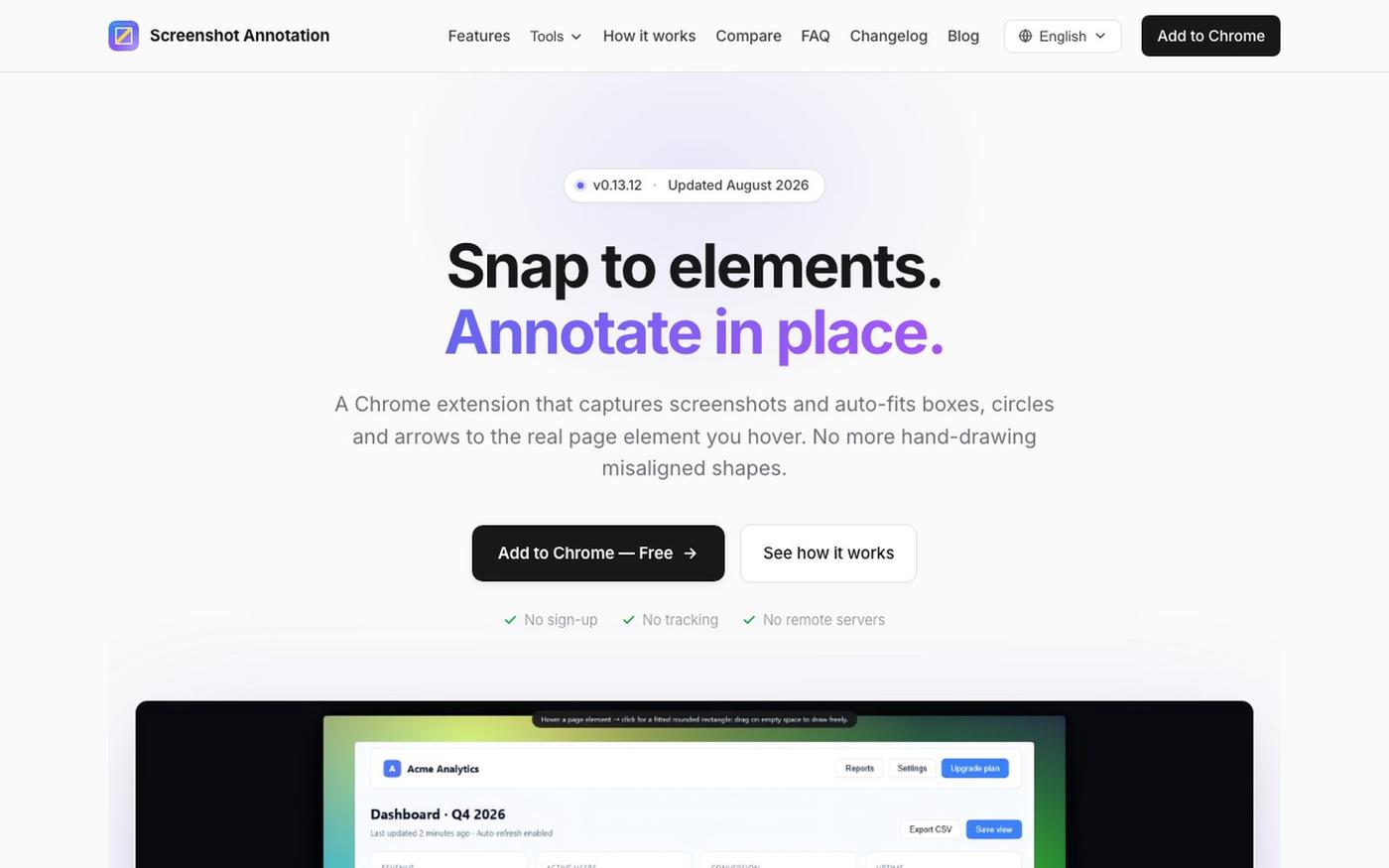
Try live demo Live checked22 hours ago
Try this first: Install the extension from the Chrome Web Store and start annotating.
No LoginDeveloper ToolBrowser ExtensionProductivityDesign“Smart zoom effects”“Text extraction”“snap to elements”“annotate in place”
Tech Profile
- Built by
- Solo maker
Site health
✓ No suggestions from our checks — this site is squeaky clean.
Source
X · 2 days ago

Just launched my new screenshot plugin! 🎉 ✅ Smart zoom effects on key details ✅ Text extraction ✅ 100% Free Perfect for devs, designers, and anyone who wants to communicate visually with clarity! Try it out! 👇 #BuildInPublic #ProductLaunch
For the maker: hang the plaque, claim the project
This project is unclaimed — sign in, hang the plaque on your site, and it's yours.
For the maker: hang the plaque, claim the project
This project is unclaimed — sign in, hang the plaque on your site, and it's yours.
Keep exploring
Similar projects

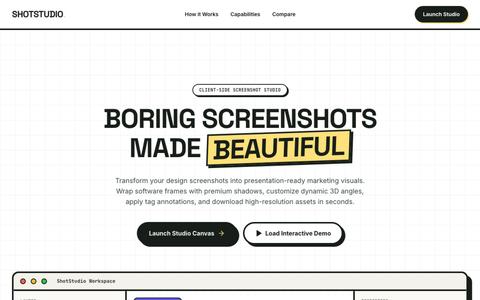
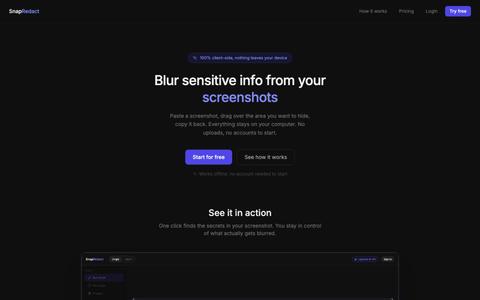
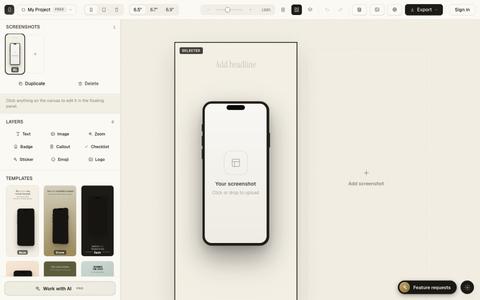
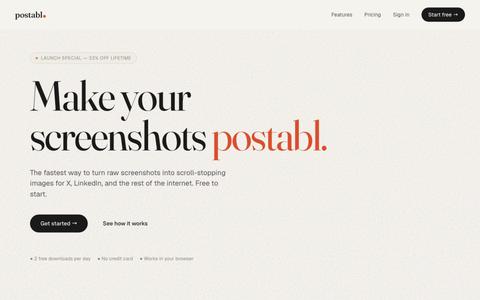



Sign in to report a problem with this project.
Comments
Sign in to comment.