
Productivity1 month ago
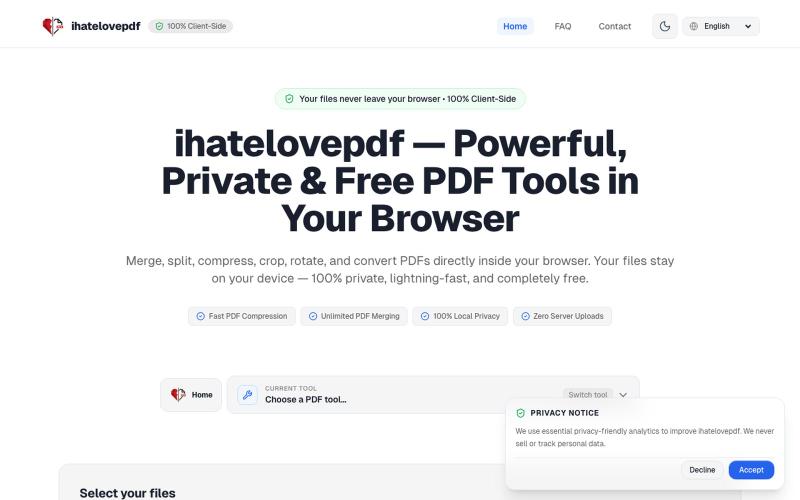
ihatelovepdf — Powerful, Private & Free PDF Tools in Your Browser
Merge, compress, split, and convert PDFs entirely in your browser without uploading files.

@notApplicaky · X
The full gallery
Tech stack
70 projects
Merge, compress, split, and convert PDFs entirely in your browser without uploading files.
@notApplicaky · X
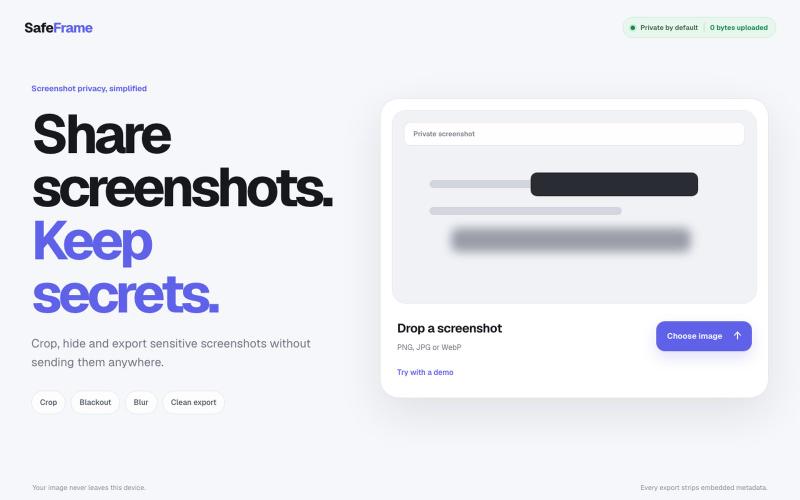
Crop, redact, blur, and export screenshots privately without uploading to any server.
@noshkass · X
Built SAFEFRAME a private, browser-only screenshot sanitizer. Crop, blackout, blur, and export sensitive screenshots without uploading a single byte. Try it: Built with ChatGPT Sites. @chatgptapp #Giveaway
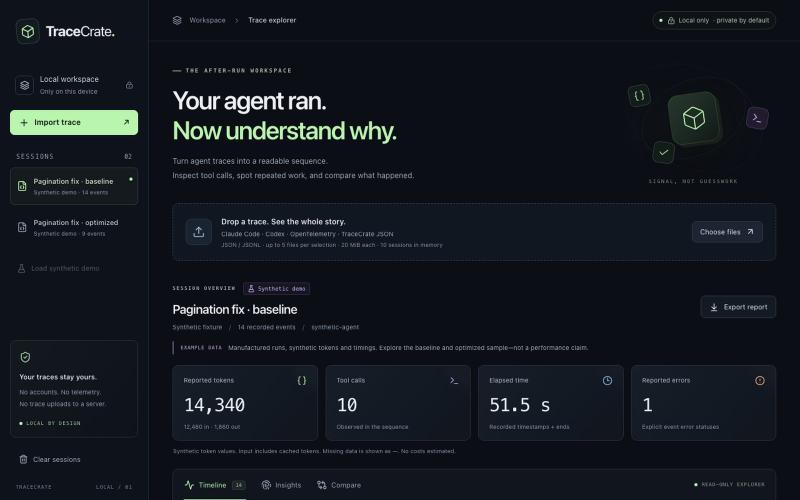
Inspect and compare AI agent traces from Claude Code, Codex, and OpenTelemetry without uploading data.
FankChen · GitHub
tracecrate Local-first AI agent trace workbench. Inspect Claude Code, Codex and OTLP logs, compare runs, and export privacy-conscious reports. No backend or API keys.
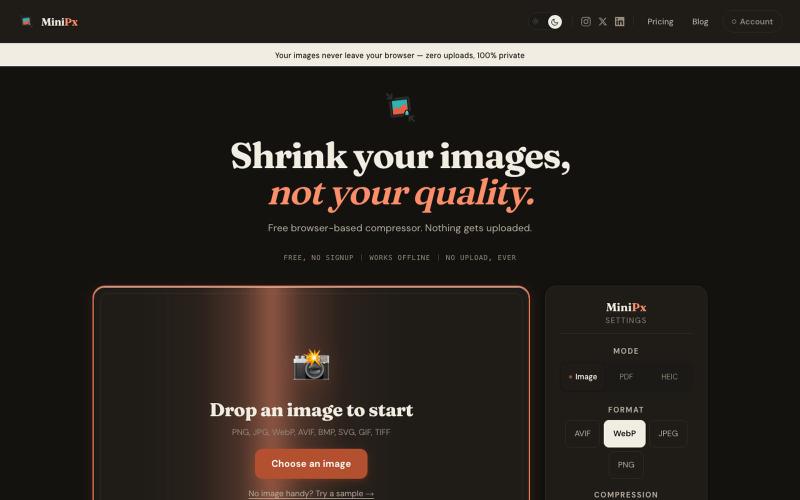
Compress and convert images in your browser without uploading or creating an account.

@getminipx · X
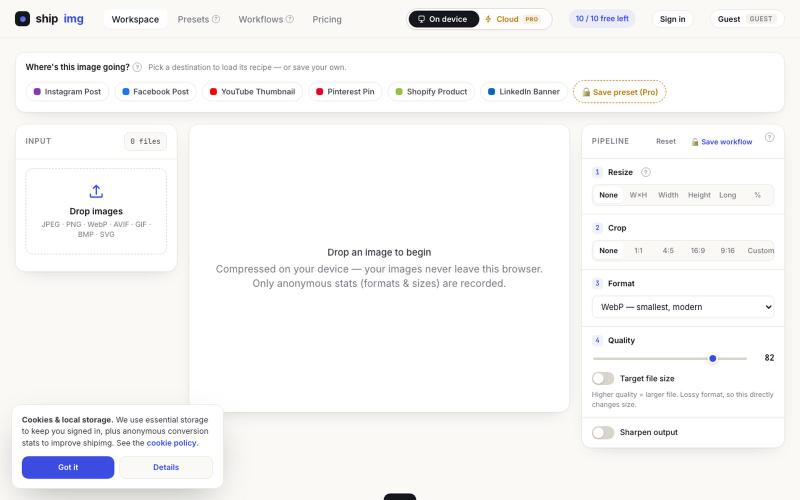
Convert and compress images in multiple formats directly in your browser without uploading files.

@SamoreVaibhav · X
The online image converter experience: → upload → wait → download → "free limit reached, upgrade now" → open competitor site → upload the same files AGAIN → next week: which site was it? what size did I use?? I got tired of this loop. So I built Runs 100% in your browser — files never upload, so there's no limit to hit. Save your presets once, they're there forever. My first SaaS. Launching in public 😁
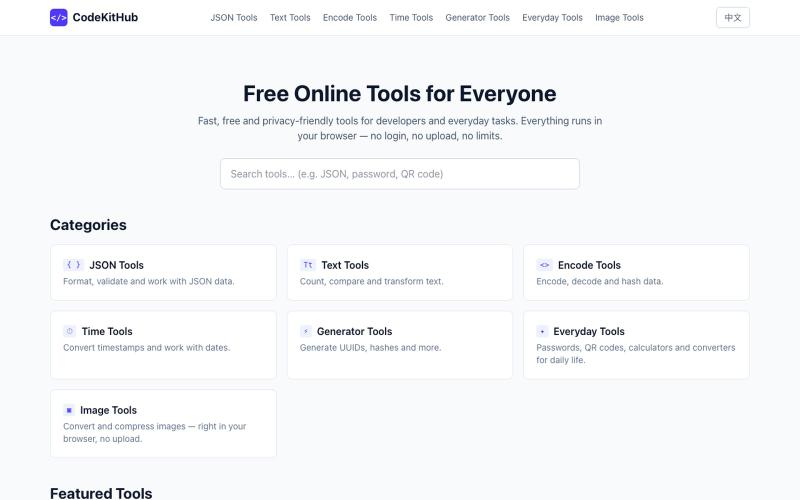
Format and validate JSON online instantly without uploading your data.

@VeganVegan75738 · X
做了一个免费的 JSON 格式化工具。 支持: ✅ JSON 格式化 ✅ JSON 校验 ✅ 在线使用 ✅ 无需安装,数据不上传 开发者日常调试 JSON 可以直接用: #开发者 #前端开发 #工具
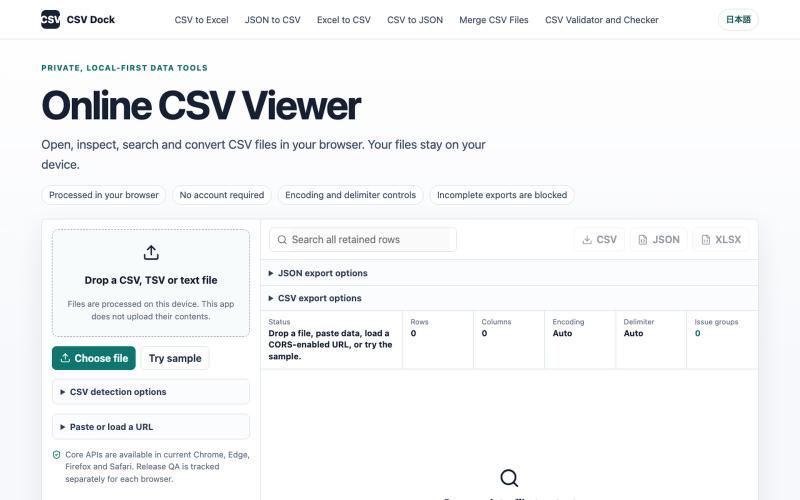
Open, search, and sort CSV files in your browser without uploading data.
FengNianIndie · V2EX
vibe coding 了个不上传文件的 CSV 工具箱,想找一些奇怪 CSV 来测试 最近做了一个 CSV 工具站:CSV Dock 。 网站: https://csvdock.com 做它的起因是自己处理 CSV 时经常遇到几个问题: - 不太愿意把包含业务数据的 CSV 上传到陌生服务器 - Excel 打开 CSV 时容易出现乱码、分列错误或丢失编号前面的 0 - 文件稍微大一点,很多在线工具就会卡死 - CSV 、JSON 、Excel 转换通常散落在不同网站,操作方式也不统一 所以我做成了一个 local-first 的工具箱:文件直接在浏览器内处理,不上传到应用服务器,也不需要注册账号。 目前包含: - CSV 查看、搜索和排序 - CSV 转 Excel ( XLSX / XLS ) - Excel 转 CSV ,可将全部工作表导出为 ZIP - JSON 转 CSV ,支持选择数组路径和展开嵌套对象 - CSV 转 JSON / JSON Lines - 多个 CSV 按表头或列位置合并 - CSV 结构检查,
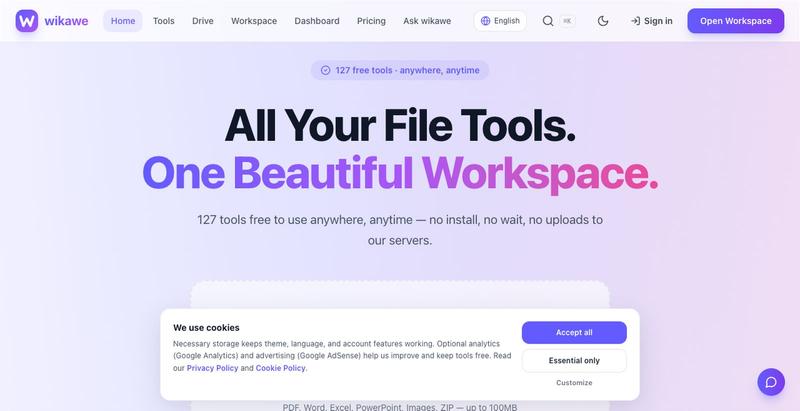
Browser-based PDF tools, card maker, JSON formatter, and image utilities that work offline without uploading files.

@jainarun889 · X
Our Wikawe universe products. Check it out now... - loading
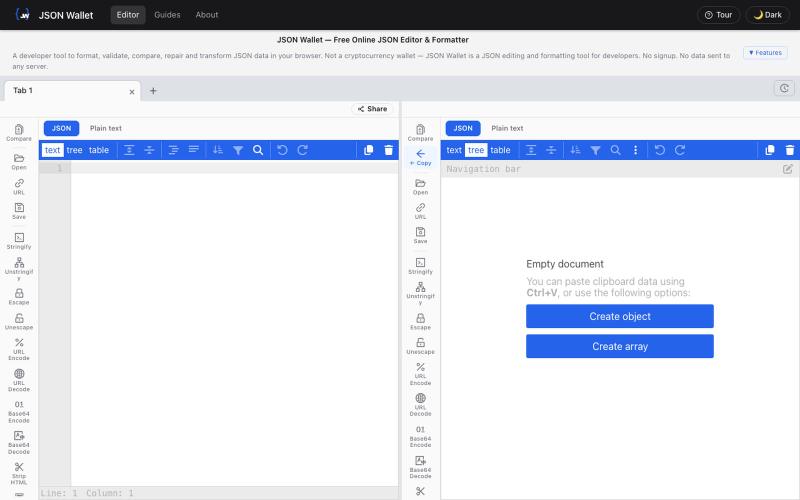
Paste JSON code to edit, format, validate and transform in your browser without uploading data.

@bhushankuma491 · X
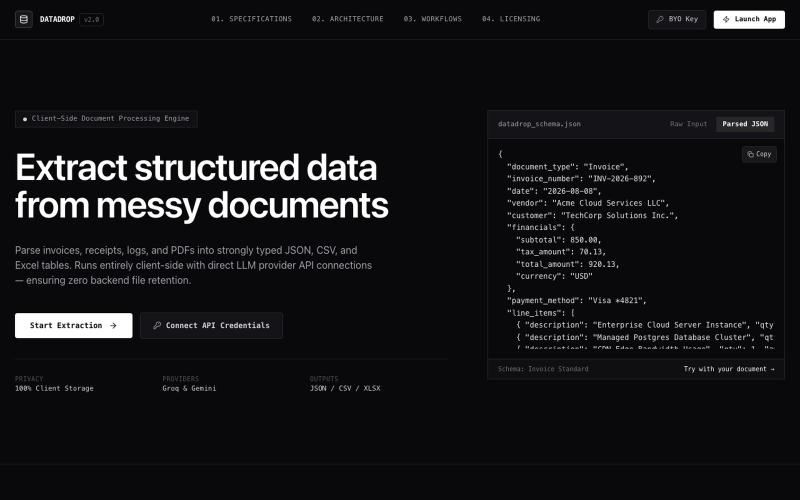
Extract structured data from PDF documents directly in your browser without uploading.

@MitanshDevNew · X
just shipped DataDrop — extract data from messy PDFs without uploading anywhere. everything runs in your browser. free to try, $10/mo for unlimited. #BuildInPublic
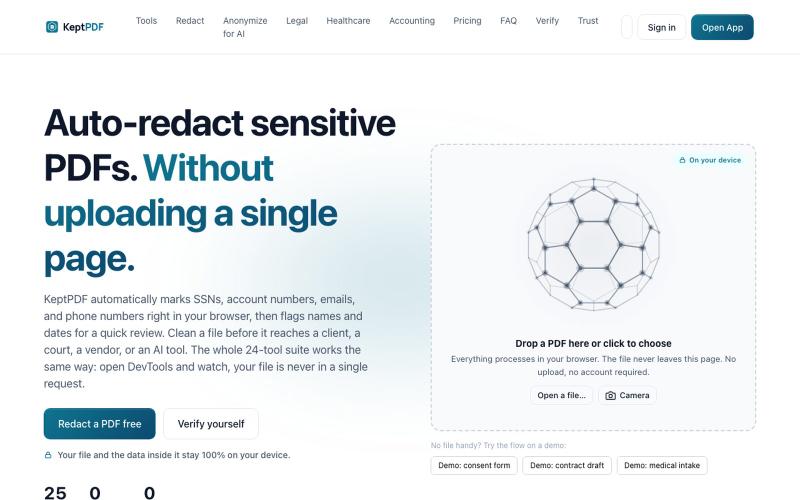
Redact, edit, OCR, and sign PDFs in your browser without uploading files.
u/jwwpua · Reddit
I built a PDF redactor that auto-detects names, SSNs, and account numbers without sending your file anywhere - works on your phone too. Free, no sign-up. Plenty of redaction tools upload your file to their server first (no thanks for legal/medical/tax docs). Some keep the file local but send the text off to an AI, so the text still leaves. And most of the truly local ones only let you draw black boxes by hand, which is how those "redacted" documents in the news keep getting un-r

Browser-based image editor for cropping, resizing, and converting image formats without uploading files.

@its_ajseven · X