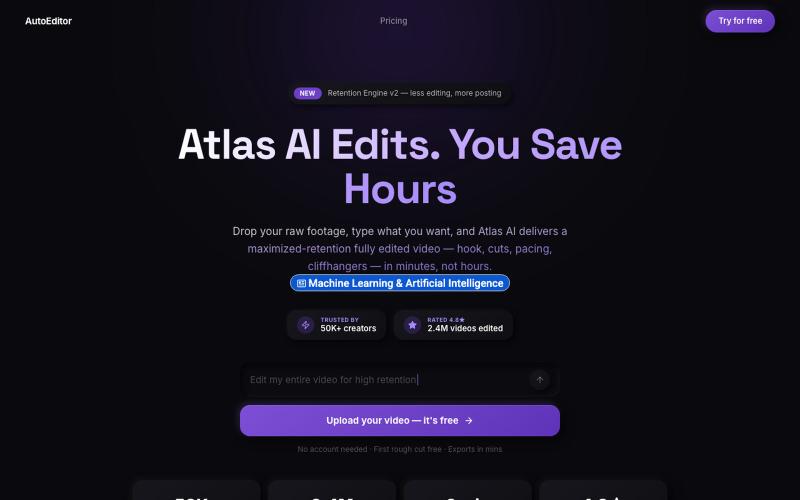
AI Video Editor — AutoEditor | Edit Video with AI in Minutes
Upload raw video footage and get an AI-edited version optimized for viewer retention.
@QuiseBuilds · X
- drop raw footage. Atlas maximizes retention. No editing needed.
The full gallery
Tech stack
13 projects

Upload raw video footage and get an AI-edited version optimized for viewer retention.
@QuiseBuilds · X
- drop raw footage. Atlas maximizes retention. No editing needed.
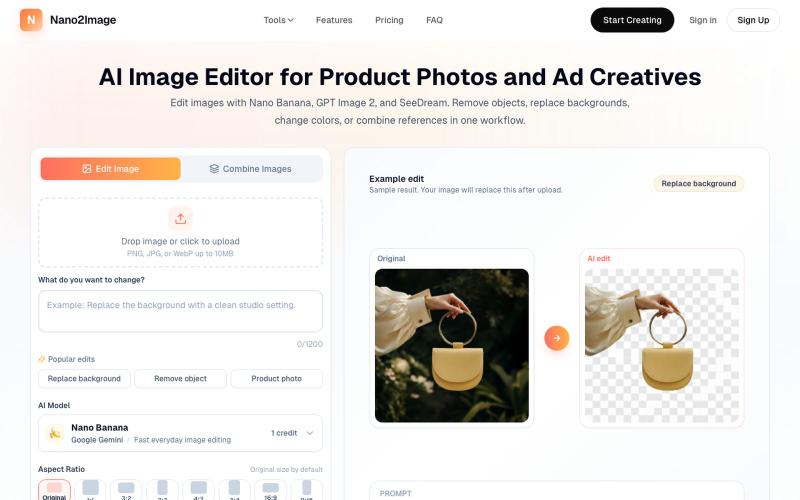
Edit photos with natural language using AI for restoration and enhancement.
Nano Banana Labs — AI 老照片修复与图像增强工具,上传旧照片或低分辨率图像,自动修复划痕、还原清晰度,支持人像增强与色彩优化,无需注册即可使用。

Upload photos and describe edits to remove objects, change backgrounds, or combine image references.
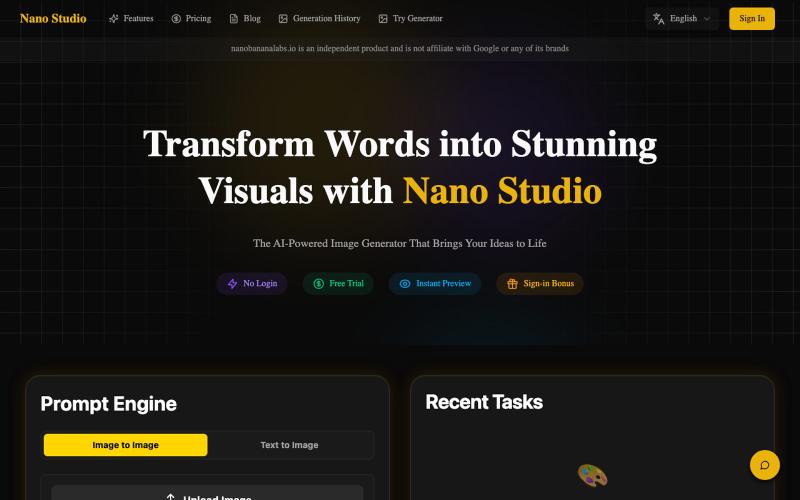
Nano Banana AI — AI 图像生成和编辑工具(免费在线),2-5 秒生成高质量图像,支持文生图和图像编辑

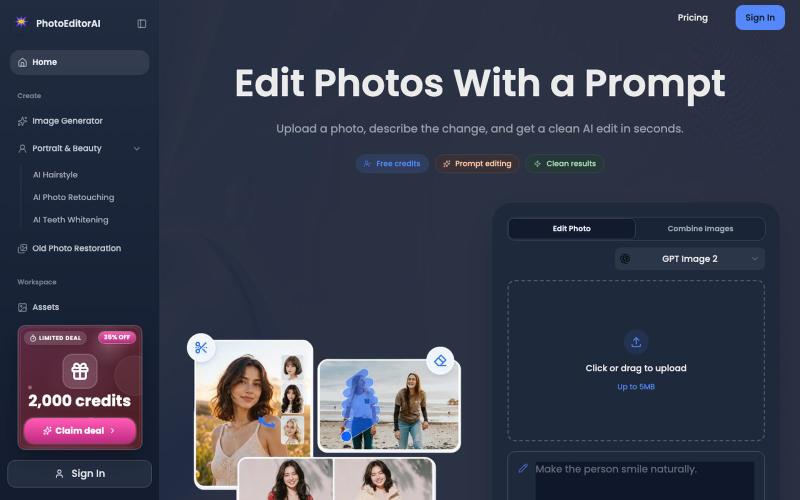
Online AI photo editor for portrait retouching, photo restoration, and image generation.
PhotoEditorAI — 在线AI 图片编辑工具,一句话将图片变为自己想要的样子,支持 NanoBanano 2, GPT images 2 模型,支持无限画布。

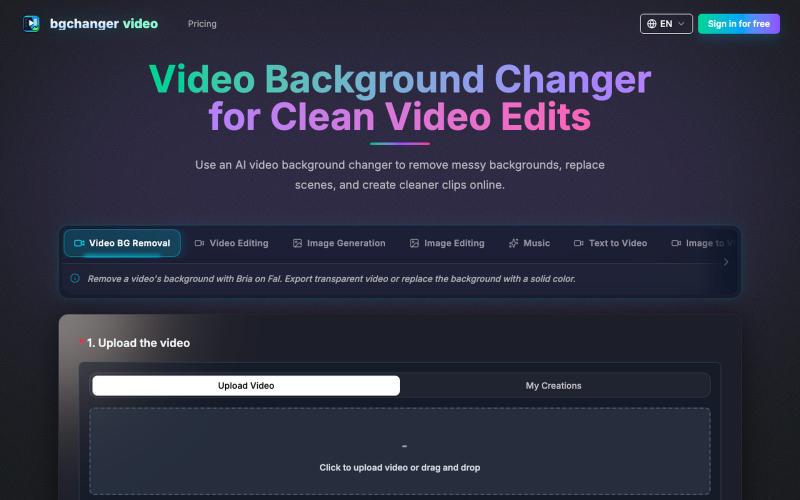
Remove or replace video backgrounds with AI, then download the edited video.
BGChanger - AI 视频背景移除与换脸 — 在浏览器中一键替换或移除视频背景,支持高精度 AI 换脸与基础视频剪辑,无需安装客户端与绿幕。

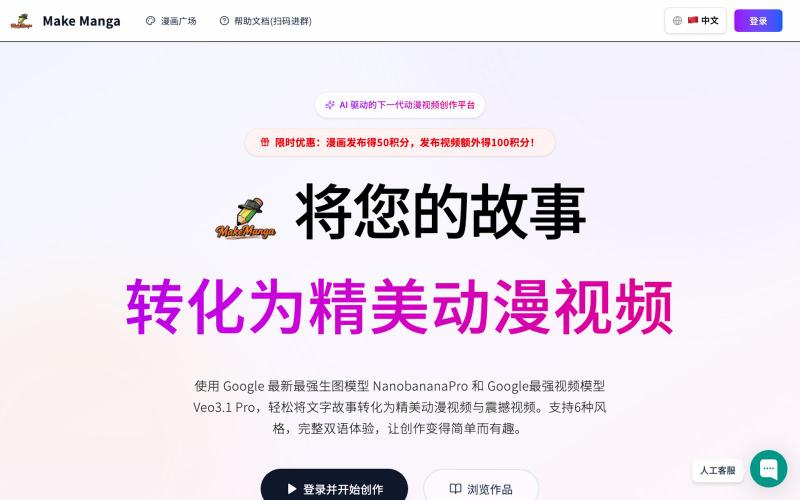
Enter your story to create manga panels and videos with AI scenes.
MakeManga — AI 生成漫画,支持 Nano Banana 和 Seedream 4.0 模型,只需提供故事,剩下的分镜和角色生成等都交给 AI

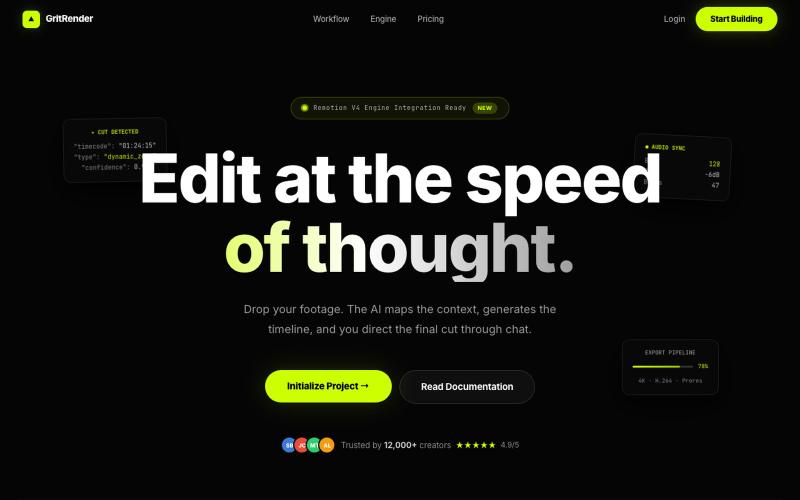
Edit videos with AI assistance while maintaining full creative control.
u/Juliur_ · Reddit
Built a "Cursor for Video Editing" because I couldn't stand another AI editor making decisions for me I've been building video tools for a while and here's my honest take: fully automated AI video editors are garbage. They cut the wrong frames, misplace captions, and you're stuck manually undoing everything. It's faster to just edit the damn thing yourself—but that takes 4+ hours per video. The problem isn't AI. It's that AI editors pretend they know better than you. They don't. So I buil

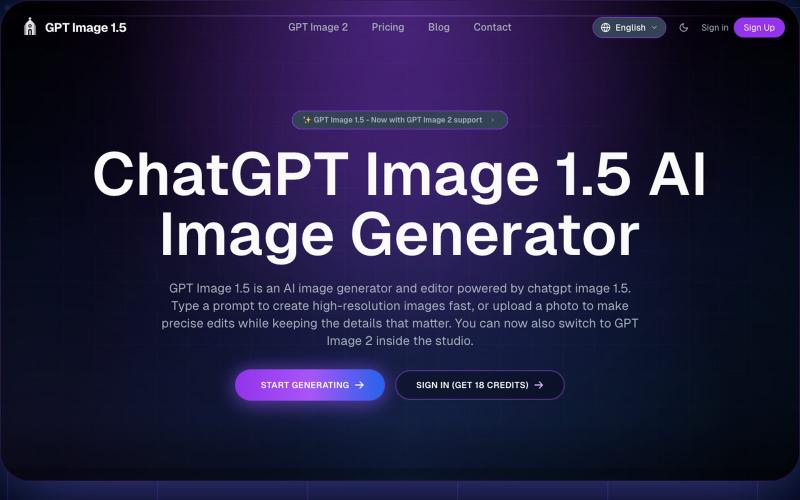
Generate and edit images from text prompts or photos using AI.
GPT Image 1.5 — AI 图片生成网站,基于 GPT Image 1.5

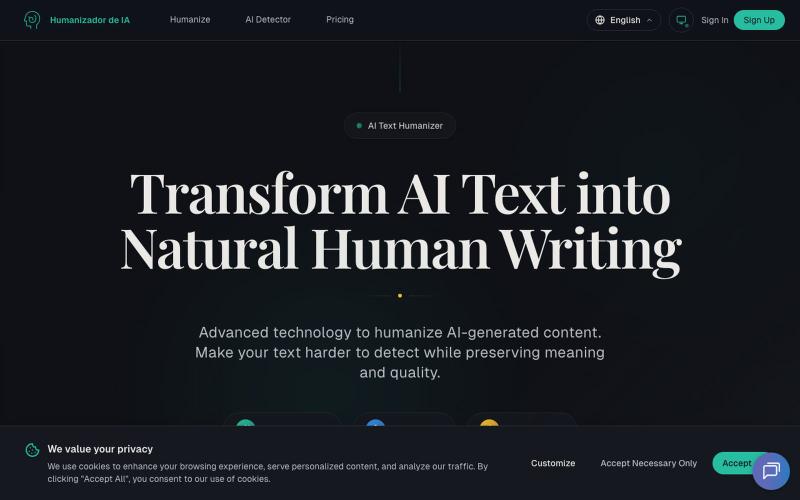
Transform AI-generated text into natural-sounding human writing.
Humanizadordeia.app — 将AI文本转化为自然人类写作。1)人性化处理,让 AI 文本更自然、更贴近人工写作与品牌口吻;2)检测服务,帮助识别潜在 AI 生成内容,提升合规与质量。支持多语种、极速处理、保留语义与风格。免注册体验 300 字,适合博主、营销团队、跨境站点、教育与企业内容运营。以先进模型(GPT、Claude、Gemini 等)驱动。

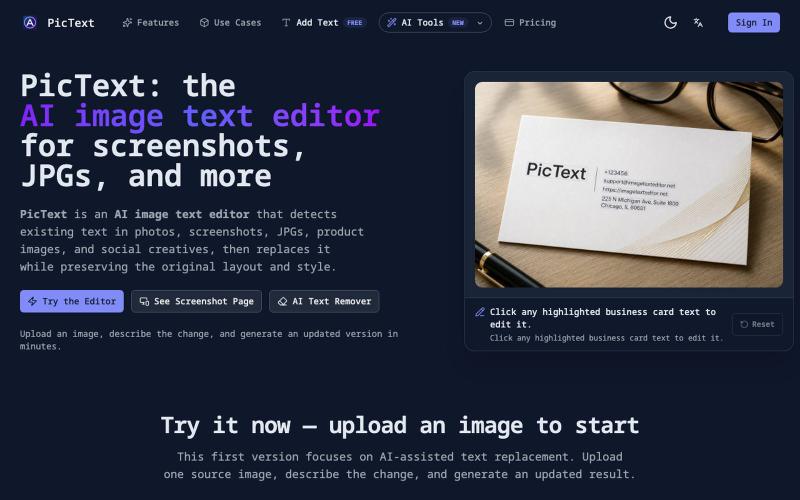
Detect and replace text in images while preserving layout and style.
PicText - 图片文字编辑器 — AI 驱动的图片文本编辑器,检测并替换照片、截图和产品图中的文本,同时保留原始布局和字体

Generate and edit AI images for product shots, ads, portraits, and thumbnails via text prompts.
Plugcamp · V2EX
最近在折腾一个小站,主要是围绕 Nano Banana 2 Lite 做图片生成和图片编辑: https://nanobanana2lite.me/ 一开始只是自己想要一个比较轻的入口,用来快速试 prompt 。后来发现每次测图都会遇到几个重复问题: - prompt 写完之后,不知道适合什么比例 - 文生图和图生图入口经常混在一起 - 想找几个可复制的 prompt 示例,但很多站要么太重,要么示例不够直观 - 只是想快速生成一张产品图、头像、广告图、封面图,不想进一个很复杂的工作台 所以就做了这个站。 目前主要有几个部分: - Text to Image:直接输入 prompt 生成图 - Image to Image:上传一张图,再用 prompt 做改图 - AI Image Editor:偏日常编辑,比如换背景、改光线、改风格 - Prompt Library:整理了一些可直接复制的 prompt - Gallery:放了一些 before/after 和示例图 我自己比较在意的是首页别太像传统 SaaS 落地页,所以最近一直在改视觉。之前太干了,后来加了一些更丰富的样张和暗色主题,但也还在调。 这个站不是 Google 官方产品,只是一个第三方工具站。现在更多是想把「轻量、直接、可复制」这件事做好。 如果大家有空的话,想请教几个问题: 1. 首屏看起来会不会太营销,还是说信息还算清楚? 2. 对图片工具来说,大家更想先看到生成表单,还是先看到效果案例? 3. Prompt Library 这种页面有没有用,还是大家更习惯直接自己写? 4. 如果你平时会用 AI 生成图,最常用的场景是产品图、头像、封面、广告图,还是别的? 欢迎拍砖,尤其是 UI 、文案、信息结构这块。 链接再放一次: https://nanobanana2lite.me/

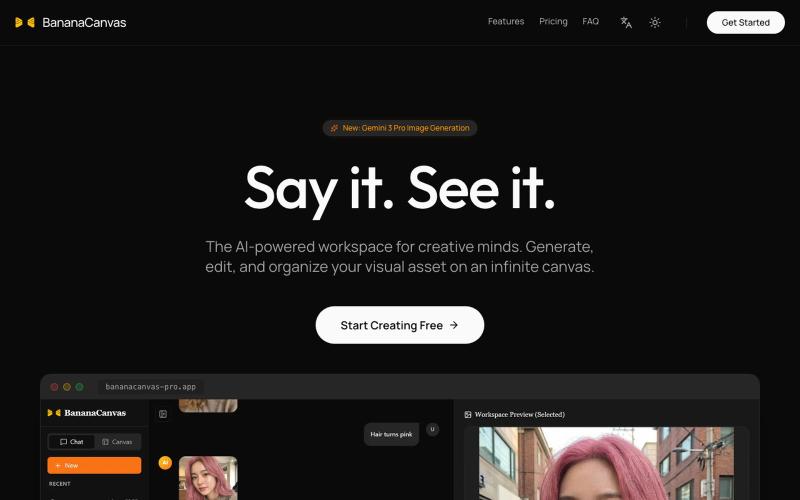
Create and edit multimodal content with AI using a conversational canvas interface.
BananaCanvas AI — 前沿的创意工作区,结合了基于对话的 AI 交互和无限画布,用于多模态内容创作。