
Utilities1 month ago
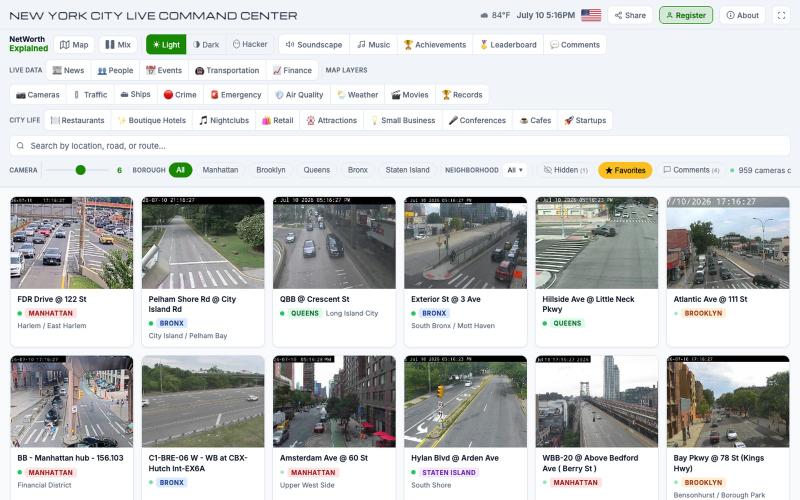
NYC Traffic Cameras Live — Watch 900+ NYC Webcams
Browse real-time traffic cameras across NYC's five boroughs on an interactive map.

@NWExplained · X
Not a startup, just something I made for myself
The full gallery
Tech stack
29 projects
Browse real-time traffic cameras across NYC's five boroughs on an interactive map.
@NWExplained · X
Not a startup, just something I made for myself
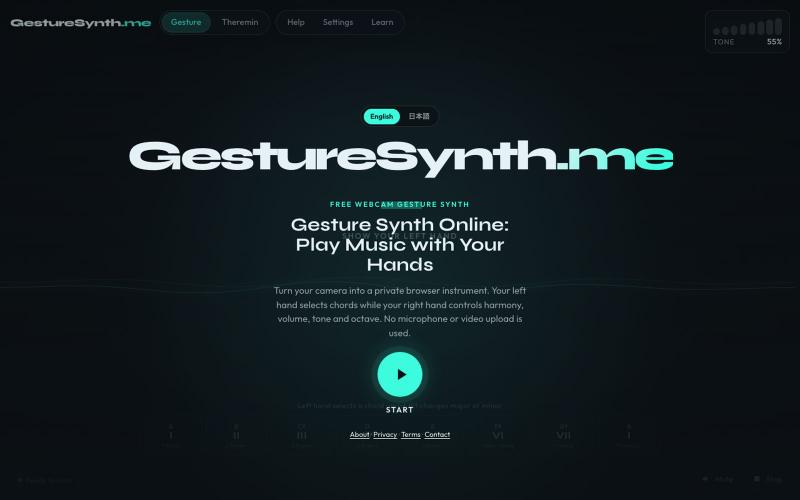
Make music with webcam hand gestures—chords, harmony, theremin pitch, no signup needed.
lisheng3698 · V2EX
我把摄像头变成了乐器:从手势识别到 Web Audio,分享 5 个真正踩过的坑 最近做了一个有点不一样的浏览器小项目:用摄像头识别双手动作,再把手的位置和姿势映射成和弦、音高、音量和音色。 不需要安装软件,也不需要麦克风。打开网页、允许摄像头后,就可以隔空演奏。 项目地址:[GestureSynth.me]( https://gesturesynth.me/) 建议使用最新版 Chrome 或 Edge 。摄像头画面只在本地处理,不会上传。 ## 真正难的不是“识别到手” 最开始我以为,只要 MediaPipe 能返回手部关键点,剩下的事情就是把坐标转换成音符。 实际做下来发现:**识别出一只手很容易,让它变成一个“能演奏”的控制器才难。** 摄像头每一帧都会返回一组手部关键点,但这些坐标会轻微抖动,偶尔还会丢失。如果直接把原始坐标连接到音高或者音量,听起来会非常不稳定。 最后形成的处理链路大致是: ```text 摄像头 → 手部关键点识别 → 提取手掌位置、距离和手势 → 平滑、死区和状态保持 → 映

Create webcam photo strips with filters, frames, and background editing.
cmlanche · V2EX
做的在线照相亭本来还有点流量,结果我 301 瞎整一通,彻底废了,重新上了一个站 地址:[freephotobooth.online]( https://freephotobooth.online/) 上面是老地址,本来流量还可以,上站第二天就有 300 个新点击,但我嫌弃域名后期没有品牌优势,所以 301 到了另外一个域名,但上了之后看到流量没有了,又很焦虑,然后又把新站 301 到老站,现在彻底 game over 不得已重新写了一个站,再上,有兴趣可以围观一下,看看哪个更好,有啥问题我可以改改,主打听劝 新站地址:[https://photobooth100.com/]( https://photobooth100.com/)
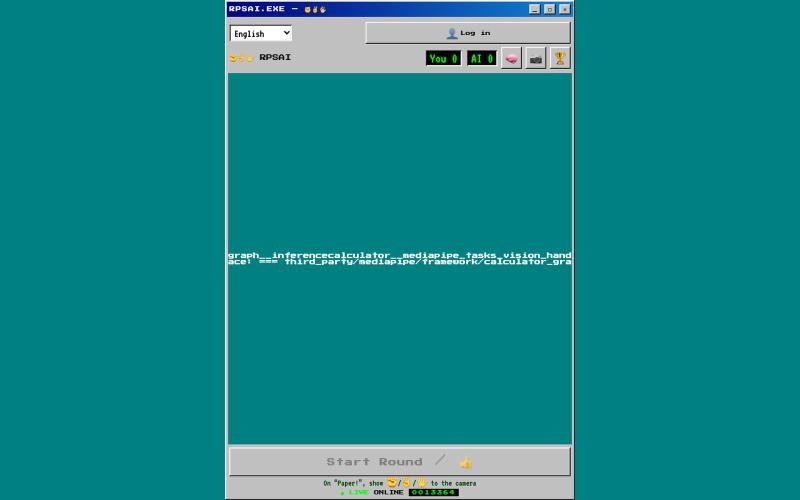
Play Rock-Paper-Scissors against AI using your webcam in retro 90s pixel style.

@web3_key · X
用Claude AI 做了一个RPS经典游戏,结合了动态捕捉

Screen recorder for Mac & Windows with auto-zoom on clicks, gradient backgrounds, and webcam overlay.

@zuess05 · X
Shipped some banger updates to
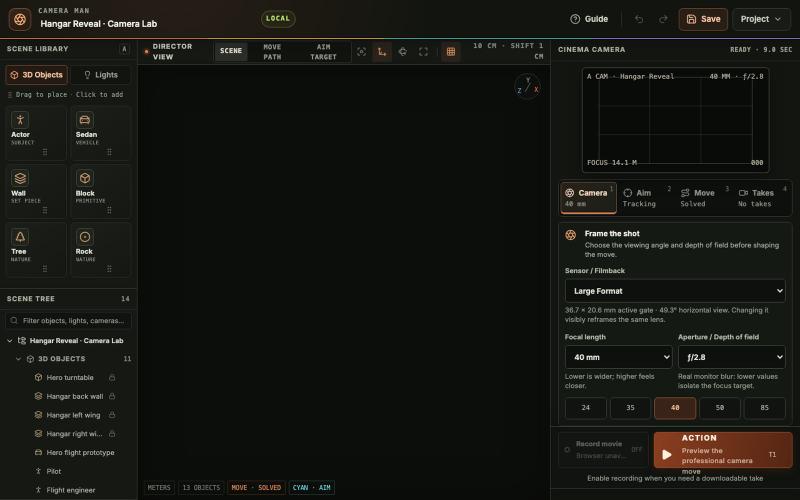
Place 3D objects and lights, design cinematic camera paths, and record takes in your browser.

@tahabahrami · X
Solve the camera movement in AI videos. We created a Blender web version with cinematic camera control.
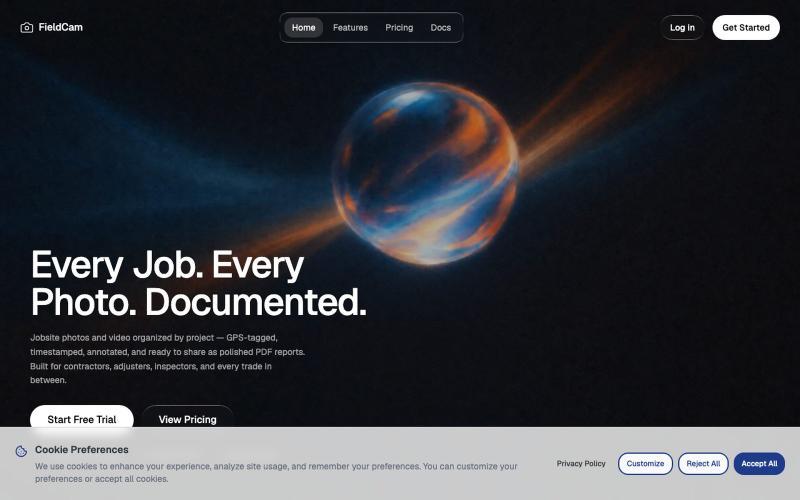
Organize jobsite photos and videos by project with GPS, timestamps, and auto-generate PDF reports.

@12squaredAI · X
| @fieldcam_app
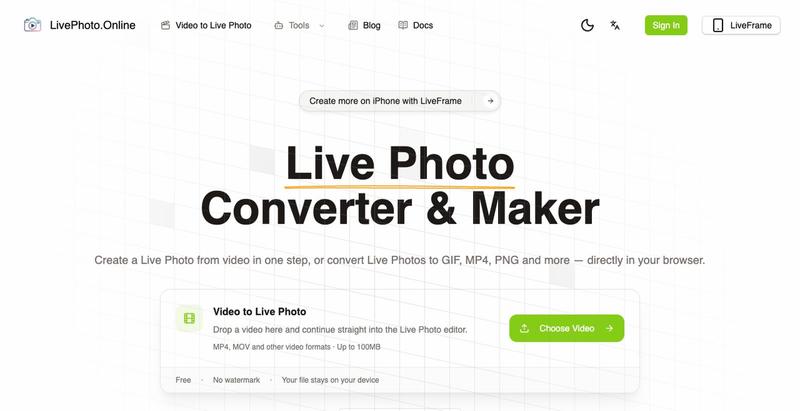
Convert videos, GIFs, and Live Photos to multiple formats in your browser.
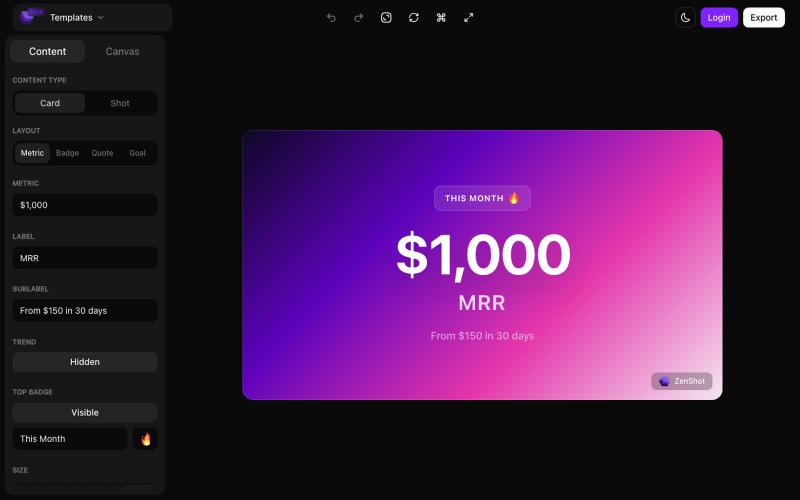
Create beautiful screenshots and progress cards ready to share with your audience.

@shreyassihasane · X
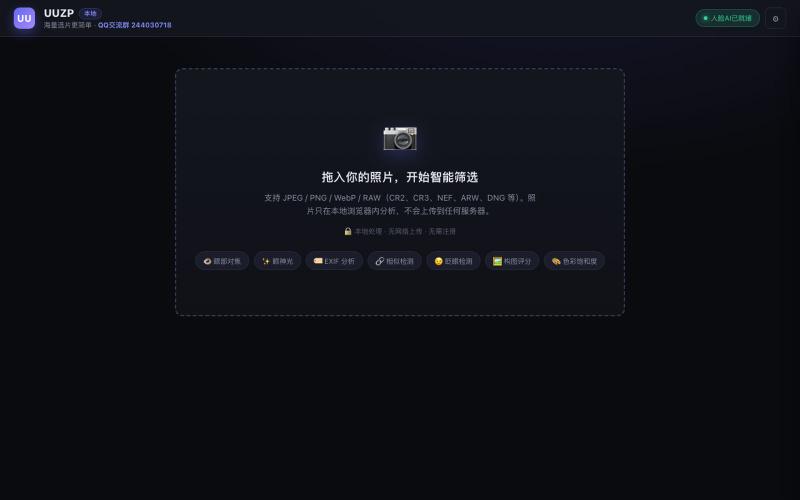
Quickly curate hundreds of photos in your browser using local, privacy-focused processing.
alexmaster · V2EX
玩摄影,选片神马的最烦,于是搞了个选片工具 uuzp.cn 每次拍完照片都是几百张,选片最烦人了。 当然隐私更重要,本地处理,无上传。 纯浏览器端处理。 https://uuzp.cn 欢迎大家使用

Edit, compress, convert, and merge video and audio files in your browser.
zhw2590582 · V2EX
最近对网站进行了重构,做成了免费的视频工具站:[ArtPlayer Tools]( https://artplayer.org/tools/) 主要是围绕着 ffmpeg.wasm 和 mediabunny 实现的一些可以直接在浏览器里用的视频/音频工具,常用的有: - 视频压缩:[Compress Video]( https://artplayer.org/compress-video/) - 视频裁剪:[Crop Video]( https://artplayer.org/crop-video/) - 视频合并:[Merge Video]( https://artplayer.org/merge-video/) - 视频尺寸调整:[Resize Video]( https://artplayer.org/resize-video/) - 视频旋转:[Rotate Video]( https://artplayer.org/rotate-video/) - 视频调速:[Change Video Speed]( https://artplayer.org/change-video-speed/) - 添加文字到视频:[Add Text to Video]( https://artplayer.org/add-text-to-video/) - 添加水印:[Watermark Video]( https://artplayer.org/watermark-video/) - 提取字幕:[Subtitle Editor]( https://artplayer.org/subtitle-editor/) - HLS 转 MP4:[HLS to MP4]( https://artplayer.org/hls-to-mp4/) - 音频可视化:[Audio Visualizer]( https://artplayer.org/audio-visualizer/) 大部分工具都是本地处理,文件不会上传到服务器。最开始是因为自己偶尔要处理一些视频,开剪辑软件又有点重,在线工具又担心隐私,所以就慢慢做成了一个站。 目前还在持续完善,体验肯定还有不少粗糙的地方,比如不同浏览器的兼容、移动端操作、长视频性能之类的。 网站: [ArtPlayer Tools]( https:
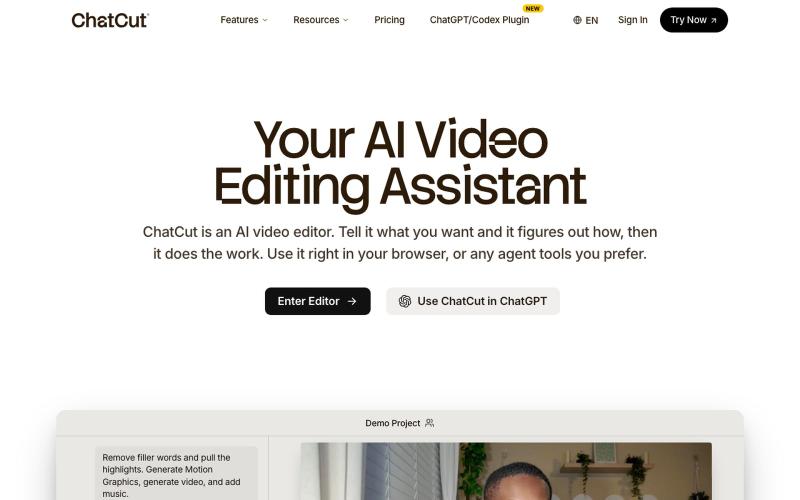
Edit videos using text prompts in ChatGPT, web, or desktop app.
zaczuo · Product Hunt
ChatCut Your AI video editor in ChatGPT, desktop, and web