
Utilities1 week ago
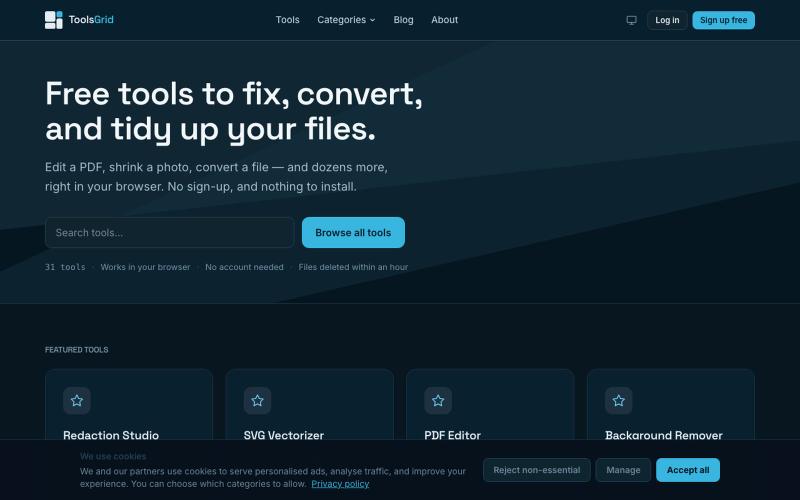
Free Online PDF, Image and File Tools | ToolsGrid
Free tools to edit and convert PDFs, images, videos, JSON, SVG, and email files online.

@bigchusstheory · X
The full gallery
Tech stack
5 projects
Free tools to edit and convert PDFs, images, videos, JSON, SVG, and email files online.
@bigchusstheory · X
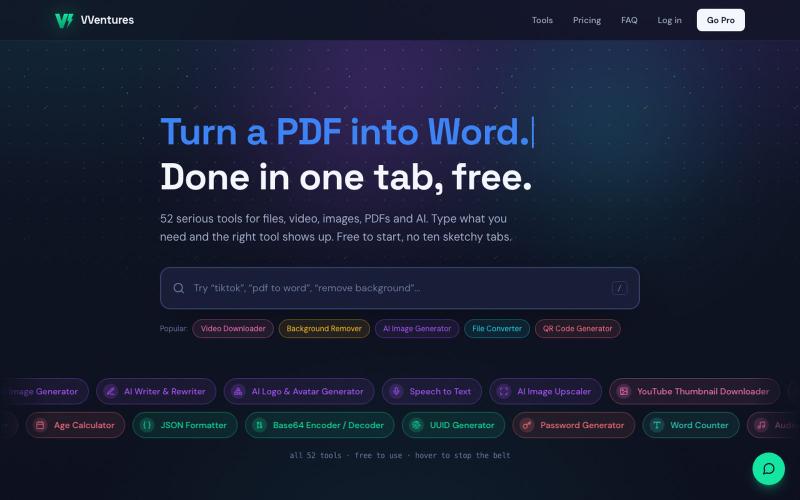
Free online toolkit with 50+ tools for file conversion, AI generation, PDF editing, and video.

@smarterV01 · X
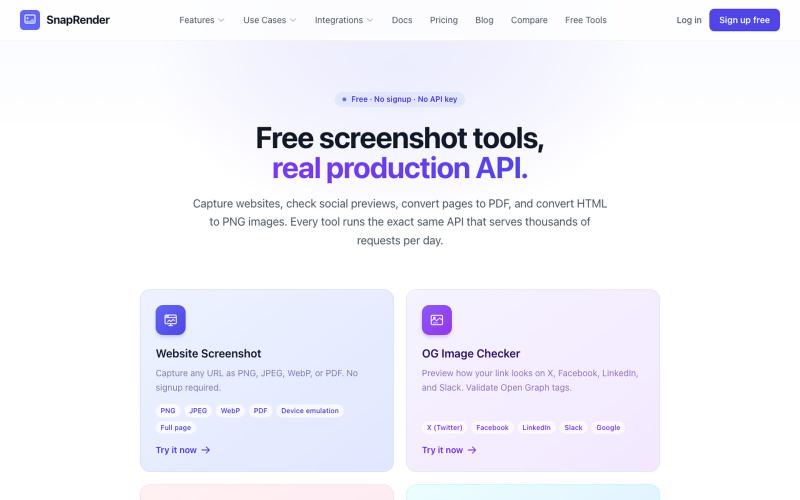
Screenshot websites, convert to PDF or PNG, and check Open Graph images—no login required.
u/SpecificNo8047 · Reddit
I built a screenshot API because my personal Puppeteer setup kept breaking. Six months later it has an MCP server and hundereds of users Solo founder here, this is my product, full disclosure. It started as super simple helper self hosted tool for myself: I needed website screenshots for a project, self-hosted Puppeteer, and spent more time babysitting Chromium than building. So I turned the babysitting into a product, because why not. What it does: one GET request in, rendered screenshot
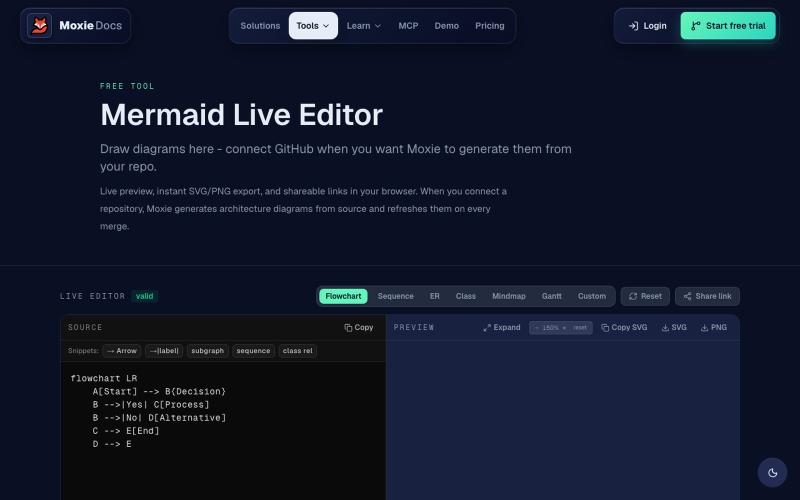
Create and export Mermaid diagrams including flowcharts, ERDs, and sequence diagrams online.
ghosts_ · HN
I've been slowly adding some new free tools to Moxie Docs (partly for SEO, partly to illustrate some of our feature sets before any commitment) for some reason this mermaid editor one blew up on Google rankings so I figured I'd share in case people find it useful! We also have ADR, AGENTS.md, LLMs, and a few other free tools.
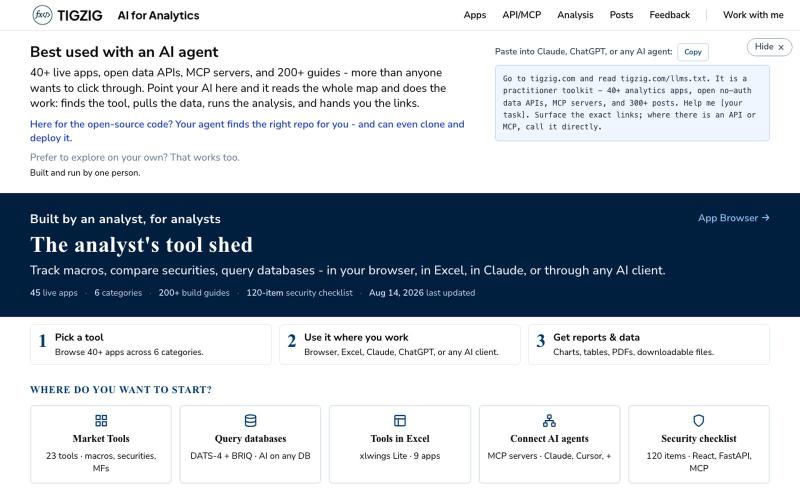
40+ analytics apps and APIs for data workflows—no signup needed, accessible in browser, Excel, Claude, and AI agents.

@amarHarolikar · X
I have rebuilt the Markdown to PDF converter on You paste your text or Markdown, you get a properly typeset PDF back, and your AI agent can do the same over MCP or a plain API call. No sign up, no key, free. Had built this a long time back as a fairly basic thing and then left it alone, and over the last few weeks I could see a rise in traffic. Took a fresh look and found that lot of it was not rendering. Headings below a certain level were being dropped, nested lists were coming out flat, and code blocks were losing their formatting. What is there now: - Page breaks where you want them, using :::pagebreak::: on a line by itself - Tables, nested lists, task lists and code blocks all render properly - Greek letters, maths symbols, arrows and the rupee sign come out right - Emoji and symbols do not break the render - Plain dot txt files keep their line breaks Live tool at API & MCP docs (humans): API & MCP docs (AI)