

Developer Tools2 months ago
My Design Audit - Professional AI UI/UX Audits
Get AI-powered audits of your website UI/UX to improve usability, accessibility, and conversions.

@mydesignaudit · X
The full gallery
Tech stack
16 projects
Get AI-powered audits of your website UI/UX to improve usability, accessibility, and conversions.
@mydesignaudit · X
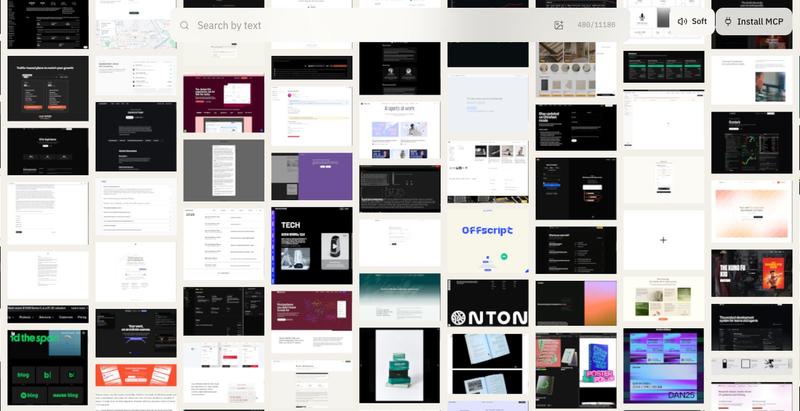
Explore website captures by design attributes including typography, color, and visual similarity, with audio-haptic feedback.
u/sim04ful · Reddit
Built an interactive website section gallery. How do you find the SFX? (Turn up the volume) I've always felt using sounds and vibrations in software interaction was pretty under-done, so i've tried to make a "language" an audio-haptic-visual one, such that you should be able to tell what's happening even if blind-folded. The explorer has over 11k+ sections, 3k+ fonts from 1.8k+ websites for your AI to design better. explorer.withfudge.com submitted by /u/sim04f
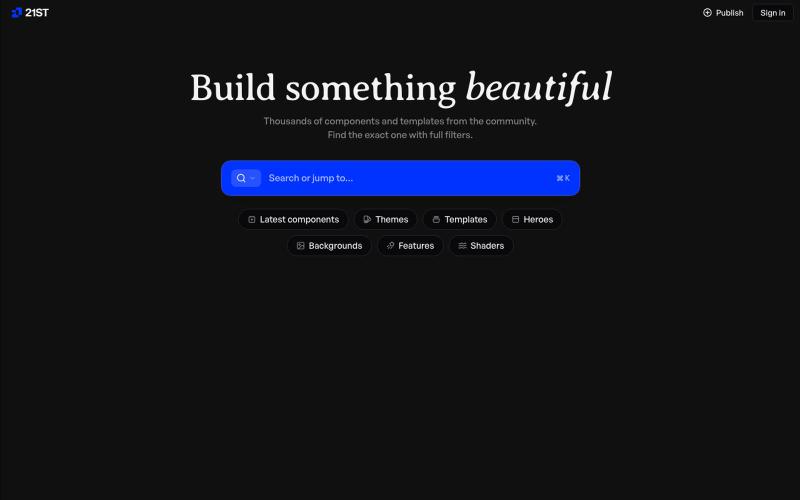
Hand-crafted React components and templates for building polished user interfaces.

@polyqoy · X
This video shows a fully animated 3D site built in 2 minutes with claude code. one terminal command. but the prompt was almost irrelevant. the real work was the pre-load: ui/ux pro max skill, a hero component from framer motion stacked in before claude touched anything the toolkit did the job. the prompt just pulled the trigger. that's also why most people's claude output looks generic. they skip the setup and blame the model.

Generate UI screens for mobile and web apps from text descriptions in seconds.

@ninakolari · X
Google just dropped Stitch and it changes the entire vibe coding workflow. You describe what you want your app to look like. It builds full high-fidelity screens in seconds. No Figma. No designer. No credit card. Here is how to use it: Go to Sign in with your Google account. That’s it. You’re in. Instead of typing “make me an app” type this: “A lesson planning app for teachers. Clean and calm. Inspired by Notion. Minimal. White space.” The more specific you are the better your screens. Then refine with follow up prompts. Change the nav. Try dark mode. Get 3 menu variations. Or just speak it. Your screens become a clickable prototype in seconds. Click a button and Stitch generates the next screen automatically. Your entire app flow. Before you write one line of code. Then take it further. Export to Lovable or Cursor and build the logic on top. Use the MCP server to keep your design and code in sync. Pull any website’s design system in seconds. Save everything as

Browser tools for image resizing, JSON formatting, PDF processing, text analysis, and design without login.
musekit · Product Hunt
Free AI Tools Free browser tools for everyday tasks, no login
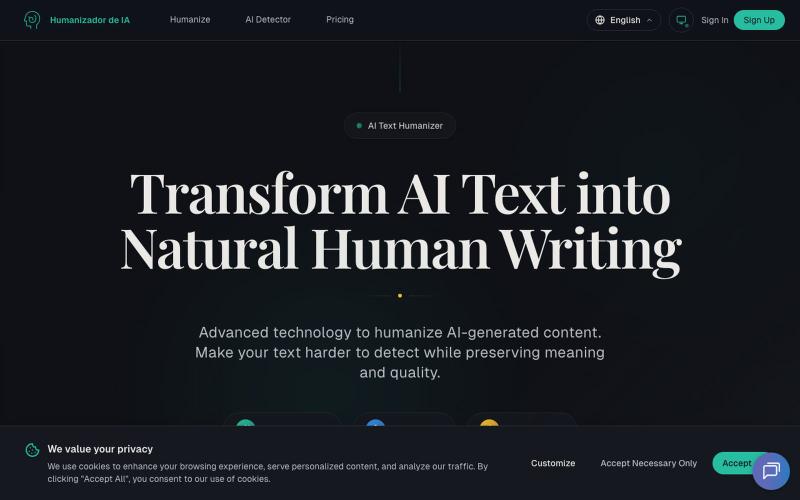
Transform AI-generated text into natural-sounding human writing.
Humanizadordeia.app — 将AI文本转化为自然人类写作。1)人性化处理,让 AI 文本更自然、更贴近人工写作与品牌口吻;2)检测服务,帮助识别潜在 AI 生成内容,提升合规与质量。支持多语种、极速处理、保留语义与风格。免注册体验 300 字,适合博主、营销团队、跨境站点、教育与企业内容运营。以先进模型(GPT、Claude、Gemini 等)驱动。
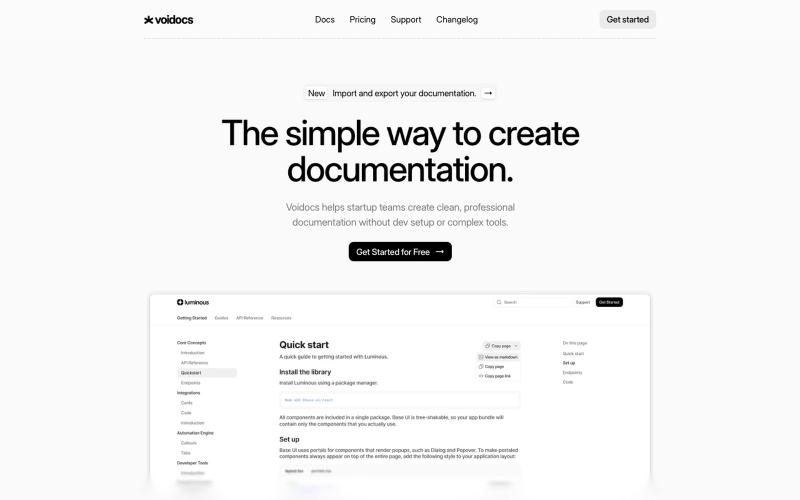
Generate professional documentation for startups without coding or complex setup.

@hannah24_app · X
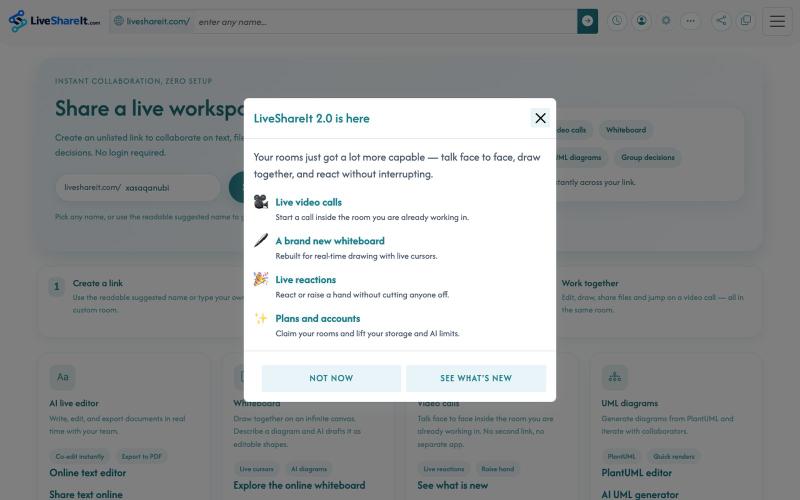
Real-time collaboration workspace with AI-powered code editor, file sharing, UML diagrams, and group decision tools.
u/Hopeful-Can-1540 · Reddit
Trying to figure out distribution for a real-time collaboration tool LiveShareIt has been around for a bit, and the product has changed quite a lot recently. The basic idea is pretty simple: open a room, share the link, and start working together. No signup needed. People can share code/text, send files, use a collaborative whiteboard, and jump on a video call in the same room. One feature I’ve been playing with lately is the AI whiteboard. Instead of starting from a blank canvas, you

A curated library of reusable UI components built with Framer.

@buildlylibrary · X

Edit, compress, convert, and merge video and audio files in your browser.
zhw2590582 · V2EX
最近对网站进行了重构,做成了免费的视频工具站:[ArtPlayer Tools]( https://artplayer.org/tools/) 主要是围绕着 ffmpeg.wasm 和 mediabunny 实现的一些可以直接在浏览器里用的视频/音频工具,常用的有: - 视频压缩:[Compress Video]( https://artplayer.org/compress-video/) - 视频裁剪:[Crop Video]( https://artplayer.org/crop-video/) - 视频合并:[Merge Video]( https://artplayer.org/merge-video/) - 视频尺寸调整:[Resize Video]( https://artplayer.org/resize-video/) - 视频旋转:[Rotate Video]( https://artplayer.org/rotate-video/) - 视频调速:[Change Video Speed]( https://artplayer.org/change-video-speed/) - 添加文字到视频:[Add Text to Video]( https://artplayer.org/add-text-to-video/) - 添加水印:[Watermark Video]( https://artplayer.org/watermark-video/) - 提取字幕:[Subtitle Editor]( https://artplayer.org/subtitle-editor/) - HLS 转 MP4:[HLS to MP4]( https://artplayer.org/hls-to-mp4/) - 音频可视化:[Audio Visualizer]( https://artplayer.org/audio-visualizer/) 大部分工具都是本地处理,文件不会上传到服务器。最开始是因为自己偶尔要处理一些视频,开剪辑软件又有点重,在线工具又担心隐私,所以就慢慢做成了一个站。 目前还在持续完善,体验肯定还有不少粗糙的地方,比如不同浏览器的兼容、移动端操作、长视频性能之类的。 网站: [ArtPlayer Tools]( https:
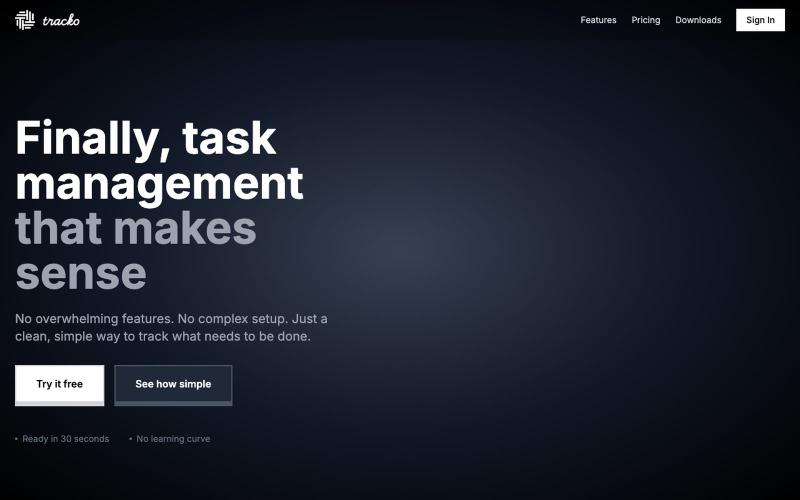
A minimalist task management tool designed for team simplicity and focus.

@trackowork · X
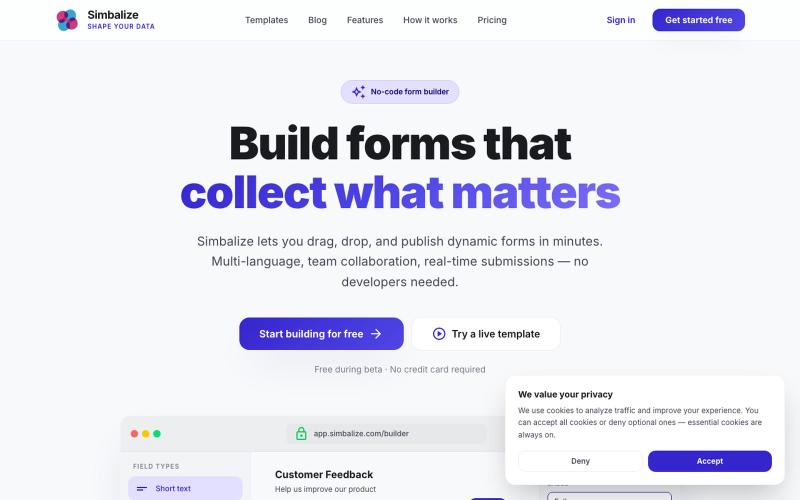
Build beautiful, dynamic forms without writing a single line of code. Drag, drop, and publish multi-language forms with team collaboration and real-time submissions.

@Simbalize · X
I’m been working on this project 🚀🧑🚀