
Other1 month ago
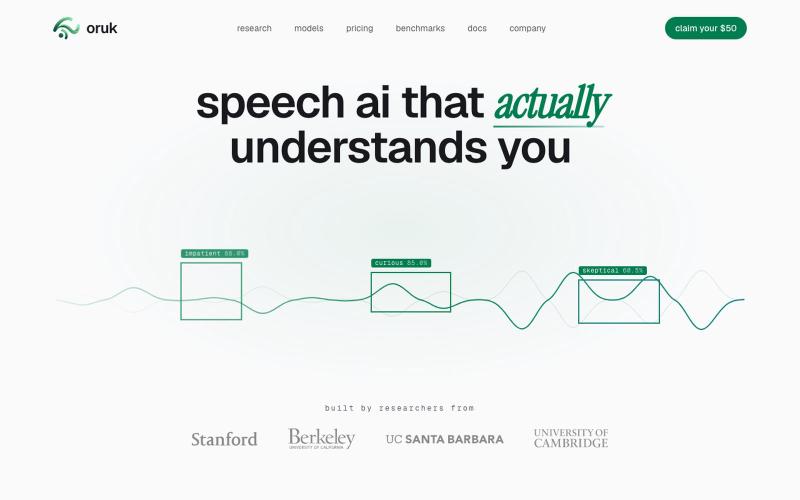
oruk — Speech API for transcripts, emotion, and style
Audio API for transcription, emotion detection, and speaking style analysis.
Open source
dillon_silzer · Product Hunt
Oruk Speech AI that actually understands you
The full gallery
Tech stack
60 projects
Audio API for transcription, emotion detection, and speaking style analysis.
dillon_silzer · Product Hunt
Oruk Speech AI that actually understands you
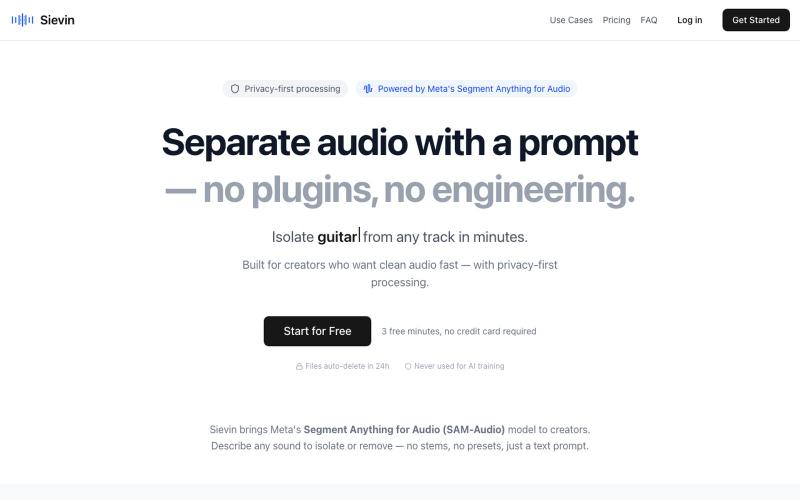
Segment Anything for Audio — made simple. Separate audio with a text prompt. Isolate vocals, remove background music, extract speech from noise. Privacy-first stem splitter powered

@sambamdamnn · X
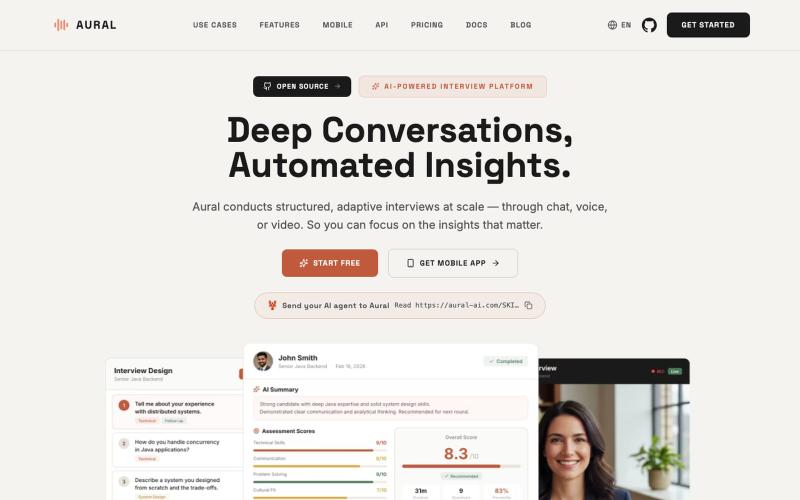
Conduct AI-powered voice, chat, and video interviews with automated transcripts and insights.
Aural — 开源 AI 面试平台,支持语音、聊天和视频面试,提供自适应追问、结构化评分、面试练习与自托管 - [查看仓库](https://github.com/1146345502/aural-oss)
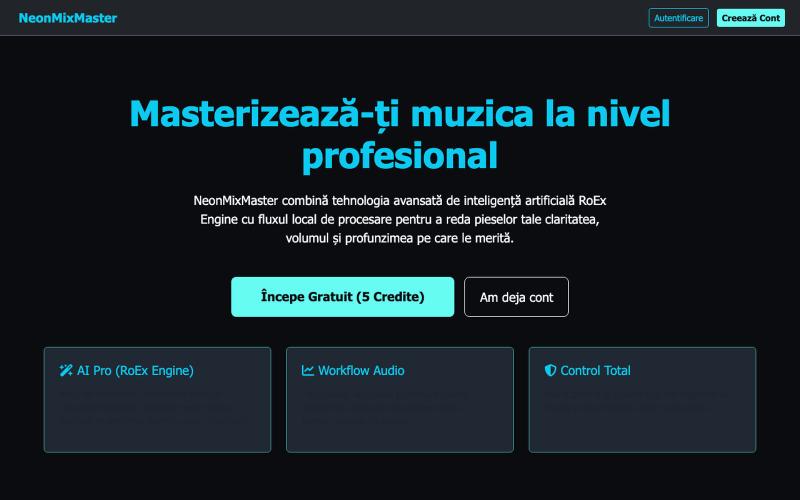
Master audio with live waveform comparison and browser-based processing tools.

@DanClipa · X
Just launched NeonMastering — an online audio mastering MVP! 🎛️✨ Compare waveforms (Original vs. Master) & process audio live. Built with Python (Flask), Tailwind & Cloudinary. 🔗 (Free server: takes 10s to wake up!) #BuildInPublic #Flask
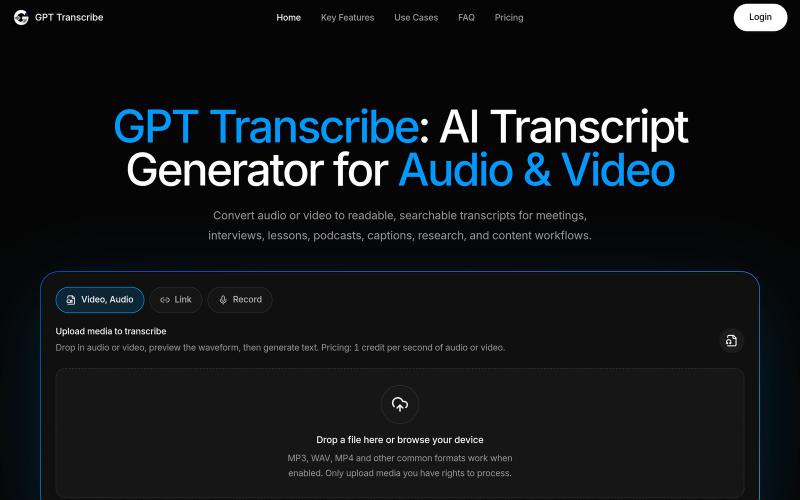
Convert audio and video to searchable transcripts with AI.
giang_taira · Product Hunt
GPT Transcribe Turn recorded speech into reviewable text
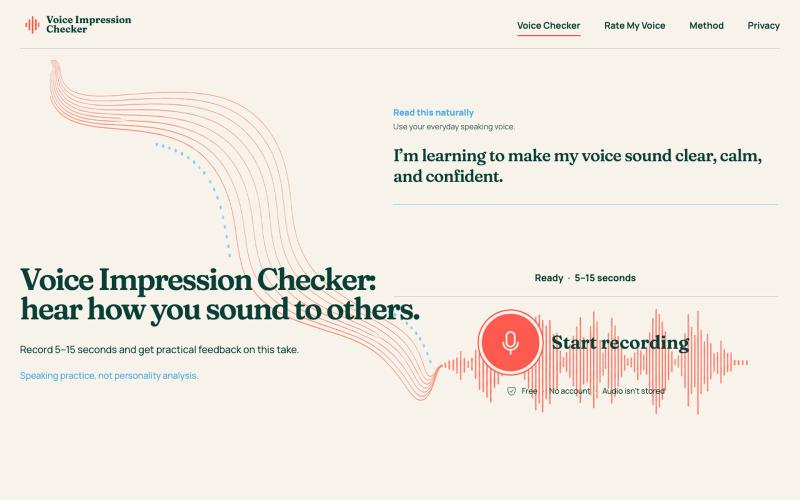
Record your voice to get AI feedback on clarity, pace, stability, and listener impression.
MRNiu · V2EX
做了一个免费的声音表达分析工具,录 5–15 秒就能看到反馈 最近做了一个小工具:Voice Impression Checker 。 它想解决的问题很简单:我们经常知道自己“说了什么”,却不太清楚这段话听起来是什么感觉。 打开网站后,只需要录制 5–15 秒自然说话的声音,工具会从这一次录音中分析: - 清晰度、语速、稳定性、能量和声音变化 - 听感上的温暖、自信、亲和力和参与感 - 这次表达做得比较好的地方 - 下一次录音可以尝试改进的一件事 网站还提供了 Rate My Voice 模式,可以针对面试回答、演讲开场、自我介绍和日常交流等场景进行练习。 需要特别说明的是,它不是声音好坏评判,也不会通过声音判断性格或身份。所有结果只描述当前这一次录音的表达效果,更适合用来反复练习和比较不同说法。 目前网站免费使用,不需要注册账号,录音仅用于生成当前报告,不会保存。 网站地址: https://voiceimpressionchecker.com/ 这是一个刚完成的早期版本。如果你愿意体验,欢迎告诉我结果是否容易理解,以及你最希望

Edit, compress, convert, and merge video and audio files in your browser.
zhw2590582 · V2EX
最近对网站进行了重构,做成了免费的视频工具站:[ArtPlayer Tools]( https://artplayer.org/tools/) 主要是围绕着 ffmpeg.wasm 和 mediabunny 实现的一些可以直接在浏览器里用的视频/音频工具,常用的有: - 视频压缩:[Compress Video]( https://artplayer.org/compress-video/) - 视频裁剪:[Crop Video]( https://artplayer.org/crop-video/) - 视频合并:[Merge Video]( https://artplayer.org/merge-video/) - 视频尺寸调整:[Resize Video]( https://artplayer.org/resize-video/) - 视频旋转:[Rotate Video]( https://artplayer.org/rotate-video/) - 视频调速:[Change Video Speed]( https://artplayer.org/change-video-speed/) - 添加文字到视频:[Add Text to Video]( https://artplayer.org/add-text-to-video/) - 添加水印:[Watermark Video]( https://artplayer.org/watermark-video/) - 提取字幕:[Subtitle Editor]( https://artplayer.org/subtitle-editor/) - HLS 转 MP4:[HLS to MP4]( https://artplayer.org/hls-to-mp4/) - 音频可视化:[Audio Visualizer]( https://artplayer.org/audio-visualizer/) 大部分工具都是本地处理,文件不会上传到服务器。最开始是因为自己偶尔要处理一些视频,开剪辑软件又有点重,在线工具又担心隐私,所以就慢慢做成了一个站。 目前还在持续完善,体验肯定还有不少粗糙的地方,比如不同浏览器的兼容、移动端操作、长视频性能之类的。 网站: [ArtPlayer Tools]( https:
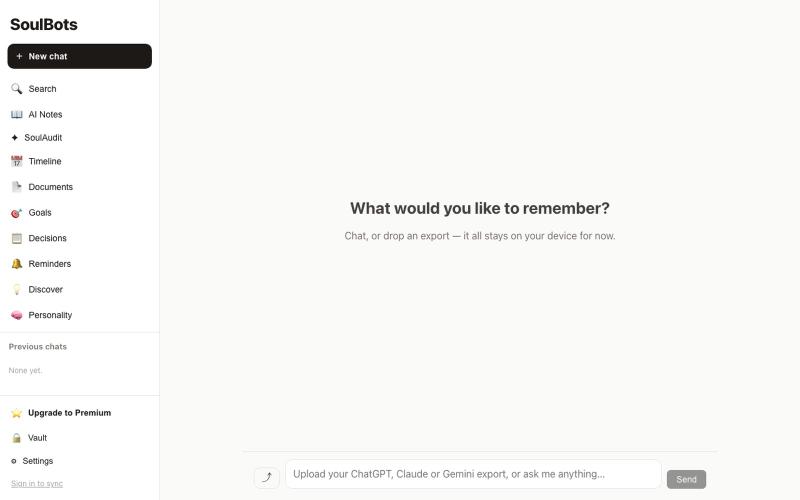
Upload AI conversations, get an evidence-backed report.

@StilThinkng · X
Tired of repeating the same context across ChatGPT, Claude, and Grok? SoulBots builds a privacy-first memory that grows with you across AI. Looking for early testers.
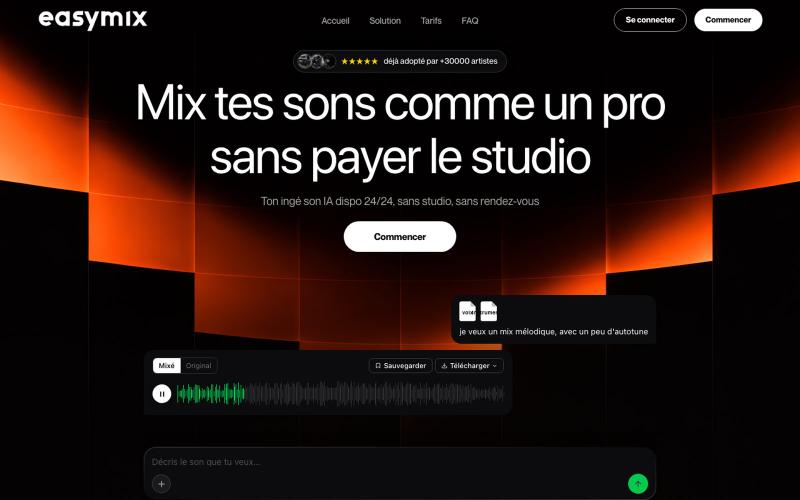
AI-powered audio mixing and mastering tool where you upload tracks and get professional mixes in minutes.

@44alexstr · X
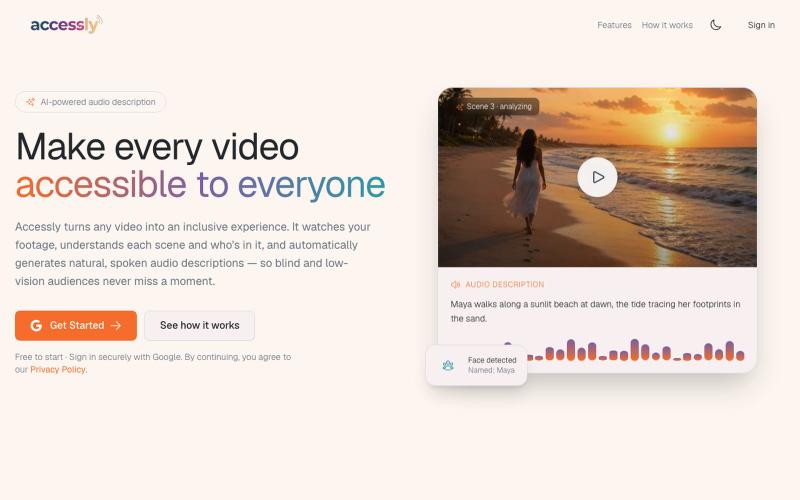
Automatically generate audio descriptions for videos to improve accessibility.
u/Thecuriousbloke · Reddit
I built an AI tool that automatically generates audio descriptions for videos. I'd love some honest feedback I've spent the last few months building an AI tool that automatically generates audio descriptions for videos to make them accessible for visually impaired users. I'd love feedback on whether the descriptions are actually useful or if there are obvious issues. Looking for honest feedback. Check it out here - https://accessly.studio submitted by /u/Thecuriousbloke t
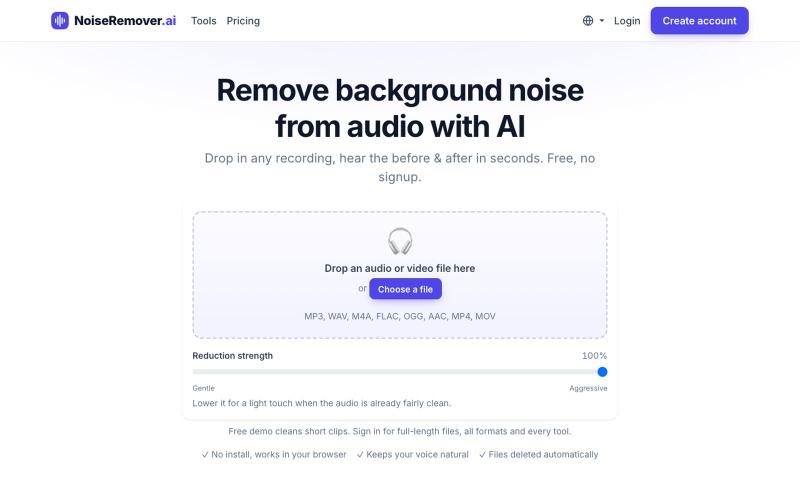
Remove background noise, hum, echo, and hiss from audio and video files.
nadermx · HN
NoiseRemover.ai – Remove background noise from audio
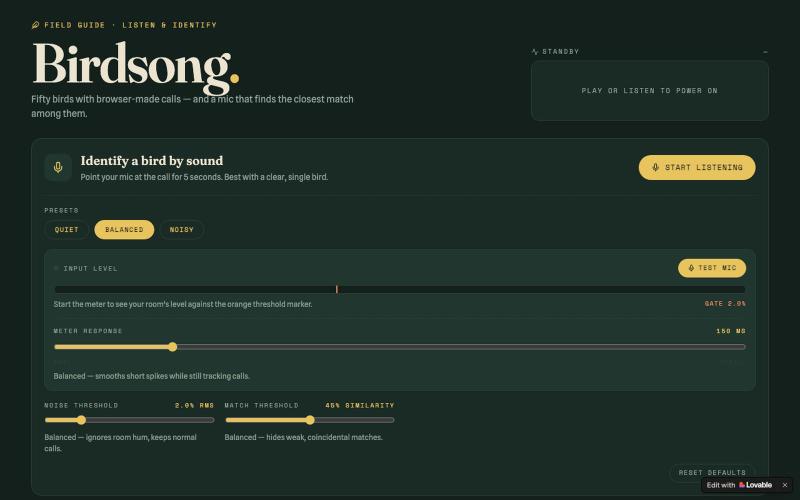
Listen to bird recordings and identify them by matching sounds with your microphone.

@BostonCrowd · X
Check out what I just built with Lovable!