
Productivity1 month ago · 1 tries
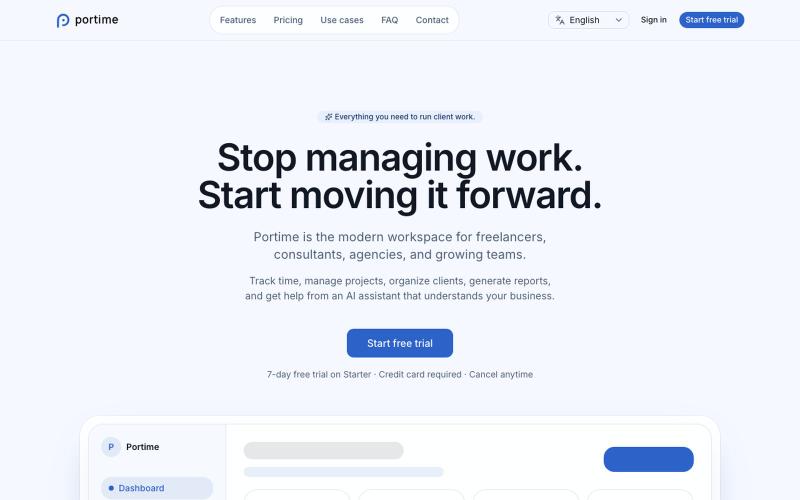
Portime
AI-powered workspace for tracking time, managing projects, and organizing clients.

@baptistedulac · X
time tracking for freelancers and agencies
The full gallery
Tech stack
9 projects
AI-powered workspace for tracking time, managing projects, and organizing clients.
@baptistedulac · X
time tracking for freelancers and agencies
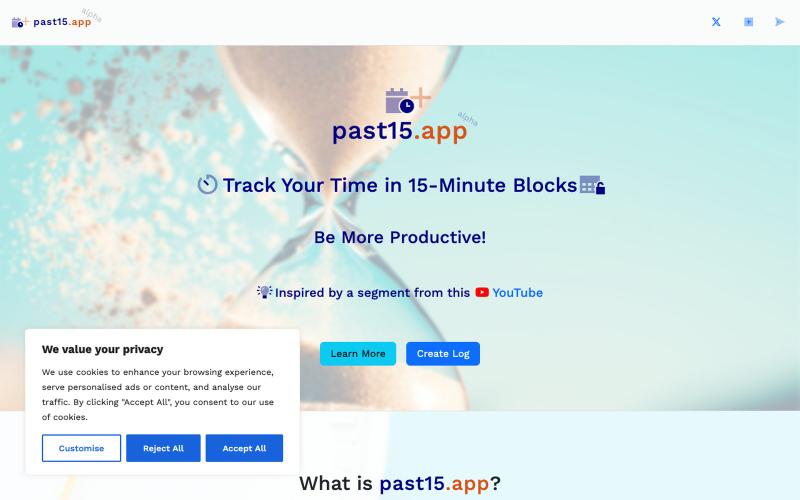
Track your productivity in 15-minute increments without signing up.

@mattzur · X
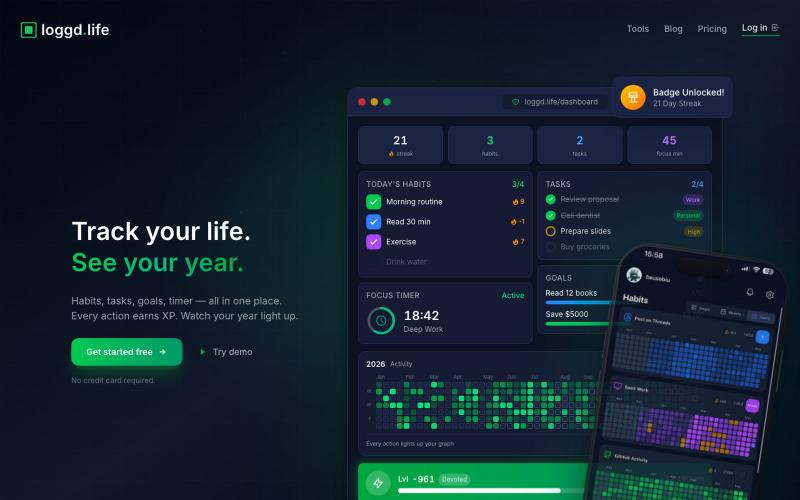
Track habits, tasks, goals, and focus time with a gamified dashboard and streak rewards.
u/Fuzzy_Act5528 · Reddit
About to launch alarm reminders in my productivity app. Thoughts? About to add alarm-based reminders. Not push notifications... real alarms that ring even when your screen is locked. You can set one for anything. A task, a habit, any date on your calendar. "Dentist 20 Nov. at 5 pm" → alarm set. "Take meds at 9 am every day" → alarm set. I built this because push notifications just aren't enough. Most people ignore them. So what if you could set an actual alarm for the thi
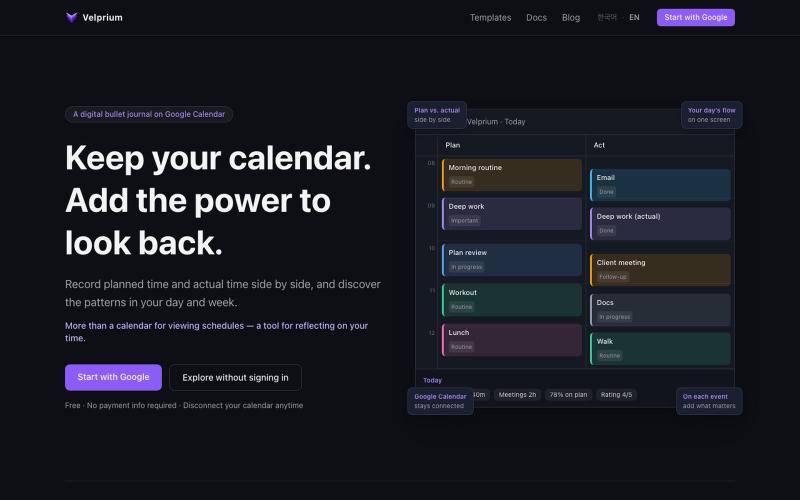
Add status, tags, and ratings to calendar events and track time usage with weekly/monthly reports.
mjkl7896 · HN
Velprium - Time Workspace
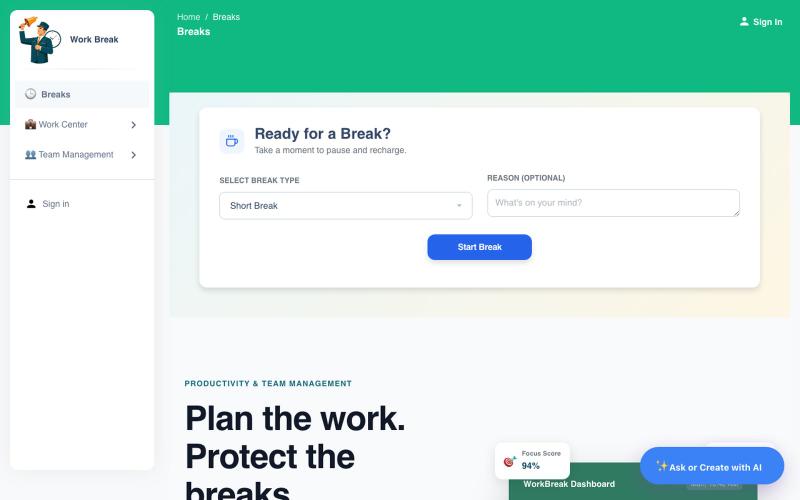
AI assistant that logs work breaks, manages tasks, and tracks productivity with calendar integration.

@WorksBreaks · X
Building Work Break; an AI-powered break and productivity assistant for teams. It helps you manage breaks, tasks, leave, meetings, and stays fully synced with Google Calendar all in one place. Would love your feedback! 👉
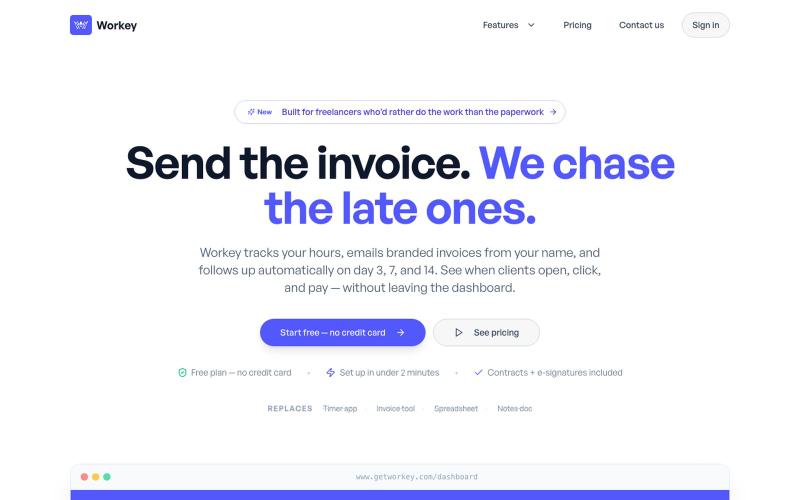
Track time, manage projects, and create invoices all in one app for freelancers.
u/AstronomerGreedy · Reddit
I got tired of juggling 4 different tools to run my freelance business, so I built one that does it all. I'm a freelancer, and for a couple of years my business ran on duct tape: one app for time tracking, another for invoicing, a separate e-sign tool for contracts, and a spreadsheet to check if I was actually making money that month. So over the past few months I built Workey (React + TypeScript + Supabase) — one dashboard for the whole "get paid" loop: - Time trackin
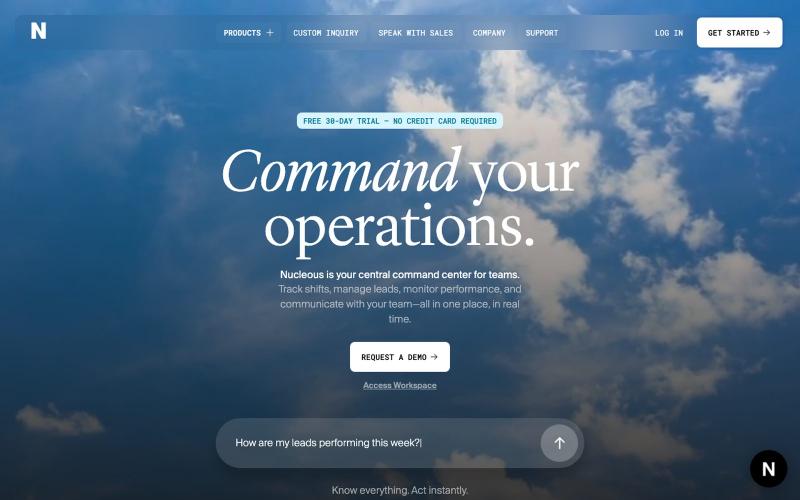
Unified platform to manage employees, track shifts, handle leads, and monitor team performance.

@Nucleous_in · X
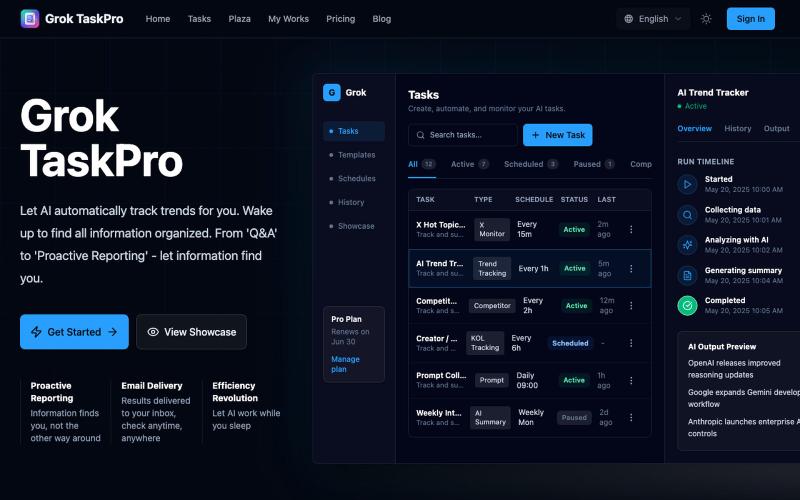
Automate scheduled tasks for social media monitoring, content generation, and data analysis with AI.
GrokTask — 基于 Grok AI 的智能任务自动化平台,支持定时任务、AI 自动执行、信息收集与分析
AI-powered retrospectives for IT teams that connect to your tools and identify improvement patterns.

@akadhanu · X
an ai sprint retrospectives for it teams (