
Creative Tools1 day ago
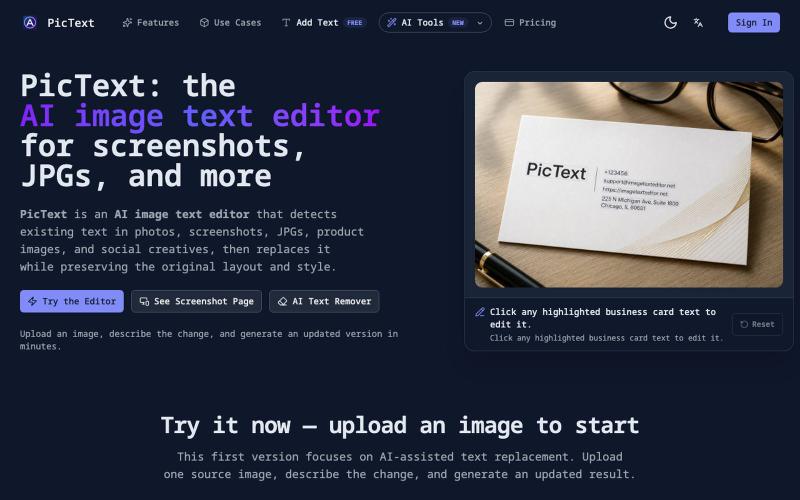
PicText — AI Image & Photo Text Editor
Detect and replace text in images while preserving layout and style.
PicText - 图片文字编辑器 — AI 驱动的图片文本编辑器,检测并替换照片、截图和产品图中的文本,同时保留原始布局和字体
The full gallery
Tech stack
24 projects
Detect and replace text in images while preserving layout and style.
PicText - 图片文字编辑器 — AI 驱动的图片文本编辑器,检测并替换照片、截图和产品图中的文本,同时保留原始布局和字体
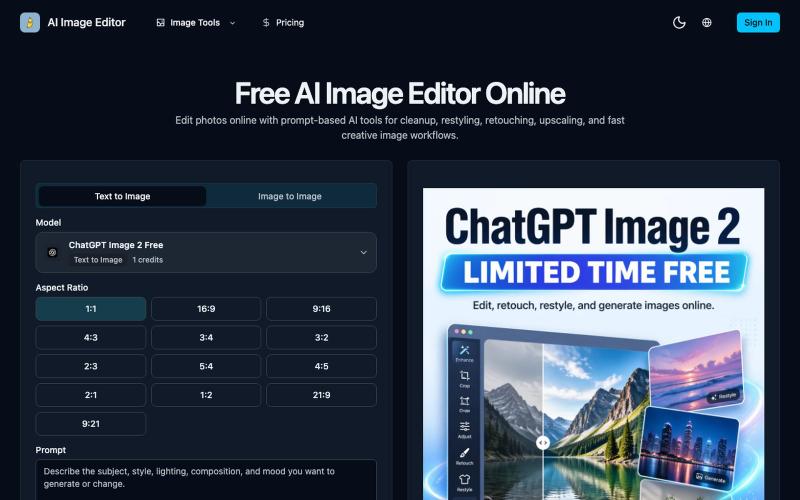
Edit photos online with prompt-driven AI tools for retouching, cleanup, upscaling, and creative image generation.
AI Image Editor — 在线 AI 修图与图片生成工具,支持抠图、消除、放大、风格化和基于提示词的图片编辑,并提供 [ChatGPT Image 2](https://ai-image-editor.io/chatgpt-image-2) 免费体验

Generate professional images from text using multiple AI models with prompt enhancement.
ImagesArt.ai — 生成完美的AI艺术提示词。使用这个工具为Flux、Midjourney和Stable Diffusion模型生成并优化图像提示词。
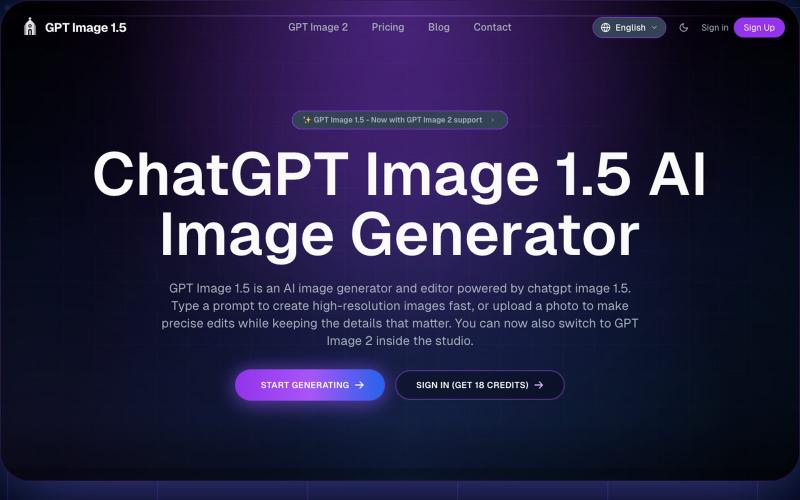
Generate and edit images from text prompts or photos using AI.
GPT Image 1.5 — AI 图片生成网站,基于 GPT Image 1.5

Upload photos and describe edits to remove objects, change backgrounds, or combine image references.
Nano Banana AI — AI 图像生成和编辑工具(免费在线),2-5 秒生成高质量图像,支持文生图和图像编辑
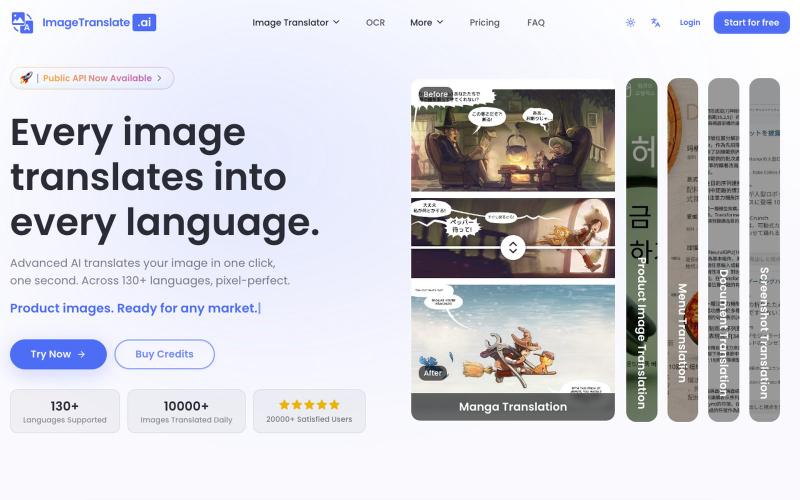
Upload an image to translate its text to 130+ languages instantly.
Image Translate AI — AI 图片翻译软件,翻译 70 多种语言的图片文本,专为专业人士,电商商家打造。保持图片原始布局,扩大全球影响力,并简化本地化流程

Generate and edit images with AI using text prompts and upscaling features.
GPT Image 2 — AI 图片生成工具,支持快速生成高质量图片,适合用于设计灵感、内容创作、社交媒体配图等场景。
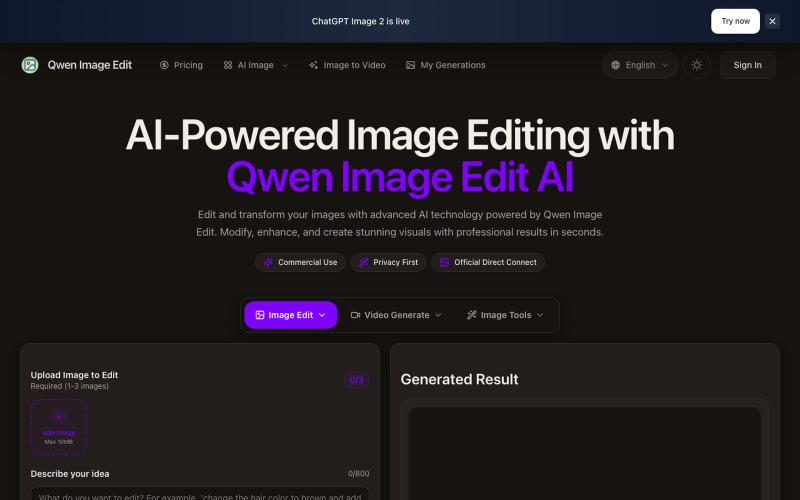
Text-driven AI image editor supporting photo restoration, watermark removal, and avatar generation.
Qwen Image Edit — AI 图像编辑工具,支持文本指令编辑、照片修复、去水印、专业头像生成和多图像处理
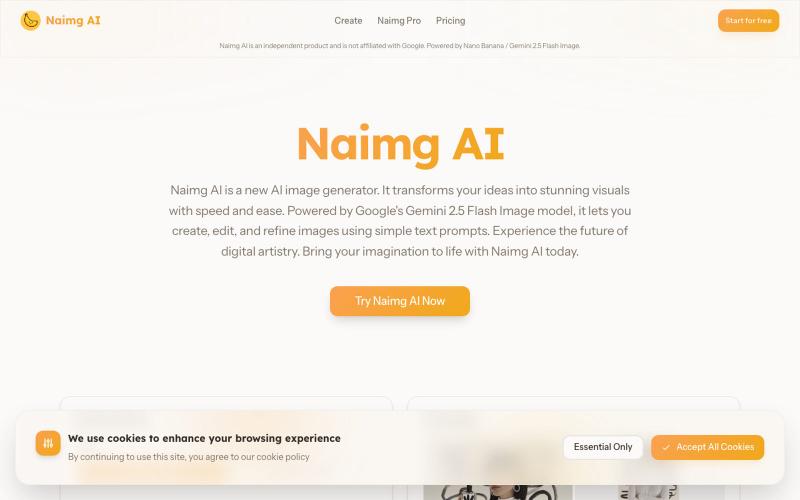
Generate and edit images with AI using Google's Gemini 2.5 Flash.
Nano Banana AI — 基于市面上最强的 AI 图像编辑模型 Nano Banana 开发的图片编辑器,用嘴改图、保持角色一致性、控制细节、图片融合
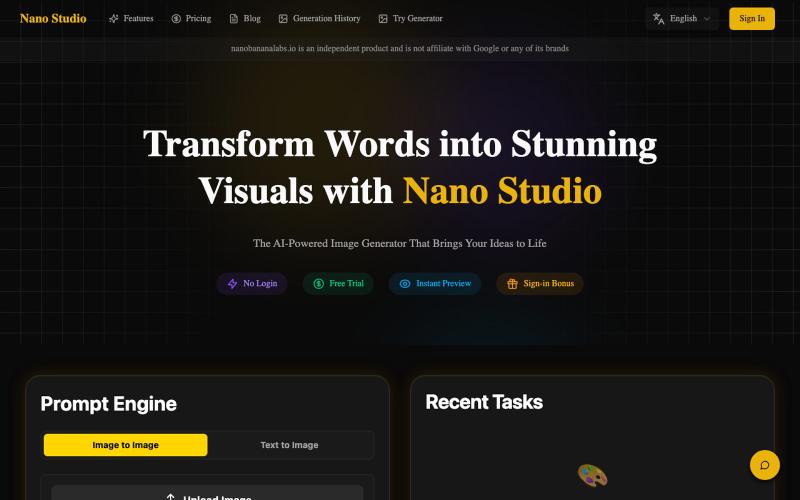
Edit photos with natural language using AI for restoration and enhancement.
Nano Banana Labs — AI 老照片修复与图像增强工具,上传旧照片或低分辨率图像,自动修复划痕、还原清晰度,支持人像增强与色彩优化,无需注册即可使用。
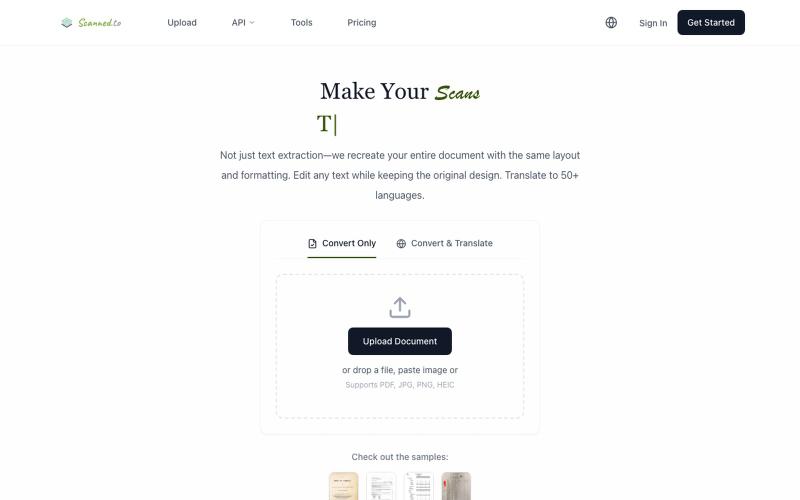
Convert scanned PDFs and images to editable documents with AI OCR and multilingual translation.
Scanned.to — AI 驱动的 OCR 文档识别与翻译平台,将扫描 PDF/图片转为可编辑 Word/Text,保留原始排版,支持 50+ 语言翻译

Turn screenshots into polished designs using a Chrome extension and web-based editor.

@buildwithshyam · X