
Education1 week ago
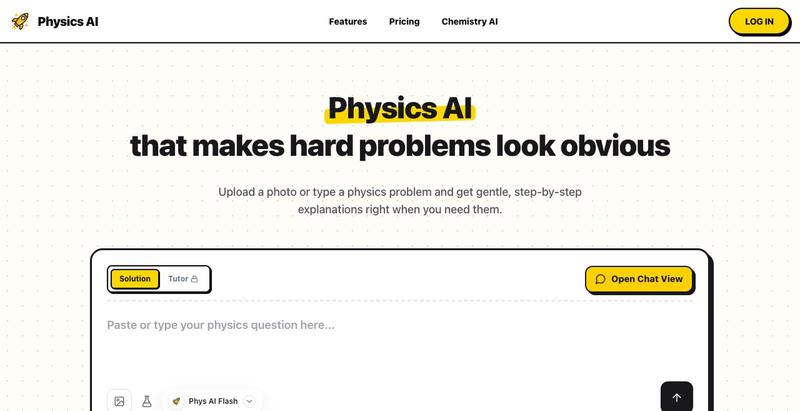
Physics AI Solver - Step-by-Step Problem Assistant
A physics problem-solving assistant that provides logical, step-by-step derivations instead of just final answers.
happy
The full gallery
Tech stack
21 projects
A physics problem-solving assistant that provides logical, step-by-step derivations instead of just final answers.
happy
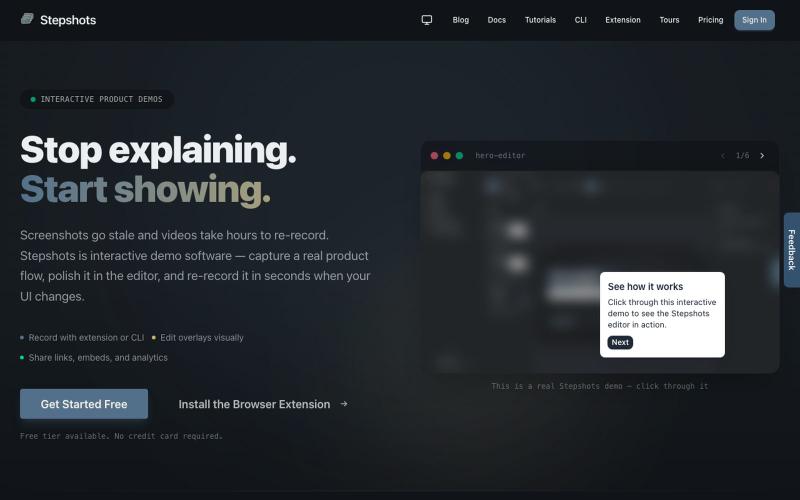
Record, edit, and share interactive product demos with a browser extension or CLI, with guided tours and engagement tracking.

@haukejung · X
Need interactive demos showing your product in action? Try

Auto-generate step-by-step guides and SOPs from screen recordings.

@Amit63390 · X

Analyze customer friction points and get optimization recommendations to improve e-commerce conversion rates.

@EnricoBoeker · X

Analyze your landing page's conversion potential with a free inspector tool or book a custom design in 24 hours.

@rapidlander_ · X
I design and deliver landing pages in 24 hours for founders who are launching now. Free inspector on the site too, paste your URL and it scores your page on what actually kills conversions.
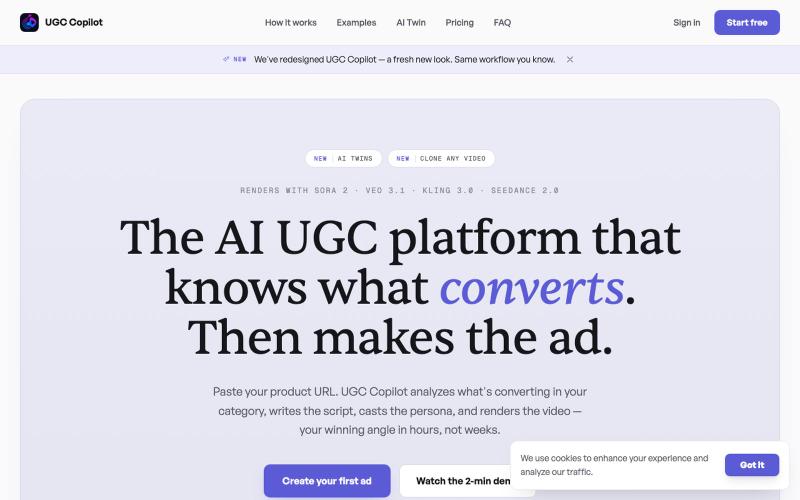
Generate AI-powered UGC video ads from product URLs with trend analysis and viral scripts.

@z_duane · X
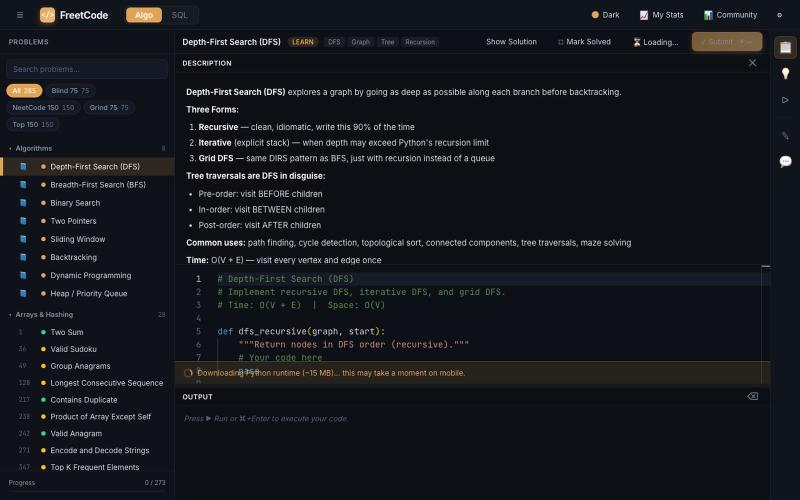
Practice algorithm interview problems with solutions and interactive visualizers.

@Galliard232634 · X
Come study with me on
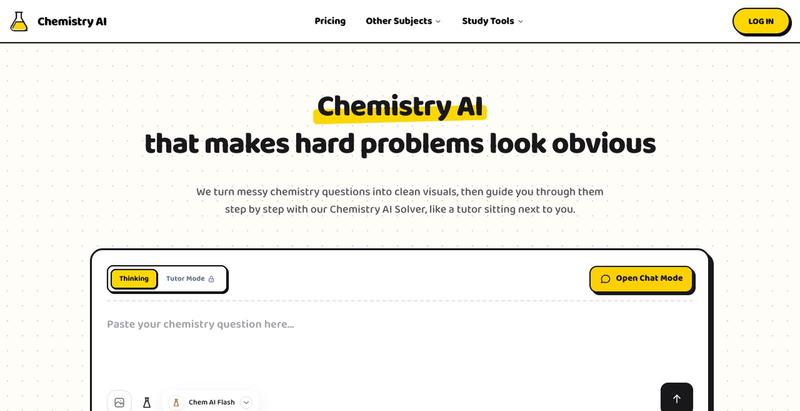
Solve chemistry problems and balance equations interactively with AI-powered step-by-step guidance, no signup required.
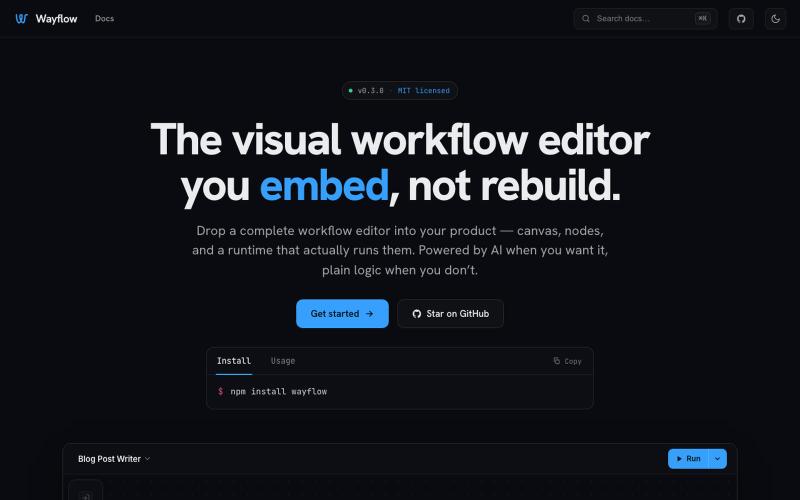
Embeddable visual workflow builder for web apps with optional AI assistance.
tahazsh · HN
Hi! I’m Taha. In many agentic products that support workflows (including one I worked on), I noticed they either don’t support node-based editors, or use React Flow and go through the difficult work of integrating it into their product to run it and work with their existing logic. So I thought about creating a tool that could help with this by closing the gap between the editor and the runtime. That’s why I created Wayflow. The basic architecture is simple: you just need to create a graph (which is a JSON object) that the runtime knows how to run. The runtime doesn’t care where that graph is coming from, it just needs the right schema. And with the help of the editor, you can create the graph, and then export it or directly save it on your backend in your database. And then when you want to execute it, you just hand it to the runtime. The runtime can either stream the execution (which is useful for the editor), or give you the final result. How you execute the graph is up to you: t
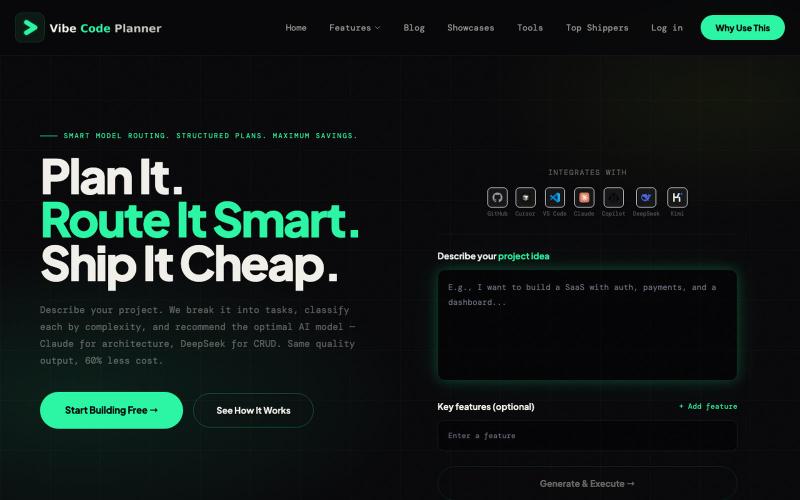
AI-powered project planning that recommends the most cost-effective model for each task.

@Hanumliahzhra · X
vibecoding free tier Just discovered Vibe Coding Plan - AI-powered project planning that breaks down ideas into actionable tasks! Check it out

Create and publish professional websites in minutes using AI or templates with inline editing.

@KhaledMMatar · X
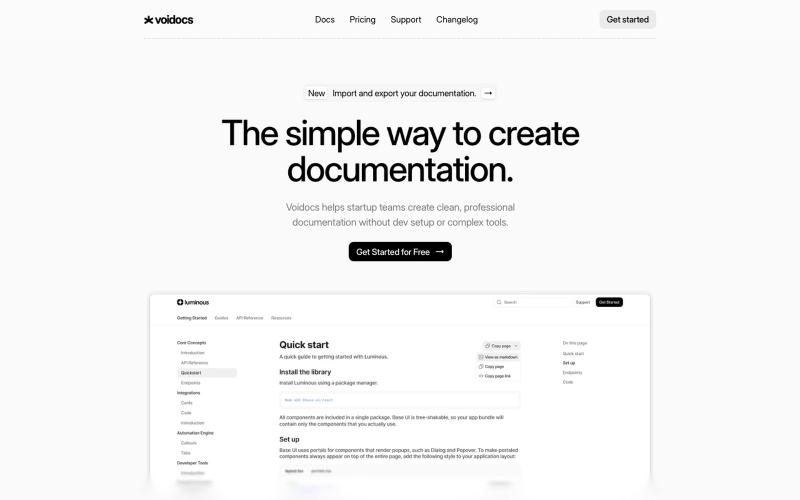
Generate professional documentation for startups without coding or complex setup.

@hannah24_app · X