

Creative Tools1 week ago
Rawnd — Open, cull and develop RAW photos in your browser
Cull and edit RAW photos in your browser with local processing.

@am56ay · X
The full gallery
Tech stack
32 projects
Cull and edit RAW photos in your browser with local processing.
@am56ay · X
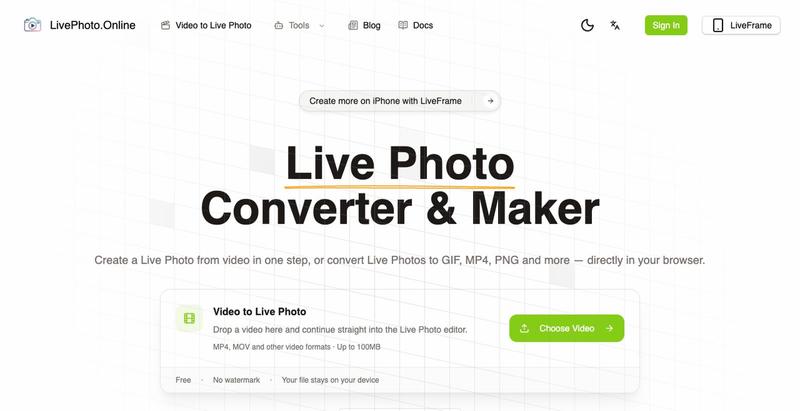
Convert videos, GIFs, and Live Photos to multiple formats in your browser.

Transform static logos into animated videos with AI in minutes.
humphrey_liu · HN
LogoTeddy – Animate logos with AI (no templates)

Collect guest photos at events via a shared link or QR code.

@aaronbatilo · X
Shout out I made it. Shout out to me. Pre-vibe coding
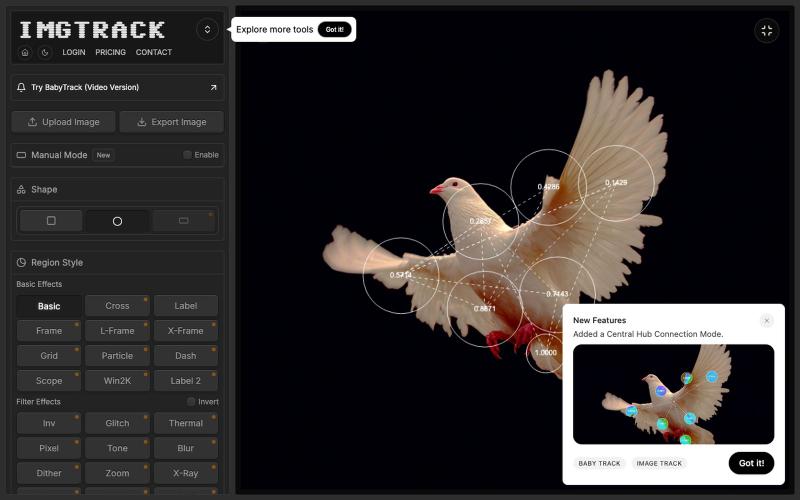
Apply blob tracking algorithm to static images for artistic visual effects and pattern generation.

@GrimfelOfficial · X
I vibe coded a load of effects but you can find these kinda things on like here

Edit, resize, crop and convert images directly in your browser without uploading files.

@its_ajseven · X

Quickly curate hundreds of photos in your browser using local, privacy-focused processing.
alexmaster · V2EX
玩摄影,选片神马的最烦,于是搞了个选片工具 uuzp.cn 每次拍完照片都是几百张,选片最烦人了。 当然隐私更重要,本地处理,无上传。 纯浏览器端处理。 https://uuzp.cn 欢迎大家使用
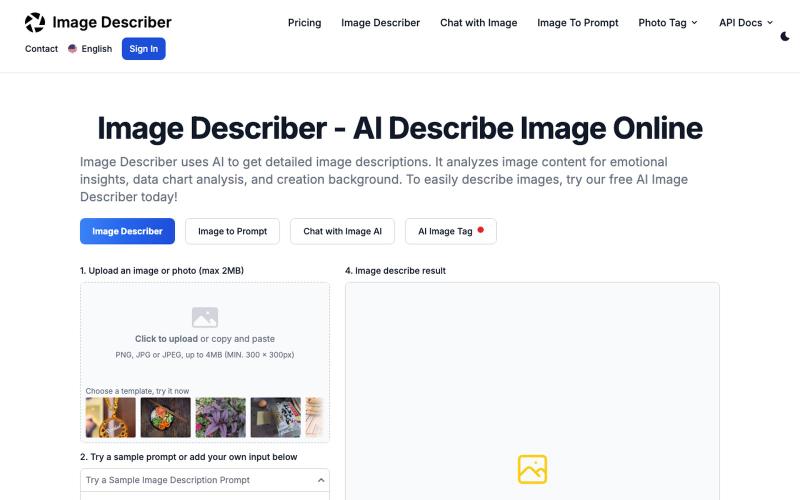
Generate AI-powered descriptions of images without login required.
AI Image Description Generator — 精准提取图片中的主要元素,解读图片创作目的;可用于科研、艺术创作中图文互搜领域

Apply motion from reference videos to turn static images into animated videos.
Kling Motion Control — AI Motion Transfer with Kling 3.0

Convert photos into videos using multiple AI models with motion controls and 4K output.
alexwang0707 · V2EX
AI 视频生成也太好使了,一个入口体验多个图生视频模型 如果平时会用图片转视频,很容易遇到一个问题:不同模型各有所长,同一张图在 Veo 、Kling 或 Seedance 里的效果可能完全不同。 为了对比结果,经常要在几个网站之间切换,重复上传素材、调整参数,整个过程比较割裂。 Image to Video AI 把 Veo 、Sora 、Kling 、Seedance 、Runway 等模型放到了同一个入口。上传 JPG 、PNG 或 WebP 图片,再写一句运动提示词,就能选择模型和画面比例生成视频。它还支持镜头平移、缩放、倾斜、首尾帧控制,以及最高 4K 、无水印 MP4 输出。 网站里有一些不同场景的生成案例,可以直接看看各类图片动起来后的效果。如果你也在测试图生视频模型,可以体验一下,也欢迎分享实际效果和踩坑经验。 https://imagestovideoai.com/

Transfer photos from your phone to your computer folder in real-time without creating an account.
1010115121 · V2EX
做了个网站,将手机的照片实时同步到电脑指定的文件夹,不需要复杂的操作! 最近自己有个需求:需要把手机刚拍的一批图(十来张)快速传到电脑 试了一圈手机和电脑的同步方案,都有点麻烦,所以自己做了个工具站:PicPicGo https://picpicgo.com 使用很简单: 1 、电脑打开网页,选择一个文件夹 2 、手机扫码进行连接 3 、手机拍照或选择照片 4 、照片自动保存到电脑刚才选择的文件夹 不需要安装电脑软件,也不需要安装手机 App ,打开网页就能用 照片通过 WebRTC 在设备之间直接传输。 目前只支持同局域网的设备,刚发布,发出来看看有没有人也有类似需求,欢迎试用和提意见。

Organize jobsite photos and videos by project with GPS, timestamps, and auto-generate PDF reports.

@12squaredAI · X
| @fieldcam_app