
Productivity1 month ago
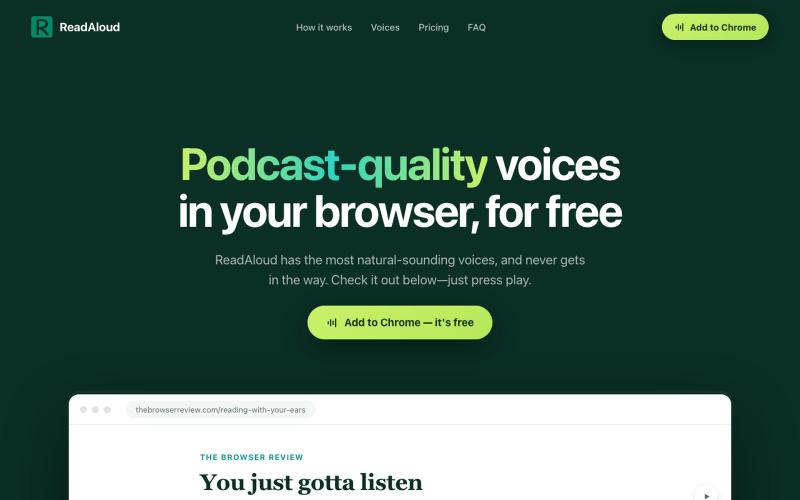
ReadAloud — Podcast-quality voices in your browser
Reads articles aloud in your browser with podcast-quality voices.
DmitryDolgopolo · HN
ReadAloud – on-device, podcast-quality text-to-speech in the browser
The full gallery
Tech stack
15 projects
Reads articles aloud in your browser with podcast-quality voices.
DmitryDolgopolo · HN
ReadAloud – on-device, podcast-quality text-to-speech in the browser
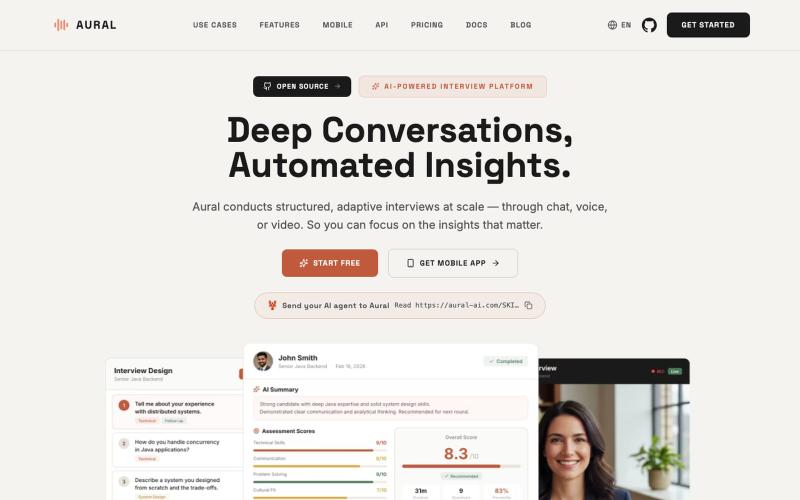
Conduct AI-powered voice, chat, and video interviews with automated transcripts and insights.
Aural — 开源 AI 面试平台,支持语音、聊天和视频面试,提供自适应追问、结构化评分、面试练习与自托管 - [查看仓库](https://github.com/1146345502/aural-oss)
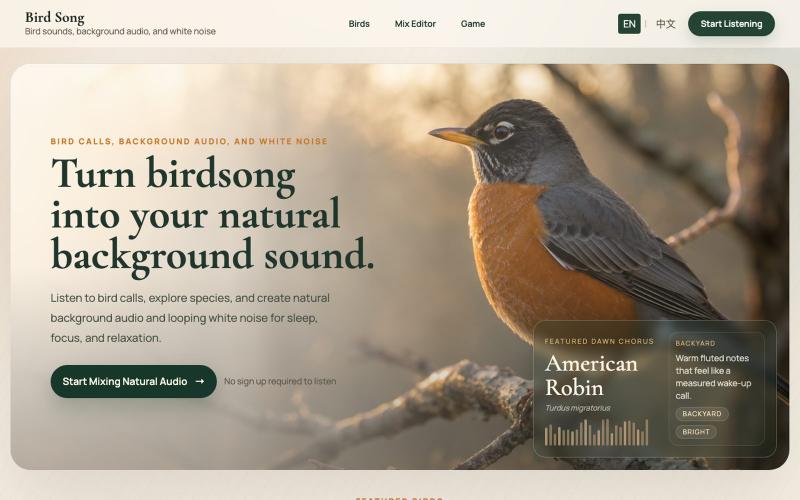
Mix bird calls and nature audio to create personalized white noise for sleep and focus.
zhuawadao · V2EX
做了一个*鸟鸣*主题的白噪音网站:可以模拟自然环境、还有猜鸟游戏 大家好,最近做了一个小网站:**Bird Song 鸟鸣** 地址: https://bird-song.org 它主要是一个鸟鸣主题的+自然背景音网站,适合当作专注、放松、助眠时的背景声音。 目前有几个功能: - 鸟鸣混音器:选择不同鸟类,调节音量,生成自己的自然声景 - 自然背景音:可以混入森林、小雨、海浪、春风等环境音 - 鸟类库:可以按物种浏览鸟鸣和相关介绍 - 猜鸟游戏:听声音猜是哪种鸟 我做这个网站的初衷是,平时工作或者休息时会听白噪音,但很多白噪音网站比较机械,我也没找到可以自选鸟类的白噪音网站,自己就来搞了一个,嘿嘿 截图:  
Play white noise, rain sounds, and nature ambience to help you sleep better.

@AI_fengkuang · X
My first website built with Codex — a white noise sleep aid site to help adults get better rest.

Edit, compress, convert, and merge video and audio files in your browser.
zhw2590582 · V2EX
最近对网站进行了重构,做成了免费的视频工具站:[ArtPlayer Tools]( https://artplayer.org/tools/) 主要是围绕着 ffmpeg.wasm 和 mediabunny 实现的一些可以直接在浏览器里用的视频/音频工具,常用的有: - 视频压缩:[Compress Video]( https://artplayer.org/compress-video/) - 视频裁剪:[Crop Video]( https://artplayer.org/crop-video/) - 视频合并:[Merge Video]( https://artplayer.org/merge-video/) - 视频尺寸调整:[Resize Video]( https://artplayer.org/resize-video/) - 视频旋转:[Rotate Video]( https://artplayer.org/rotate-video/) - 视频调速:[Change Video Speed]( https://artplayer.org/change-video-speed/) - 添加文字到视频:[Add Text to Video]( https://artplayer.org/add-text-to-video/) - 添加水印:[Watermark Video]( https://artplayer.org/watermark-video/) - 提取字幕:[Subtitle Editor]( https://artplayer.org/subtitle-editor/) - HLS 转 MP4:[HLS to MP4]( https://artplayer.org/hls-to-mp4/) - 音频可视化:[Audio Visualizer]( https://artplayer.org/audio-visualizer/) 大部分工具都是本地处理,文件不会上传到服务器。最开始是因为自己偶尔要处理一些视频,开剪辑软件又有点重,在线工具又担心隐私,所以就慢慢做成了一个站。 目前还在持续完善,体验肯定还有不少粗糙的地方,比如不同浏览器的兼容、移动端操作、长视频性能之类的。 网站: [ArtPlayer Tools]( https:
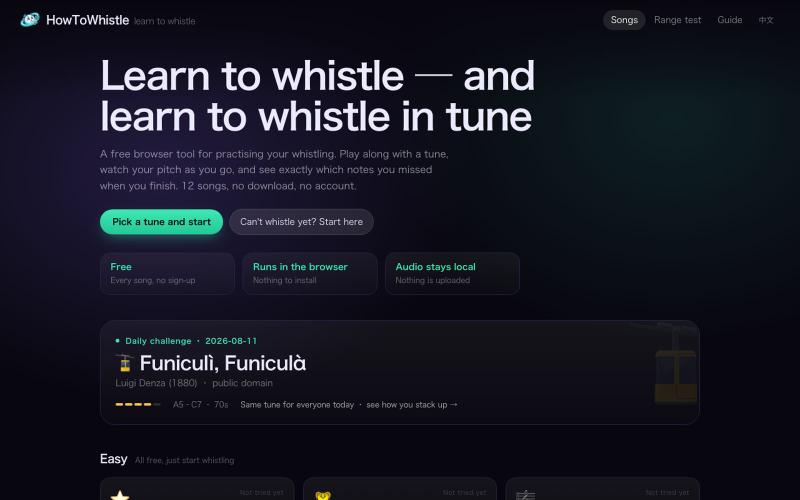
Practice whistling with real-time pitch feedback and progressive exercises.
x1shir · V2EX
HowToWhistle:像唱 KTV 一样练习吹口哨 一直想提高吹口哨技巧,搜了一圈发现网上的教程都是文字和视频,练的时候根本不知道自己吹得对不对。 想到可以像 KTV 一样,有个音轨对比,于是干脆自己搓了一个练习网站:[https://howtowhistle.org/]( https://howtowhistle.org/) 核心思路是用浏览器的麦克风做实时音高检测,你对着麦克风吹,页面会显示你当前的音高和目标音的偏差,类似 KTV 唱歌时的实时评分。功能大概有: - 实时音高反馈,能看到自己吹的是哪个音、偏高还是偏低 - 从单音长音开始的渐进式练习,到音阶、再到简单旋律 - 纯前端实现,声音不上传,无需注册 目前还比较简陋,欢迎大家试玩和提建议。
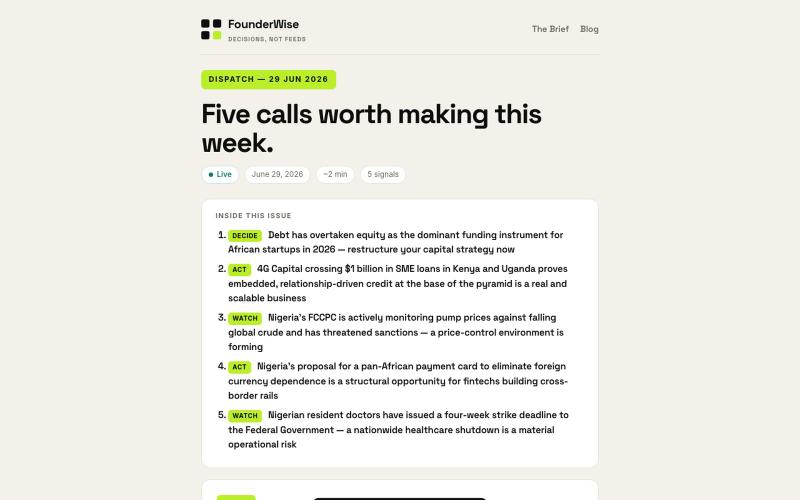
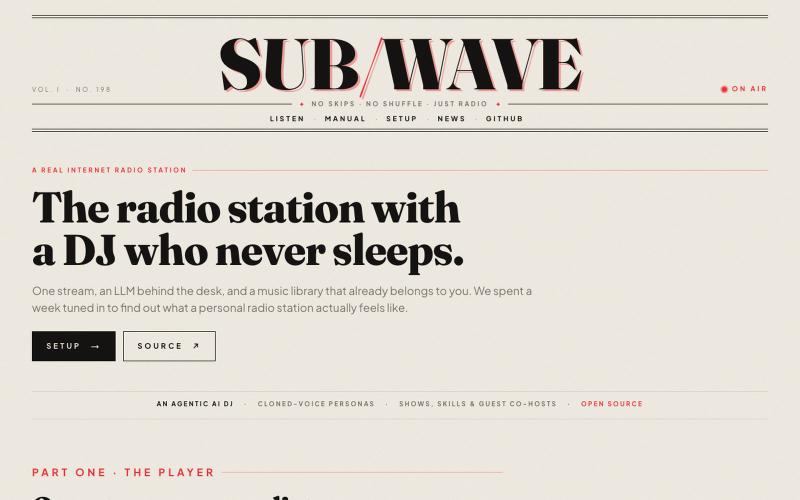
Listen to an internet radio station where an AI DJ picks songs and announces them live.

@pinku1 · X
Personal internet radio: Agentic AI DJ - Open Source
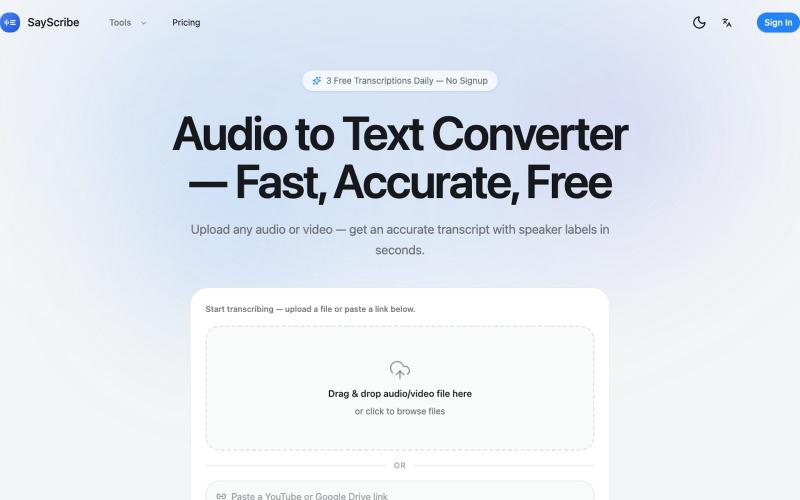
Convert audio and video files to text with speaker labels and timestamps, no signup required.
zxhywork · V2EX
SayScribe AI - 音频转文字的在线工具 花了几周搞了一个基于 OpenAI Whisper 的 AI 转录工具 **[SayScribe]( https://sayscribe.org)**,目前 5 个工具全部免费,每天 3 次无需注册。上线前请 SEO 专家做了一轮诊断,踩了不少坑,分享出来给同样在做工具站的 V 友参考。 --- ## 做了什么 核心工具是 **[Audio to Text Converter]( https://sayscribe.org)**(主页),上传音频/视频文件,AI 自动转成带 speaker labels 和时间戳的文字稿。选这个词的原因是:Google 第一页有个 DR 只有 10 的小站排第三,KD 才 20.2 ,链接预算只要 15-35 个引用域就能进前十——典型的弱盘面蓝海。 然后在主页基础上拆了 4 个子工具,每个打一个独立搜索词: - **[MP3 to Text]( https://sayscribe.org/mp3-to-text)** — 只转 MP3 。KD 41.7 比主页难一些,但
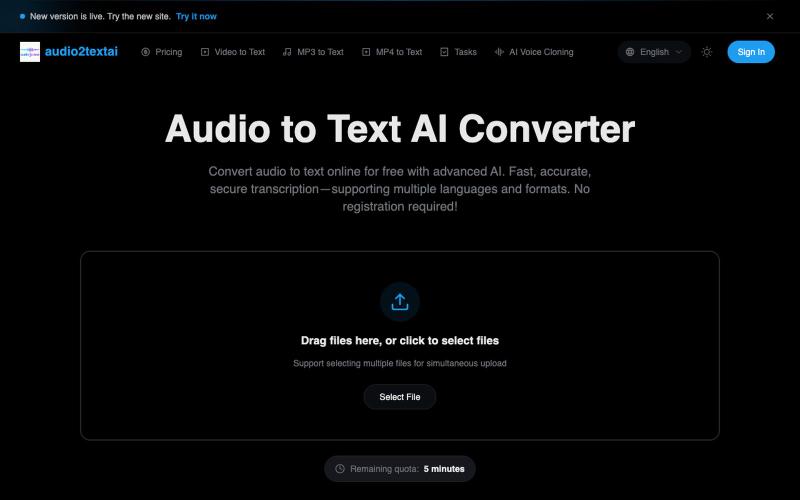
Transcribe audio files to text instantly with AI, no signup required.
音频转文字工具 — AI 音频转文字,快速、精准、安全的转写服务
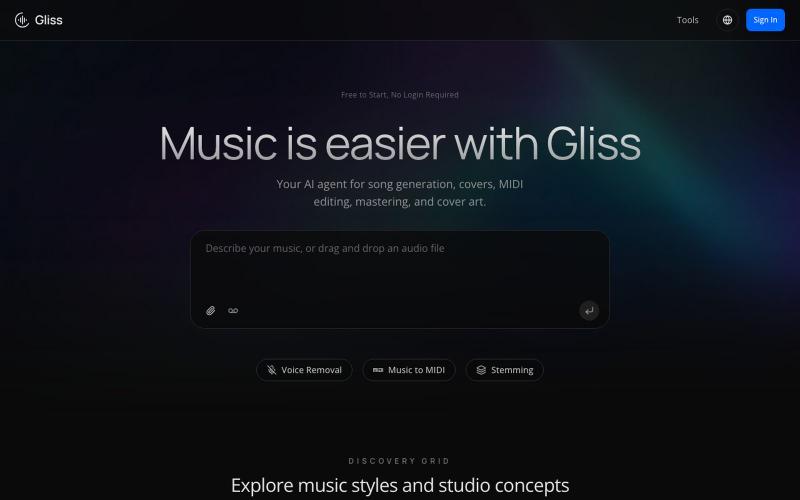
AI audio agent for generating songs with vocals, isolating stems, converting to MIDI, and mastering tracks.
Gliss — AI Music Agent,用于歌曲生成、翻唱、MIDI 编辑、母带处理与封面艺术;可生成免版税人声与伴奏,并支持精确分轨/元素提取。
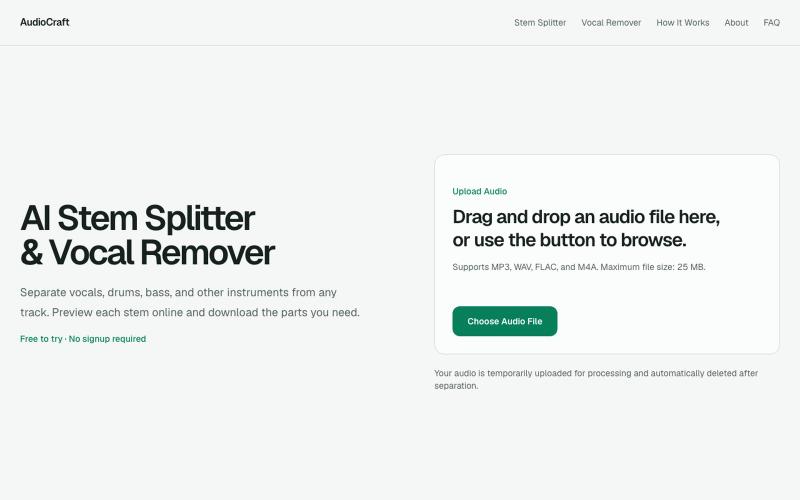
Split songs into vocals, drums, bass, and instruments with browser-based AI.
gaoheyangnwpu · V2EX
AudioCraft – AI stem splitter and vocal remover with a browser-based mixer I’ve been building AudioCraft as a focused AI music tool for separating songs into useful stems. The main workflow is simple: * upload MP3, WAV, FLAC, or M4A * separate the track into vocals, drums, bass, and other instruments * preview the stems * mute, solo, and adjust individual tracks * create an instrumental version * download individual stems or all stems together AI Stem Splitter https://audiocraft.app/ A
