
Creative Tools1 month ago · 2 tries
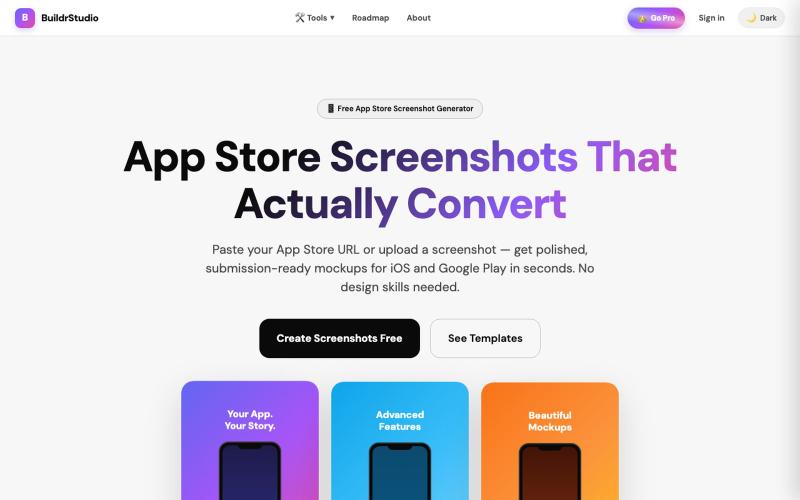
BuildrStudio — Free App Store Screenshot Generator
Generate App Store and Play Store screenshots with AI-powered headlines and device frames.

@buildrstudio · X
The full gallery
Tech stack
75 projects
Generate App Store and Play Store screenshots with AI-powered headlines and device frames.
@buildrstudio · X
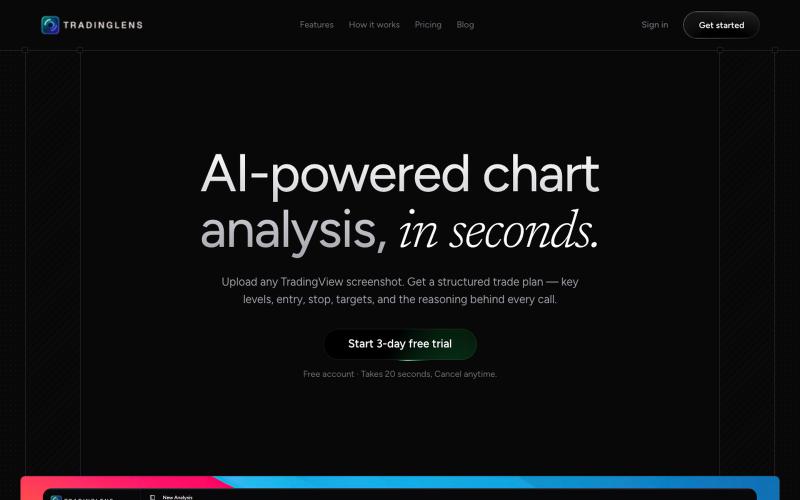
Upload trading chart screenshots to get AI-powered technical analysis of support, resistance, trends, and patterns.

@sreebuildss · X
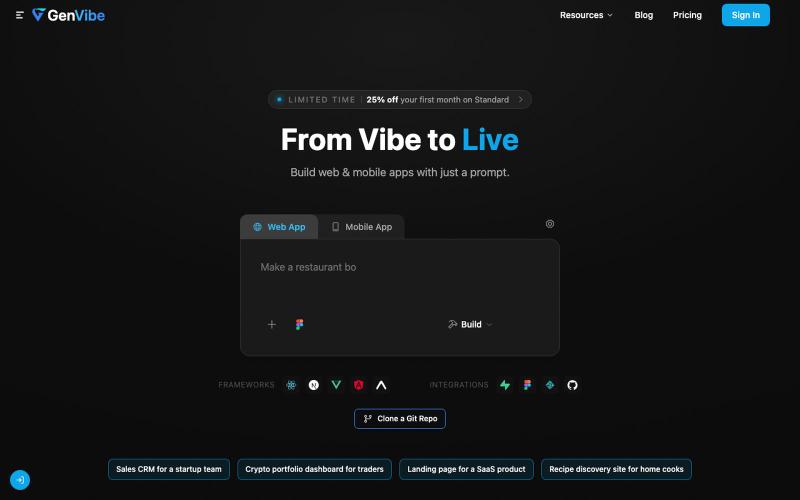
Turn prompts, designs, or screenshots into production-ready web and mobile apps.

@buildwithbk · X
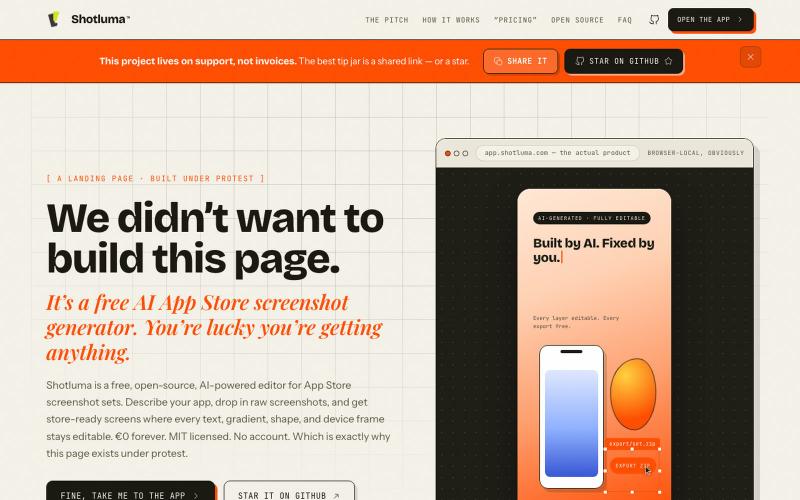
Create AI-generated app store screenshots with browser-based editing.
u/Born_Excuse_5610 · Reddit
Free & Open Source AI AppStore Screenshot Generator I’ve been building Shotluma, an open-source editor for creating iOS App Store screenshots. The main idea is pretty simple: I didn’t want the AI to generate a flat image that looks nice but becomes annoying the second you want to change something. In Shotluma, the AI works inside the actual editor. It can add text, gradients, shapes, screenshots and device mockups, but those things stay normal canvas elements afterward. You
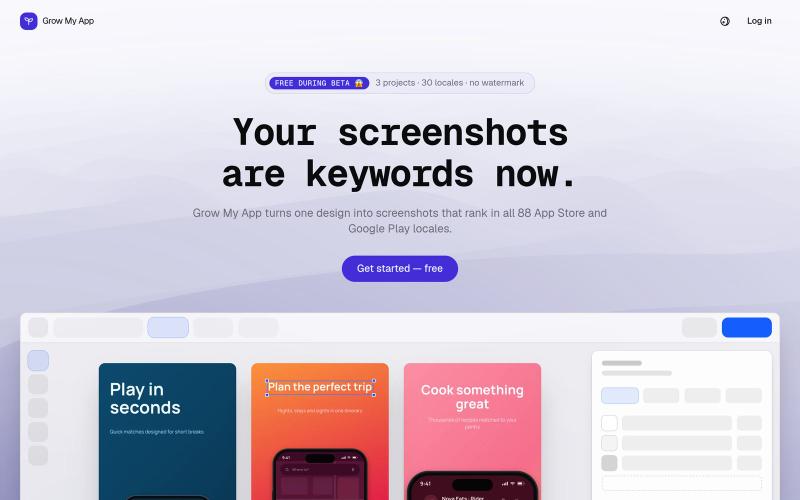
Design App Store and Google Play screenshots once, translate them into every locale, and export a fastlane-ready ZIP. Free while in beta.

@uzenkov_ · X
Just launched 🚀
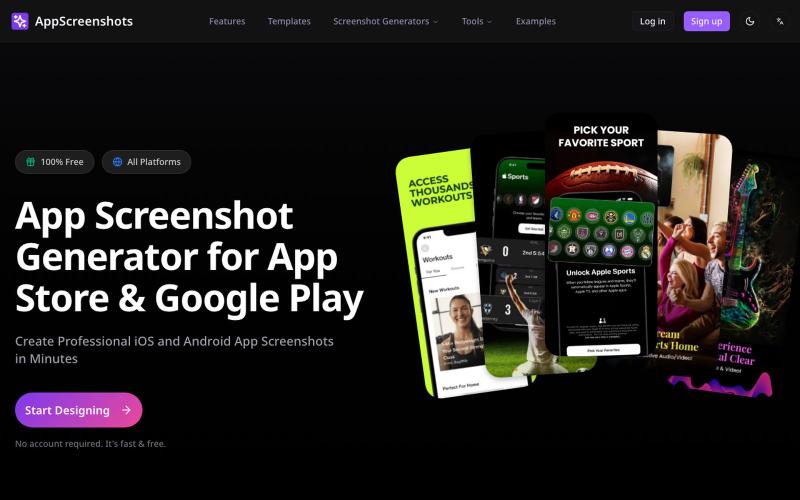
Create app store screenshots with 3D device mockups for iOS and Android apps.
AppScreenshots — 生成应用商店截图,支持 iOS、Android、Chrome、HarmonyOS 等平台,支持 3D 设备展示和 AI 驱动的 Mockup 创建工具
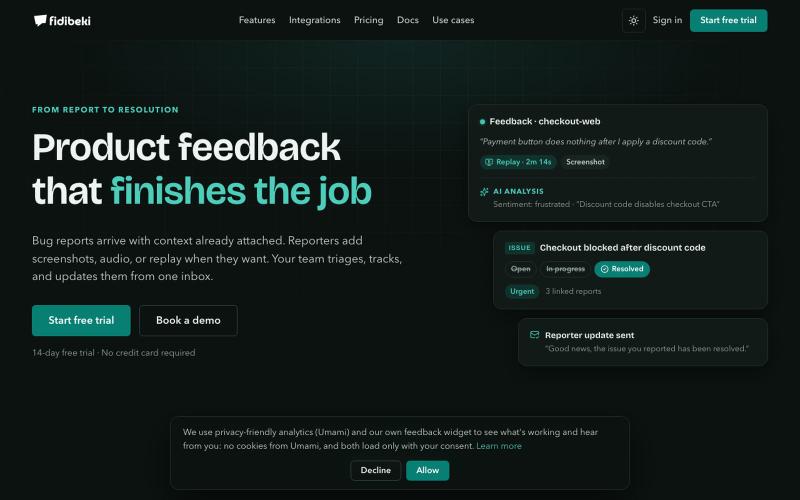
Gather product feedback with built-in screenshots, audio, and session replay for instant team triage.
u/Zealousideal_North83 · Reddit
Fidibeki — Product feedback that finishes the job Building products is what drives me. While working on my own products, I noticed the same problem: feedback comes in, loses context, and users rarely hear what happened next. So I built Fidibeki. Users can report issues directly inside a product with screenshots, audio, or session replay. I can triage everything in one inbox, merge duplicates, track progress, and keep reporters updated. Privacy is built in: session replay
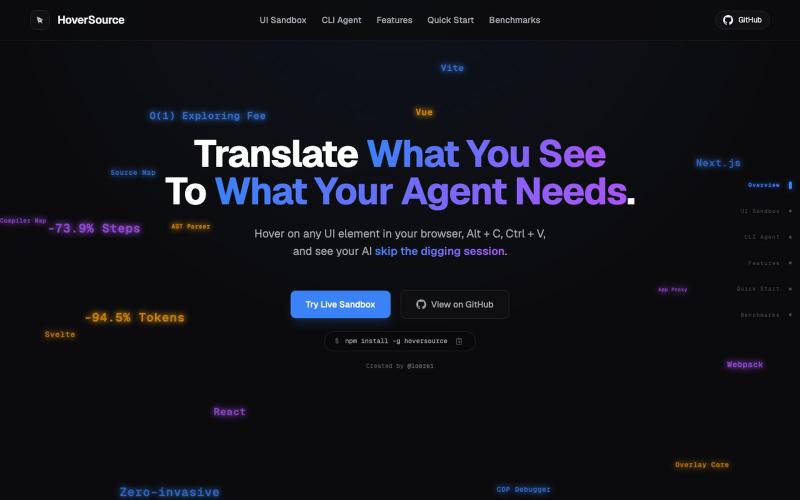
Capture UI elements with code context and screenshots to share with AI agents for debugging visual bugs.
Loerei · HN
I found that describing where a broken UI is and taking screenshots for AI agents really sucks. I’m too lazy to explain an indescribable visual bug or capture a millisecond-long flash. I also don’t want to remember which file defines an element, whether it's right in the .tsx or a problem with the Parent Styles in .css. And even if you can point out the exact file, your agent still has to dig through thousands of lines of code to know what on earth you're yapping about. In a 7700-file monorepo like Cal.com, simply giving the right file in the prompt for your agent saves about 68.9% of execution time and 94.2% of the tokens your agent needs to digest. HoverSource gives all the needed information and further pushes it to -88.5% time and -94.5% tokens, basically skipping the entire digging session and jumping straight to reasoning and executing. The save is linear to how big your codebase is. I want to save tokens, but don’t want to spend my time and energy digging manually, and a junio
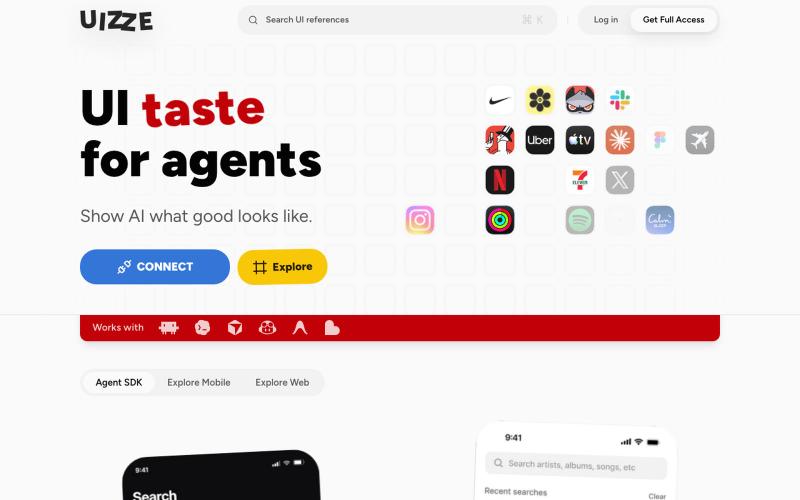
Analyzes UI screenshots and provides design audits for AI agents.
u/albanianspy · Reddit
the boring internal tool became the product we didn’t start with a saas idea. we were just annoyed that every agent-built UI looked weirdly related. so we made an internal finish gate: real screen references, a design contract, browser checks, and a ban list for generic AI defaults. one developer kept asking why it wasn’t public. eventually we stopped having a good answer. now UIZZE has a few paid users. builder disclosure: it’s mine, $9/mo or $99 lifetime: https://uizze.com current
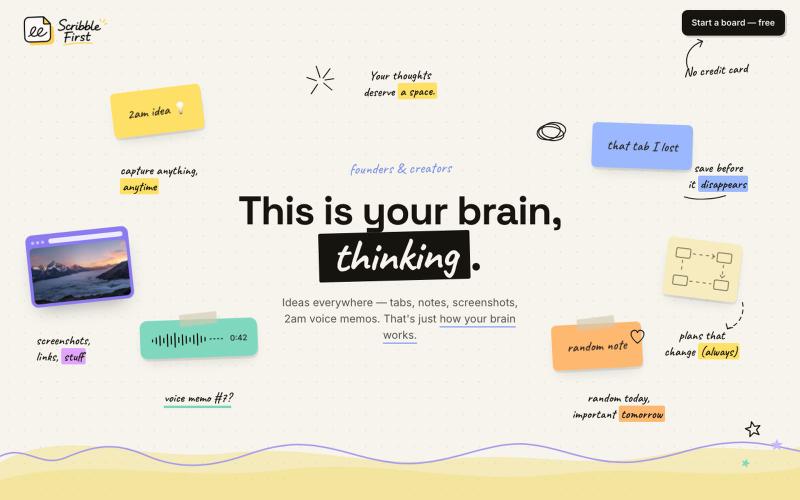
Convert sketches, voice notes, and screenshots into documents, plans, and newsletters with one click.

@adarshbytes · X
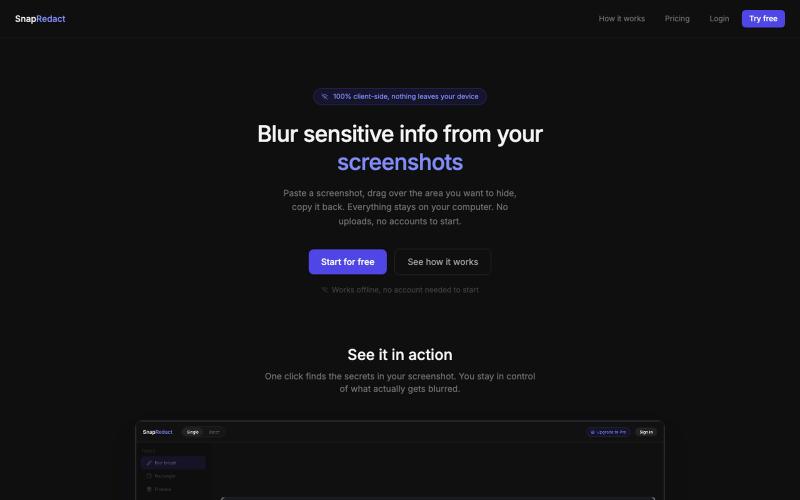
Blur sensitive details in screenshots without leaving your browser.

@fmonteirox · X
Simple client-side tool that lets you paste a screenshot, blur or redact the sensitive parts (manually or via built-in AI/OCR detection), all without anything ever leaving your browser. (

Organize bookmarks, notes, voice memos, and screenshots with AI summaries and password vault.

@aliuagon_ · X