Snapester - Turn Screenshots into Beautiful Visuals
Turn screenshots into polished designs using a Chrome extension and web-based editor.
@buildwithshyam · X
The full gallery
Tech stack
14 projects

Turn screenshots into polished designs using a Chrome extension and web-based editor.
@buildwithshyam · X

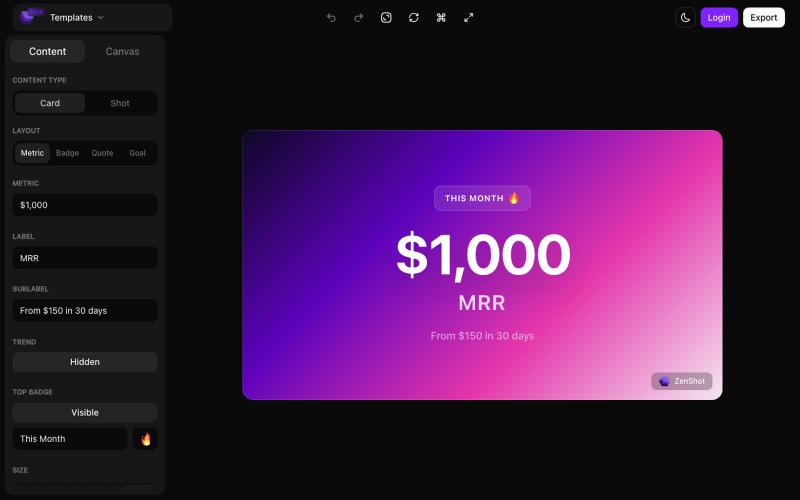
Create beautiful screenshots and progress cards ready to share with your audience.
@shreyassihasane · X

Record your screen in the browser, save to Google Drive, and share via instant links for $29.
@HashamBuilds · X
Building Walkthrough, screen recorder, $29 once, videos save to your own Google Drive. No subscription, no vendor servers. 14 days refund with no question asked. Now shipping in public daily. 🔗

Chrome extension for recording screen demos with automatic zoom effects and custom backgrounds.
@gabani_vatsal · X
Building Screen recorder which adds zoom effects and custom backgrounds

Generate professional images from text using multiple AI models with prompt enhancement.
ImagesArt.ai — 生成完美的AI艺术提示词。使用这个工具为Flux、Midjourney和Stable Diffusion模型生成并优化图像提示词。

Free, native macOS screen recorder with built-in editor and auto-zoom.
@screenkite_com · X

Convert AI-generated text into natural-sounding human-like content.
@KASHIFALIKHAN94 · X
building to make ai text look human. what are u building?

Generate and edit images from text prompts or photos using AI.
GPT Image 1.5 — AI 图片生成网站,基于 GPT Image 1.5

Automatic medicine reminders sent on WhatsApp when you upload prescription photos; no app installation needed.
@buckycodes · X

Analyze texts to identify 10 toxic and 7 healthy communication patterns.
@WEreFrame · X
Underrated...well I wouldn't say that because I'm just starting, but overlooked maybe. The impact on humanity will be noticed across the globe. Stop reacting. Start reFraming.

Convert photos or text into cartoon images in Disney, Ghibli, or Pixar styles.
免费在线 AI 卡通图片生成工具 — 将文本和照片转换为令人惊艳的卡通风格图像。它提供多种艺术风格、丰富的自定义选项和高质量的输出,让用户轻松创建独特的头像、社交媒体内容和品牌插画

Generate and edit AI images for product shots, ads, portraits, and thumbnails via text prompts.
Plugcamp · V2EX
最近在折腾一个小站,主要是围绕 Nano Banana 2 Lite 做图片生成和图片编辑: https://nanobanana2lite.me/ 一开始只是自己想要一个比较轻的入口,用来快速试 prompt 。后来发现每次测图都会遇到几个重复问题: - prompt 写完之后,不知道适合什么比例 - 文生图和图生图入口经常混在一起 - 想找几个可复制的 prompt 示例,但很多站要么太重,要么示例不够直观 - 只是想快速生成一张产品图、头像、广告图、封面图,不想进一个很复杂的工作台 所以就做了这个站。 目前主要有几个部分: - Text to Image:直接输入 prompt 生成图 - Image to Image:上传一张图,再用 prompt 做改图 - AI Image Editor:偏日常编辑,比如换背景、改光线、改风格 - Prompt Library:整理了一些可直接复制的 prompt - Gallery:放了一些 before/after 和示例图 我自己比较在意的是首页别太像传统 SaaS 落地页,所以最近一直在改视觉。之前太干了,后来加了一些更丰富的样张和暗色主题,但也还在调。 这个站不是 Google 官方产品,只是一个第三方工具站。现在更多是想把「轻量、直接、可复制」这件事做好。 如果大家有空的话,想请教几个问题: 1. 首屏看起来会不会太营销,还是说信息还算清楚? 2. 对图片工具来说,大家更想先看到生成表单,还是先看到效果案例? 3. Prompt Library 这种页面有没有用,还是大家更习惯直接自己写? 4. 如果你平时会用 AI 生成图,最常用的场景是产品图、头像、封面、广告图,还是别的? 欢迎拍砖,尤其是 UI 、文案、信息结构这块。 链接再放一次: https://nanobanana2lite.me/