
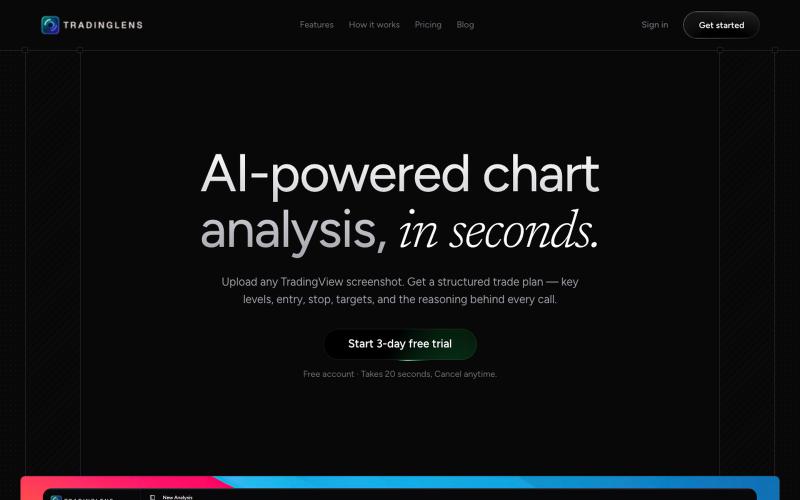
Finance & Business1 week ago · 1 tries
AI-Powered Trading Chart Analysis | TradingLens
Upload trading chart screenshots to get AI-powered technical analysis of support, resistance, trends, and patterns.

@sreebuildss · X
The full gallery
Tech stack
30 projects
Upload trading chart screenshots to get AI-powered technical analysis of support, resistance, trends, and patterns.
@sreebuildss · X
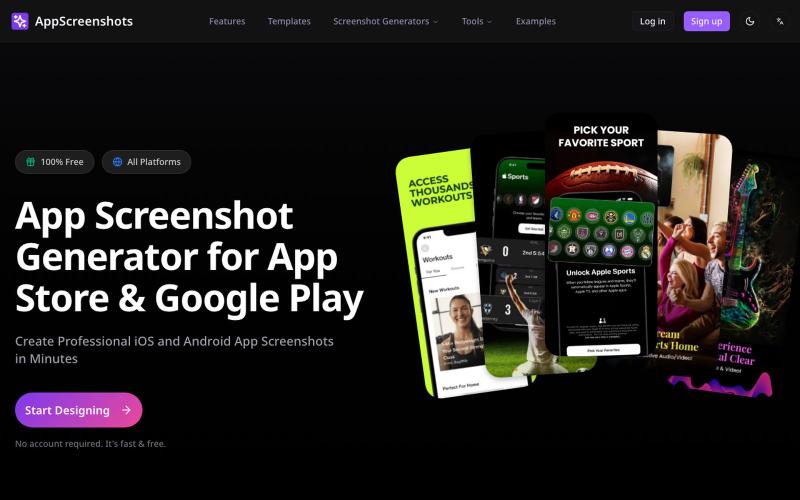
Generate app store screenshots with 3D device mockups for iOS, Android, and other platforms.
AppScreenshots — 生成应用商店截图,支持 iOS、Android、Chrome、HarmonyOS 等平台,支持 3D 设备展示和 AI 驱动的 Mockup 创建工具

Turn screenshots into polished designs using a Chrome extension and web-based editor.

@buildwithshyam · X
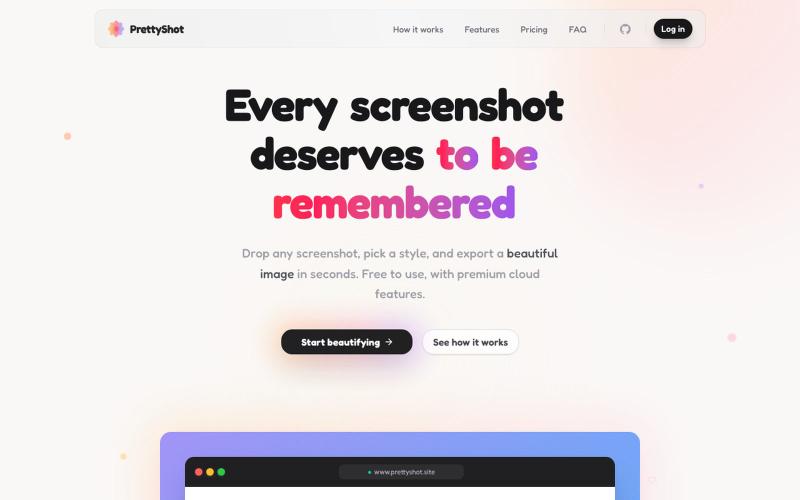
Apply custom styles to screenshots and export them as beautifully formatted images.

@prassami · X
- instantly turns your boring raw screenshots into beautiful images.
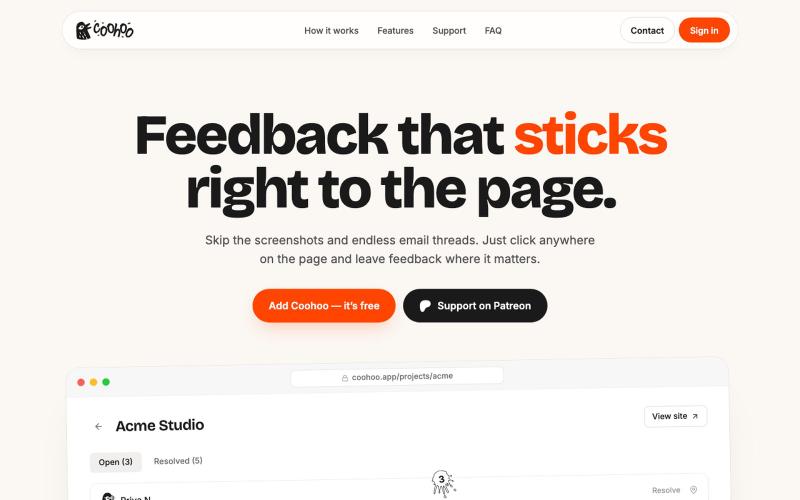
Visual feedback widget for staging sites—click elements to pin comments without logins or screenshots.

@vova_tsurkan · X
Built my first app with @shipstudio_app Now Coohoo is live on Product Hunt! 🚀
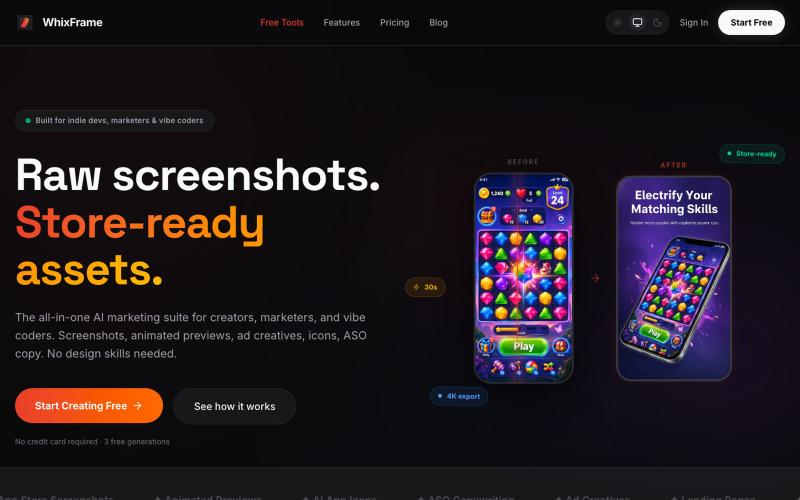
AI tool to create app store screenshots, icons, previews, and ad creatives without design skills.

@Erdousky · X
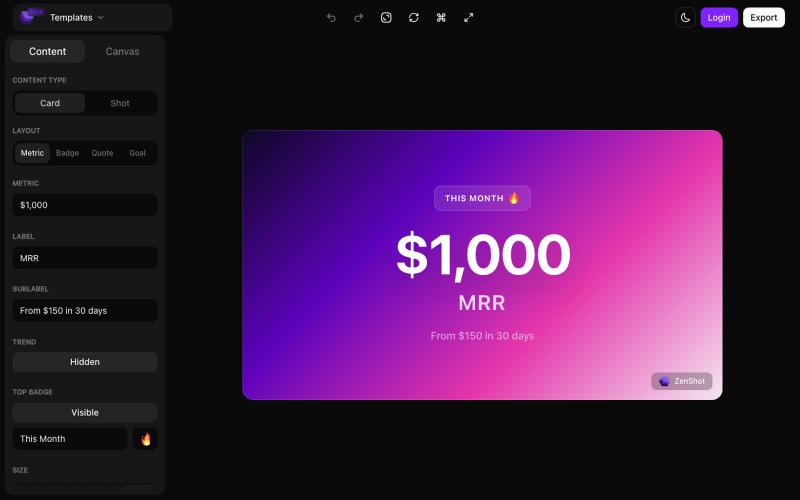
Create beautiful screenshots and progress cards ready to share with your audience.

@shreyassihasane · X
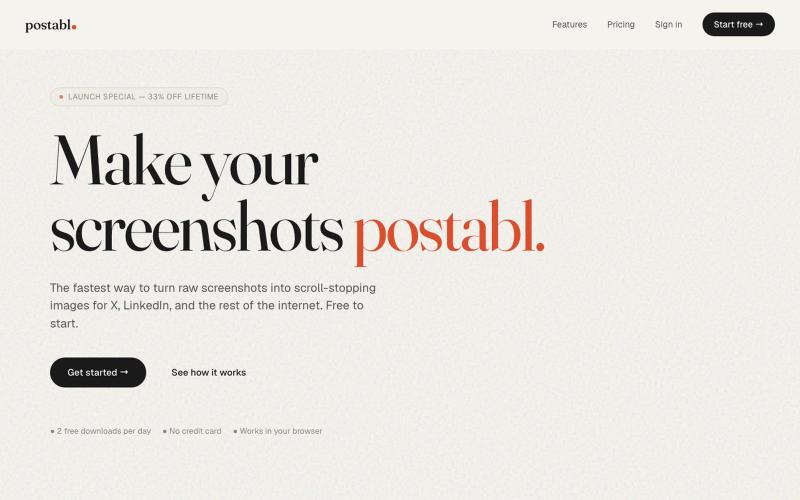
The fastest way to turn raw screenshots into scroll-stopping images for X, LinkedIn, and the rest of the internet.

@soham_nayak04 · X
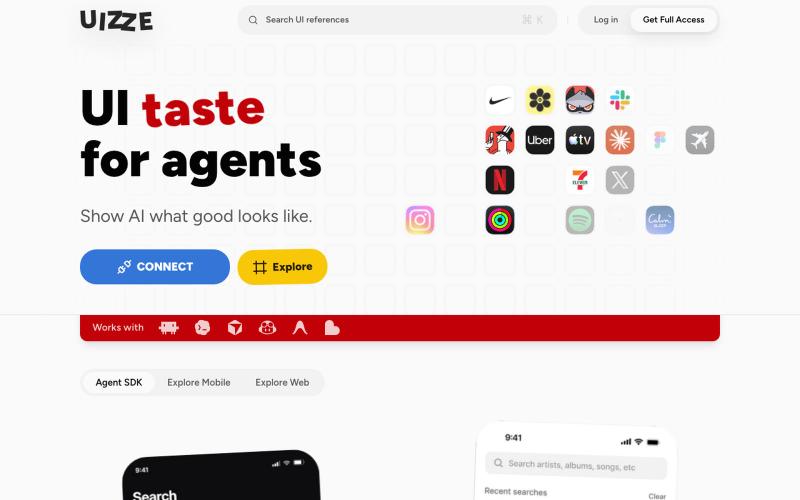
Give AI agents real UI context with screenshots, design contracts, and audits.
u/albanianspy · Reddit
the boring internal tool became the product we didn’t start with a saas idea. we were just annoyed that every agent-built UI looked weirdly related. so we made an internal finish gate: real screen references, a design contract, browser checks, and a ban list for generic AI defaults. one developer kept asking why it wasn’t public. eventually we stopped having a good answer. now UIZZE has a few paid users. builder disclosure: it’s mine, $9/mo or $99 lifetime: https://uizze.com current
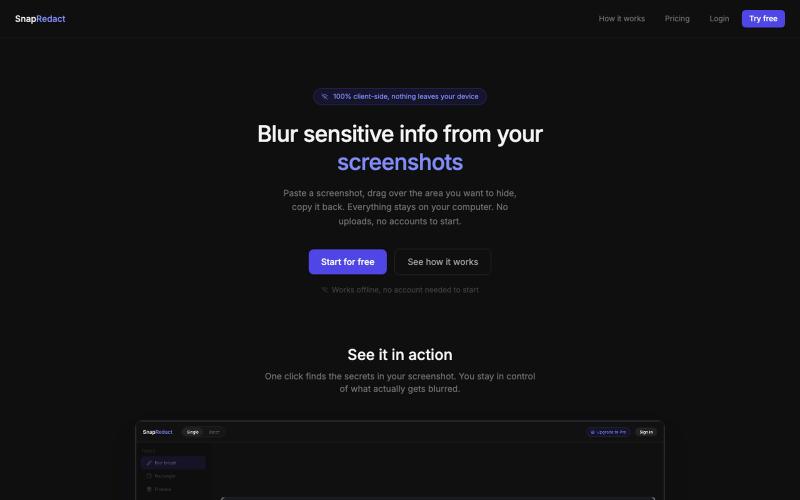
Blur sensitive details in screenshots without leaving your browser.

@fmonteirox · X
Simple client-side tool that lets you paste a screenshot, blur or redact the sensitive parts (manually or via built-in AI/OCR detection), all without anything ever leaving your browser. (
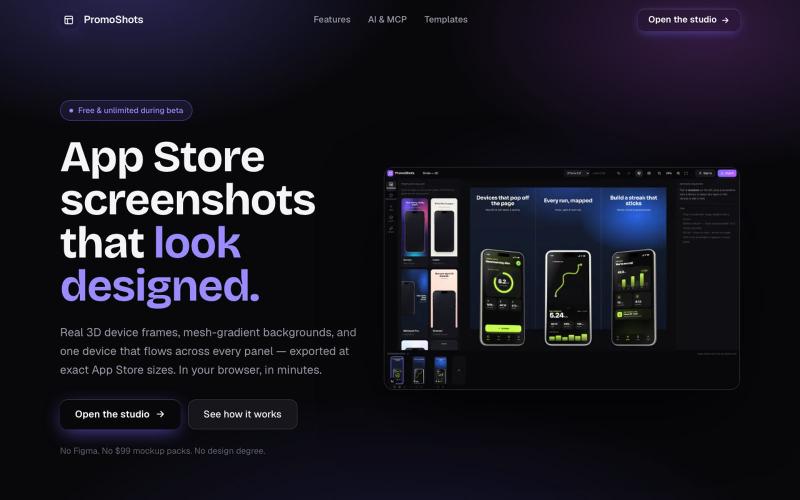
Design App Store screenshot sets with 3D device frames, gradients, and one-click export.

@MSiatrak · X
Checked my Umami stats this morning - straight from Claude Code via my Umami MCP 📊 ~30% of visitors are on mobile… and every single one hit the "desktop only" gate. Shown 11 times, 0 continued past it. A third of traffic couldn't even try it.

Turn any public post into a polished, shareable image for X, TikTok, YouTube, and Bluesky.

@larsbuilds · X
here's the link for the lazy ones :)