
Creative Tools2 weeks ago
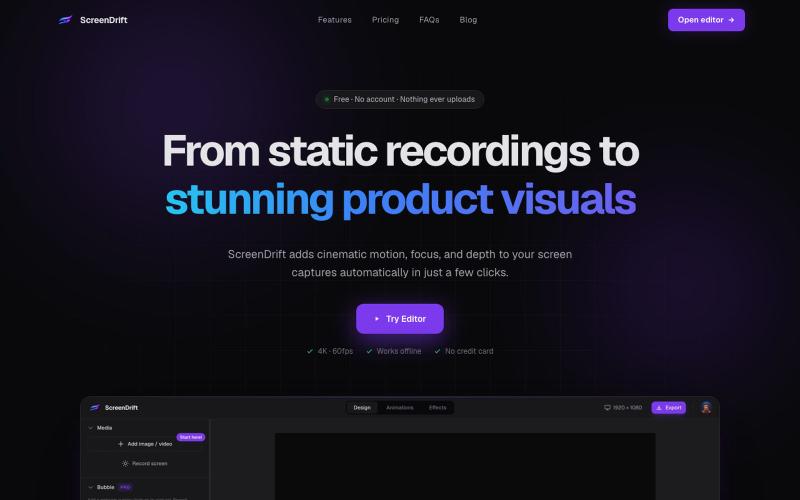
ScreenDrift – Cinematic 3D Videos from Screen Recordings
Create professional 3D product videos from screen recordings, camera footage, or any video. All processing happens on your device.

@hariprasad_bg · X
The full gallery
Tech stack
20 projects
Create professional 3D product videos from screen recordings, camera footage, or any video. All processing happens on your device.
@hariprasad_bg · X
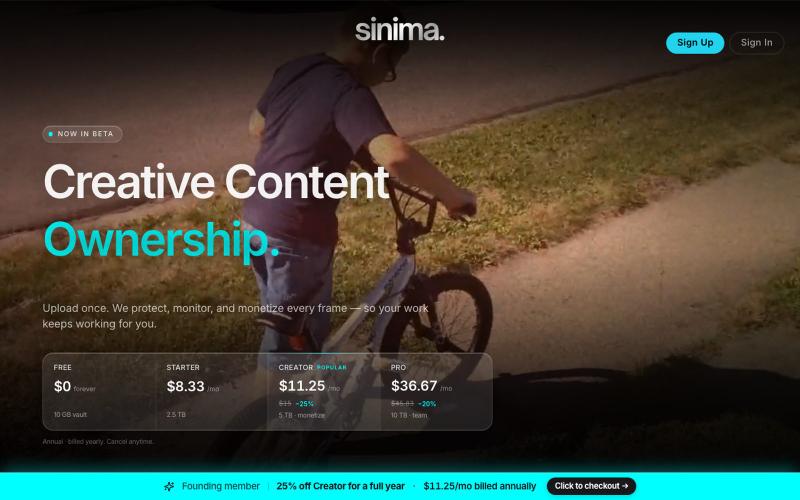
Upload screen recordings to protect and license them to AI platforms.

@LisaTrublet · X
Vimeo alternative for creators and filmmakers, with IP protections built in. 25% off Creator Core. 🎉
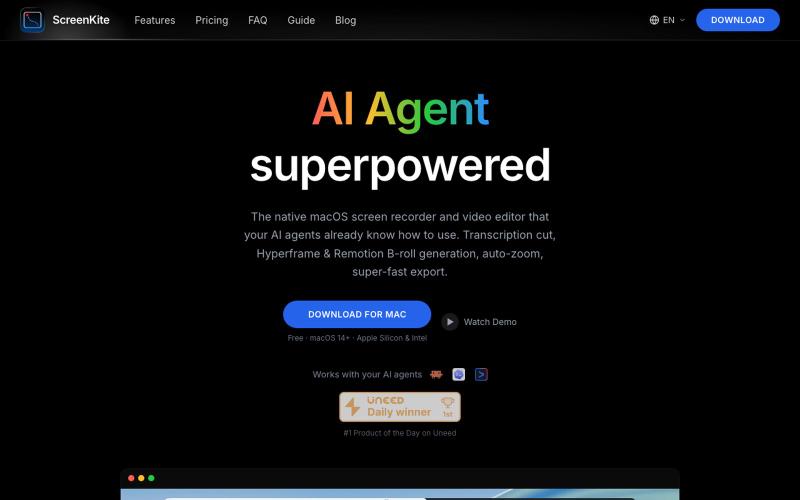
Free native macOS screen recorder with built-in editor and auto-zoom.

@screenkite_com · X

Record your screen in the browser, save to Google Drive, and share via instant links for $29.

@HashamBuilds · X
Building Walkthrough, screen recorder, $29 once, videos save to your own Google Drive. No subscription, no vendor servers. 14 days refund with no question asked. Now shipping in public daily. 🔗
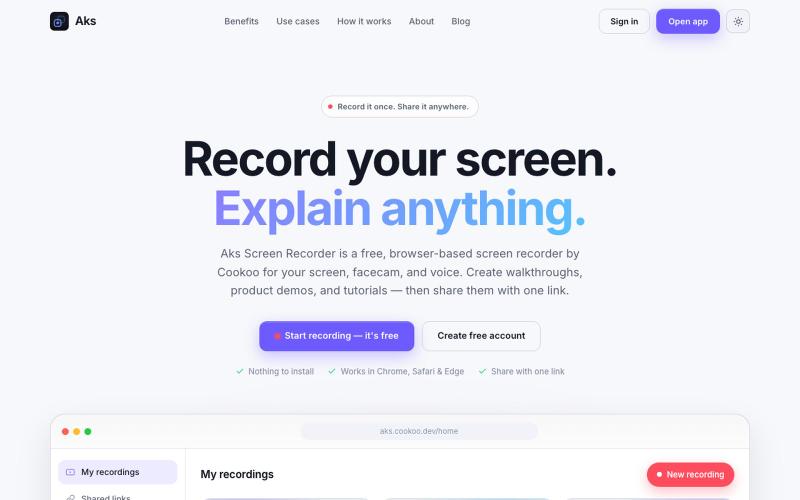
Aks Screen Recorder is a browser-based screen recorder by Cookoo. Record your screen, facecam, and voice without an extension, then share the video with a link.

@i_m_abdullahktk · X
We’re building Aks—an affordable, easy-to-use Loom alternative 🚀 🌐 Web: 📱 Android:

Chrome extension for recording screen demos with automatic zoom effects and custom backgrounds.

@gabani_vatsal · X
Building Screen recorder which adds zoom effects and custom backgrounds
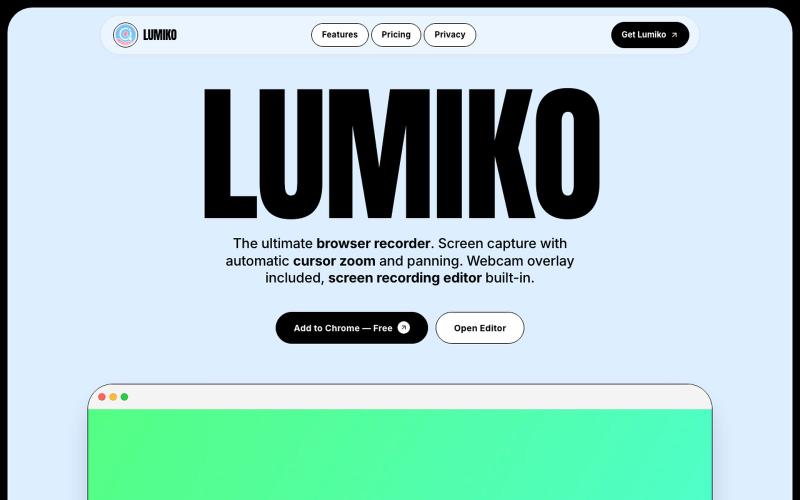
Free Chrome screen recorder with automatic cursor zoom, panning, and built-in editor.
Ashish106 · HN
Lumiko – Chrome screen recorder with automatic cursor zoom
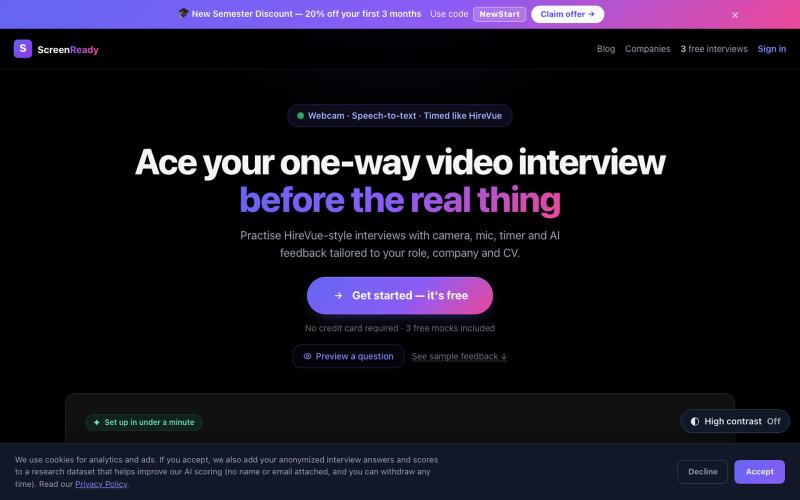
Practise one-way AI video interviews — camera on, mic live, timer running. Get structured AI feedback and scores on timed webcam answers. Free to start.

@getscreenready · X
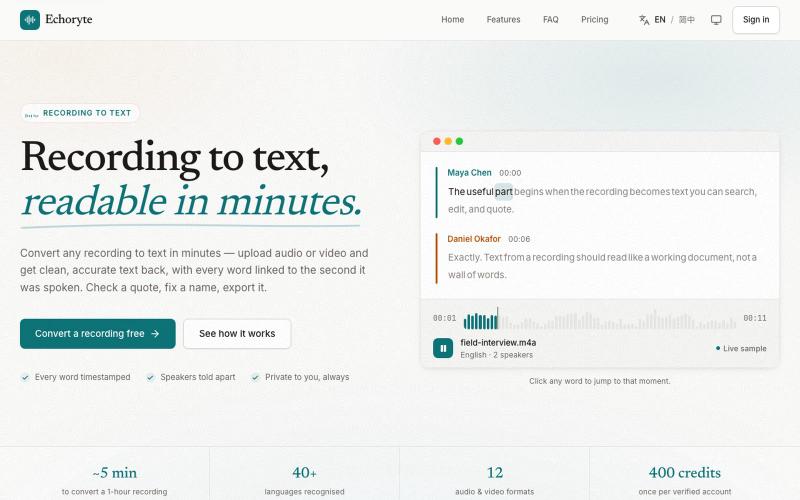
Transcribe audio and video recordings into searchable, editable text.
lavande · V2EX
做了一个语音转文字的工具,另加 AI 总结、翻译、提问等(附踩坑记录) 先上链接:[Echoryte]( https://echoryte.com/) 感觉这个网站 vibe coding 的话,感觉手熟的同学可能半天就能搓出来…… 但是我用了一个多月才上线,主要是被 GPT5.6 坑了,当时 5.6 和 fable 前后发布,然后试了试用 fable 5 做的 plan ,然后 5.6 sol 推理开到最大去执行。结果愣是给我干了 33 个小时没停,写了将近 2 万行代码。 但是坑就坑在这,推理开太高,就过度思考了,给我整了很多虚头巴脑的东西出来,什么“门禁”我也不懂,什么合规,一大堆,然后我就不停地删,删了一个月,最后我就跟 GPT 说,我特么是个人小项目,不是大公司,再这么高下去永远上不了线了。然后终于看删的差不多了,上线了! 欢迎大家试用,轻拍,谢谢!
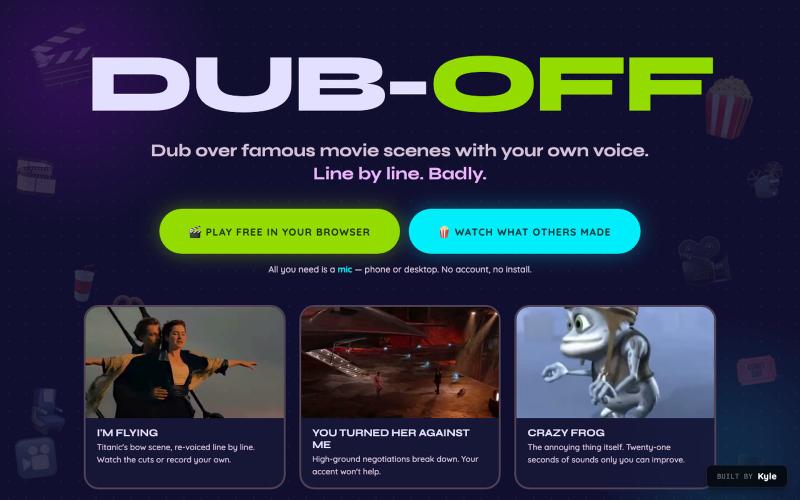
Dub over famous movie scenes with your own voice, free in your browser. Record movie clips line by line, keep the film's real music underneath, watch your dubbed cut, and post it t

@LSteelflex · X
Hello! is a free online web app that lets you dub over famous videos. You can: - Dub - Share - Edit new scenes for dubbing - and Download
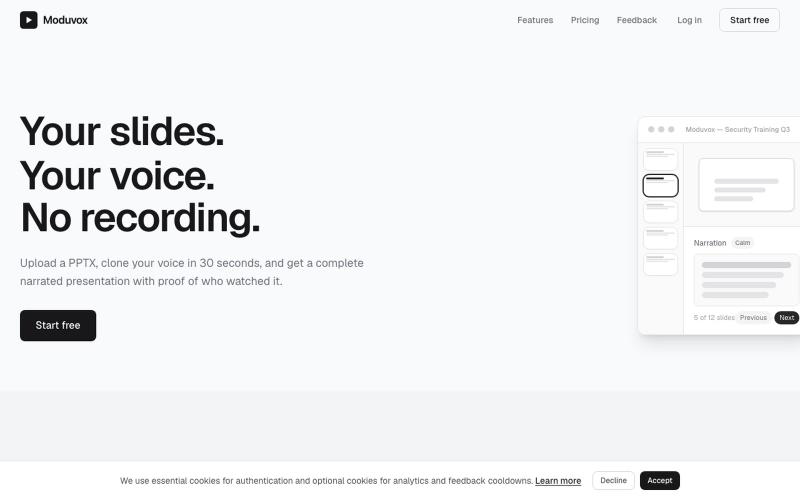
Upload a PowerPoint presentation and voice sample to generate a narrated slideshow in your cloned voice.
u/sludge_dev · Reddit
I built a tool that narrates PowerPoint slides in your cloned voice. Launching it today, keeping it small for a week to fix what breaks. I just got into my College holidays a few weeks ago and I spent the last 6 weeks building Moduvox . You upload a PPTX deck, record 30 seconds of your voice, and it generates per-slide narration audio with a shareable link and viewer analytics. The idea came from a friend manually record voiceovers for training decks. Every update meant re-recording whole

Edit, compress, convert, and merge video and audio files in your browser.
zhw2590582 · V2EX
最近对网站进行了重构,做成了免费的视频工具站:[ArtPlayer Tools]( https://artplayer.org/tools/) 主要是围绕着 ffmpeg.wasm 和 mediabunny 实现的一些可以直接在浏览器里用的视频/音频工具,常用的有: - 视频压缩:[Compress Video]( https://artplayer.org/compress-video/) - 视频裁剪:[Crop Video]( https://artplayer.org/crop-video/) - 视频合并:[Merge Video]( https://artplayer.org/merge-video/) - 视频尺寸调整:[Resize Video]( https://artplayer.org/resize-video/) - 视频旋转:[Rotate Video]( https://artplayer.org/rotate-video/) - 视频调速:[Change Video Speed]( https://artplayer.org/change-video-speed/) - 添加文字到视频:[Add Text to Video]( https://artplayer.org/add-text-to-video/) - 添加水印:[Watermark Video]( https://artplayer.org/watermark-video/) - 提取字幕:[Subtitle Editor]( https://artplayer.org/subtitle-editor/) - HLS 转 MP4:[HLS to MP4]( https://artplayer.org/hls-to-mp4/) - 音频可视化:[Audio Visualizer]( https://artplayer.org/audio-visualizer/) 大部分工具都是本地处理,文件不会上传到服务器。最开始是因为自己偶尔要处理一些视频,开剪辑软件又有点重,在线工具又担心隐私,所以就慢慢做成了一个站。 目前还在持续完善,体验肯定还有不少粗糙的地方,比如不同浏览器的兼容、移动端操作、长视频性能之类的。 网站: [ArtPlayer Tools]( https: