
Productivity2 days ago
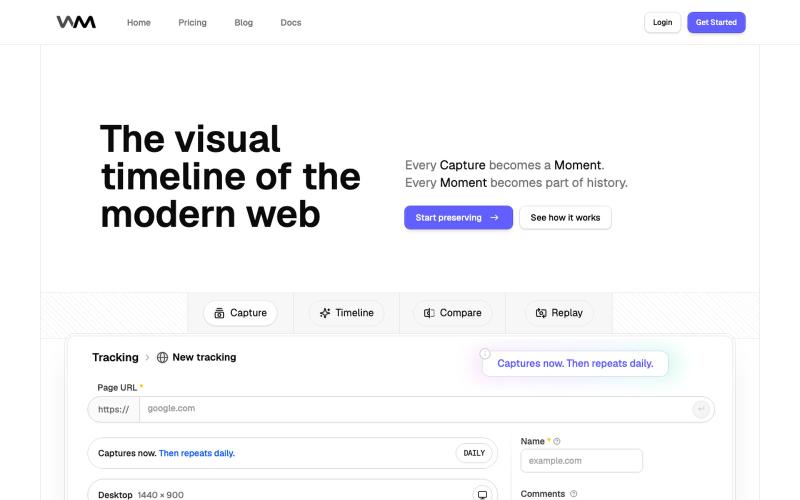
Replayable Website History | WebMoment
Capture and replay how your website looked at any point in time.

@WebMomentApp · X
Dropping here, for saving how websites looked before the next redesign changes everything: @WebMomentApp
The full gallery
Tech stack
60 projects
Capture and replay how your website looked at any point in time.
@WebMomentApp · X
Dropping here, for saving how websites looked before the next redesign changes everything: @WebMomentApp

Turn screenshots into polished designs using a Chrome extension and web-based editor.

@buildwithshyam · X
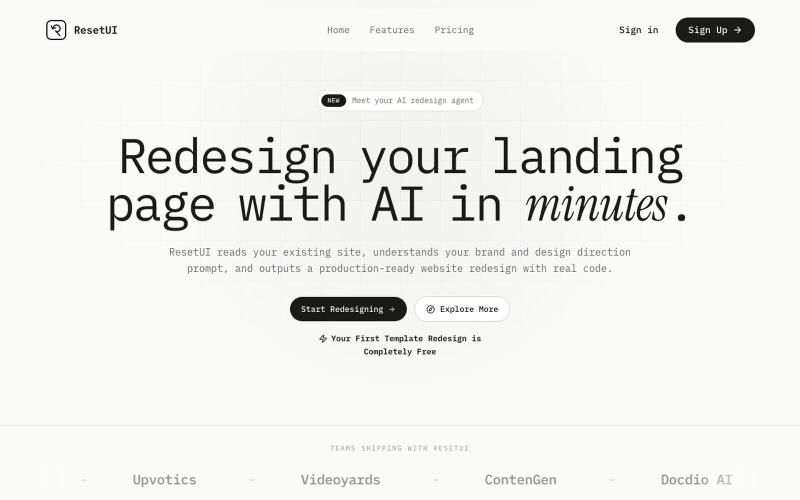
Generate modern landing page redesigns by pasting your website URL and describing your desired changes.

@YaramasaGautham · X
Redesign you Landing page with URL
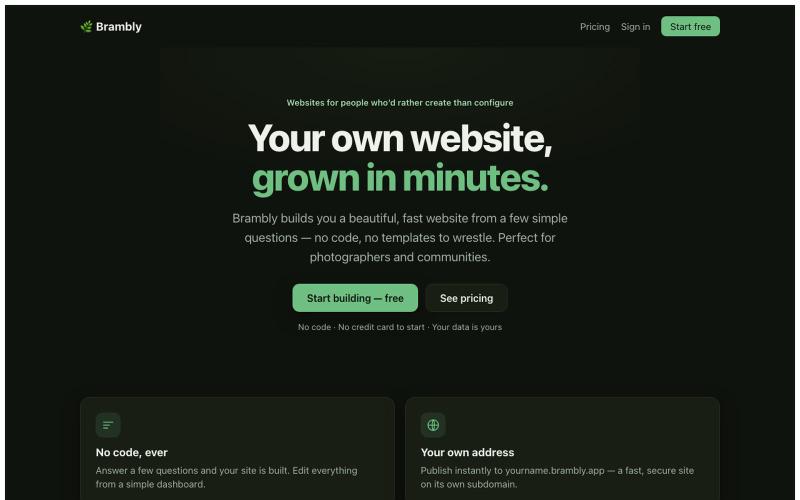
Create a beautiful website by answering simple questions, no coding required.

@LukeyPunnett · X
Take a look at would love to hear your feedback - launched today 💪🙏
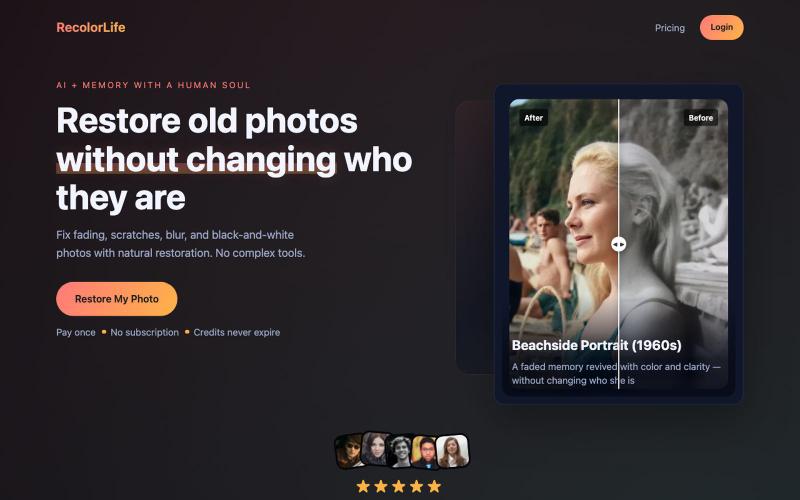
Restore and colorize faded or black-and-white photos using AI.

@jay4fun_ · X
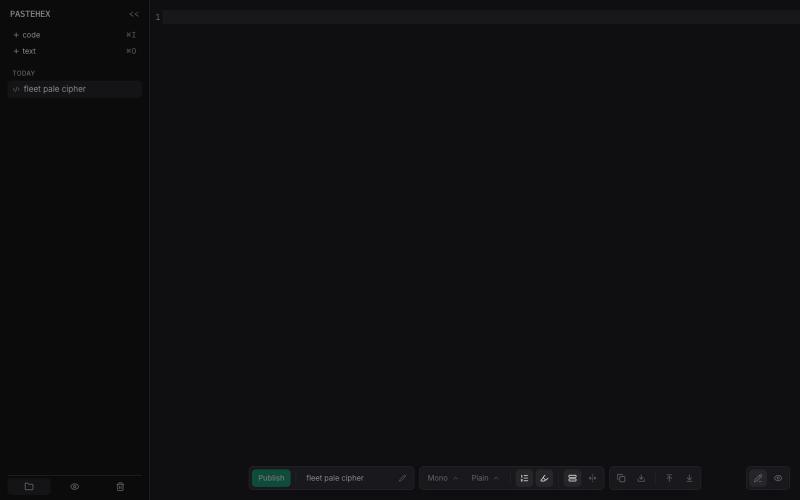
Add drawings and annotations to HTML and Markdown pages with encryption.
pandrre · HN
I've built tldraw for HTML and Markdown pages (with encryption)
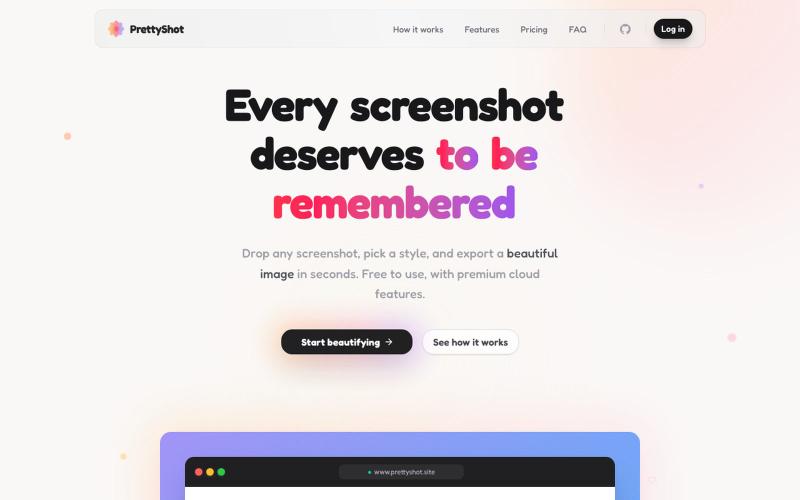
Apply custom styles to screenshots and export them as beautifully formatted images.

@prassami · X
- instantly turns your boring raw screenshots into beautiful images.
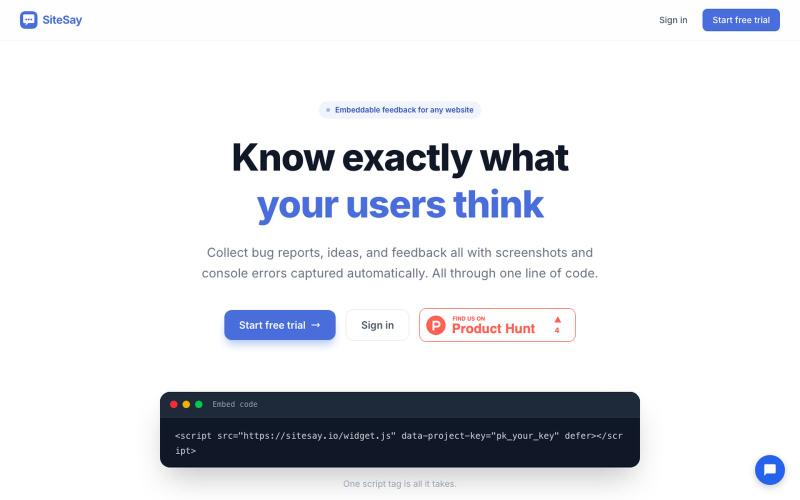
Embed a lightweight widget on your website to collect user feedback, bug reports, and screenshots

@CoryMeikleDev · X
I built SiteSay a tool that allows you to embed an incredibly lightweight (4.33kB gzipped) widget to your website for collecting feedback/bug reports with screenshots. It also automatically attaches any uncaught JS errors/unhandled promise rejections.
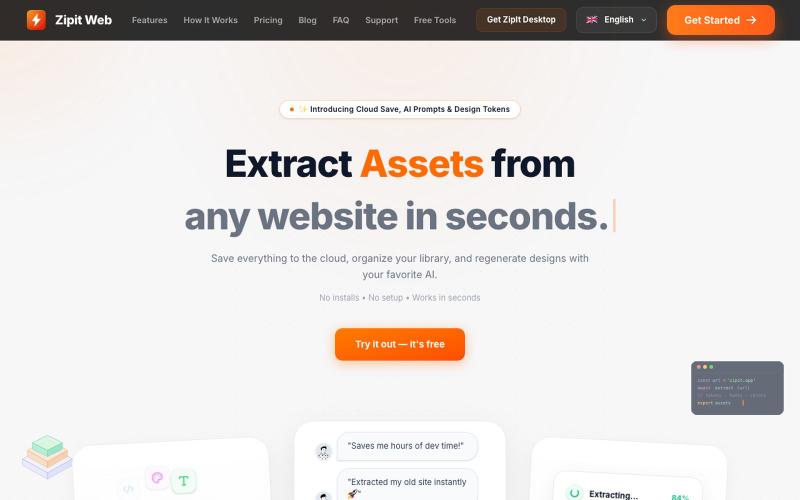
Extract code, design tokens, fonts, colors, and media from any website instantly.

@bharatmodi2014 · X
Extract code, design tokens, fonts, colors, and media instantly. Save everything to the cloud, organize your library, and regenerate designs with your favorite AI.
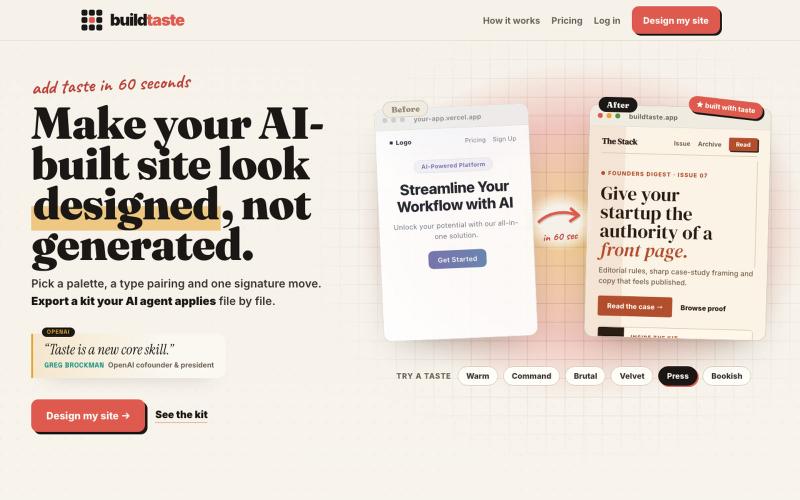
Apply curated design palettes and typography to your AI-generated website.

@Hamzadevio · X
just shipped. my goal is to help founders add taste to their vibe coded ugly looking apps. (especially the purple gradient, can't see it no more..)

Convert images to ASCII art, copy symbols, browse ASCII tables, and convert bases—all in your browser.
HeStudy · V2EX
做了个纯前端的 ASCII 工具站:图片转字符画、banner 生成、符号一键复制 平时偶尔需要查 ASCII 码表、复制一些特殊符号(箭头、制表符这类),每次都是搜一个满屏广告的老站凑合用,索性自己做了一个: https://getascii.com 目前有这些工具: 图片转 ASCII 字符画(拖一张图进去就行,支持调宽度/字符集/反色) 文字转 ASCII banner 大字 常用符号一键复制(箭头、制表符、数学符号、颜文字) 完整 ASCII 码表 + 一个交互式键盘映射图(点键盘上的键显示对应的 dec/hex 码) 进制转换器( hex/dec/bin ↔ ASCII ) 几个实现上的点: Astro 构建的纯静态站,所有工具都是纯客户端计算,图片不会上传到任何服务器 没有账号系统,没有付费墙,打开就用 整站是绿色荧光终端风( CRT 扫描线 + JetBrains Mono ),算是给终端审美交个作业 顺手给它做了个 25 秒的宣传片: https://www.youtube.com/watch?v=AjzU5mw1PrI
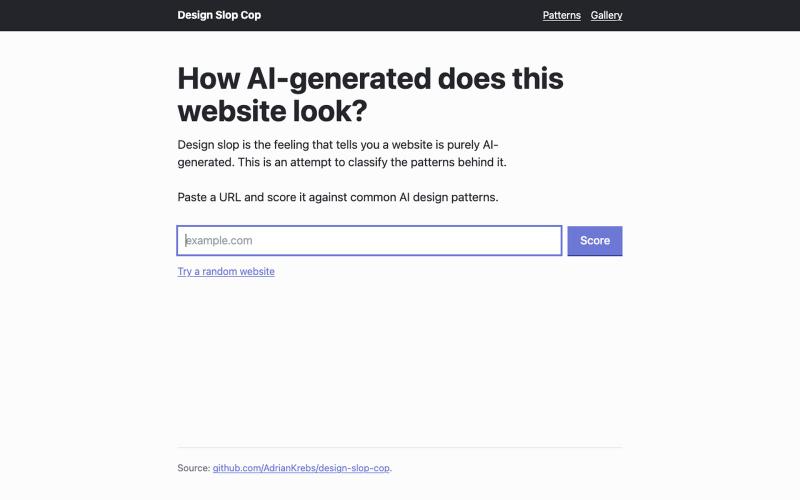
Scan websites for AI design patterns and score how AI-generated their design looks.
hubraumhugo · HN
Design slop is the feeling that tells you a website is purely AI-generated. This is an attempt to classify the design patterns behind it. Applying this scoring to recent ShowHN submissions shows that about a third of the submissions show medium to heavy design slop: https://slopcop.adriankrebs.ch/show How the scoring works: - A headless browser loads each site (Playwright) - A small in-page script analyzes the DOM and reads computed styles - Every pattern is a deterministic CSS or DOM check. There are false positives, but my manual QA run verified it’s maybe 5-10%. Is design slop bad? Not really, just uninspired. After all, the web was never about the fanciest design, and before the AI era, everything looked like Bootstrap. However, there is a difference between trying to craft your own design and just shipping with whatever defaults the LLMs output. And the same has been the case pre-LLM when using CSS/HTML templates. I guess people will get back to crafting beautiful design