
Developer Tools1 month ago
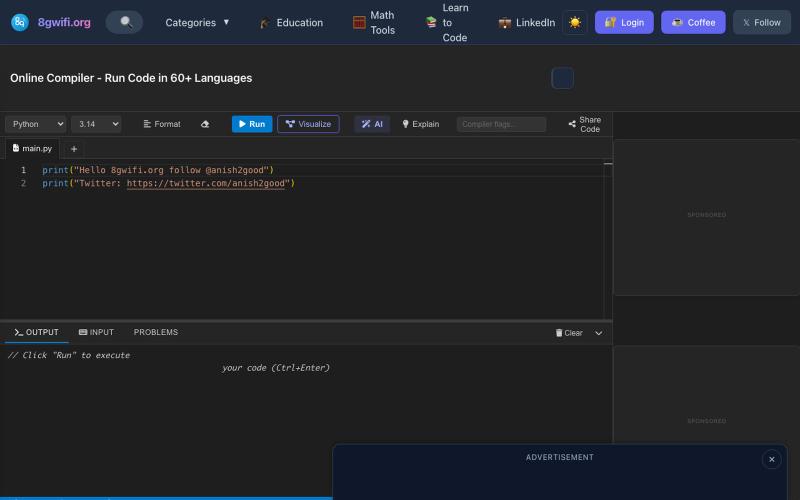
AI-Powered Online Compiler & IDE - Run Code... | 8gwifi.org
Write and run code in your browser with AI code generation and auto-fix features.

@anish2good · X
The full gallery
Tech stack
24 projects
Write and run code in your browser with AI code generation and auto-fix features.
@anish2good · X
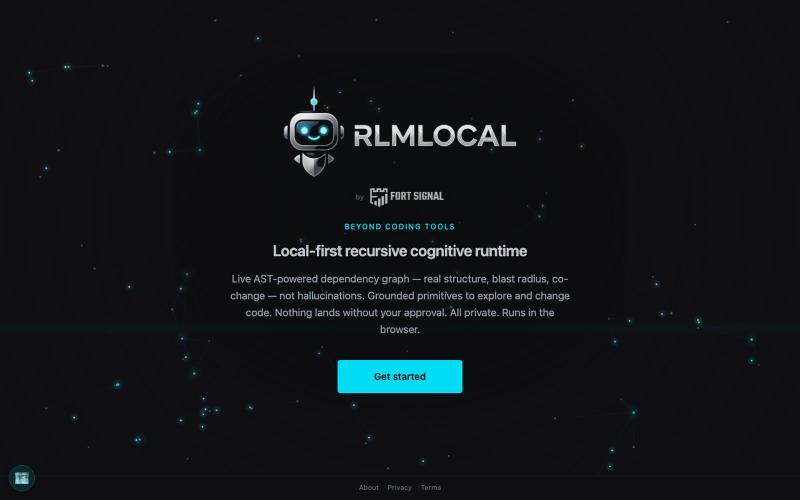
Local-first cognitive runtime with live AST graphs, runs in your browser with no data sharing.

@fortsignal1 · X
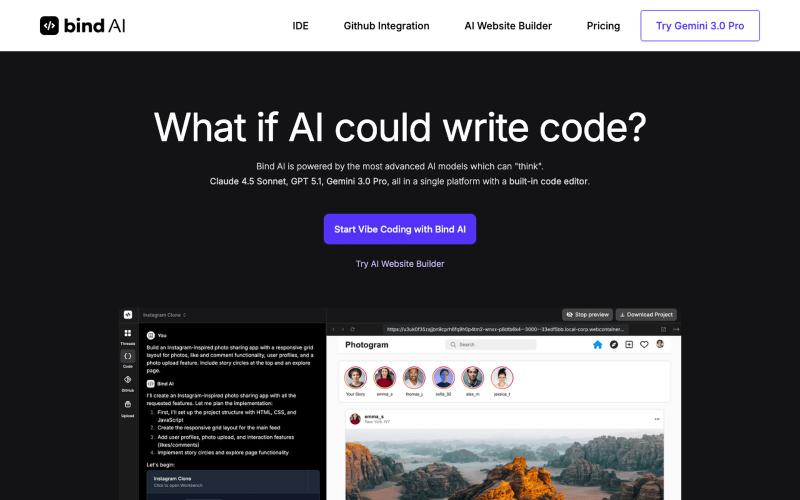
Write and run code in an IDE with Claude, GPT, and Gemini models, then deploy to Vercel.

@bind_ai · X
We got tired of juggling model subscriptions and editors, so we built Bind AI One tab: Claude, GPT, Gemini, an IDE that runs the code and ships it to Vercel Heads down on the shortest path from idea to application #vibecoding
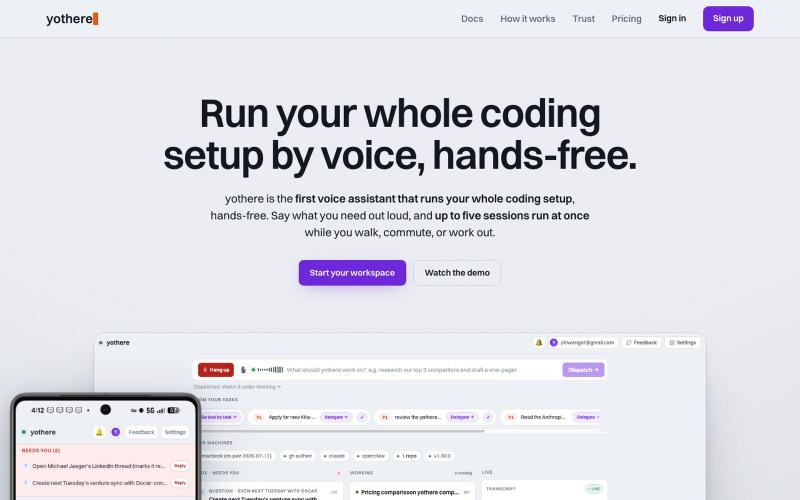
Run your Claude Code sessions hands-free by voice from your phone.

@phiwenger · X
Yeah /remote-control is the workaround but it's clunky. I built yothere for exactly this. With yothere you can spin up multiple Claude Code sessions from your phone, run them all hands-free by voice, and just get pinged when done or stuck.
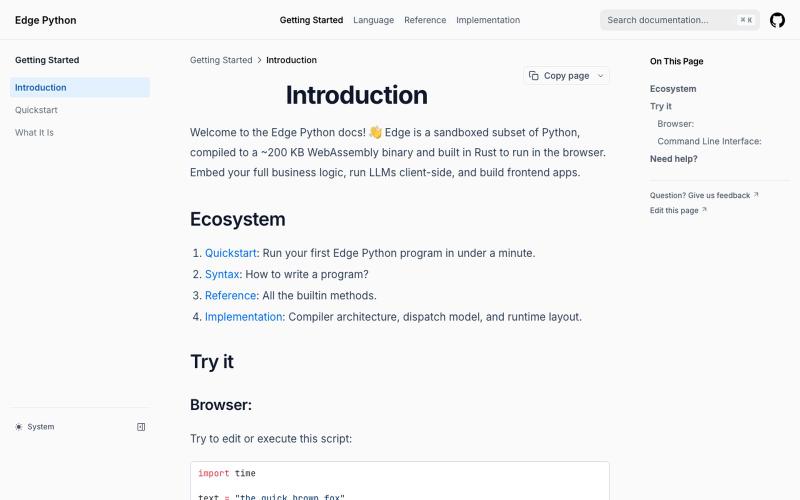
A lightweight Python runtime that runs in your browser, weighing under 200 KB.
dylansuttonc · HN
When I started programming Edge Python more than six months ago, I was looking for a version of Python that weighed less than 200 kb so it could reach any device, sandboxed by design, built with browsers in mind, decoupled from the operating system and very fast. Today the closest competitor would be MicroPython. However, it did not solve my real problems or the problems of the people who use the project. * Managing async and blocking code on the event loop. MicroPython inherits CPython's blocki
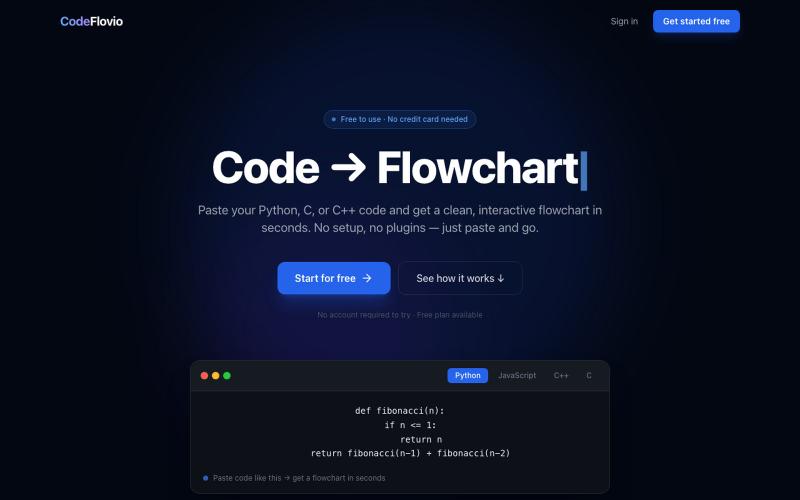
Convert code into interactive flowcharts for learning, debugging, and documentation.

@Sparsh209 · X
Hi isha! Check it out here at: Would love to hear your feedbacks
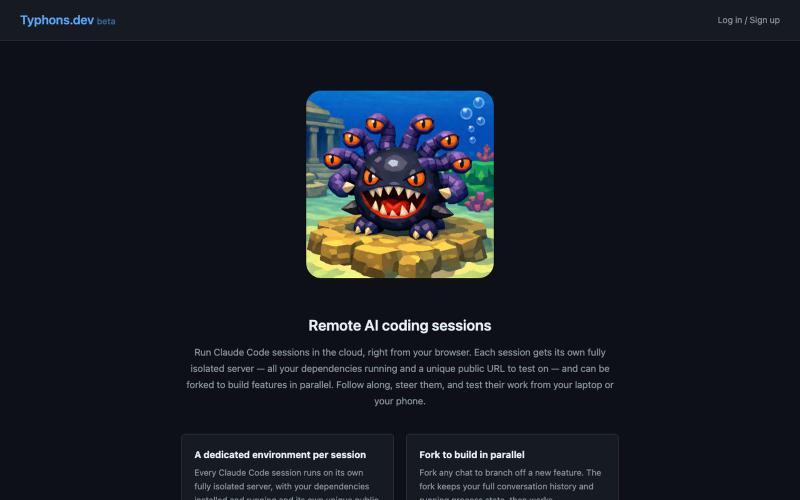
Run Claude Code in cloud dev servers with cloned environments and public URLs.
u/nathaniel7775 · Reddit
Feedback on better way to do Claude remote control / cloud I've never found Claude Code's built-in /remote-control or cloud dev to be what I want. I don't like having to set it up myself, and I want to have a public URL for my website so I can easily test changes in the browser. Also, I really like building multiple features at once, so I want to be able to fork a chat and start another chat / feature from the same context (but with a different public URL). I've never been abl
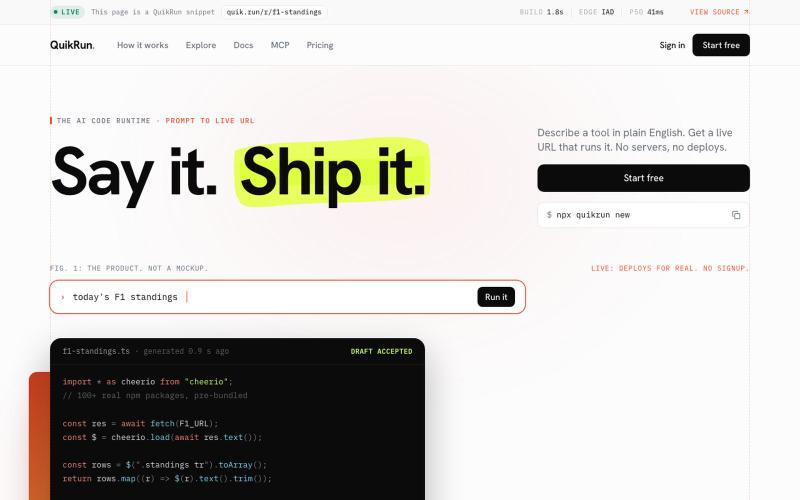
Describe your code idea in English and QuikRun generates, tests, and runs it live.
nparashar150 · HN
Over the weekends, I've been revamping an old side project of mine: https://quik.run/?ref=yc It started as a simple platform for writing and sharing code snippets. Over time, it evolved into a way to run snippets instantly with support for imports and packages, without worrying about setup, deployment, or infrastructure. Think of it as a lightweight AWS Lambda for quick experiments. One thing I've realized is that even though AI has made a lot of older developer tools and ideas feel less relevan
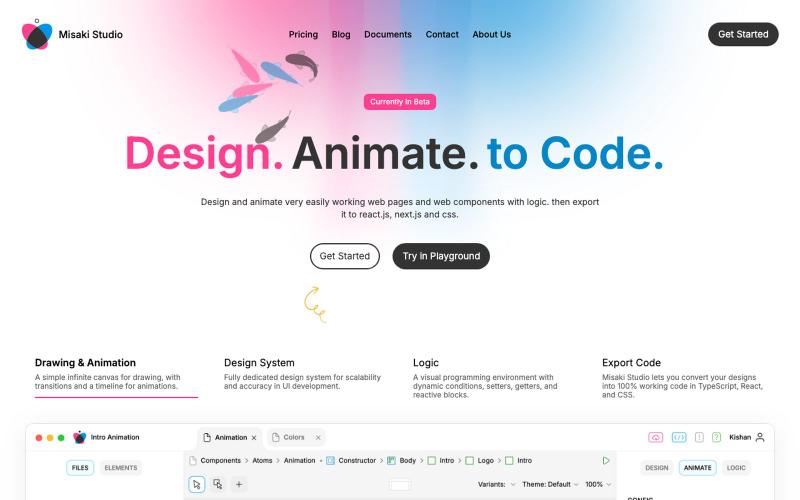
@JamesAuble https://t.co/GdUqHtJjbA

@Jasoliyaharsh1 · X
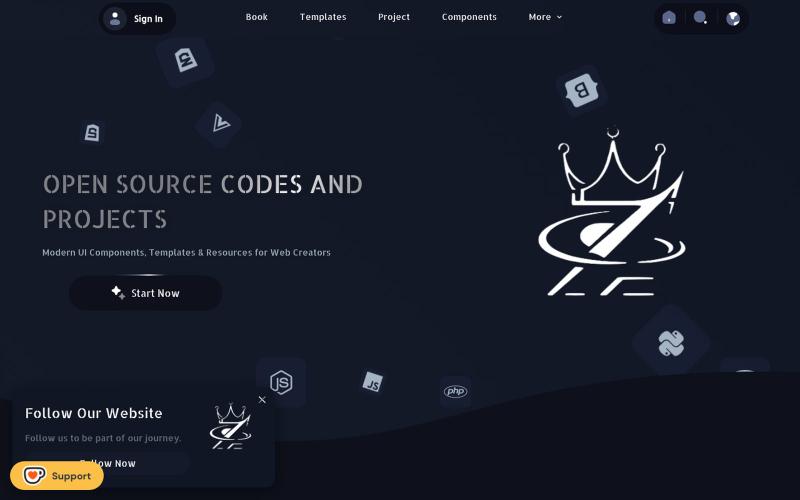
@Kiriakoscls4 https://t.co/vL7v4J1TKx

@z5code0 · X
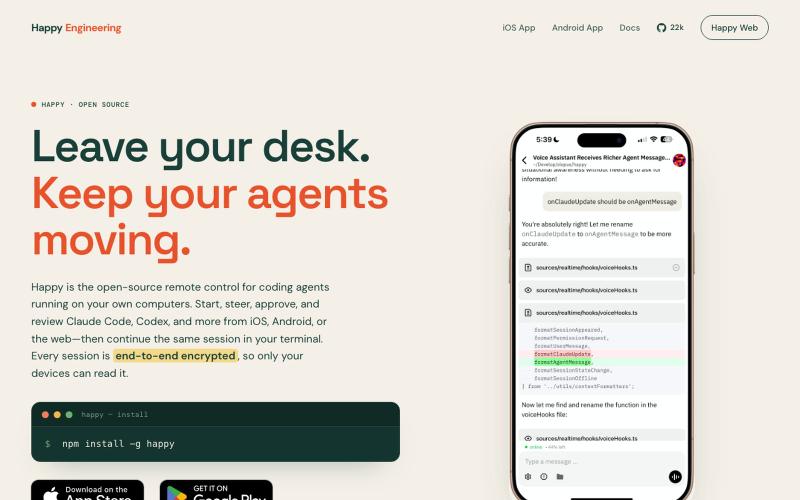
Open-source remote control for Claude Code and Codex on iOS, Android, and web.

@Ex3NDR · X
Few days ago Happy had a birthday. Tried to refresh one of the most neglected part of it: our Happy Website: also i built a new harness called “rig”. i started to use at work recently instead of codex/claude code and i liked how it does work. i want to share this with everyone. it is a codex and cause code reimplemented using Pi, but keeping native prompts and expanded a little for uniformity (like added workflows to codex yay!). when something new released that is worthy of porting - i ask Sol to mim for prompts or read sources directly and i can have a feature within an hour. why this is needed? i was constantly blocked by the needing of integrating a lot of models together, which each has their own harness or many doesn’t have any, but i didn’t want to go too far from native and don’t like the idea of extensions - i want experience to be the same everywhere. i think configuration > extensions. more soon
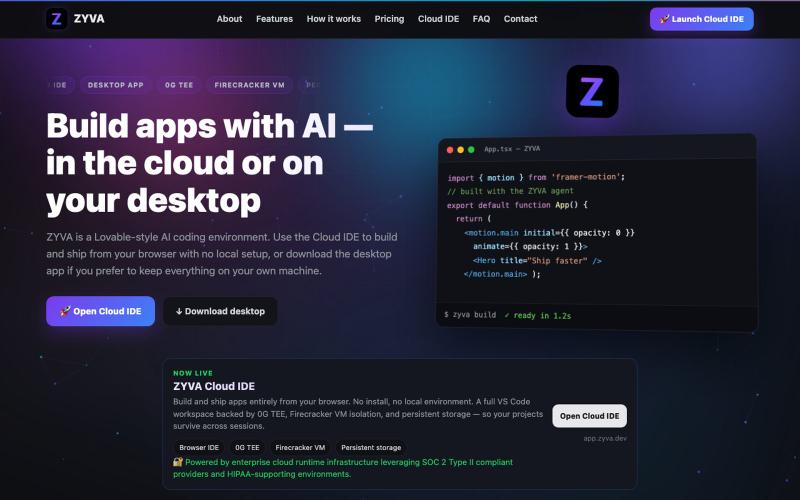
AI-powered IDE running in browser or desktop with live code editor and design tools.

@zyvadev · X
✨ AI Vibe Coding 🎨 Website Cloning 💻 Live Code Editor 👀 Live Preview 🎭 Design Presets 🖼️ Auto Logo & Favicon 🗄️ Database 🌐 Free Hosting & Subdomains Native 0G SDKs: ⚡ 0G Compute 💾 0G Storage ⛓️ 0G Chain Everything in one AI Cloud IDE. build with 0G