
Developer Tools1 week ago · 1 tries
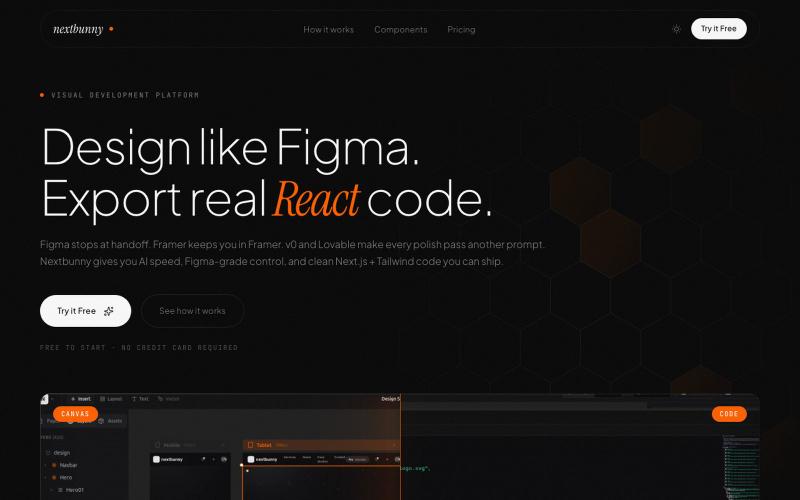
nextbunny - Visually Build Production Ready React & Next.js
Build production-ready React and Next.js apps visually, export clean code.

@MahatiSingh · X
The full gallery
Tech stack
19 projects
Build production-ready React and Next.js apps visually, export clean code.
@MahatiSingh · X
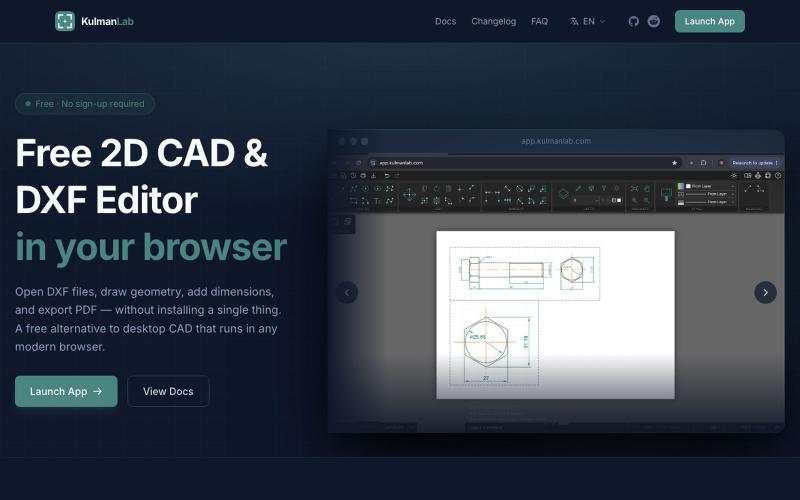
Draw and edit 2D CAD designs in your browser, then export as DXF or PDF — no installation or login required.

@KulmanLab · X
- a free and accountless alternative to Autocad
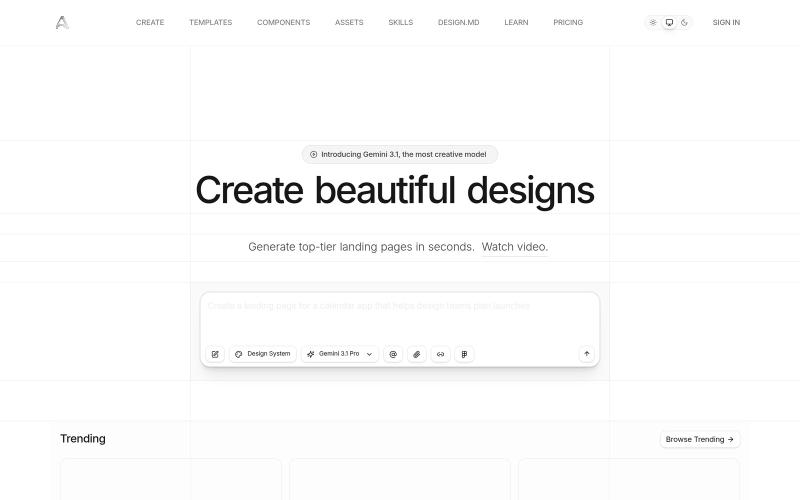
Generate landing pages and websites from prompts, export to HTML or Figma.

Free tools to convert, compress, and edit files directly in your browser without uploads.

@faisalhaleem · X
Just launched — free browser-based file tools runs entirely in your browser. Video to GIF (with trim slider) Merge / Split / Shrink PDF Your files NEVER leave your device. No sign-up needed. Free forever. #buildinpublic #webdev #indiedev #tools #privacy
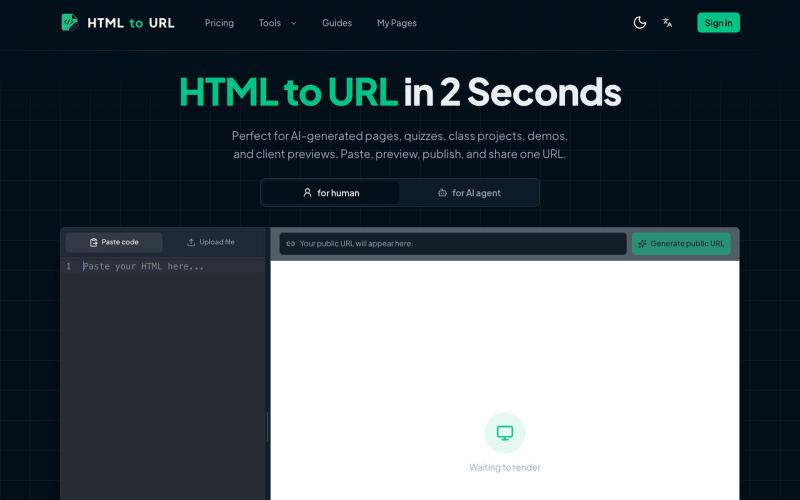
Convert HTML code to shareable links and preview online.
htmltourl — 专为 AI 编程设计的快速上线工具,粘贴 HTML 代码即可一键生成在线访问链接
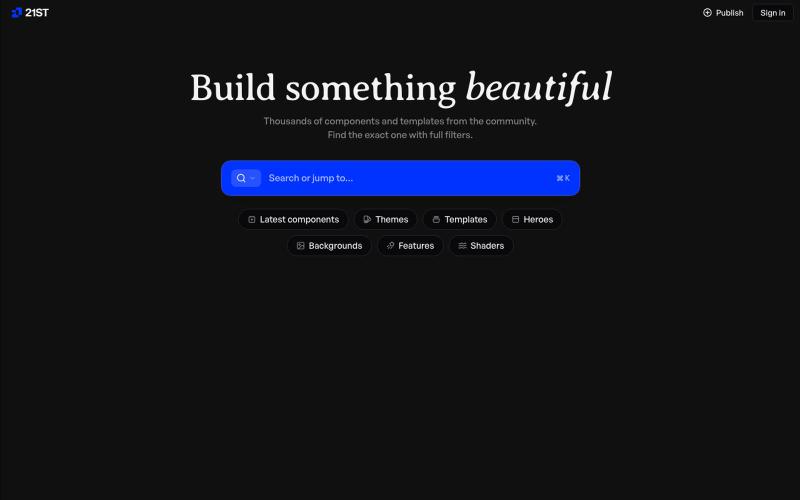
A registry of hand-crafted React components and templates for building polished UIs.

@polyqoy · X
This video shows a fully animated 3D site built in 2 minutes with claude code. one terminal command. but the prompt was almost irrelevant. the real work was the pre-load: ui/ux pro max skill, a hero component from framer motion stacked in before claude touched anything the toolkit did the job. the prompt just pulled the trigger. that's also why most people's claude output looks generic. they skip the setup and blame the model.
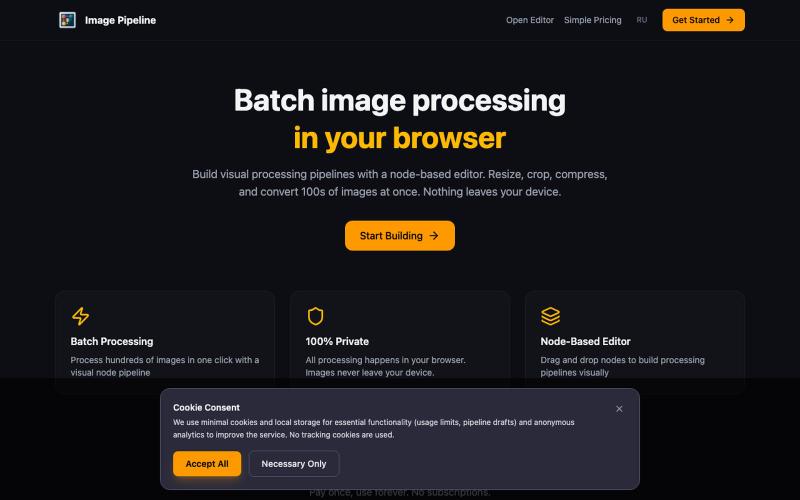
Resize, crop, compress, and convert images in batch — all locally in your browser.

@MaximMitenkov · X
🔒 Just launched Image Pipeline — batch image processing in your browser. 100% private. No signup. Pay once, use forever. #buildinpublic #webdev #privacy
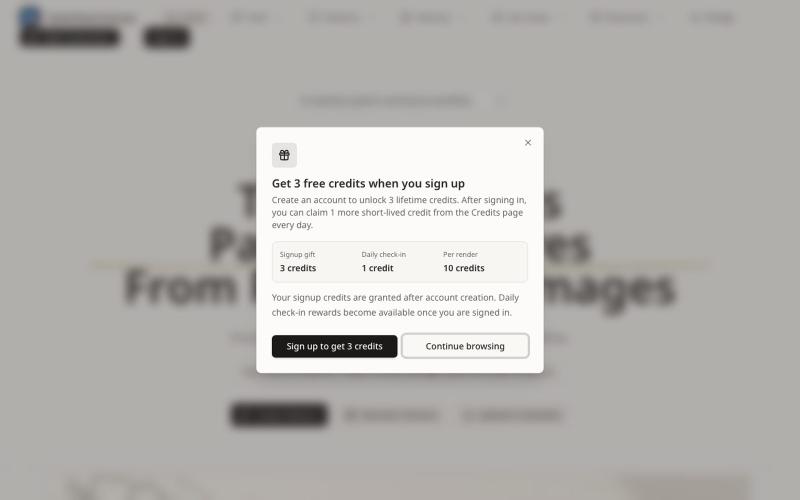
Generate tileable patterns and textures from text prompts or images, then preview, recolor, and export them.
Seamless Canvas — AI 无缝纹理生成器,通过文字描述或上传图像生成可平铺纹理 - [更多介绍](https://seamlesscanvas.com)
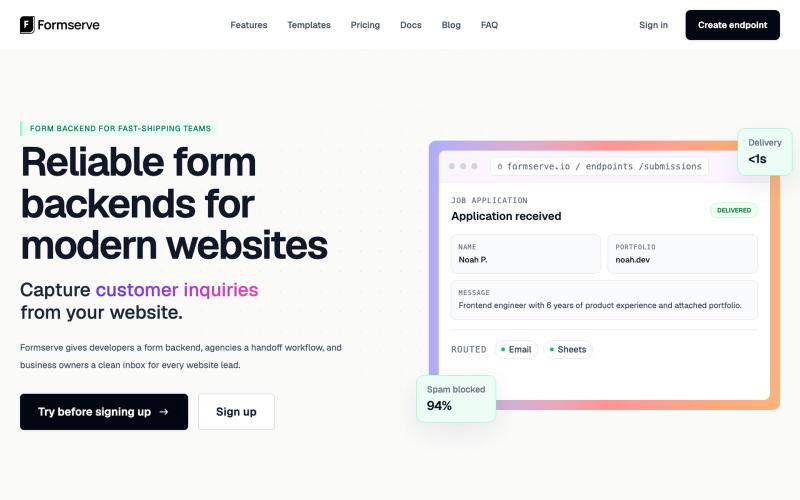
Form backend for static sites and AI launches that captures submissions and routes them to your tools.

@AbhilashVeettil · X
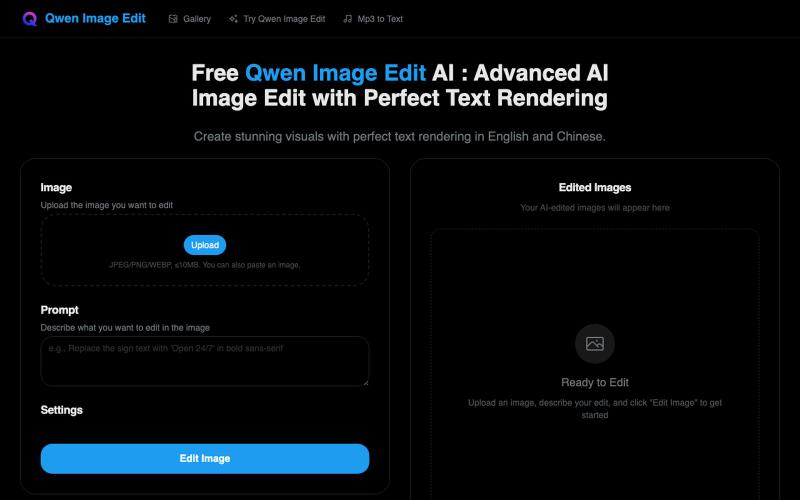
Generate images with AI, featuring exceptional English and Chinese text rendering.
Free Qwen Image Edit AI — Qwen Image Edit 网站。高级 AI 图像编辑与完美文本渲染,完美支持中英文文本渲染。

Browser-based tools for video and audio compression, cropping, merging, and conversion without uploading files.
zhw2590582 · V2EX
最近对网站进行了重构,做成了免费的视频工具站:[ArtPlayer Tools]( https://artplayer.org/tools/) 主要是围绕着 ffmpeg.wasm 和 mediabunny 实现的一些可以直接在浏览器里用的视频/音频工具,常用的有: - 视频压缩:[Compress Video]( https://artplayer.org/compress-video/) - 视频裁剪:[Crop Video]( https://artplayer.org/crop-video/) - 视频合并:[Merge Video]( https://artplayer.org/merge-video/) - 视频尺寸调整:[Resize Video]( https://artplayer.org/resize-video/) - 视频旋转:[Rotate Video]( https://artplayer.org/rotate-video/) - 视频调速:[Change Video Speed]( https://artplayer.org/change-video-speed/) - 添加文字到视频:[Add Text to Video]( https://artplayer.org/add-text-to-video/) - 添加水印:[Watermark Video]( https://artplayer.org/watermark-video/) - 提取字幕:[Subtitle Editor]( https://artplayer.org/subtitle-editor/) - HLS 转 MP4:[HLS to MP4]( https://artplayer.org/hls-to-mp4/) - 音频可视化:[Audio Visualizer]( https://artplayer.org/audio-visualizer/) 大部分工具都是本地处理,文件不会上传到服务器。最开始是因为自己偶尔要处理一些视频,开剪辑软件又有点重,在线工具又担心隐私,所以就慢慢做成了一个站。 目前还在持续完善,体验肯定还有不少粗糙的地方,比如不同浏览器的兼容、移动端操作、长视频性能之类的。 网站: [ArtPlayer Tools]( https:
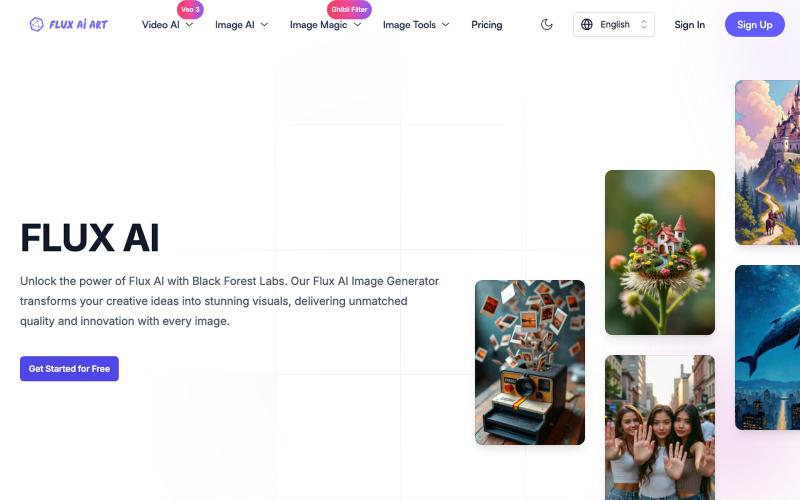
Free online suite for AI image and video creation and editing.
FLUX AI ART — 基于 Flux 的图像生成网站