ChatCut · AI Video Editor | Edit Videos with Prompts
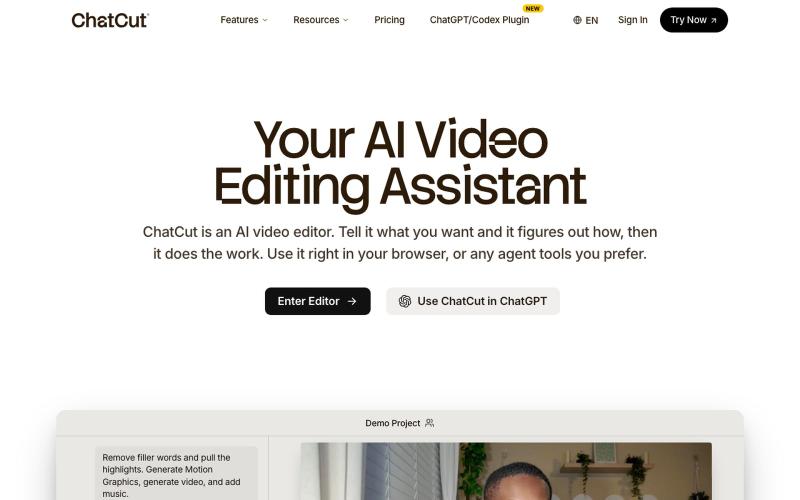
Edit videos using text prompts in ChatGPT, web, or desktop app.
zaczuo · Product Hunt
ChatCut Your AI video editor in ChatGPT, desktop, and web
The full gallery
Tech stack
30 projects

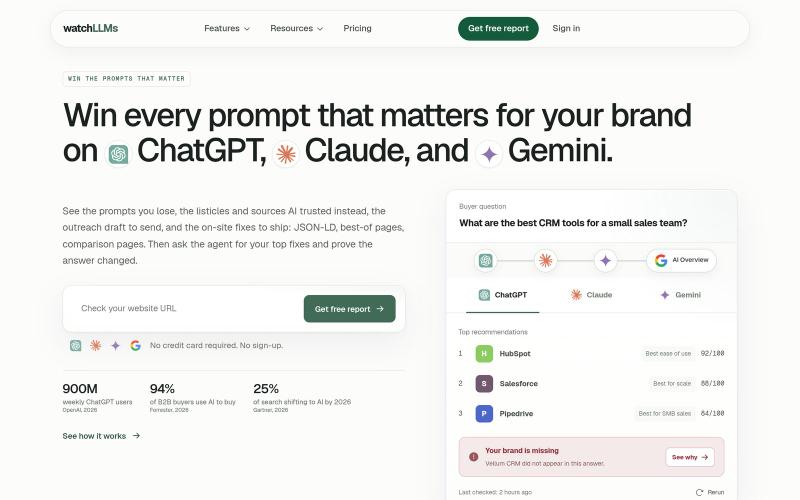
Edit videos using text prompts in ChatGPT, web, or desktop app.
zaczuo · Product Hunt
ChatCut Your AI video editor in ChatGPT, desktop, and web

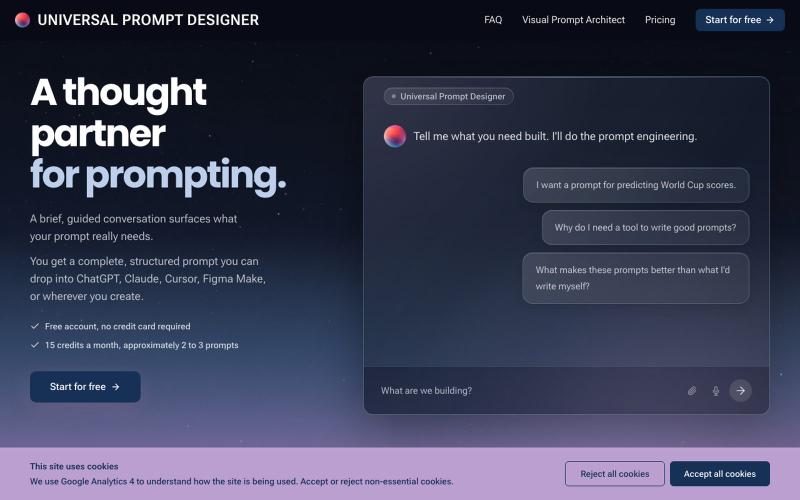
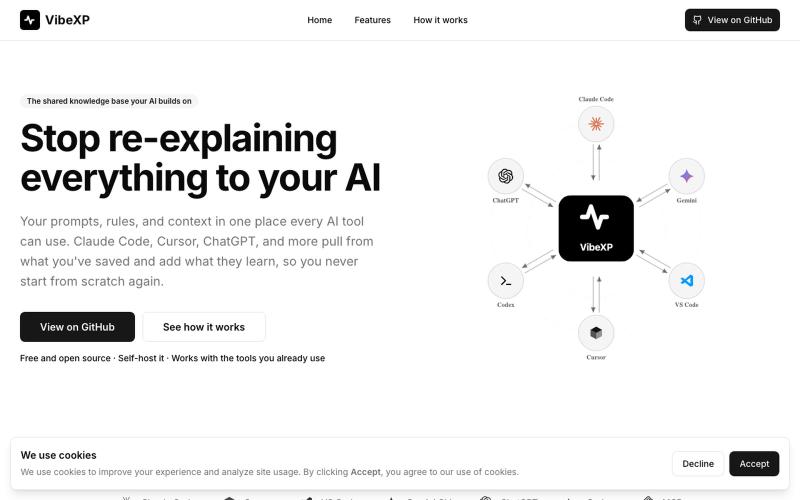
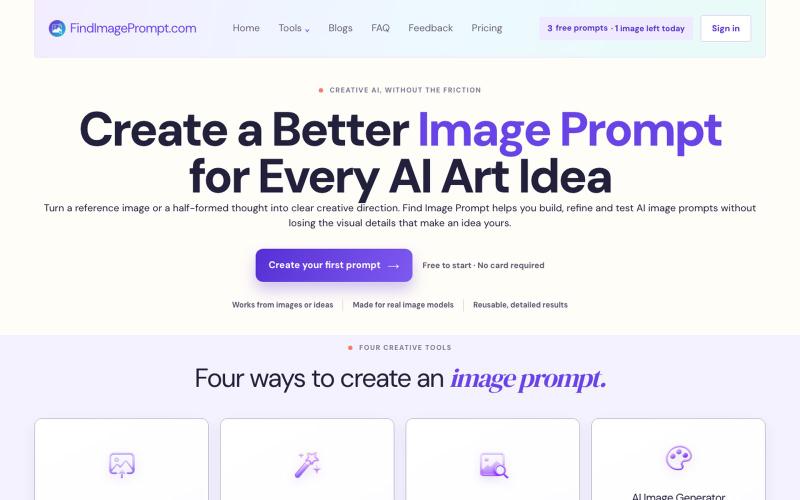
Answer questions to generate structured AI prompts for ChatGPT, Claude, Cursor, and other AI tools.
@askjames_co · X
Generate custom icons from text prompts with 50+ styles and download as PNG.
mantasge · Product Hunt
IconsCove AI Icon Generator with 50+ styles and library management

Generate AI coloring pages for K-2 classrooms from text prompts.
robot1996 · HN
AI Coloring Page Generator for printable classroom worksheets

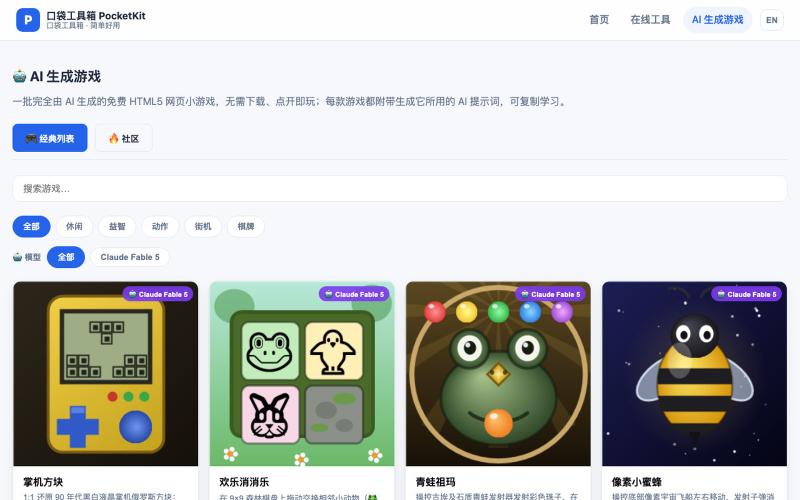
Get drawing prompts and ideas with an interactive game that scores your sketches.
画什么 — 从画圆开始,看看你画的圆可以得多少分

Generate tileable patterns and textures from text prompts or images, then preview, recolor, and export them.
Seamless Canvas — AI 无缝纹理生成器,通过文字描述或上传图像生成可平铺纹理 - [更多介绍](https://seamlesscanvas.com)

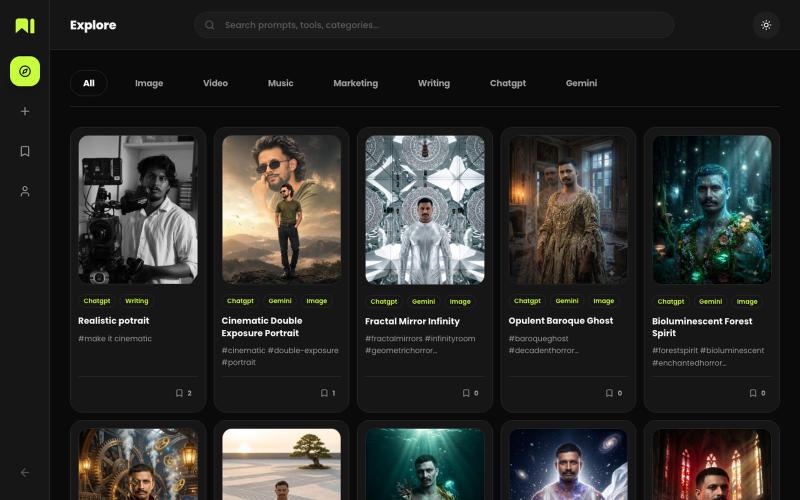
Explore community-reviewed AI prompts organized by tool, category, and workflow.
@Utsabpanday · X

Generate AI images from text prompts without logging in, with free credits every 12 hours.
Nano Banana 2 AI — AI 图像生成工具(支持角色一致性保持与多步工作流,兼顾速度与质量),适合快速产出专业视觉内容

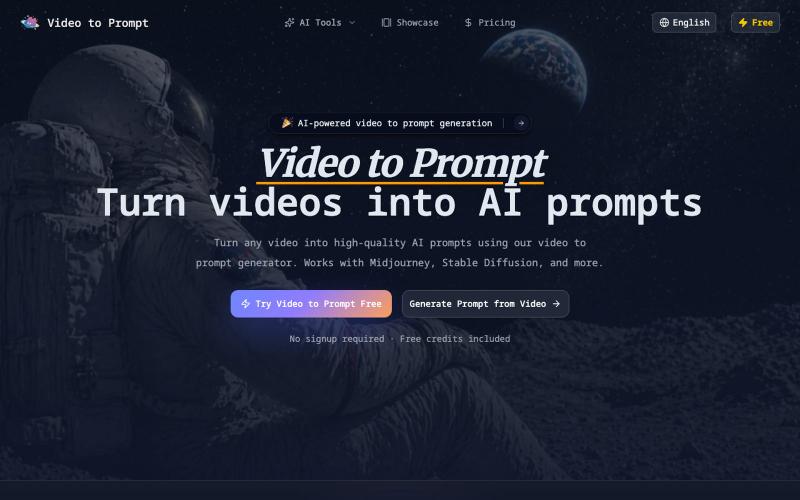
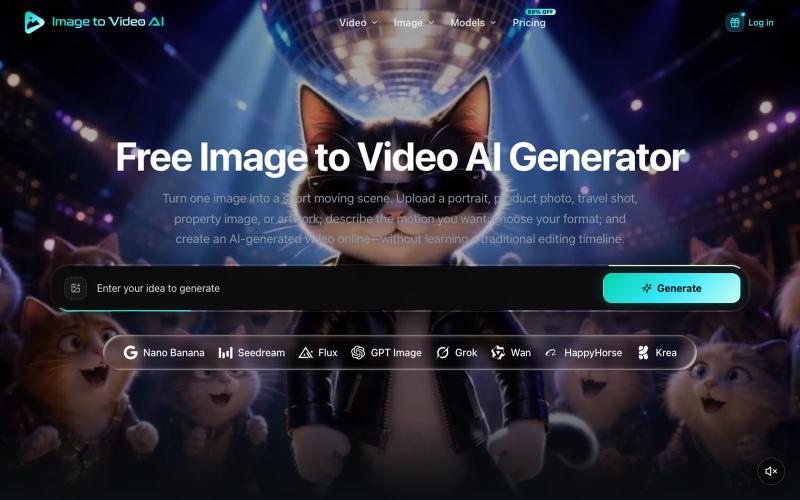
Generate AI videos from text prompts in your browser.
LTX 2 AI Video Generator — AI 视频生成器,可将创意提示即时转换为高质量视频

Generate and edit AI images for product shots, ads, portraits, and thumbnails via text prompts.
Plugcamp · V2EX
最近在折腾一个小站,主要是围绕 Nano Banana 2 Lite 做图片生成和图片编辑: https://nanobanana2lite.me/ 一开始只是自己想要一个比较轻的入口,用来快速试 prompt 。后来发现每次测图都会遇到几个重复问题: - prompt 写完之后,不知道适合什么比例 - 文生图和图生图入口经常混在一起 - 想找几个可复制的 prompt 示例,但很多站要么太重,要么示例不够直观 - 只是想快速生成一张产品图、头像、广告图、封面图,不想进一个很复杂的工作台 所以就做了这个站。 目前主要有几个部分: - Text to Image:直接输入 prompt 生成图 - Image to Image:上传一张图,再用 prompt 做改图 - AI Image Editor:偏日常编辑,比如换背景、改光线、改风格 - Prompt Library:整理了一些可直接复制的 prompt - Gallery:放了一些 before/after 和示例图 我自己比较在意的是首页别太像传统 SaaS 落地页,所以最近一直在改视觉。之前太干了,后来加了一些更丰富的样张和暗色主题,但也还在调。 这个站不是 Google 官方产品,只是一个第三方工具站。现在更多是想把「轻量、直接、可复制」这件事做好。 如果大家有空的话,想请教几个问题: 1. 首屏看起来会不会太营销,还是说信息还算清楚? 2. 对图片工具来说,大家更想先看到生成表单,还是先看到效果案例? 3. Prompt Library 这种页面有没有用,还是大家更习惯直接自己写? 4. 如果你平时会用 AI 生成图,最常用的场景是产品图、头像、封面、广告图,还是别的? 欢迎拍砖,尤其是 UI 、文案、信息结构这块。 链接再放一次: https://nanobanana2lite.me/

Create rap lyrics and songs instantly using AI, with custom prompts and emotion styles.
Rap Generator — 生成说唱歌词和歌曲的免费 AI 工具,用户可以输入提示词,选择情绪,生成符合描述的个性化的歌词,并可以根据歌词选择免费创建两首定制的说唱歌曲。可以免费下载和收听人工智能生成的说唱歌曲。希望让每一个 Rap 音乐爱好者能轻松地创作自己喜欢的音乐

Convert text prompts into commercial-grade images and videos instantly.
AI Amazing — AI 图像/视频生产平台,面向创作者与团队