
Developer Tools1 month ago
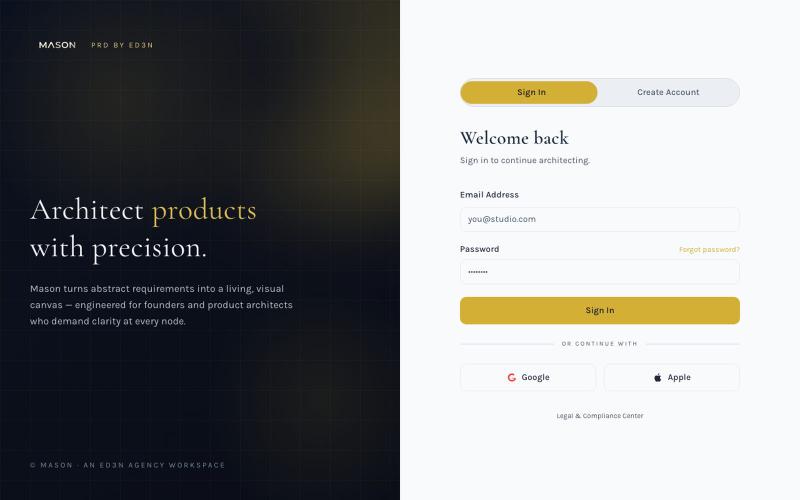
Mason PRD by ED3N — Visual Product Requirements
Create visual product requirements documents using a minimalist canvas interface.

@KolhyP92244 · X
The full gallery
Tech stack
18 projects
Create visual product requirements documents using a minimalist canvas interface.
@KolhyP92244 · X
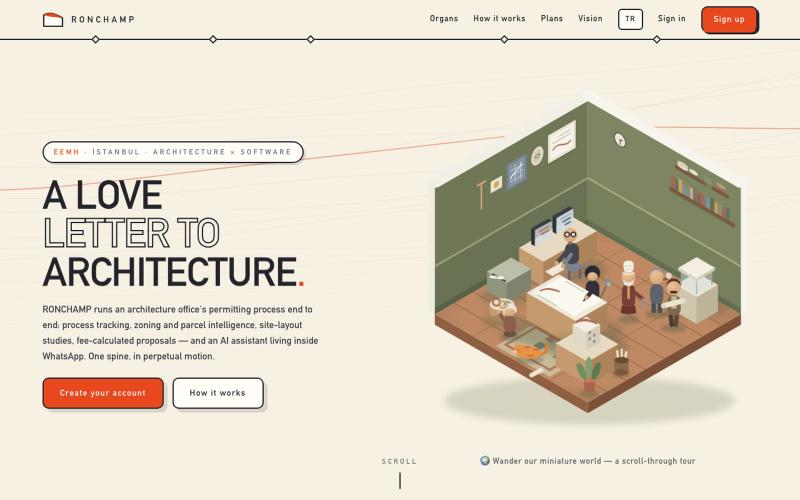
Generate architectural floor plans and 3D models with browser-based BIM tools and permitting workflow management.

@ronchampio · X
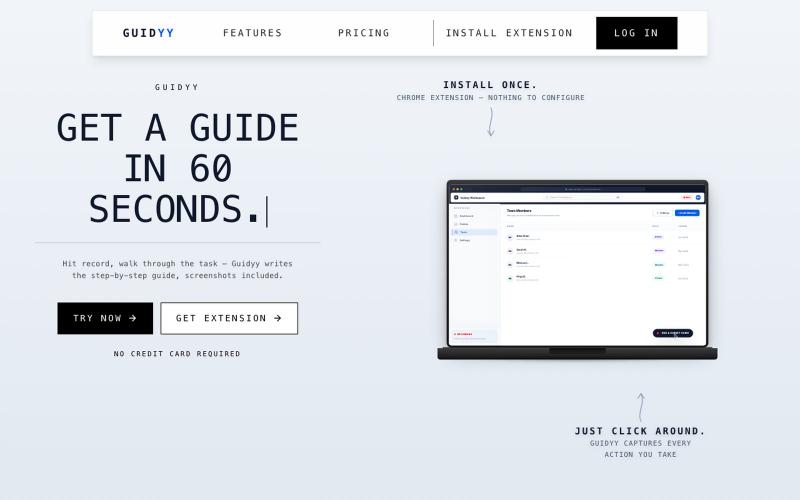
Auto-generate step-by-step guides and SOPs from screen recordings.

@Amit63390 · X
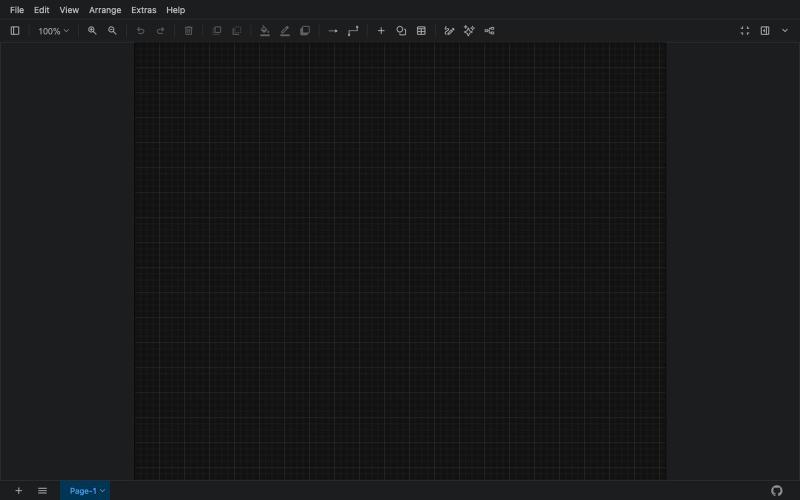
Free online tool for creating flowcharts, process diagrams, org charts, and UML diagrams.

@N0V4Dev · X
I found a tool called Next AI that links AI capabilities directly with diagrams. It lets you build and edit diagrams using natural language prompts instead of clicking around the canvas manually. It's a handy way to sketch out architecture when you don't want to drag every box yourself. The project is built on TypeScript with React 19 and Next.js. It supports multiple AI providers and even includes an MCP Server. This means you can use it with the Claude Code CLI to generate diagrams from your terminal. Deployment options are flexible too. You can run the tool locally with Docker or push it to Vercel and Cloudflare Workers. It supports multi provider setups so you can pick the backend that fits your workflow. #Nextjs #AI #Diagrams #TypeScript
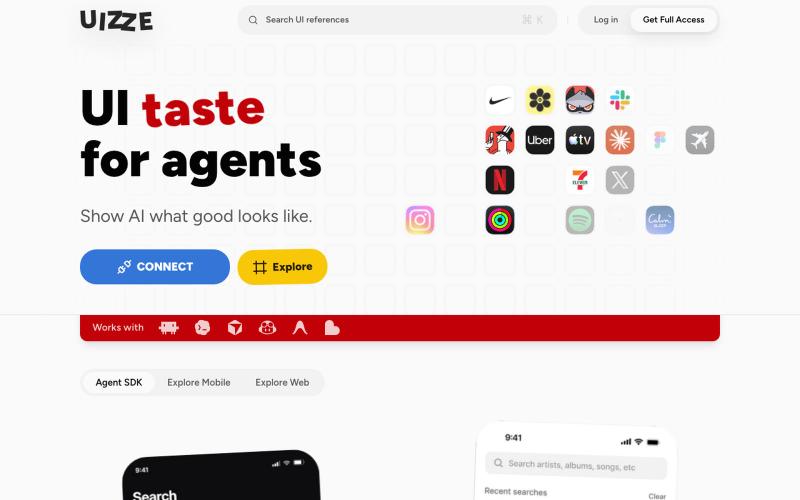
Analyzes UI screenshots and provides design audits for AI agents.
u/albanianspy · Reddit
the boring internal tool became the product we didn’t start with a saas idea. we were just annoyed that every agent-built UI looked weirdly related. so we made an internal finish gate: real screen references, a design contract, browser checks, and a ban list for generic AI defaults. one developer kept asking why it wasn’t public. eventually we stopped having a good answer. now UIZZE has a few paid users. builder disclosure: it’s mine, $9/mo or $99 lifetime: https://uizze.com current
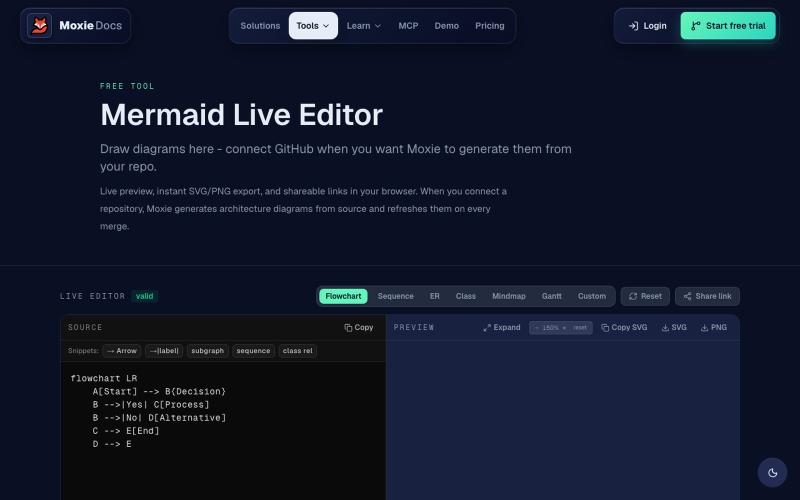
Create and export Mermaid diagrams including flowcharts, ERDs, and sequence diagrams online.
ghosts_ · HN
I've been slowly adding some new free tools to Moxie Docs (partly for SEO, partly to illustrate some of our feature sets before any commitment) for some reason this mermaid editor one blew up on Google rankings so I figured I'd share in case people find it useful! We also have ADR, AGENTS.md, LLMs, and a few other free tools.
Create animations and motion graphics with layer-based timeline editing and node-based compositing.
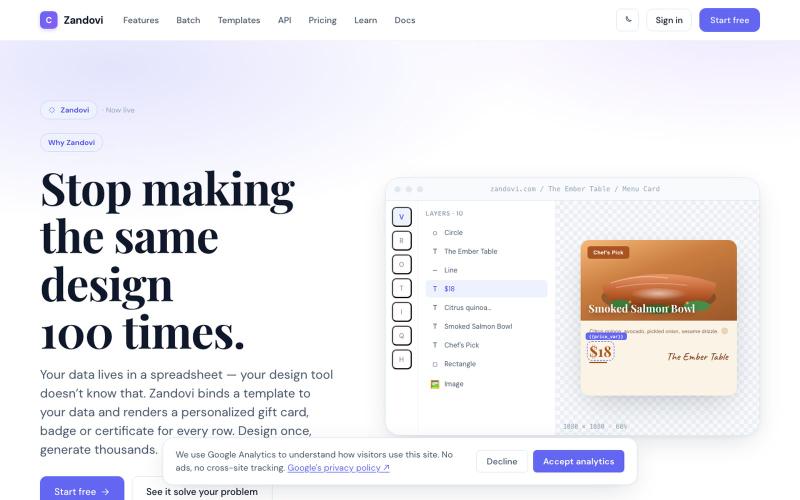
Generate personalized designs at scale using templates with variables from CSV or API.

@trebizant · X
Hi, I'm building : generating gift cards, invitations, basically any image using templates, variables by web or API
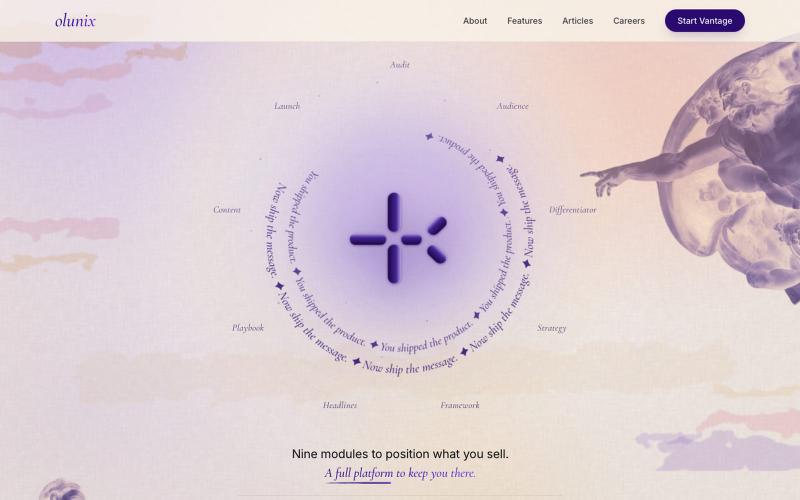
Create positioning statements and launch playbooks with guided modules

@TajGervan · X
Hey Hassan, I am 18 and working on growth at olunix, I'd love to connect!
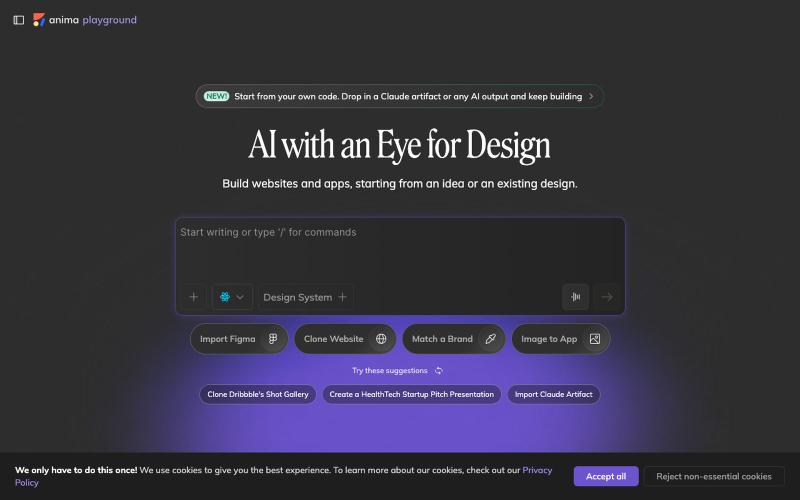
Convert design mockups and screenshots to code automatically.

@AnimaApp · X
Image to code in 1 minute - 20x faster than Claude Code and with much higher fidelity. Try it at and let us know how we did 🤘
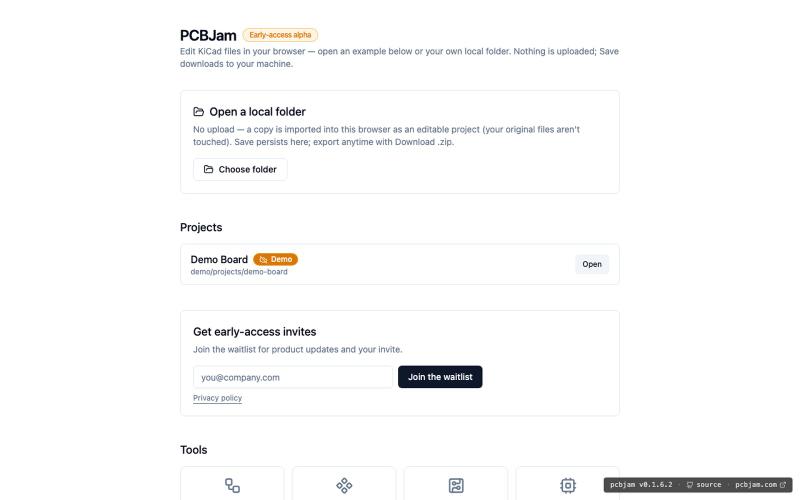
Design electronic circuits and PCBs in your browser with KiCad, no installation required.
ViktorEE · HN
KiCad, a PCB EDA suite is now working in a browser, you can try it at the link, there's a demo project or you can bring your own. Firefox is best, Chrome is good, Safari is "working". We’re Emergence Engineering, a dev shop from Hungary, mostly working with rich text editors, CRDTs. PCBJam started as my (Viktor, CTO, ex-electrical engineer) hobby project but as time went on I put more and more energy into it, and a product started shaping up in my head, in the last few months we’ve started to focus on this project a bit more, and this is the first MVP~ish result. This project is a ton of fun, ton of learning, ton of improvements over improvements: - I thought there must be ways to emulate the PCB canvas OpenGL code on the web. And yes, there are a lot of ways, all of them very buggy. Turns out it’s faster to just write WebGL code that works with KiCad’s Graphics Abstraction Layer if you add the right intermediate debugging steps. I (with Claude) implemented the features and compared

AI agent that generates comparable product concepts from ideas, sketches, images, and constraints.

@hedge8og · X
4月23日,我开始用 Codex 搭自己的产品。到现在,满3个月了。 截至7月19日,Codex 页面显示247.1亿个 Token,连续使用54天。标题里的“250亿”是取整,准确数字以截图为准。 这三个月,我把 做上线了,产品介绍视频改了很多版,也借助 Codex 做了不少以前一个人很难完成的工作。 具体一点:我用它整理过 BP、导出过 PDF、做过 PPT 工作稿,也把调研、文档、图片、浏览器操作、网站、视频和邮件这些常见 Skills 跑过一圈。有些后来真的进入了工作,有些试完就放下了。 现在回头看,最大的收获不是“我做过这么多种东西”,而是我越来越能分清:哪些能力能进入真实工作,哪些只是演示起来很厉害。 这些数字确实挺夸张。说实话,我自己看到也会觉得:是不是做了很多事? 但如果现在让我总结,我不会把它们当成绩。它们只能证明我很投入,蹬得快冒烟了,不能证明产品已经有价值,更不能证明商业已经成立。 我大学辍学,最高学历是高中,之前一直在制造业工作,也不会写代码。写这些不是为了卖惨,更不是想证明学历没用,只是先把我的真实起点说清楚。 2月 OpenClaw 火起来以后,我开始认真试各种 AI 工具,想先解决工作里那些重复、又不得不做的事情。 这期间还有一次,客户马上要我提案,但公司的设计师手上也有急活。我用 ChatGPT 做了产品效果图,最后拿到了订单。 老板后来跟我说:“早知道你可以帮我做这些,那些外包设计早就可以不用买了。” 到了4月,我又用扣子搭了发货模板和记账系统。原来需要手工对比核验的条形码、外箱码,我也开始想办法交给工具处理。 这张订单图只能证明订单记录是真实存在的,不能单靠它证明订单一定是 AI 带来的,更不是 Ohwait 的客户案例。AI 参与了产品效果图制作,之后拿到订单,是我对那次真实工作过程的记录。 那一刻让我兴奋的,其实不是发现了什么创业机会,而是我第一次觉得,模型真的可以成为人的“数字外骨骼”。 回头看这三个月,我现在有5个比较确定的结论。 ### 1. AI最好先从一个真问题开始 发货、记账、核验、临时要效果图,这些都不是什么宏大命题,但它们有一个共同点:问题原本就存在,而且有人正在为它花时间、花钱或者承担压力。 我现在判断一个 AI 工具有没有价值,还是看两件事:它有没有少让我重复