
Productivity10 hours ago
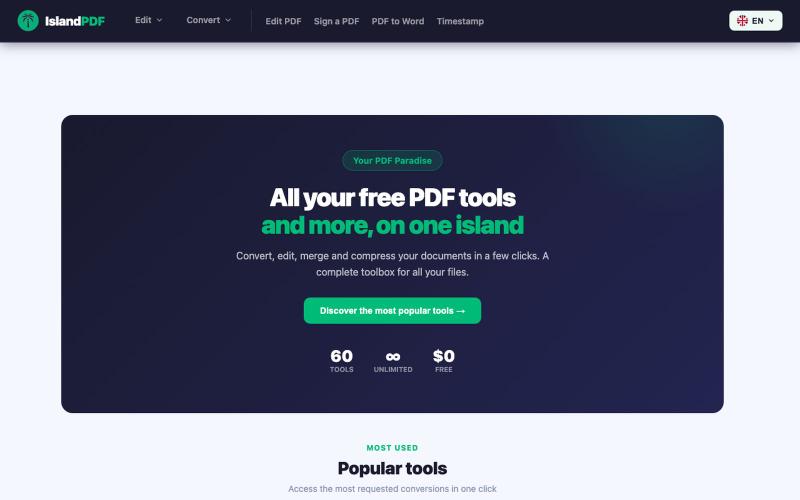
IslandPDF — Your PDF Paradise
Convert, edit, merge and compress PDF documents in your browser.

@IslandPDF · X
The full gallery
Tech stack
31 projects
Convert, edit, merge and compress PDF documents in your browser.
@IslandPDF · X
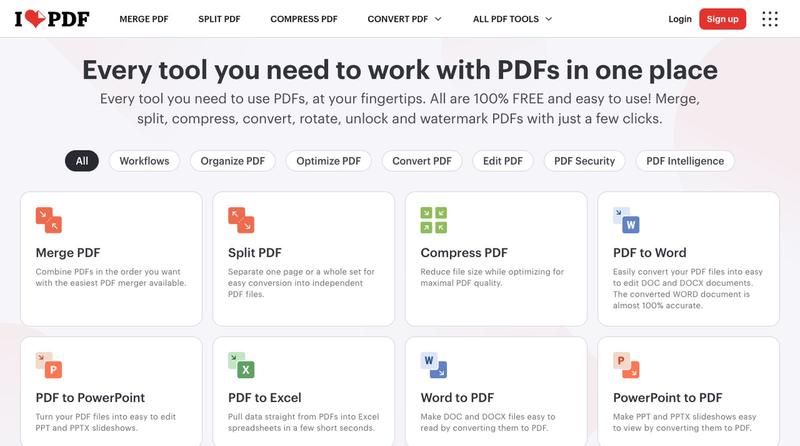
Compress, merge, split, convert, and edit PDF files directly in your browser.

Use 450+ privacy-friendly tools to format, convert, and process PDFs and images directly in your browser.

@tentaco_cc · X
Hey! I built 🐙 It’s a privacy-first web space packed with over 450+ free micro-tools for tech, design, marketing, and PDFs. The best part? Everything runs 100% locally in your browser. No registration, no ads. Let's connect! 🛠️
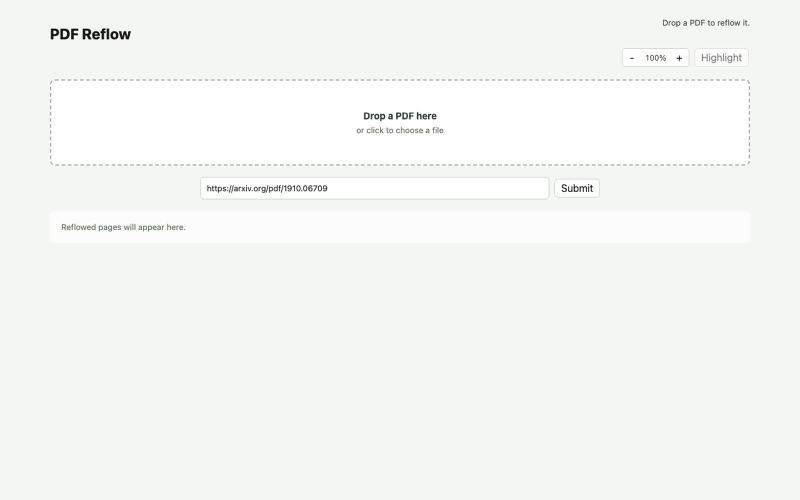
Reflow PDFs in your browser using a local AI model.
ldenoue · HN
Show HN: PDF reflow in the browser with local AI model

Free online PDF editor with 51 tools for merging, signing, OCR, and translation—works offline, no login needed.

@zubidavies · X

Upload product photos to generate studio-quality listing images, lifestyle scenes, and video ads instantly.

@sophiaanhnguyen · X
Shipping We solve the product content bottleneck for ecommerce teams. It’s built for brands, sellers, and marketers who need polished product visuals, AI model content, and video-ready assets faster.
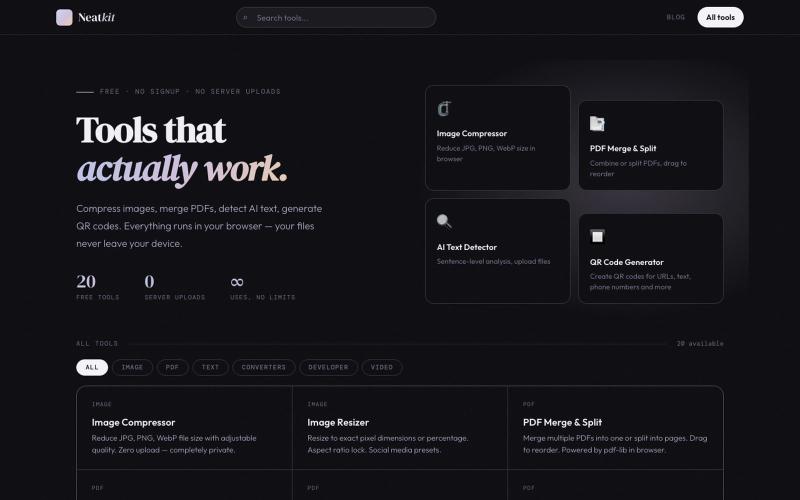
Free browser-based tools for image compression, PDF merging, QR code generation, and AI text detection.

@ChazXtine · X
I have been working on which is basically a site for free tools no pay wall. Currently I'm at 20 tools but I will be slowly expanding it.
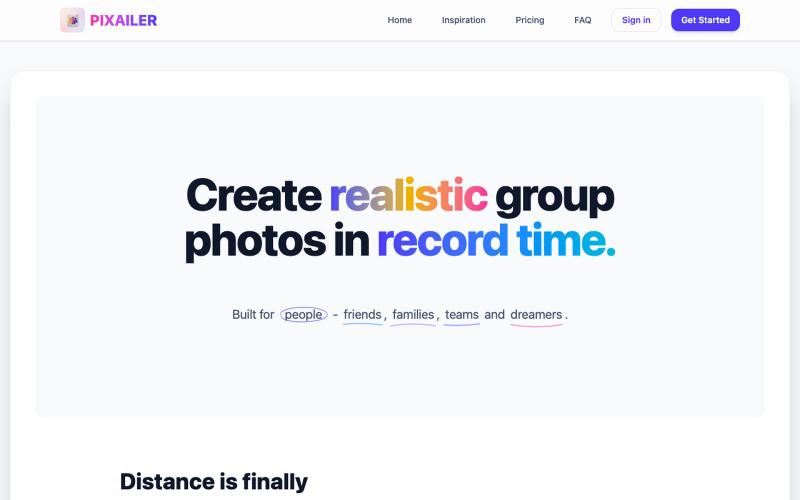
Create realistic group photos instantly using AI
keenthinker · HN
Create realistic group photos in real time with AI

Convert A4 PDFs to double-sided A5 booklets, saving paper.

@33357xyz · X
最近买保险发现文件太多了不好打印。就做了一个小册子打印网站,可以吧A4的pdf双面打印成A5的小册子,节省一半的纸张。网站可以预览小册子的效果,支持手动双面打印和自动双面打印,感兴趣的可以来玩玩。

Free browser tools for image resizing, JSON formatting, PDF processing, text analysis, and design without login.
musekit · Product Hunt
Free AI Tools Free browser tools for everyday tasks, no login
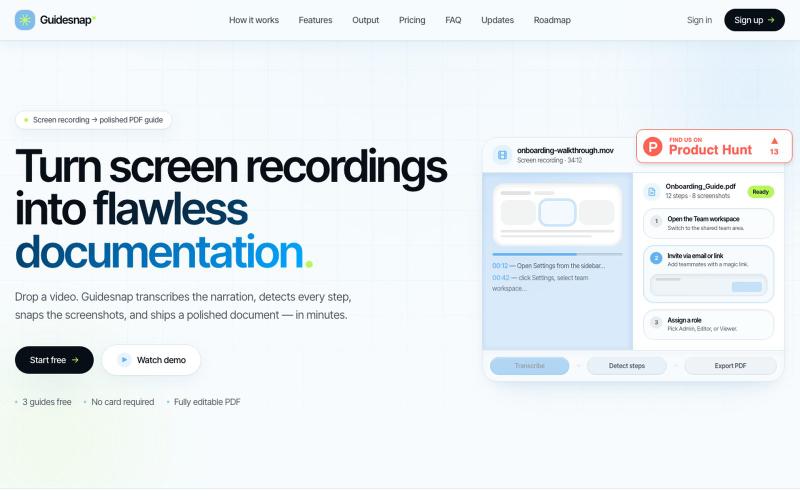
Convert screen recordings into formatted PDF guides automatically.

@vanmurten_eth · X
Guidesnap: turn any screen recording into a polished PDF guide.
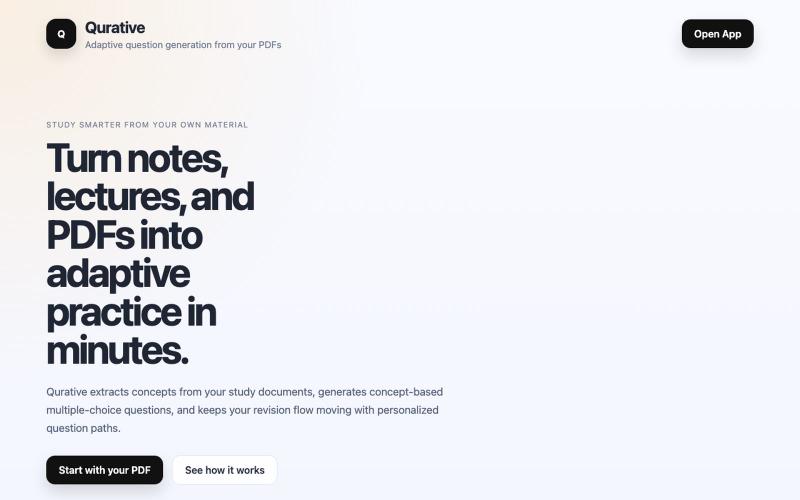
Turn PDFs into adaptive practice questions and personalized revision flows for learning.

@qurative · X
vibe coded a landing page for seo and shit, will fix it later focusing on adding features to the dasboard