
Developer Tools2 weeks ago
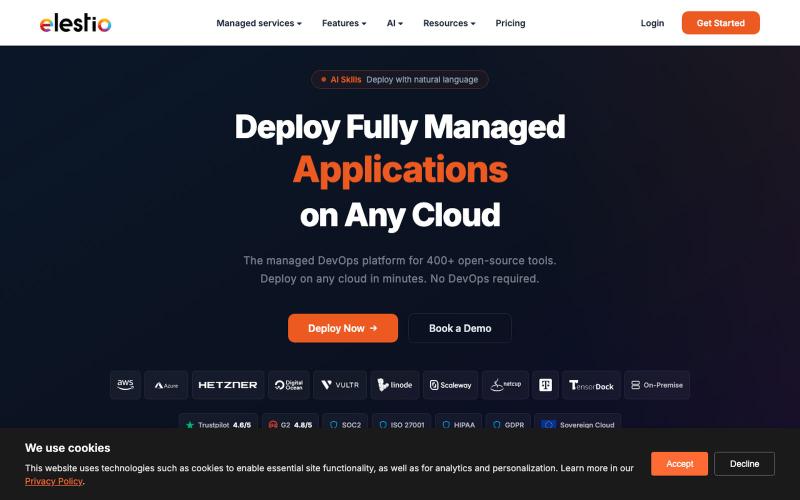
Deploy Fully Managed Open-Source Software on Any Cloud | Elestio
Deploy any of 400+ open-source tools on your choice of 9 cloud providers.

@Dil_Lynn · X
The full gallery
Tech stack
60 projects
Deploy any of 400+ open-source tools on your choice of 9 cloud providers.
@Dil_Lynn · X
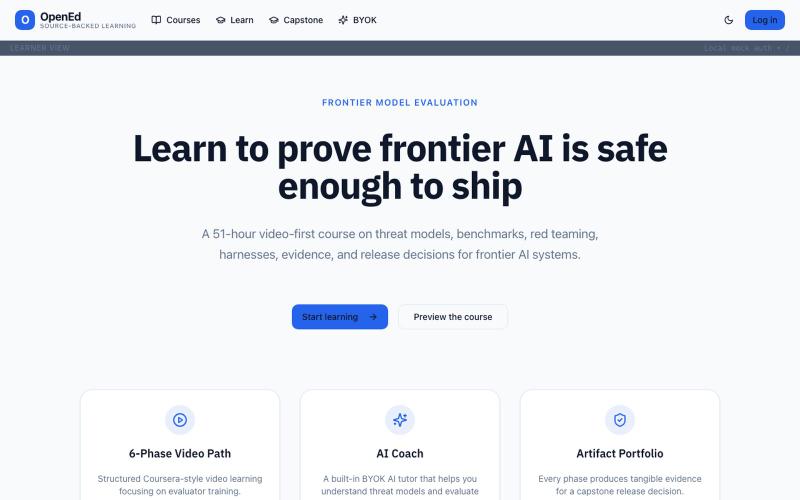
Educational platform addressing problems in modern edtech.

@integ_web · X
~*OpenEd* _Edtech is broken, we are fixing it._
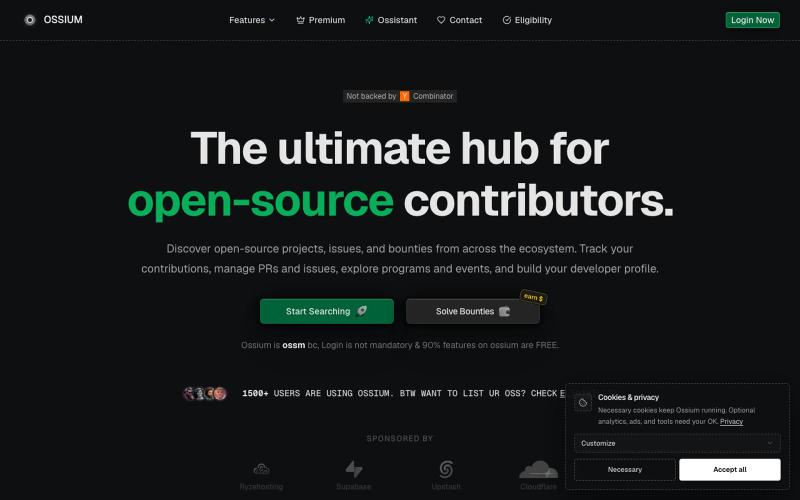
Find trending open source GitHub projects and track your PRs and issues in one dashboard.

@manixh · X
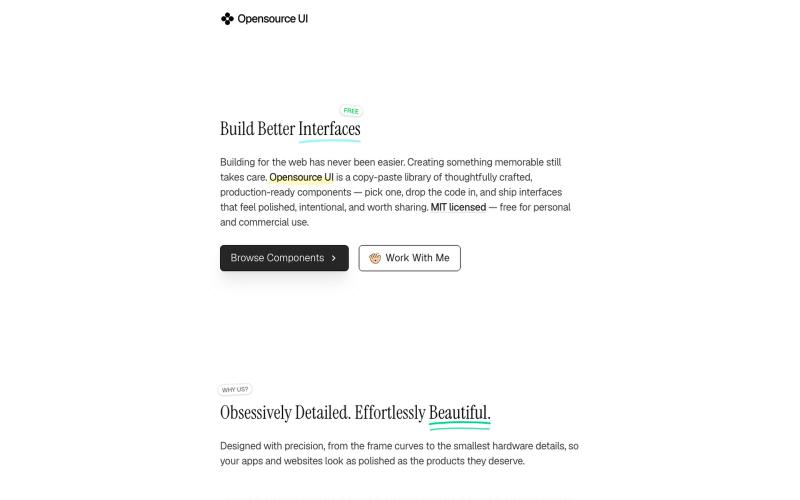
Copy production-ready React and Next.js UI components with live previews.

@BidyutKundu12 · X

Find beginner-friendly open source issues on GitHub and track your contributions.

@anni_i02 · X
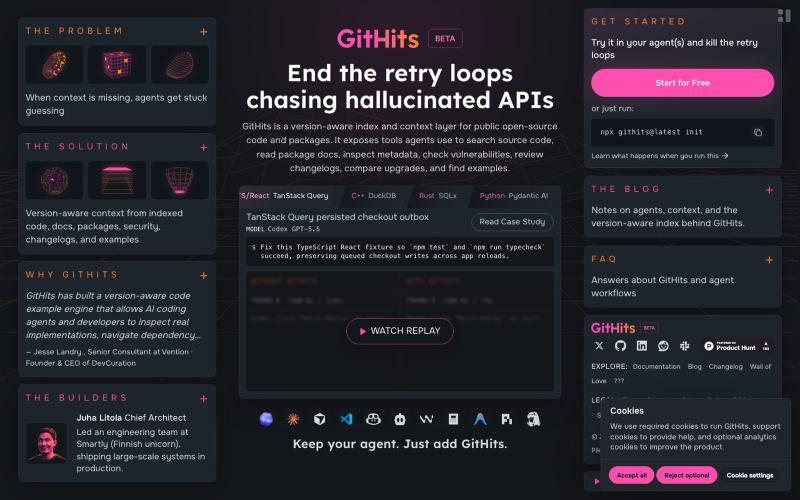
Search indexed open-source code and packages with version history, metadata, and dependency information.

@Jack_Timonen · X
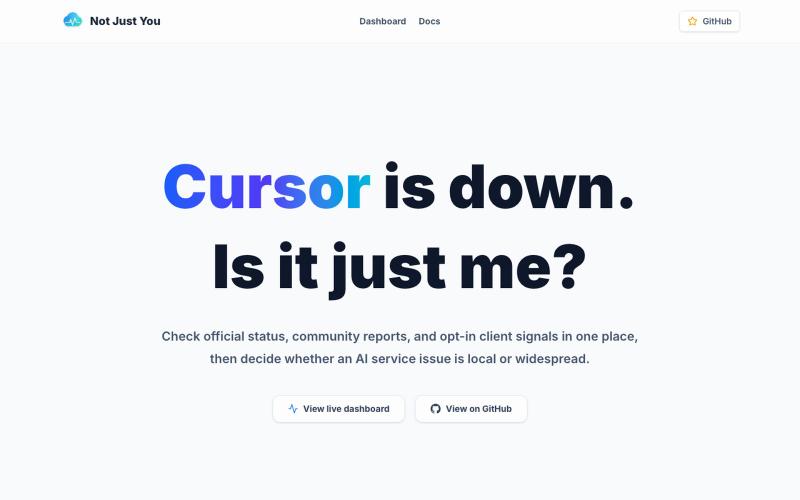
Monitor status and metadata-based problem signals for AI tools.
dobby_lee · HN
Open-Source for AI tool status checker
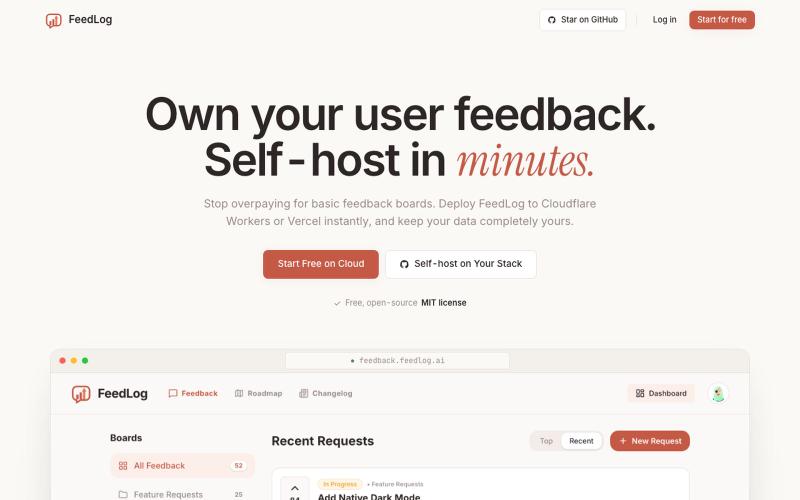
Collect and manage user feedback and feature requests with an open-source AI alternative to Canny.

@kngkng182542 · X
If you're paying for Canny, give FeedLog a look. Same workflow for collecting feedback and managing feature requests, but free during launch.
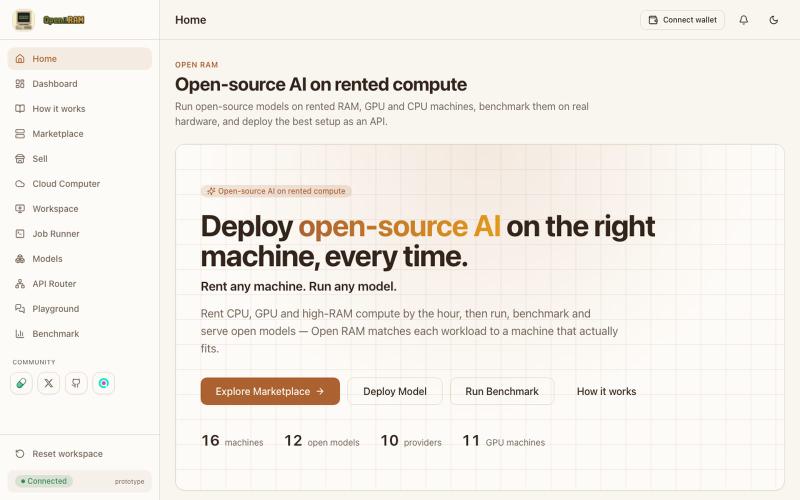
Rent GPU/CPU compute and deploy open-source AI models with an API router.
playAutonomica · GitHub
Autonomica Rent GPUs and run any AI model, paid in SOL. Buy with $RAM and every $RAM spent gets burned.
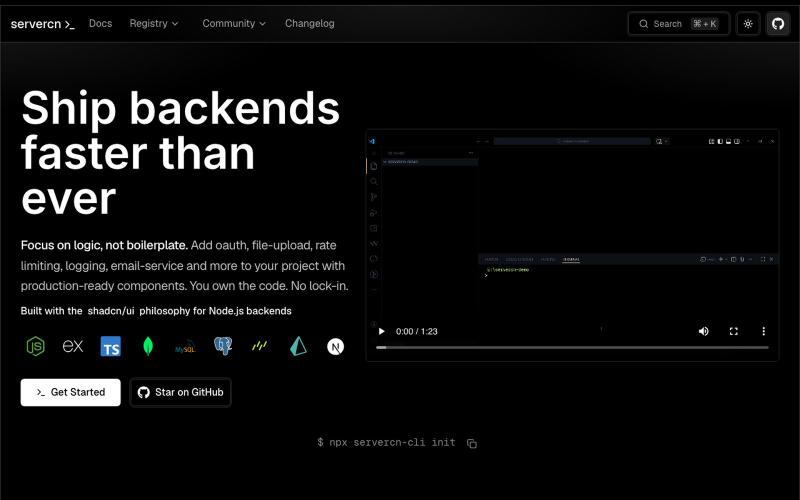
Browse and copy production-ready Node.js backend components inspired by shadcn/ui

@_akkal_dhami · X
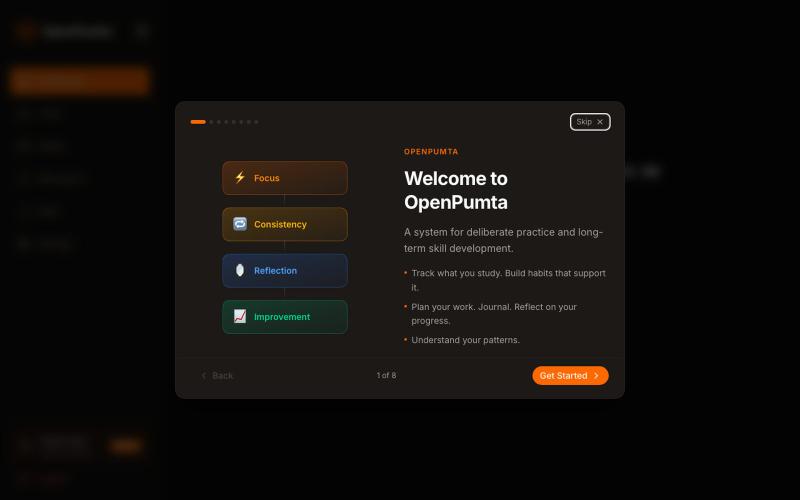
Desktop-first open-source productivity system with Pomodoro tracking, habit building, and AI reflection.

@Shourya60756648 · X
Let's connect, checkout
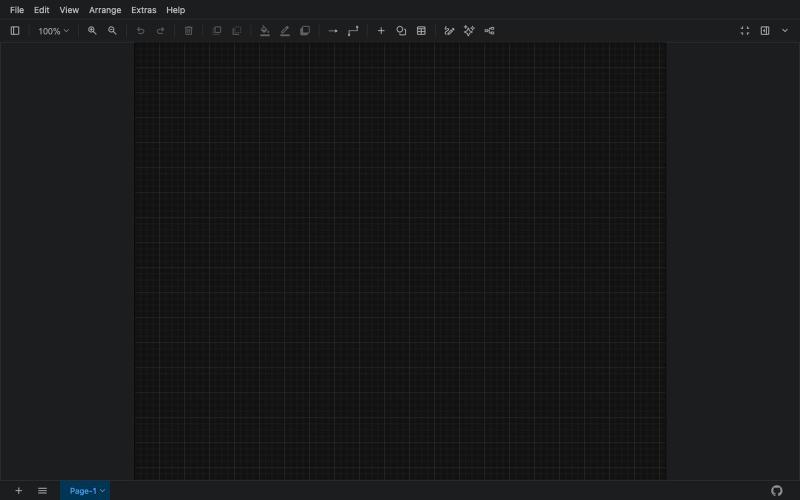
Free online tool for creating flowcharts, process diagrams, org charts, and UML diagrams.

@N0V4Dev · X
I found a tool called Next AI that links AI capabilities directly with diagrams. It lets you build and edit diagrams using natural language prompts instead of clicking around the canvas manually. It's a handy way to sketch out architecture when you don't want to drag every box yourself. The project is built on TypeScript with React 19 and Next.js. It supports multiple AI providers and even includes an MCP Server. This means you can use it with the Claude Code CLI to generate diagrams from your terminal. Deployment options are flexible too. You can run the tool locally with Docker or push it to Vercel and Cloudflare Workers. It supports multi provider setups so you can pick the backend that fits your workflow. #Nextjs #AI #Diagrams #TypeScript