

Creative Tools3 weeks ago
Imagerry | Image Editor, Converter & Customizer
Edit, resize, crop and convert images in your browser without uploading files.

@its_ajseven · X
The full gallery
Tech stack
38 projects
Edit, resize, crop and convert images in your browser without uploading files.
@its_ajseven · X
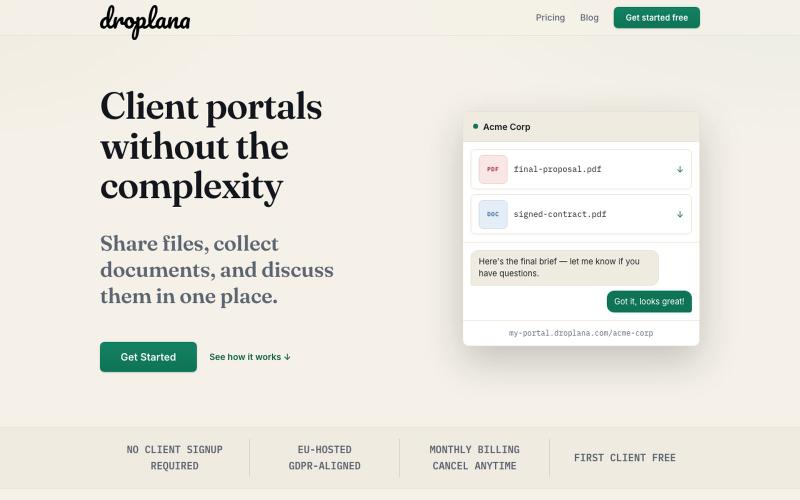
Share files, collect documents, and discuss them with clients—no signup required.

@droplana_com · X
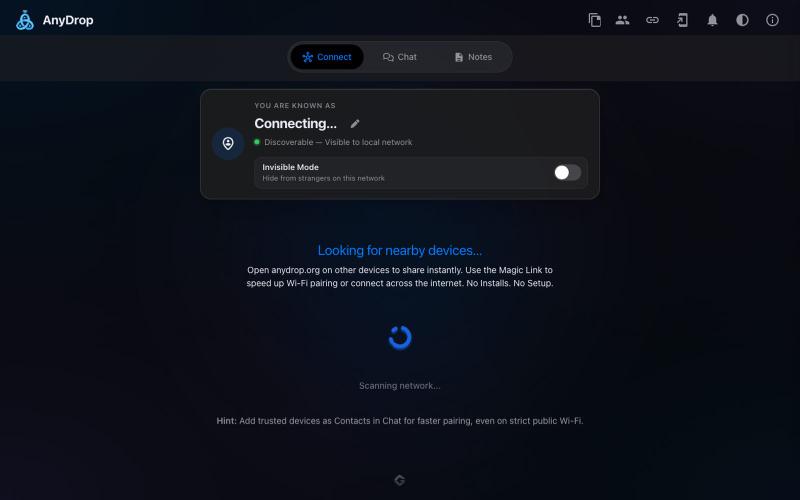
Instantly share files and text across devices (Mac, PC, iOS, Android, Smart TVs) via your browser, no signup needed.

@WackyCrocoGator · X
This one doesn’t require any signup or payment. Just load and multiple device by opening the site on them and connect them for an easy way to drop text and file to each other.

Free tools to convert, compress, and edit files directly in your browser without uploads.

@faisalhaleem · X
Just launched — free browser-based file tools runs entirely in your browser. Video to GIF (with trim slider) Merge / Split / Shrink PDF Your files NEVER leave your device. No sign-up needed. Free forever. #buildinpublic #webdev #indiedev #tools #privacy
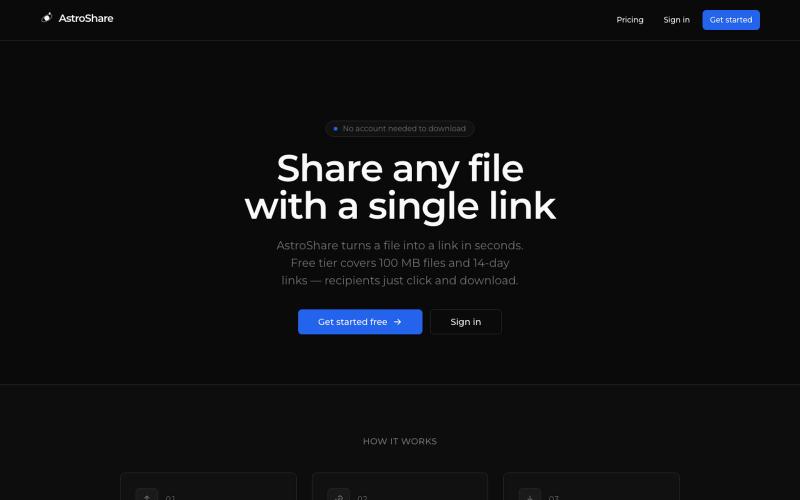
Upload a file, get a shareable link, and let anyone download it.

@astrolinkcc · X
Try one of our products!
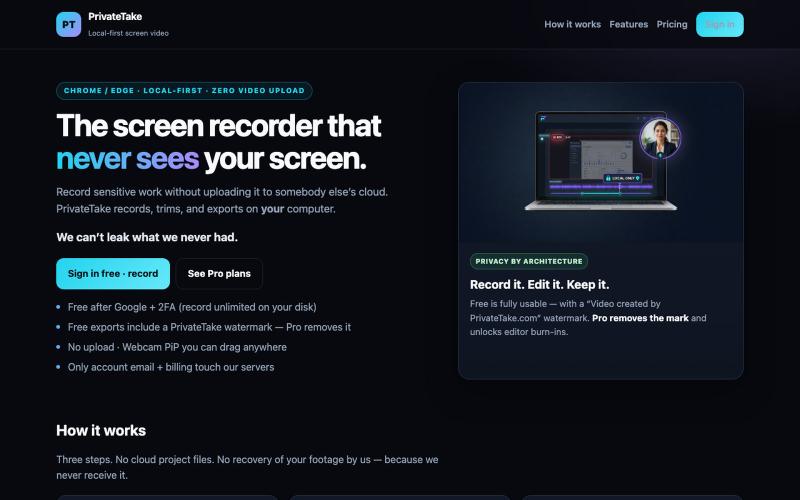
Record and edit screen videos locally with no cloud storage or uploads.

@MarkZofMarkZ · X
Screen Recorder that doesn't share your recordings to the cloud:
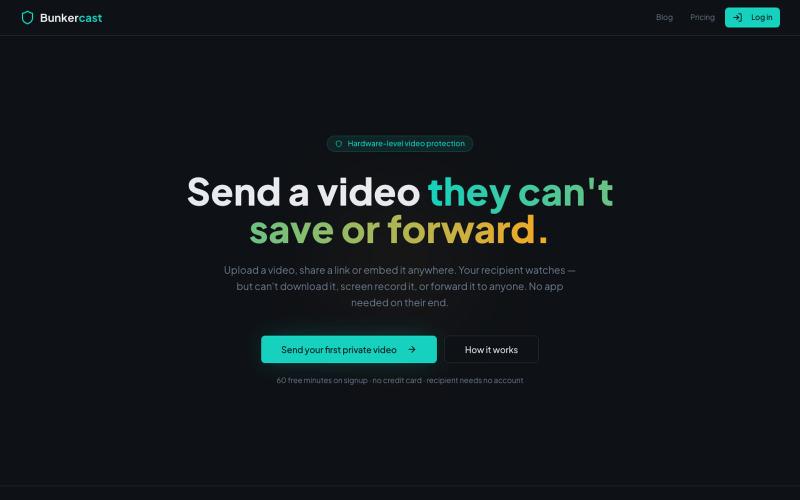
Share videos that can't be downloaded, screen recorded, or forwarded.

@bunkercastDRM · X
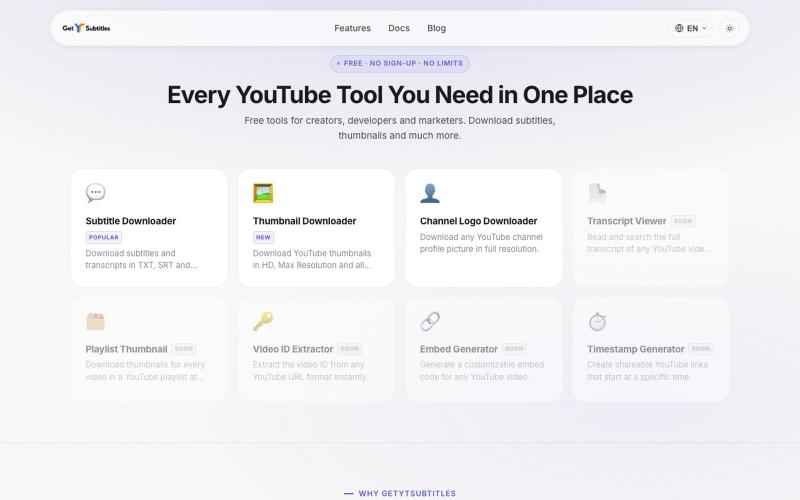
Download YouTube subtitles and thumbnails without registration.

@bharattpawarr · X
Just launched Built with Astro + Cloudflare features: YouTube Subtitle Downloader YouTube Thumbnail Downloader 🔗 #BuildInPublic #AstroJS #JavaScript #Cloudflare
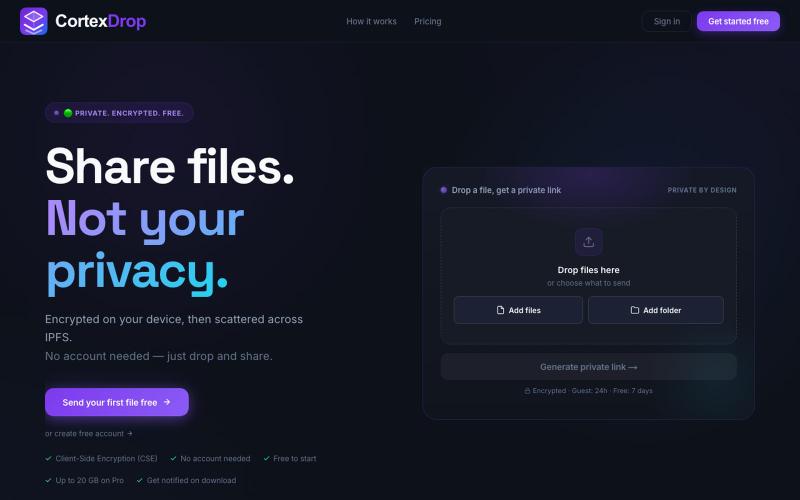
Share encrypted files with self-destructing links without signing up.

@cortexdrop · X
CortexDrop- first consumer file sharing built on IPFS. Drop a file, get a private link.

Edit, compress, convert, and merge videos and audio files directly in your browser.
zhw2590582 · V2EX
最近对网站进行了重构,做成了免费的视频工具站:[ArtPlayer Tools]( https://artplayer.org/tools/) 主要是围绕着 ffmpeg.wasm 和 mediabunny 实现的一些可以直接在浏览器里用的视频/音频工具,常用的有: - 视频压缩:[Compress Video]( https://artplayer.org/compress-video/) - 视频裁剪:[Crop Video]( https://artplayer.org/crop-video/) - 视频合并:[Merge Video]( https://artplayer.org/merge-video/) - 视频尺寸调整:[Resize Video]( https://artplayer.org/resize-video/) - 视频旋转:[Rotate Video]( https://artplayer.org/rotate-video/) - 视频调速:[Change Video Speed]( https://artplayer.org/change-video-speed/) - 添加文字到视频:[Add Text to Video]( https://artplayer.org/add-text-to-video/) - 添加水印:[Watermark Video]( https://artplayer.org/watermark-video/) - 提取字幕:[Subtitle Editor]( https://artplayer.org/subtitle-editor/) - HLS 转 MP4:[HLS to MP4]( https://artplayer.org/hls-to-mp4/) - 音频可视化:[Audio Visualizer]( https://artplayer.org/audio-visualizer/) 大部分工具都是本地处理,文件不会上传到服务器。最开始是因为自己偶尔要处理一些视频,开剪辑软件又有点重,在线工具又担心隐私,所以就慢慢做成了一个站。 目前还在持续完善,体验肯定还有不少粗糙的地方,比如不同浏览器的兼容、移动端操作、长视频性能之类的。 网站: [ArtPlayer Tools]( https:
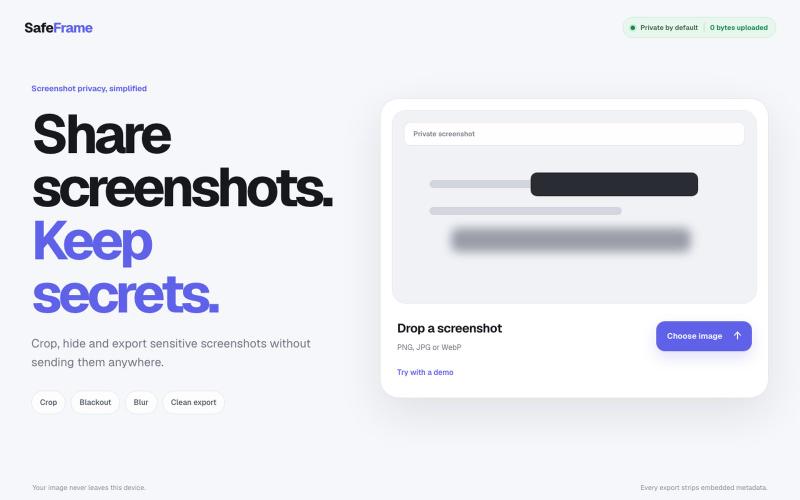
Crop, redact, blur, and export screenshots privately without uploading to any server.

@noshkass · X
Built SAFEFRAME a private, browser-only screenshot sanitizer. Crop, blackout, blur, and export sensitive screenshots without uploading a single byte. Try it: Built with ChatGPT Sites. @chatgptapp #Giveaway
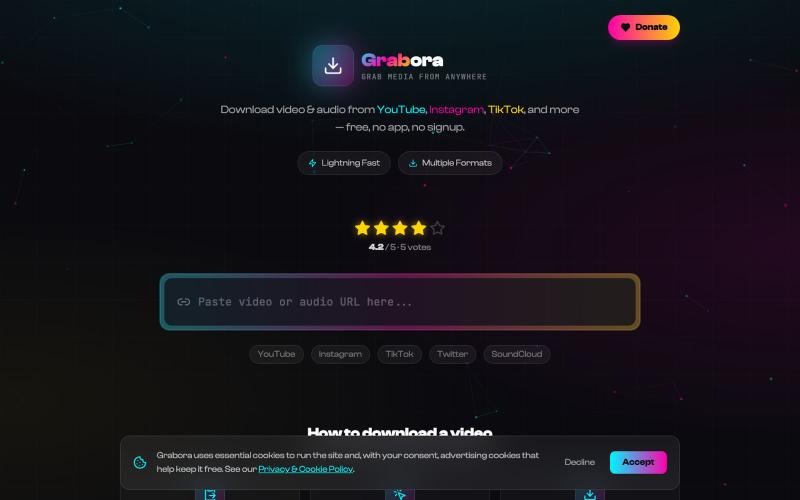
Download videos and audio from YouTube, TikTok, Instagram, and more.

@myrrakle · X