No-code MCP Gateway for OpenAPI and Database Tools
Convert OpenAPI specs and databases into MCP tools without coding.
mhmt_dmr · HN
MCP Gateway – Turn existing APIs and databases into MCP servers
The full gallery
Tech stack
60 projects

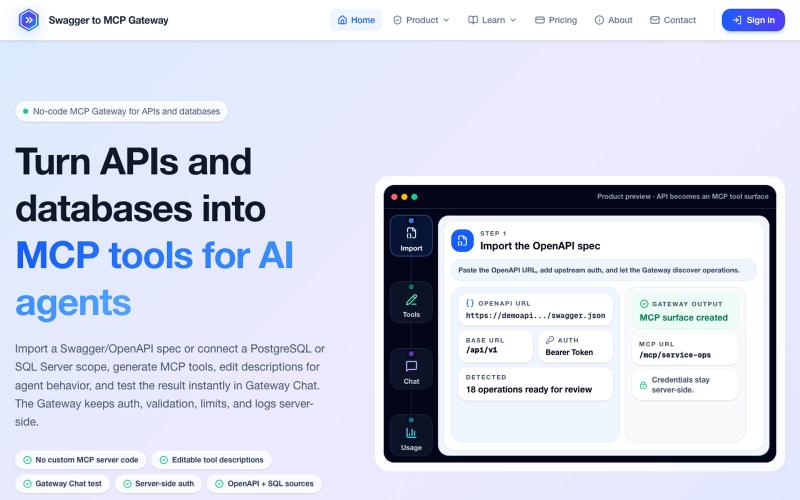
Convert OpenAPI specs and databases into MCP tools without coding.
mhmt_dmr · HN
MCP Gateway – Turn existing APIs and databases into MCP servers

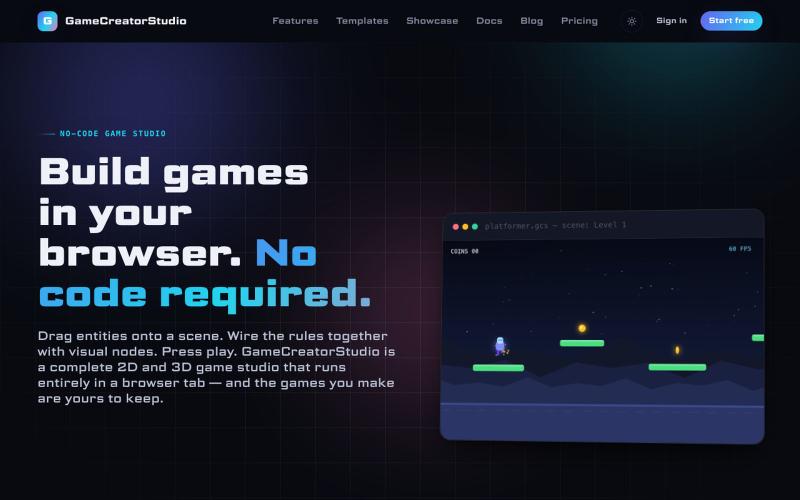
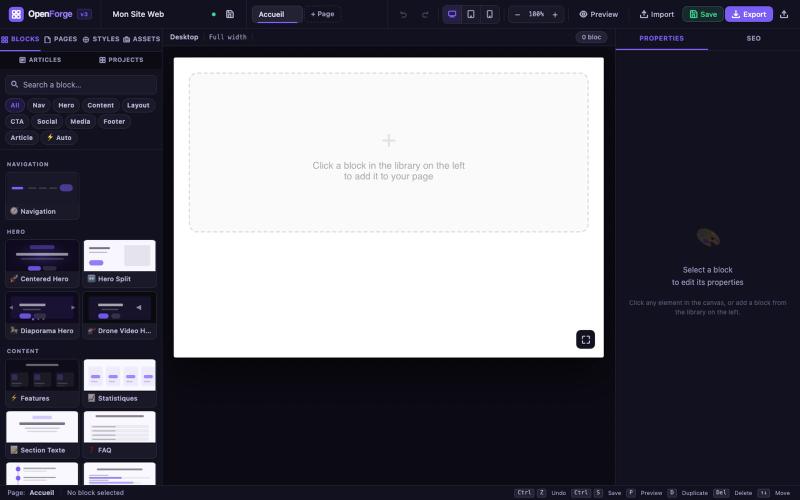
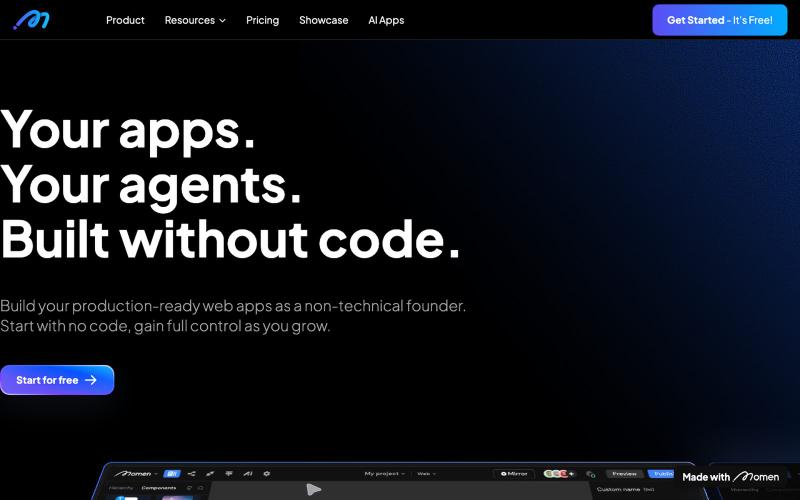
Design and deploy AI workflows and agents with a visual no-code builder.
@RanRan1357699 · X
Just shipped a smart guardrail in experiments: if your flow needs test data, it now blocks runs with a friendly prompt and offers one-click AI-generated samples. No more silent all-fail runs! Small details, big peace of mind. #BuildInPublic

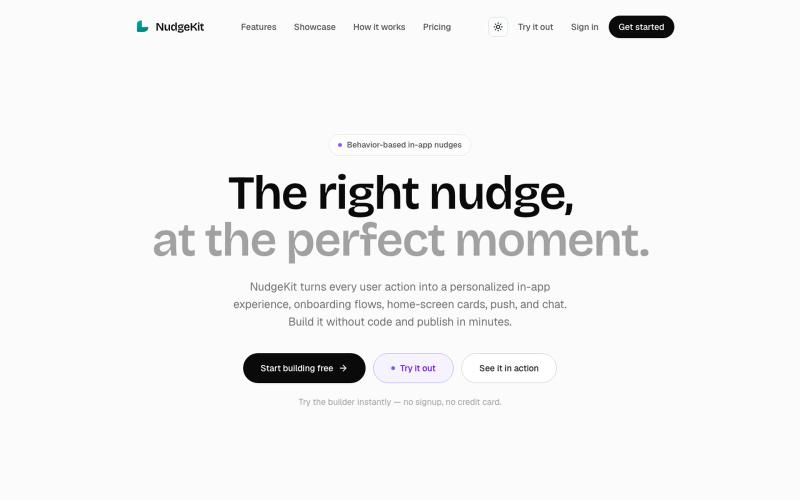
Design and publish in-app onboarding flows, cards, push notifications, and nudges without code.
@adnaanazam · X
Build for no code dynamic screen

Drag-and-drop visual editor for Claude Code status line with terminal preview.
@refinistdev · X
Tired of hand-editing your Claude Code status line? I built a visual editor for ccstatusline 🎨 → drag & drop widgets → true-to-terminal preview, no Nerd Font needed → one command to apply Free & open source 👇 #ClaudeCode #ccstatusline

Paste JSON code to edit, format, validate and transform in your browser without uploading data.
@bhushankuma491 · X

A registry of hand-crafted React components and templates for building polished UIs.
@polyqoy · X
This video shows a fully animated 3D site built in 2 minutes with claude code. one terminal command. but the prompt was almost irrelevant. the real work was the pre-load: ui/ux pro max skill, a hero component from framer motion stacked in before claude touched anything the toolkit did the job. the prompt just pulled the trigger. that's also why most people's claude output looks generic. they skip the setup and blame the model.

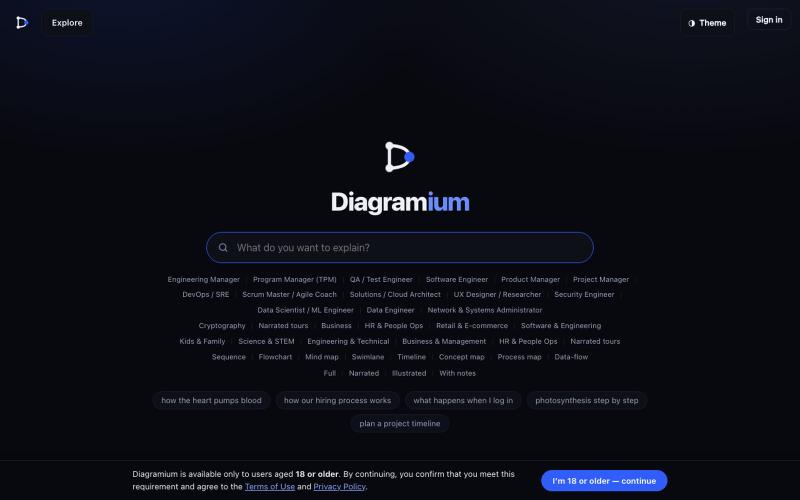
Free online tool for creating flowcharts, process diagrams, org charts, and UML diagrams.
@N0V4Dev · X
I found a tool called Next AI that links AI capabilities directly with diagrams. It lets you build and edit diagrams using natural language prompts instead of clicking around the canvas manually. It's a handy way to sketch out architecture when you don't want to drag every box yourself. The project is built on TypeScript with React 19 and Next.js. It supports multiple AI providers and even includes an MCP Server. This means you can use it with the Claude Code CLI to generate diagrams from your terminal. Deployment options are flexible too. You can run the tool locally with Docker or push it to Vercel and Cloudflare Workers. It supports multi provider setups so you can pick the backend that fits your workflow. #Nextjs #AI #Diagrams #TypeScript

Eight free browser-based tools including JSON formatter, password generator, and color picker.
@Supportpintutec · X
Just launched QuickTools — 8 free online tools 🛠️ Word Counter • JSON Formatter • Password Generator • Color Picker 100% browser-based, no signup 🔗 #SideProject #WebDev #FreeTools #BuildInPublic

Drop a folder or zip file to instantly deploy a website on Cloudflare's global network.
@vikingmute · X
Cloudflare 也推出了 drop 服务, 上传一个文件夹或者 zip,网站直接上线,不需要登陆。我记得前几天 vercel 刚上线了同样的功能,Vercel Drop 这两老哥天天打嘴炮,功能也都前后脚。 这服务其实要手动操作,没有 CLI 好用,不过不需要登陆是一大优势,而且drop 无脑操作,更适合小白要上线网站。

Draw and edit 2D CAD designs in your browser, then export as DXF or PDF — no installation or login required.
@KulmanLab · X
- a free and accountless alternative to Autocad

Format and validate JSON online instantly without uploading your data.
@VeganVegan75738 · X
做了一个免费的 JSON 格式化工具。 支持: ✅ JSON 格式化 ✅ JSON 校验 ✅ 在线使用 ✅ 无需安装,数据不上传 开发者日常调试 JSON 可以直接用: #开发者 #前端开发 #工具

Extract code, design tokens, fonts, colors, and media from any website instantly.
@bharatmodi2014 · X
Extract code, design tokens, fonts, colors, and media instantly. Save everything to the cloud, organize your library, and regenerate designs with your favorite AI.