PrivateTake | Local-First Private Screen Recorder
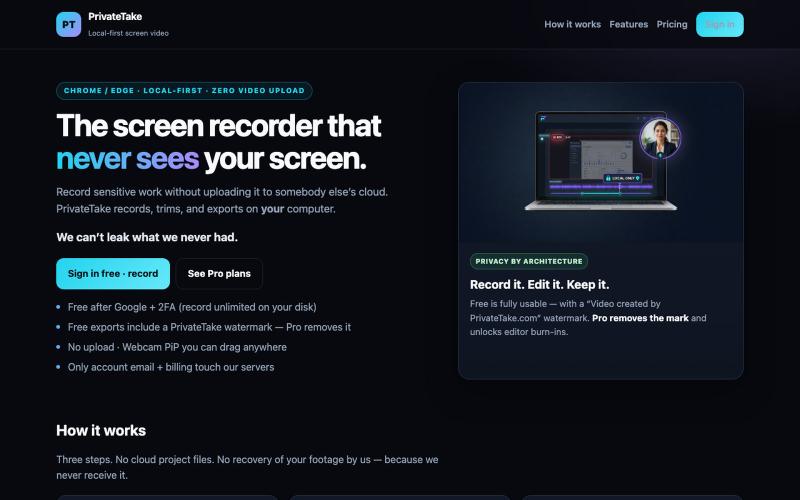
Record and edit screen videos locally with no cloud storage or uploads.
@MarkZofMarkZ · X
Screen Recorder that doesn't share your recordings to the cloud:
The full gallery
Tech stack
60 projects

Record and edit screen videos locally with no cloud storage or uploads.
@MarkZofMarkZ · X
Screen Recorder that doesn't share your recordings to the cloud:

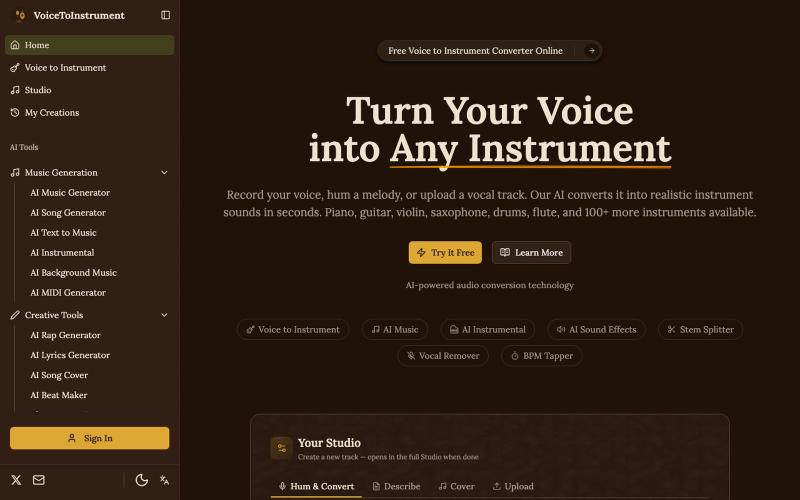
Convert voice recordings into arrangements for any of 100+ instruments using AI.
Voice to Instrument — AI 工具,将人声录音转换为器乐曲目。上传歌声或录音,AI 自动生成钢琴、吉他、鼓等器乐伴奏。

Screen recorder for Mac & Windows with auto-zoom on clicks, gradient backgrounds, and webcam overlay.
@zuess05 · X
Shipped some banger updates to

Generate AI lip-sync talking head videos by uploading photos and audio.
vtoolpro · HN
Lip Sync AI – Create Your Talking Videos Instantly

Record your screen, camera, and mic, then share with a link instantly.
@VladSmigelski · X
Building Loom alternative -

Share videos that can't be downloaded, screen recorded, or forwarded.
@bunkercastDRM · X

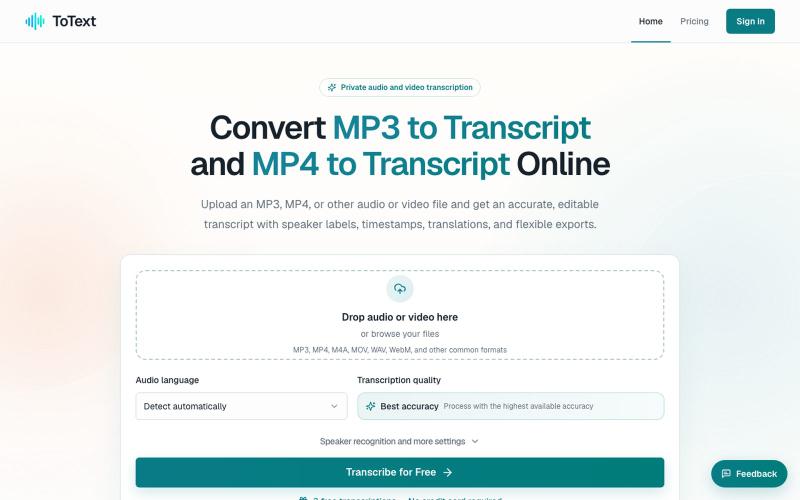
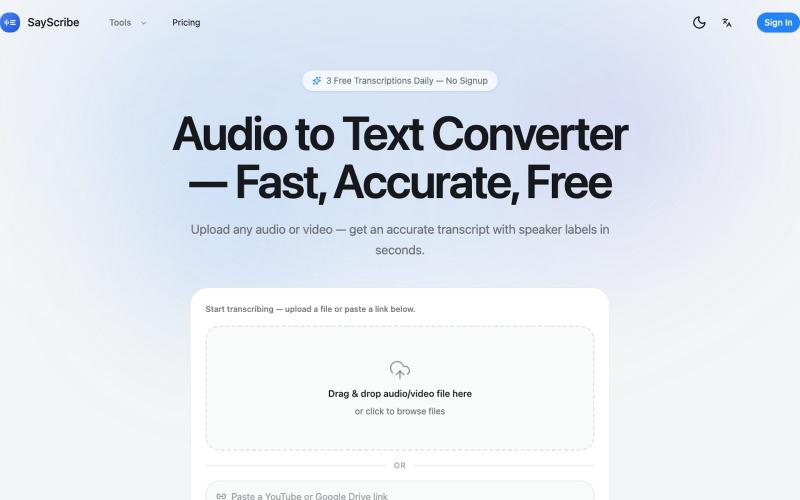
Local AI apps for transcription and meeting assistance that run completely on your device.
Tovo - AI 会议/面试助手 — 在会议中,Tovo 是一款注重隐私的 AI 助手,完全在您的设备上运行,为会议和对话提供实时转录和智能协助,无需向外部服务器发送任何数据。

Record your screen in the browser, save to Google Drive, and share via instant links for $29.
@HashamBuilds · X
Building Walkthrough, screen recorder, $29 once, videos save to your own Google Drive. No subscription, no vendor servers. 14 days refund with no question asked. Now shipping in public daily. 🔗

Remove background noise, hum, echo, and hiss from audio and video files.
nadermx · HN
NoiseRemover.ai – Remove background noise from audio

Browser-based tools for video and audio compression, cropping, merging, and conversion without uploading files.
zhw2590582 · V2EX
最近对网站进行了重构,做成了免费的视频工具站:[ArtPlayer Tools]( https://artplayer.org/tools/) 主要是围绕着 ffmpeg.wasm 和 mediabunny 实现的一些可以直接在浏览器里用的视频/音频工具,常用的有: - 视频压缩:[Compress Video]( https://artplayer.org/compress-video/) - 视频裁剪:[Crop Video]( https://artplayer.org/crop-video/) - 视频合并:[Merge Video]( https://artplayer.org/merge-video/) - 视频尺寸调整:[Resize Video]( https://artplayer.org/resize-video/) - 视频旋转:[Rotate Video]( https://artplayer.org/rotate-video/) - 视频调速:[Change Video Speed]( https://artplayer.org/change-video-speed/) - 添加文字到视频:[Add Text to Video]( https://artplayer.org/add-text-to-video/) - 添加水印:[Watermark Video]( https://artplayer.org/watermark-video/) - 提取字幕:[Subtitle Editor]( https://artplayer.org/subtitle-editor/) - HLS 转 MP4:[HLS to MP4]( https://artplayer.org/hls-to-mp4/) - 音频可视化:[Audio Visualizer]( https://artplayer.org/audio-visualizer/) 大部分工具都是本地处理,文件不会上传到服务器。最开始是因为自己偶尔要处理一些视频,开剪辑软件又有点重,在线工具又担心隐私,所以就慢慢做成了一个站。 目前还在持续完善,体验肯定还有不少粗糙的地方,比如不同浏览器的兼容、移动端操作、长视频性能之类的。 网站: [ArtPlayer Tools]( https:

Chrome extension for recording screen demos with automatic zoom effects and custom backgrounds.
@gabani_vatsal · X
Building Screen recorder which adds zoom effects and custom backgrounds

Share a link to start a video chat with anyone, no sign-up required.
u/abcde12399 · Reddit
I always begged engineers to fix even a typo. Now I've built my own video call app. I come from business and design. I was always the one begging engineers to fix even a typo. Then I found vibecoding and started building things myself!!! TinyRoom is my first real project. You share a link, people click it, you're in a video call. No accounts, no downloads. Up to 8 people (4 for mobile). Basically Zoom without everything annoying about Zoom. I use it for my own community's weekly sessions