ShareThePic - Share Trip Photos Across iPhone & Android
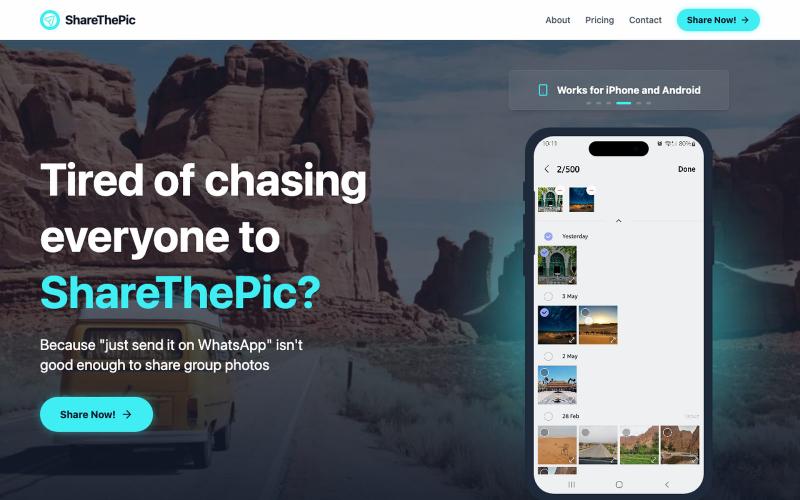
Create a shareable link for trip photos with no compression or app required.
@masterjesuser · X
if you planning a group trip or activity recently, try out to make photo sharing less of a pain
The full gallery
Tech stack
29 projects

Create a shareable link for trip photos with no compression or app required.
@masterjesuser · X
if you planning a group trip or activity recently, try out to make photo sharing less of a pain


Browser-based tools for video and audio compression, cropping, merging, and conversion without uploading files.
zhw2590582 · V2EX
最近对网站进行了重构,做成了免费的视频工具站:[ArtPlayer Tools]( https://artplayer.org/tools/) 主要是围绕着 ffmpeg.wasm 和 mediabunny 实现的一些可以直接在浏览器里用的视频/音频工具,常用的有: - 视频压缩:[Compress Video]( https://artplayer.org/compress-video/) - 视频裁剪:[Crop Video]( https://artplayer.org/crop-video/) - 视频合并:[Merge Video]( https://artplayer.org/merge-video/) - 视频尺寸调整:[Resize Video]( https://artplayer.org/resize-video/) - 视频旋转:[Rotate Video]( https://artplayer.org/rotate-video/) - 视频调速:[Change Video Speed]( https://artplayer.org/change-video-speed/) - 添加文字到视频:[Add Text to Video]( https://artplayer.org/add-text-to-video/) - 添加水印:[Watermark Video]( https://artplayer.org/watermark-video/) - 提取字幕:[Subtitle Editor]( https://artplayer.org/subtitle-editor/) - HLS 转 MP4:[HLS to MP4]( https://artplayer.org/hls-to-mp4/) - 音频可视化:[Audio Visualizer]( https://artplayer.org/audio-visualizer/) 大部分工具都是本地处理,文件不会上传到服务器。最开始是因为自己偶尔要处理一些视频,开剪辑软件又有点重,在线工具又担心隐私,所以就慢慢做成了一个站。 目前还在持续完善,体验肯定还有不少粗糙的地方,比如不同浏览器的兼容、移动端操作、长视频性能之类的。 网站: [ArtPlayer Tools]( https:

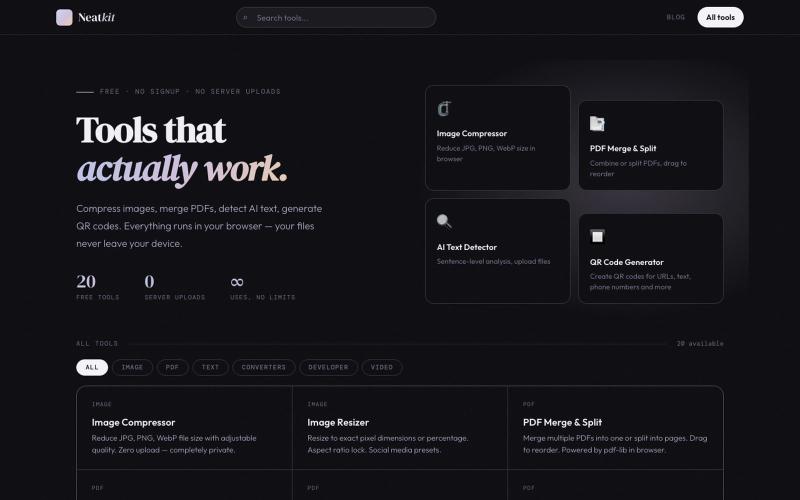
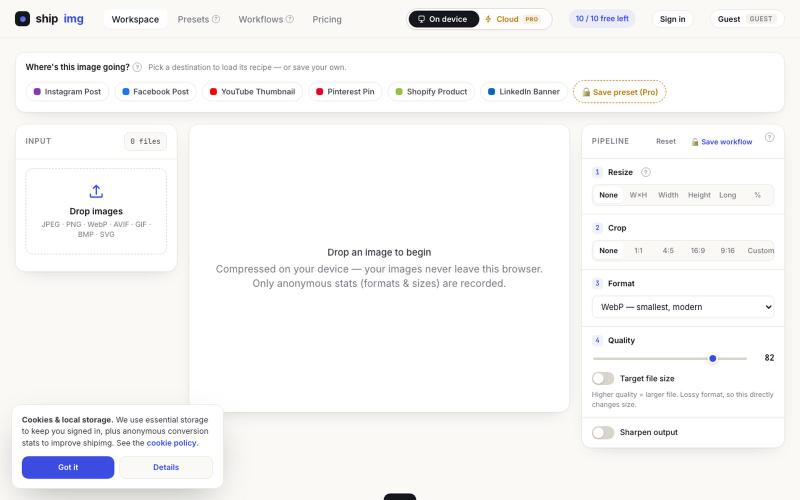
Compress, merge, split, convert, and edit PDF files directly in your browser.

Guided yoga sessions with beginner to advanced routines and text-to-speech voice instructions.
@shivanshsh1823 · X
you yoga a day - to - day workout routine for yoga

Create videos entirely through a single chat interface with AI-generated writing, voiceover, and editing.
u/Real-Estate-Agentx44 · Reddit
Built an AI video tool where one chat writes, voices, generates, and edits the whole video - is all-in-one actually useful or do you prefer separate tools? I've been building ViewPress AI , an AI video generator, and I'm at the point where I want honest feedback before I keep pushing in one direction. Instead of jumping between a script tool, a voice tool, an image/video generator, and an editor, you describe what you want in one chat and the agent handles the whole thing. It

Instantly share files and text across devices (Mac, PC, iOS, Android, Smart TVs) via your browser, no signup needed.
@WackyCrocoGator · X
This one doesn’t require any signup or payment. Just load and multiple device by opening the site on them and connect them for an easy way to drop text and file to each other.

Design and download personalized countdown calendars with custom icons as PDF.
@markiebee_ · X
I am working on Create printable PDF Calendars

Draw and edit 2D CAD designs in your browser, then export as DXF or PDF — no installation or login required.
@KulmanLab · X
- a free and accountless alternative to Autocad

Local-first cognitive runtime with live AST graphs, runs in your browser with no data sharing.
@fortsignal1 · X

Free browser-based tool for creating graphics, posters, and animations with built-in AI image generation.
Canvave — 简单图形设计和动画制作平台。无须专业技能也能做出任意尺寸的精美设计;最高支持图片 3x 或动画 240 FPS 导出;内置基于 Flux 的 AI 文生图、图生图;适合电商卖家、广告设计、社媒运营、独立开发等有设计需求的群体

Create richly formatted posts and publish them instantly to the web with a single click.
@masafumiohta · X
I’ve been using Windows as my daily use lately despite I have been using Mac/Linux for a long time, but I keep running into all sorts of issues, so I’ve been fixing them vibe-coding with Claude. I’m gonna dump all that stuff on This blog is fully automated with Claude Code, from coding all the way to reporting. It’s nothing special—anyone could do it—but it’s actually pretty fun once you try it. The only annoyed is that it burns through tokens like crazy. Most of the tips are pretty interesting, so I hope you find them useful.