
Creative Tools1 day ago
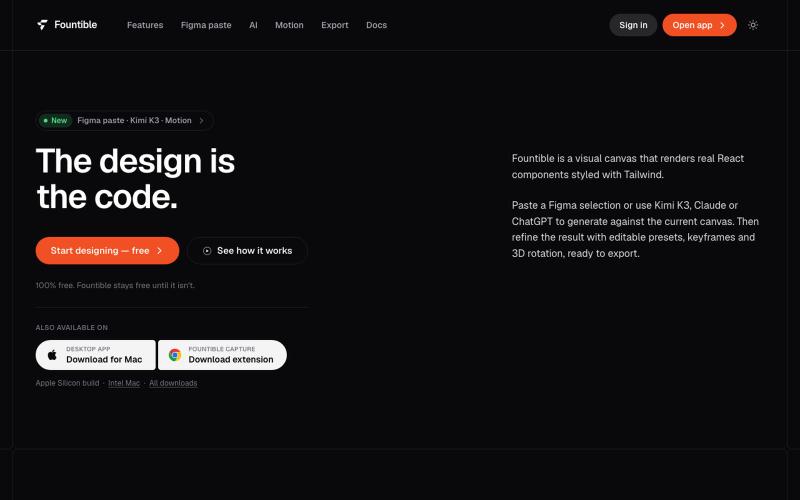
Fountible — Figma Alternative Where Design Is Code
Convert Figma selections to native React and Tailwind code with AI design and 3D features.

@onuro · X
The full gallery
Tech stack
17 projects
Convert Figma selections to native React and Tailwind code with AI design and 3D features.
@onuro · X
React and Next.js library with 30+ free interactive effects to preview and install.

@jyotipathak___ · X
We launched Vault today and we’re excited to take you through an experience designed to impress from the first scroll to the last. Vault is a React/Next.js effects library. Preview the effect. Install it. Ship it. Constructive feedbacks appreciated
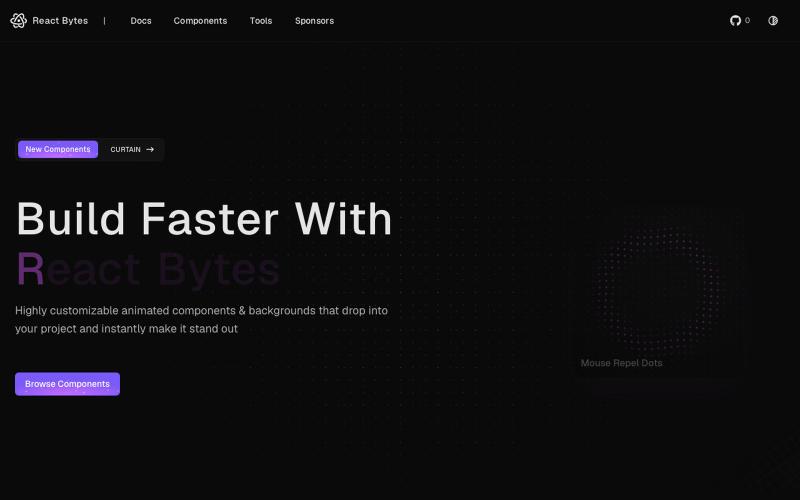
Browse and use free animated React components to build interactive UIs.

@react_bytes · X
Just launched 🚀 Built this from scratch - would love for you to check it out and let me know what you think! 🔗 #buildinpublic #webdev
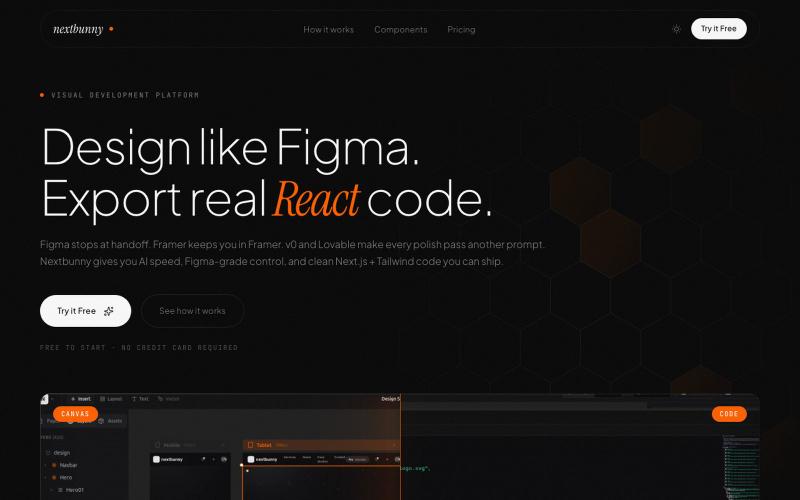
Build production-ready React and Next.js apps visually, export clean code.

@MahatiSingh · X
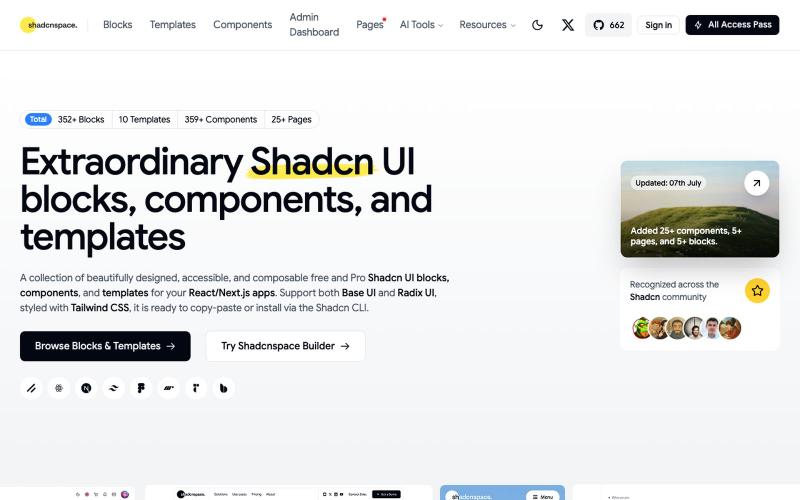
Browse and copy reusable Shadcn UI components, blocks, and templates for React development.

@gupta05_vaibhav · X
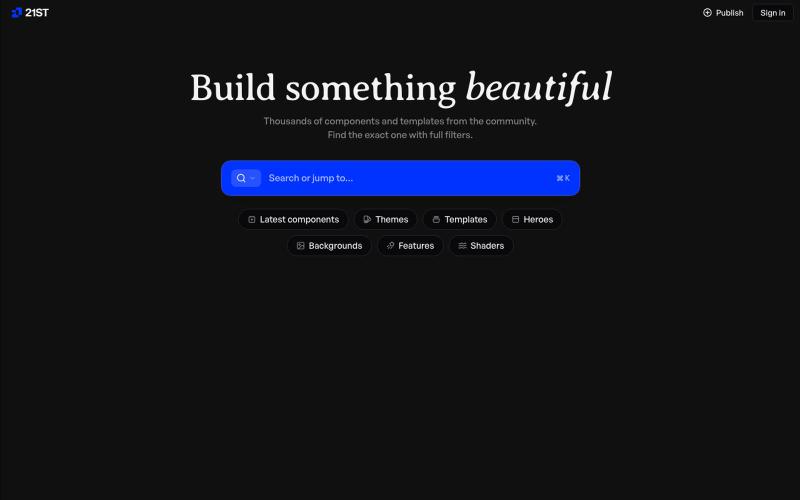
A registry of hand-crafted React components and templates for building polished UIs.

@polyqoy · X
This video shows a fully animated 3D site built in 2 minutes with claude code. one terminal command. but the prompt was almost irrelevant. the real work was the pre-load: ui/ux pro max skill, a hero component from framer motion stacked in before claude touched anything the toolkit did the job. the prompt just pulled the trigger. that's also why most people's claude output looks generic. they skip the setup and blame the model.
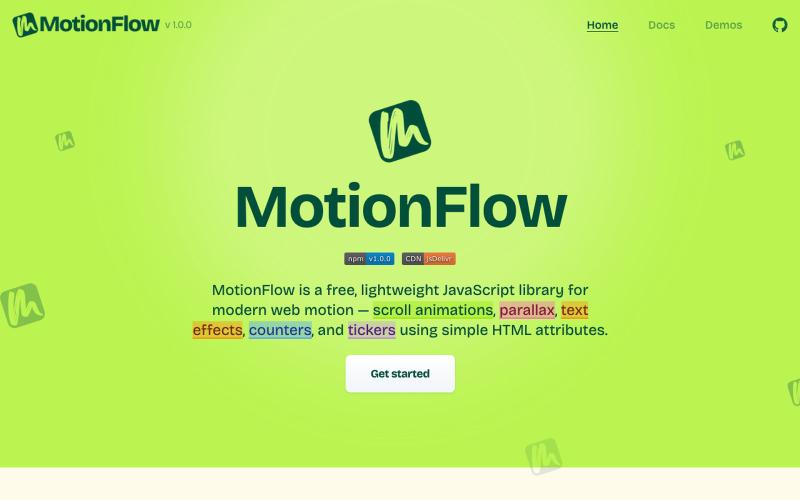
Free JavaScript library for adding scroll animations, parallax effects, and text animations to websites using HTML attributes.

@iamdeepak89 · X

Turn screenshots into polished designs using a Chrome extension and web-based editor.

@buildwithshyam · X
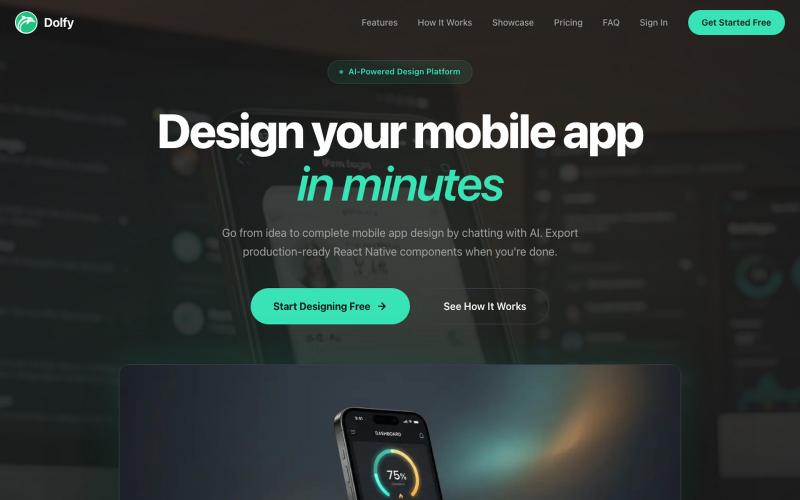
Design mobile apps with AI guidance and export production-ready React components.

@DolfySocial · X
Vibe coders design for one screen size, then panic when a tablet or a small phone breaks the layout. Dolfy's token spec scales spacing and type proportionally, so screens hold up at every breakpoint without a second design pass. #mobiledev #vibecoding
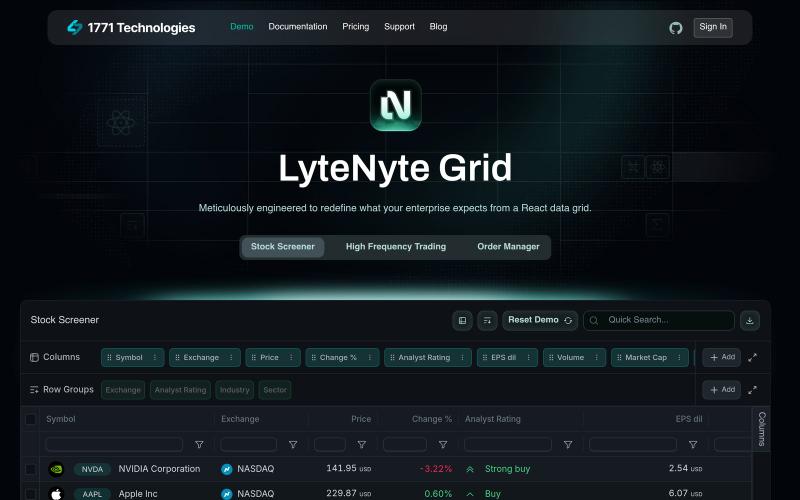
Try a high-performance React data grid component optimized for enterprise use.

@leethatengineer · X
Building LyteNyte Grid

Create professional screenshot mockups with frames, backgrounds, and annotations in your browser.

@Aticmatic_com · X
of course for people:

Edit, compress, convert, and merge videos and audio files directly in your browser.
zhw2590582 · V2EX
最近对网站进行了重构,做成了免费的视频工具站:[ArtPlayer Tools]( https://artplayer.org/tools/) 主要是围绕着 ffmpeg.wasm 和 mediabunny 实现的一些可以直接在浏览器里用的视频/音频工具,常用的有: - 视频压缩:[Compress Video]( https://artplayer.org/compress-video/) - 视频裁剪:[Crop Video]( https://artplayer.org/crop-video/) - 视频合并:[Merge Video]( https://artplayer.org/merge-video/) - 视频尺寸调整:[Resize Video]( https://artplayer.org/resize-video/) - 视频旋转:[Rotate Video]( https://artplayer.org/rotate-video/) - 视频调速:[Change Video Speed]( https://artplayer.org/change-video-speed/) - 添加文字到视频:[Add Text to Video]( https://artplayer.org/add-text-to-video/) - 添加水印:[Watermark Video]( https://artplayer.org/watermark-video/) - 提取字幕:[Subtitle Editor]( https://artplayer.org/subtitle-editor/) - HLS 转 MP4:[HLS to MP4]( https://artplayer.org/hls-to-mp4/) - 音频可视化:[Audio Visualizer]( https://artplayer.org/audio-visualizer/) 大部分工具都是本地处理,文件不会上传到服务器。最开始是因为自己偶尔要处理一些视频,开剪辑软件又有点重,在线工具又担心隐私,所以就慢慢做成了一个站。 目前还在持续完善,体验肯定还有不少粗糙的地方,比如不同浏览器的兼容、移动端操作、长视频性能之类的。 网站: [ArtPlayer Tools]( https: