
Productivity1 month ago
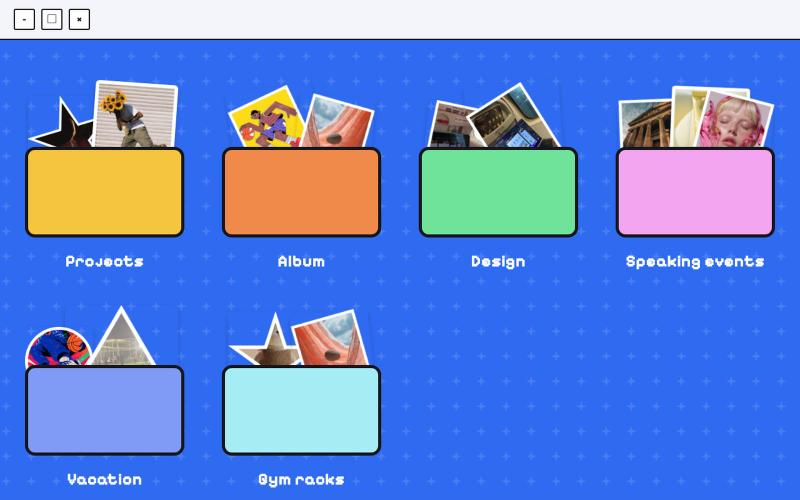
Folder Desktop
Organize and manage files and folders in a desktop-like interface.

@jenidesignns · X
Day 19 challenge by @IwuezeAmarachi built with Claude AI 🤖 Live link:
The full gallery
Tech stack
23 projects
Organize and manage files and folders in a desktop-like interface.
@jenidesignns · X
Day 19 challenge by @IwuezeAmarachi built with Claude AI 🤖 Live link:
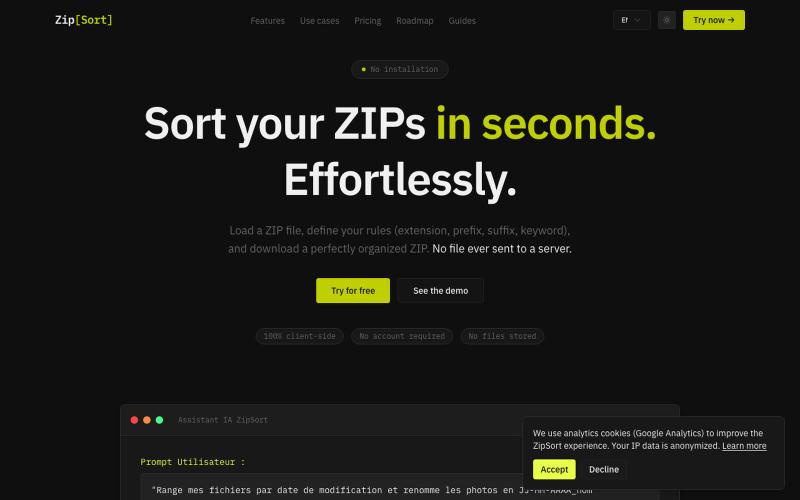
Sort and rename files inside ZIP archives with customizable rules, completely client-side in your browser.

@TraXx474387 · X
Built ZipSort 🗂️ Sort files inside ZIP archives in seconds — no upload, 100% client-side (your files never leave your browser). Set rules by extension, prefix, suffix or keyword → download a clean, organized ZIP. Free to try:
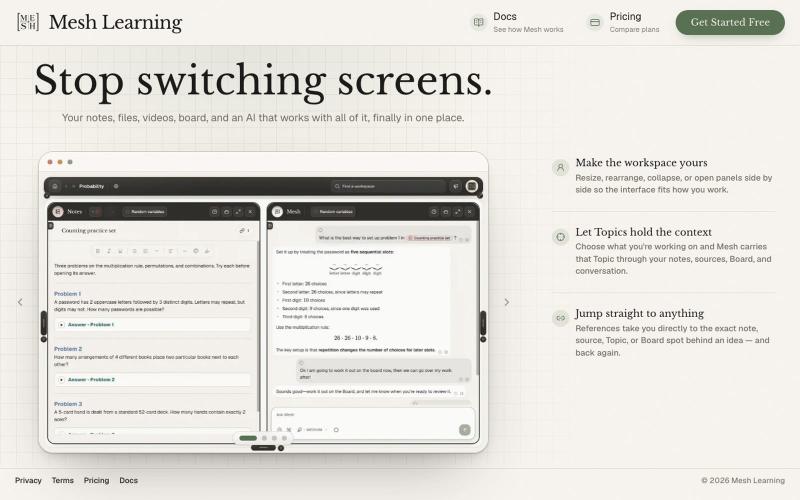
An AI workspace that consolidates your notes, files, videos, and boards in one place.

@meshlearningAI · X
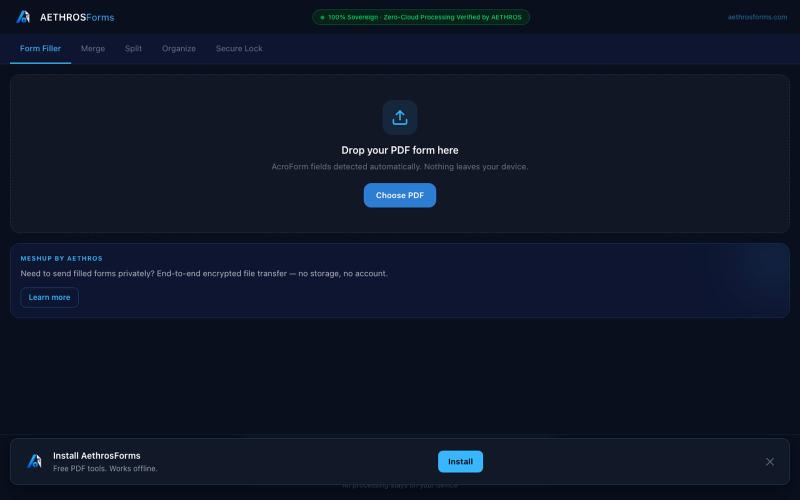
Fill, merge, split, organize, and encrypt PDFs entirely in your browser without uploads.

@aethrosX · X
- a free pdf utility tools
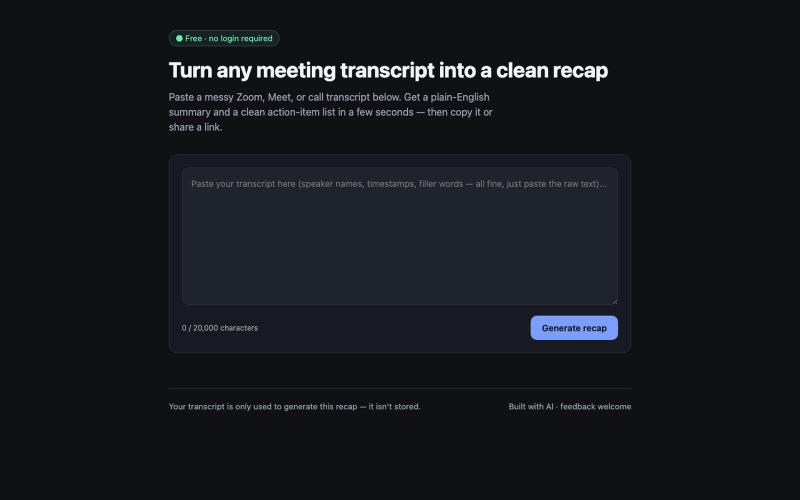
Paste a messy meeting or call transcript and get a clean summary with action items in seconds. Free, no login required.
u/dreresn · Reddit
Built a free tool that turns messy meeting transcripts into a clean summary + action items (no signup) I kept losing track of action items after long Zoom/Meet calls, so I built a small free tool: paste a raw transcript, get back a plain-English summary, a list of action items with owners, and a shareable link. No login, nothing stored. It's a zero-dependency static site plus Vercel serverless functions, running on Gemini's free tier, so it costs $0 to run. Would love feedback on two thin
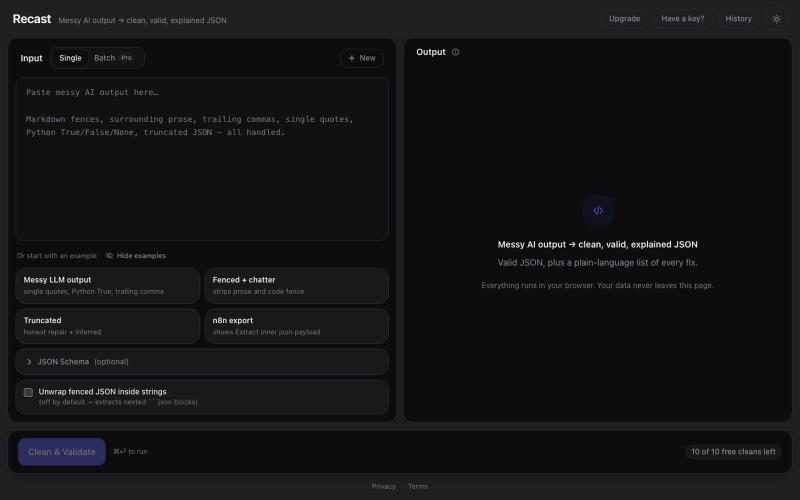
Paste messy AI/LLM output and get clean, valid, beautifully formatted JSON — with a plain-language explanation of every fix. Optional JSON Schema validation. Runs entirely in your

@SNSTRR88 · X
Recast: a browser tool that cleans messy LLM JSON and lists every fix. Nothing uploaded.
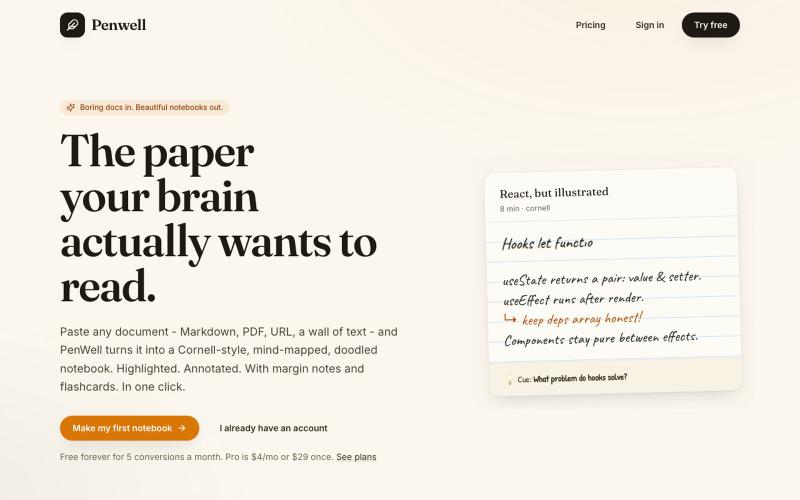
Paste a document to generate a Cornell-style notebook with mind maps and doodles.

@penwellapp · X
Boring docs in. Beautiful notebooks out. Try it here: 🚀 We just launched on Product Hunt! Your support would mean the world: #BuildInPublic #ProductHunt #AI #Notes #IndieHackers #CornellNotes #Productivity #StudyNotes #Penwell
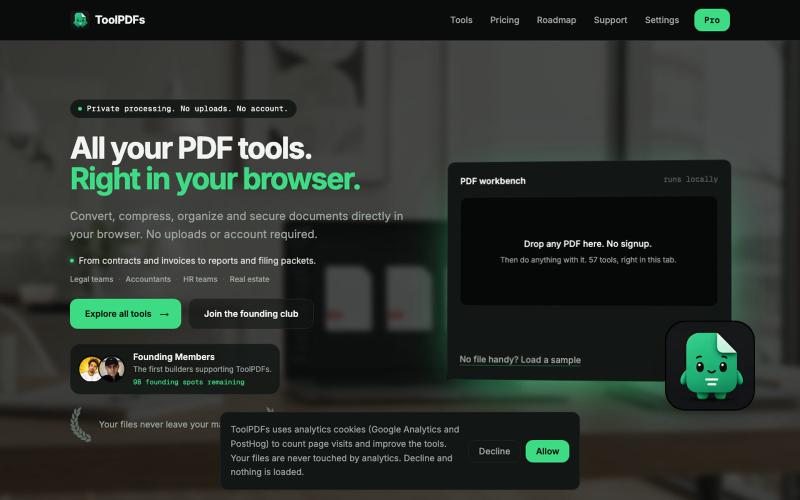
Edit, merge, compress, and convert PDFs with 57 free browser-based tools. No signup, uploads, or watermarks required.

@divvsaxena · X
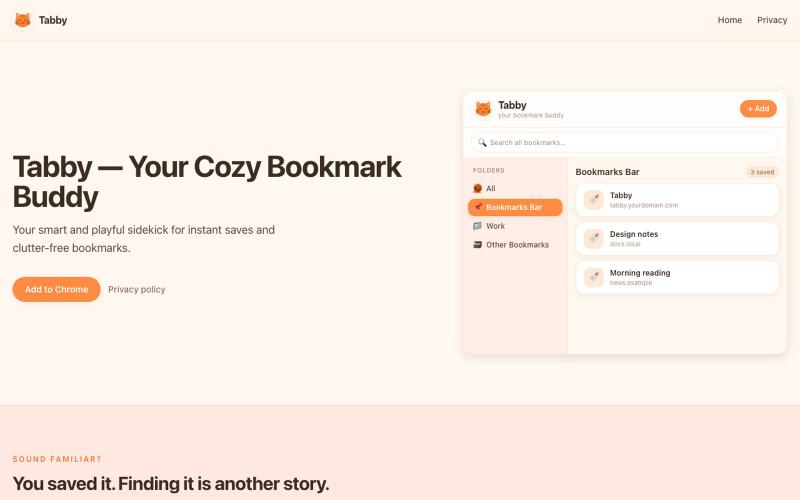
A playful, cat-themed bookmark manager for Chrome. Browse folders, search, and tidy bookmarks from a compact popup.

@_hermooo · X
I built a chrome extension that helps you manage your boring bookmarks 👀
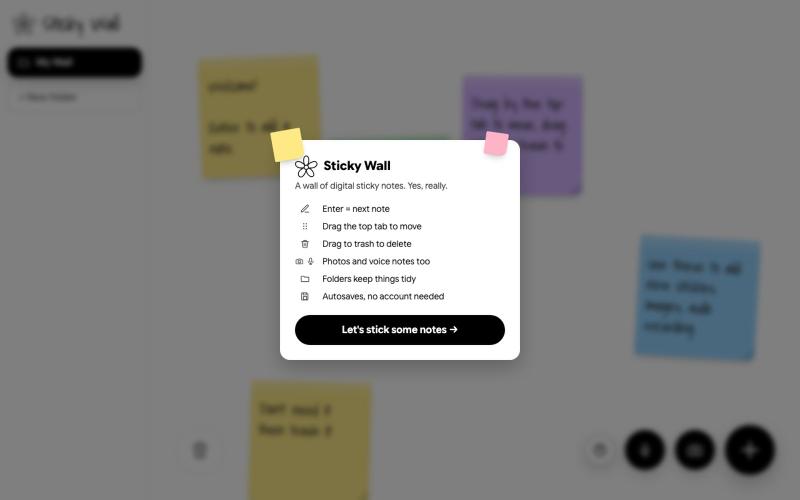
Create and arrange sticky notes on a digital wall.

@SKaaveri14488 · X
Lately I have been into : eating healthy (Mexican-style baked sweet potatoes😍) and building things with Claude Code. check out this sticky note wall I built yesterday.
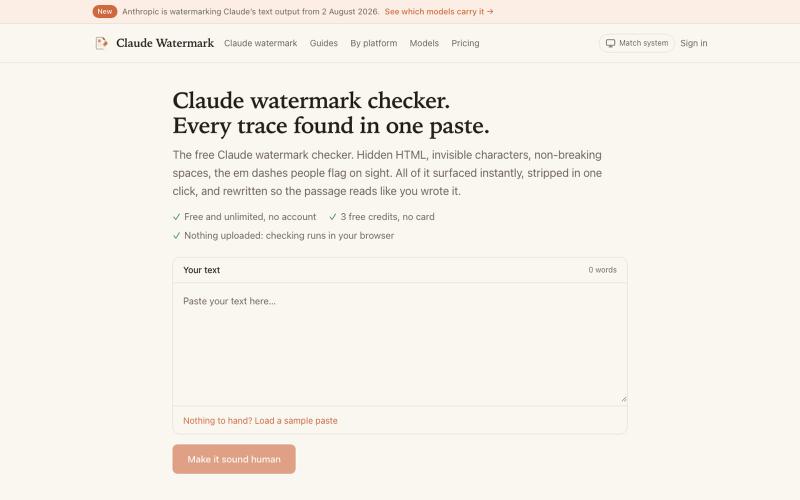
Paste text to detect and remove hidden watermarks, invisible characters, and HTML artifacts.

@ofiryieldchain · X
got sick of copy/pasting AI text into so I made it an agent skill lol now in Codex, Claude Code or Cursor you can just say “remove the watermarks from your last answer” and it does it inline.
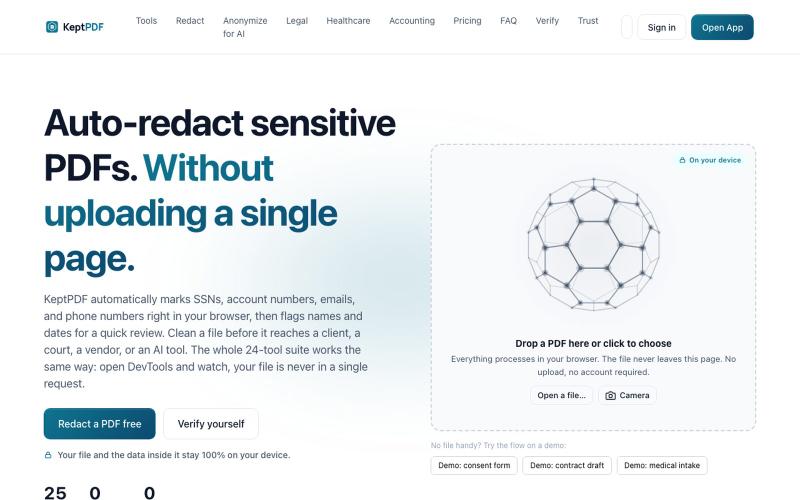
Redact, edit, OCR, and sign PDFs in your browser without uploading files.
u/jwwpua · Reddit
I built a PDF redactor that auto-detects names, SSNs, and account numbers without sending your file anywhere - works on your phone too. Free, no sign-up. Plenty of redaction tools upload your file to their server first (no thanks for legal/medical/tax docs). Some keep the file local but send the text off to an AI, so the text still leaves. And most of the truly local ones only let you draw black boxes by hand, which is how those "redacted" documents in the news keep getting un-r