
Utilities4 weeks ago
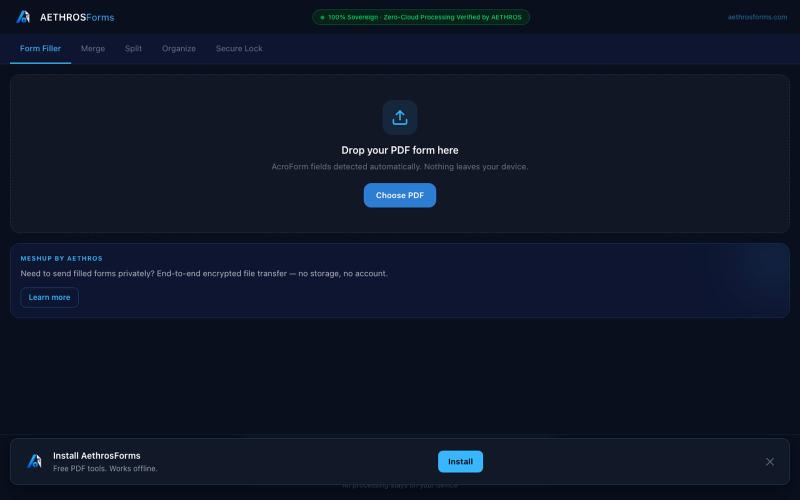
AethrosForms — Free PDF Tools
Fill, merge, split, organize, and encrypt PDFs entirely in your browser without uploads.

@aethrosX · X
- a free pdf utility tools
The full gallery
Tech stack
18 projects
Fill, merge, split, organize, and encrypt PDFs entirely in your browser without uploads.
@aethrosX · X
- a free pdf utility tools
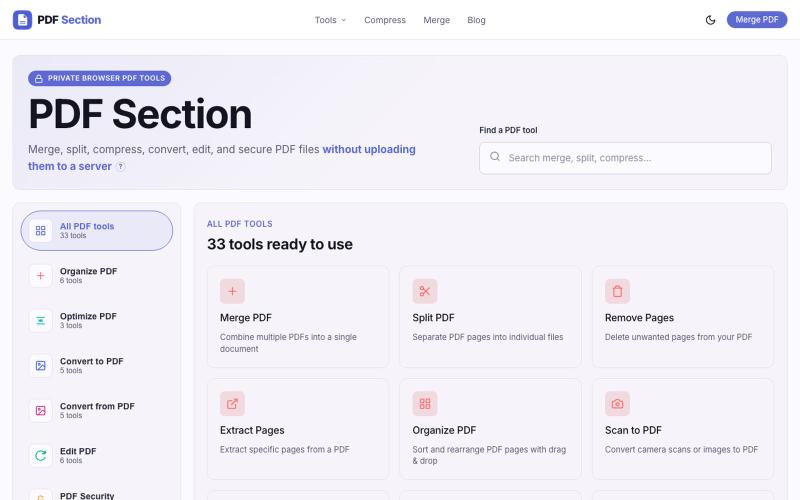
Merge, split, compress, convert, and edit PDFs in your browser without uploading.

@muzammilkarimi · X
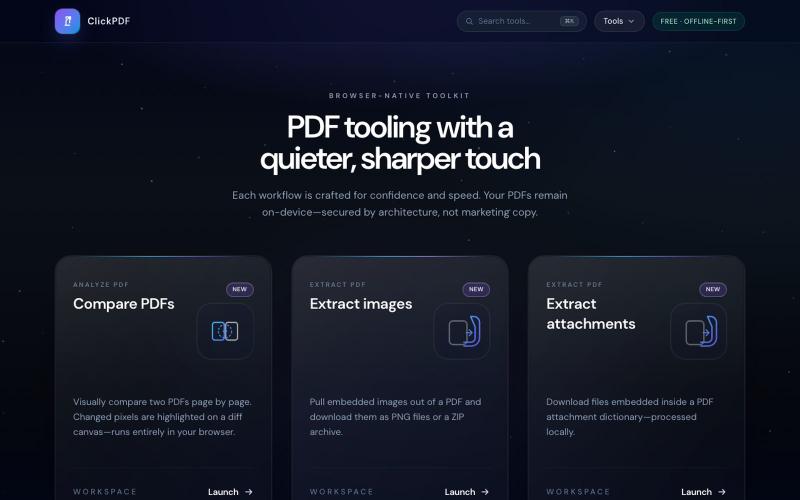
Merge, split, compress, convert, sign, and protect PDFs directly in your browser.

@buildappfactory · X
Our three products
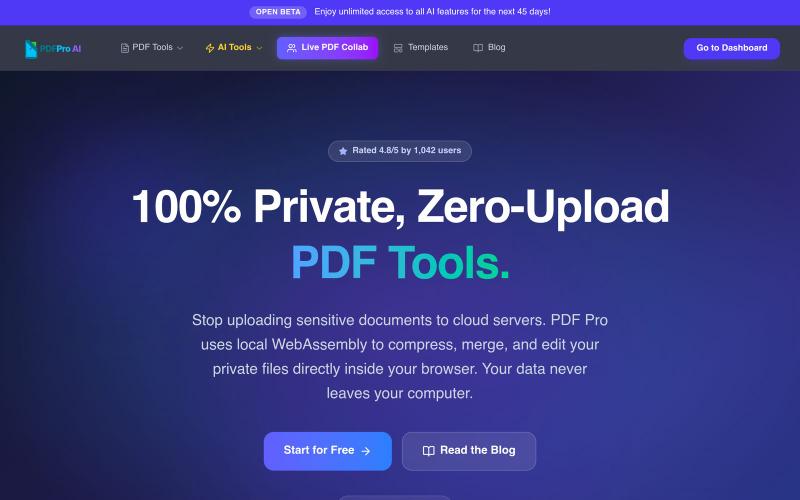
Edit PDFs in your browser with compression, merging, AI analysis, and no cloud uploads.

@pdfproindia · X
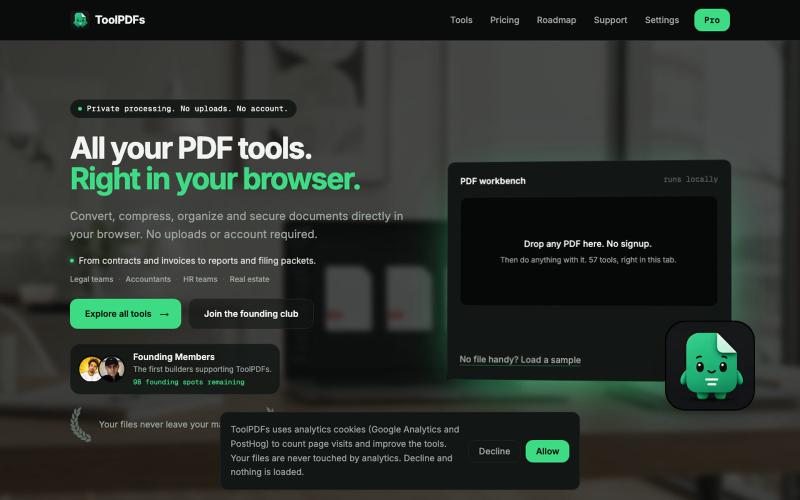
Edit, merge, compress, and convert PDFs with 57 free browser-based tools. No signup, uploads, or watermarks required.

@divvsaxena · X
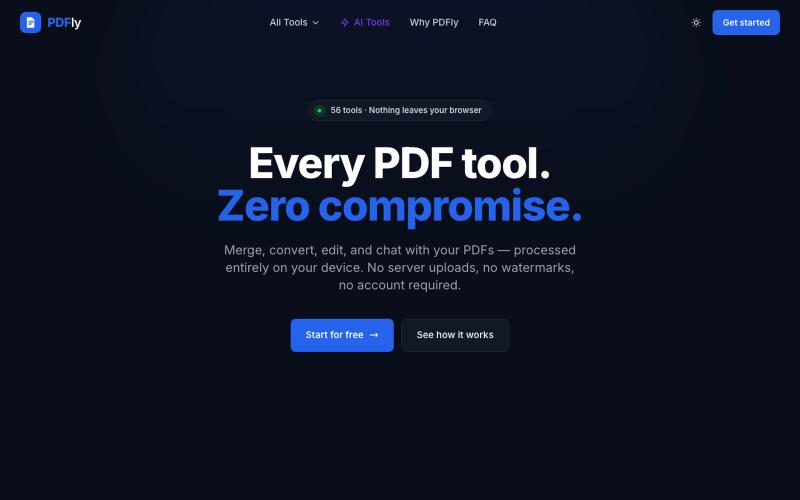
Free browser-based PDF toolkit with 56 tools including merge, split, compress, convert, sign, and chat.
pagalannu01 · HN
PDFly – 56 free PDF tools that run in the browser

Merge PDFs, compress images, remove backgrounds, and access utilities entirely in your browser.

@damiadeh · X
Your files utility tools stacks in your browser. No uploads, files stays on your pc.
Turn PDFs into a calm reading experience with a beautiful library and AI-powered page guidance.

@dshelf_app · X
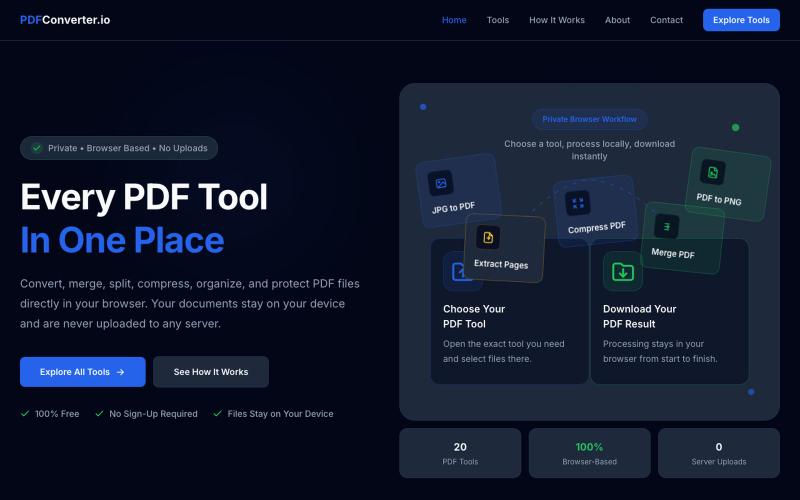
Convert, merge, split, and compress PDF files using 20 free browser-based tools with no server uploads required.

@meuzairqureshi · X
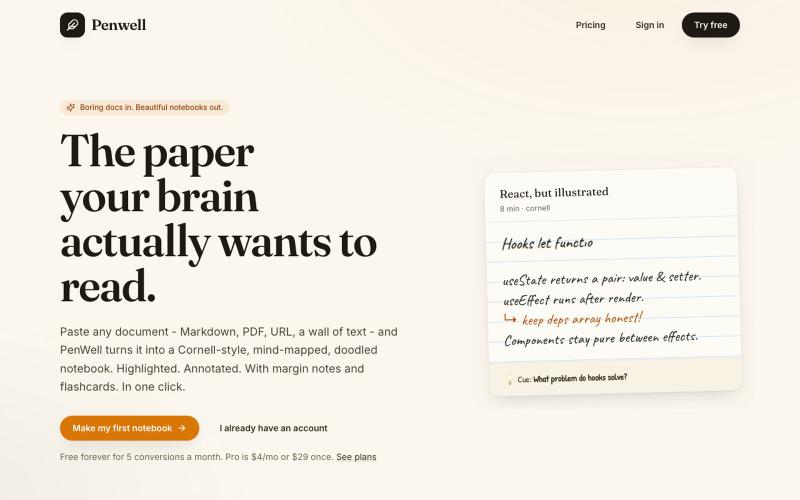
Paste a document to generate a Cornell-style notebook with mind maps and doodles.

@penwellapp · X
Boring docs in. Beautiful notebooks out. Try it here: 🚀 We just launched on Product Hunt! Your support would mean the world: #BuildInPublic #ProductHunt #AI #Notes #IndieHackers #CornellNotes #Productivity #StudyNotes #Penwell
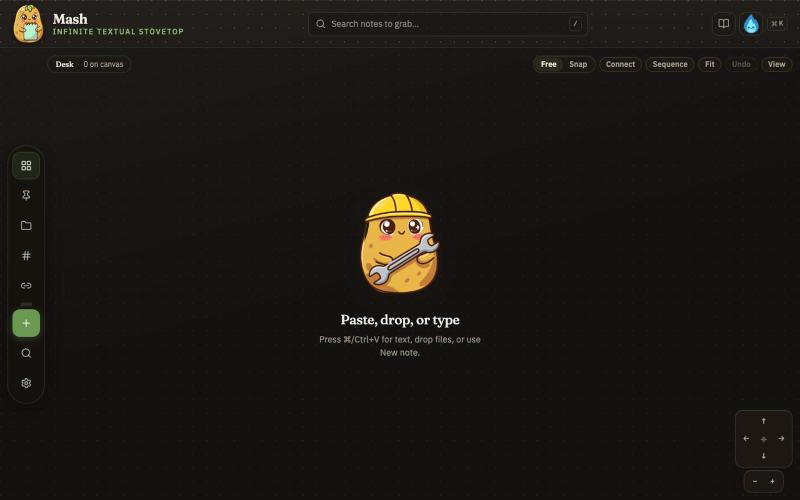
Combine notes on an infinite canvas and export sequences as PDF pages.

@JonnyD · X
I'm happy to announce "Mash" A local first browser based app for compiling notes and ideas on an infinite canvas. Make as many notes as you want, drag and drop to "Mash" them by combining. Create "sequences" that allow you to export a pdf with each sticky as it's own page. Drop in PDF or DocX or images to easily browse the file and select your favorite clippings to a new canvas, and manipulate them or export them how you want to. Drop a GIF to get all the individual frames. Mash features a roster of cute food themed mascots because this is your infinite textual stove top. Pull in some ingredients, mash them together, stitch them together, arrange them into a flow chart, whatever you find useful, and then get out quickly. Mash is for the little moments that speed up work, and the spontaneous thoughts that inspire new directions. There is no fancy AI feature, no data collection, no login, just a utility for you. Free open source licence. Run it offline if you want
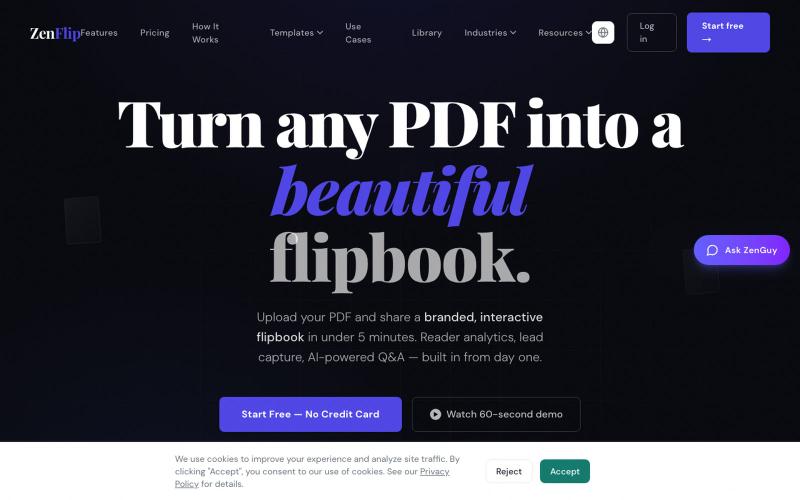
Turn PDFs into interactive flipbooks in seconds without watermarks; embed or share online.

@ZenFlipbook · X
Hey! Really excited to share ZenFlip - it turns any PDF, Word, or PowerPoint file into an interactive flipbook you can embed on any website or share via link. Feature-packed and free to get started. Would love to hear your feedback