
Productivity2 months ago · 1 tries
RightPDFKit – Free PDF Editor | 51 Tools, No Upload, No Account
Free online PDF editor with 51 tools for merging, signing, OCR, and translation—works offline, no login needed.

@zubidavies · X
The full gallery
Tech stack
67 projects
Free online PDF editor with 51 tools for merging, signing, OCR, and translation—works offline, no login needed.
@zubidavies · X
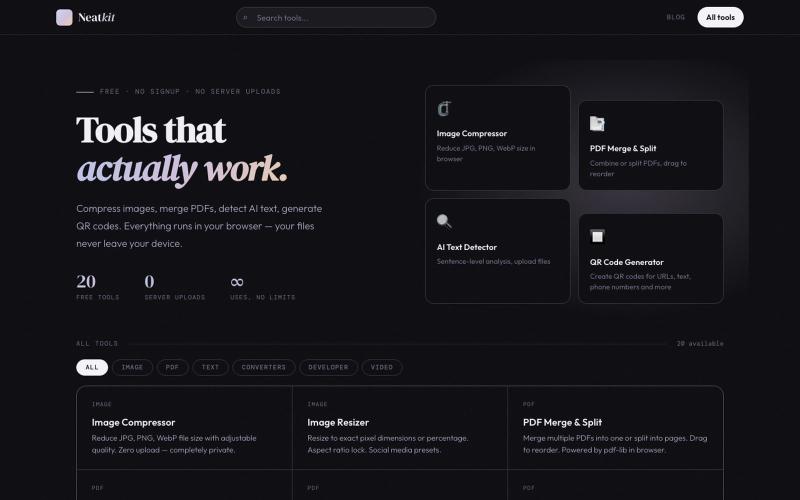
Free browser-based tools for image compression, PDF merging, QR code generation, and AI text detection.

@ChazXtine · X
I have been working on which is basically a site for free tools no pay wall. Currently I'm at 20 tools but I will be slowly expanding it.
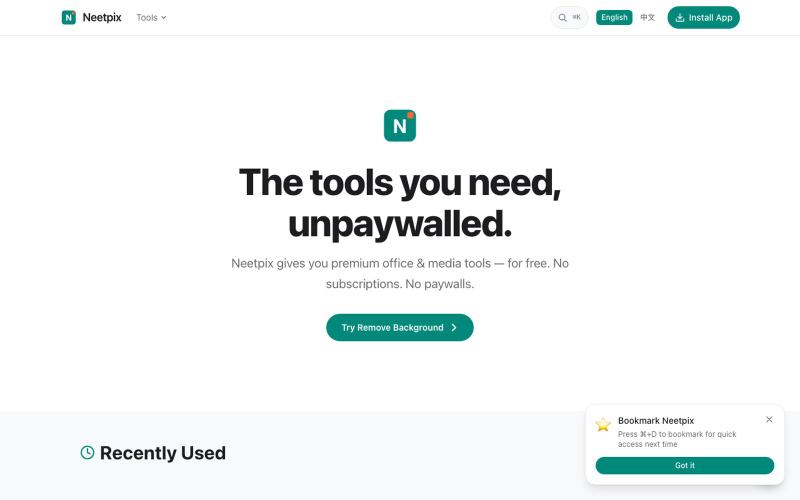
Browser-based PDF and image tools for merging, converting, compressing, editing, and generating — no signup needed.

@badbyeseason · X
Just shipped a big update to file transfer: resume broken transfers, multi-file queue, end-to-end encryption, custom room codes, and 2GB limit. Still 100% P2P, no server stores your files. 28+ tools live now. #buildinpublic #privacy
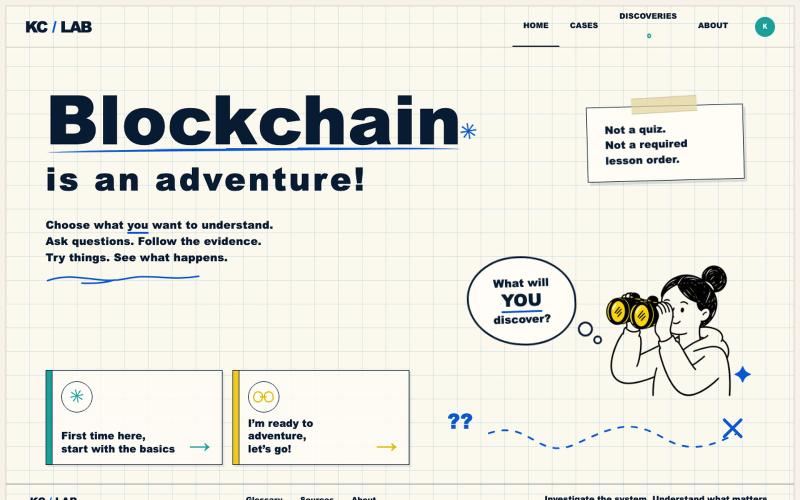
Interactive quests for seeing what emerging technology knows, proves, and controls.

@Mary_McCawley_ · X
Over the weekend I vibe coded an interactive learning app for understanding blockchain. I want your feedback frens! I don’t want to over complicate the process for the user.
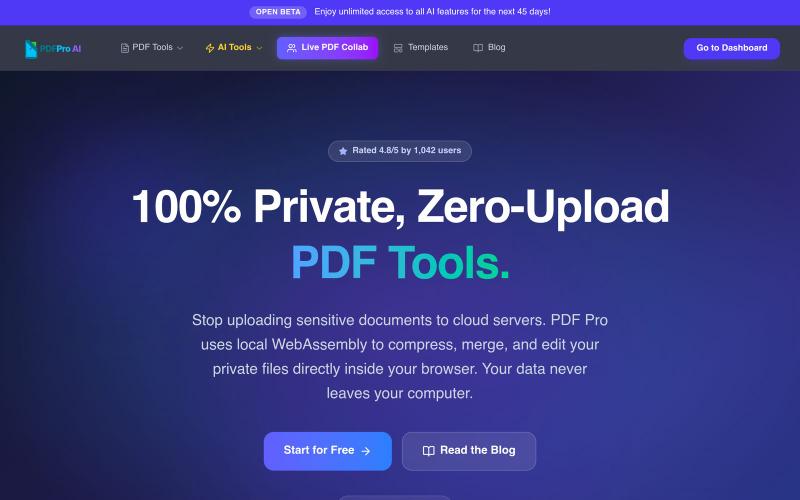
Edit PDFs in your browser with compression, merging, AI analysis, and no cloud uploads.

@pdfproindia · X
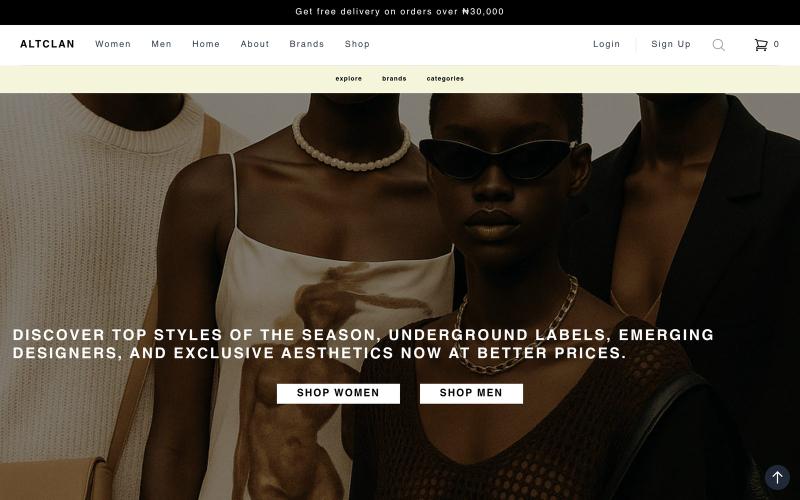
Shop unique alternative fashion, indie streetwear, and art-inspired style from emerging brands—discover exclusive drops, artists, creatives, and a bold creative community.

@blaxcxx · X
Most marketplaces are built for generic products. Altclan is built for fashion, art, aesthetics, and brands with identity. Discover alternative style, support independent creatives, and find pieces that feel different. Explore the marketplace:
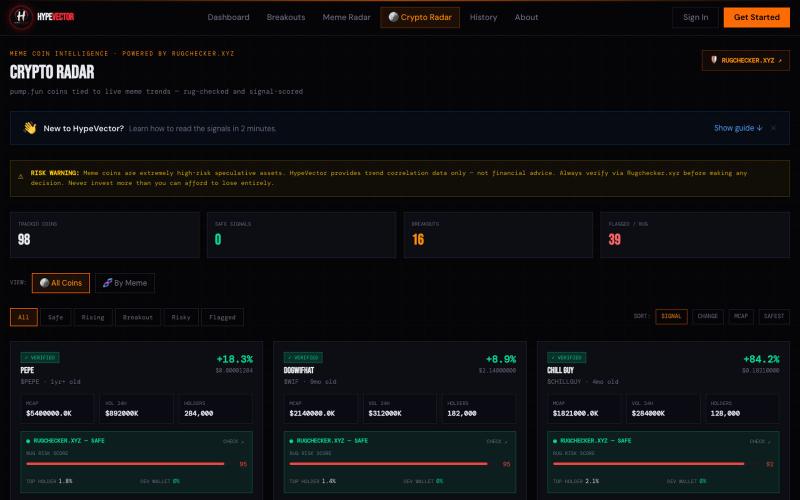
HypeVector detects emerging trends before they go mainstream. AI-powered trend radar for social media, memes, creators, and cultural momentum.

@HYPEVECTOR_ · X

Free in-browser PDF tools for merging, splitting, converting, and editing without uploading files.
u/Key_Caramel_5578 · Reddit
Built a free PDF toolkit solo (with AI help) — need feedback on the in-browser text editor before I keep pushing on it Been heads-down on this for a while: thepdftool.in Standard PDF stuff : merge, split, compress, convert, OCR — but most of the conversion tools run entirely client-side (WASM), so files never leave your browser for those. Built solo, leaned on AI tools for a good chunk of the code and debugging. The feature I care most about right now is an inline text editor :— click i
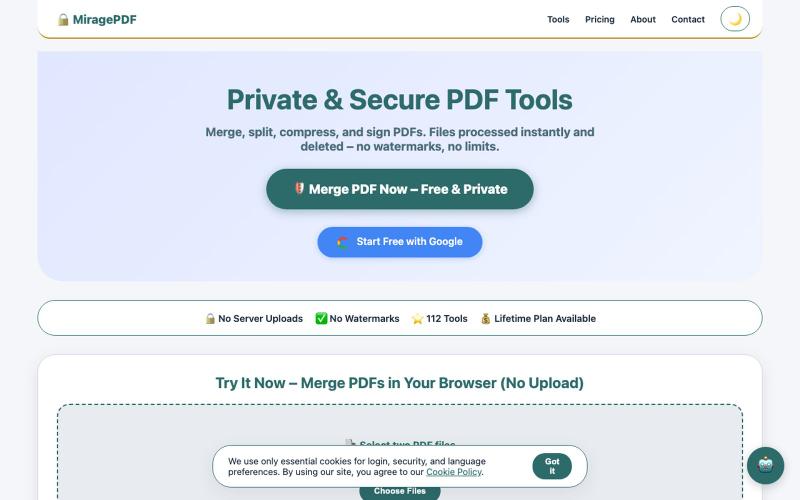
Free PDF tools in your browser for merging, splitting, compressing, and protecting files.

@magictoolshup · X
This unique website handles everything for you with great precision and professionalism. A key feature is that it never uploads your files—they remain solely within your browser for maximum privacy. Give it a try,you will discover something impressive.
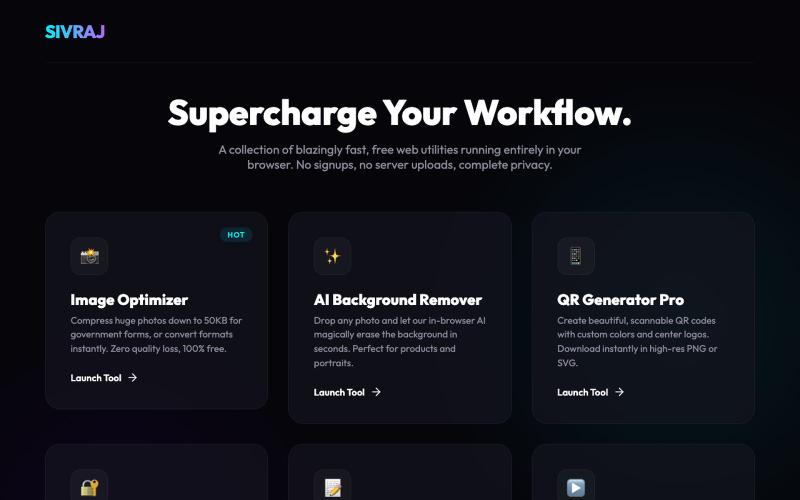
Free online tools for image compression, PDF merging, and document handling without account creation.
u/Numerous_Western_146 · Reddit
Literally guyss u need to check this 🤯 Hey guys, I was getting really annoyed with all those "free" online tools that compress images or merge PDFs but then force you to create an account or pay a premium fee to download your file. Also, uploading sensitive documents to random servers always felt sketchy to me. So, I built a collection of 9 web tools that process everything 100% locally in your browser. No data is ever uploaded to a server, there are no signups, and it's completely free.
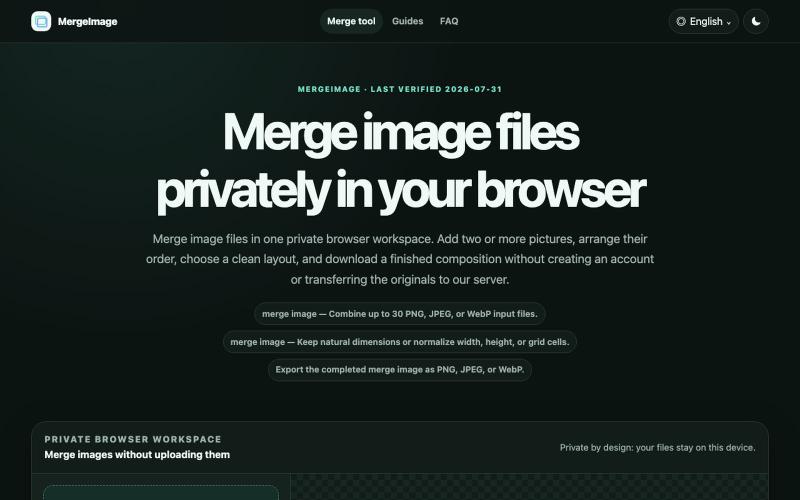
Merge image files horizontally, vertically, in a grid, or with smart screenshot stitching. Reorder, resize, preview, and download locally. No signup, watermark
lby910722 · V2EX
做了一个完全在浏览器本地处理的图片拼接工具: MergeImage 最近做了一个免费图片拼接工具 **MergeImage**: https://mergeimage.app/ 起因很简单:临时把截图、商品图或前后对比图合成一张时,很多在线工具需要先把原图上传到服务器,或者在导出时加水印。我想做一个打开就能用、处理边界也更清楚的小工具。 目前支持: - 最多添加 30 张 PNG 、JPEG 或 WebP - 横向、纵向、网格,以及连续截图的智能重叠拼接 - 拖拽排序、旋转、翻转、间距、背景和尺寸对齐 - 预览后导出 PNG 、JPEG 或 WebP - 图片解码、排版和编码都在当前浏览器本地完成,不需要注册,也不会添加水印 智能拼接会保守判断重复区域;如果置信度不够,会保留完整图片并退回普通纵向拼接,避免误删内容。 现在还是 MVP ,桌面端和移动端都可以直接用,也做了中文界面。欢迎试用,尤其想听听大家对长截图、网格排版和大图性能的反馈。

Global marketplace for buying and selling businesses, startups, SaaS companies, and e-commerce platforms.

@kushmergedeck · X
Building Check out 🙌🏻