Manga Translator – AI Translate Manga | Mee Manga Translator
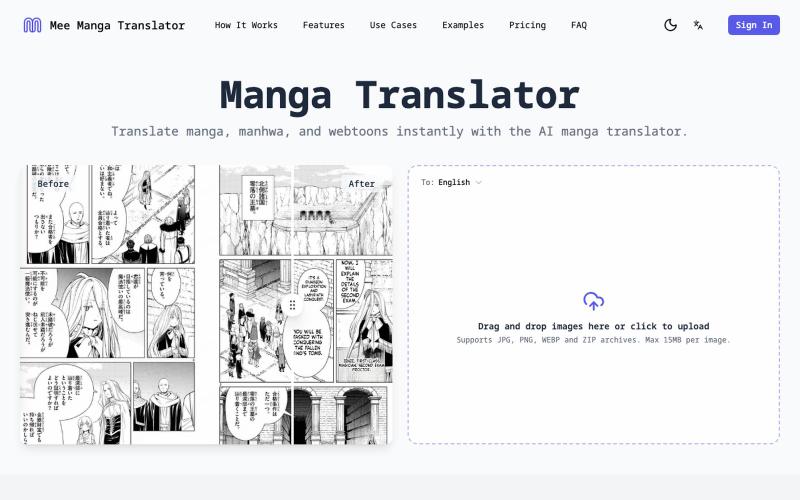
Translate manga, manhwa, and webtoons with AI while preserving layout and speech bubbles.
Mee Manga Translator — 基于 AI 的漫画翻译工具,支持将日漫、韩漫等图片一键翻译成目标语言,并自动保留原有排版与气泡位置,实现自然、可读性高的漫画翻译体验
The full gallery
Tech stack
14 projects

Translate manga, manhwa, and webtoons with AI while preserving layout and speech bubbles.
Mee Manga Translator — 基于 AI 的漫画翻译工具,支持将日漫、韩漫等图片一键翻译成目标语言,并自动保留原有排版与气泡位置,实现自然、可读性高的漫画翻译体验

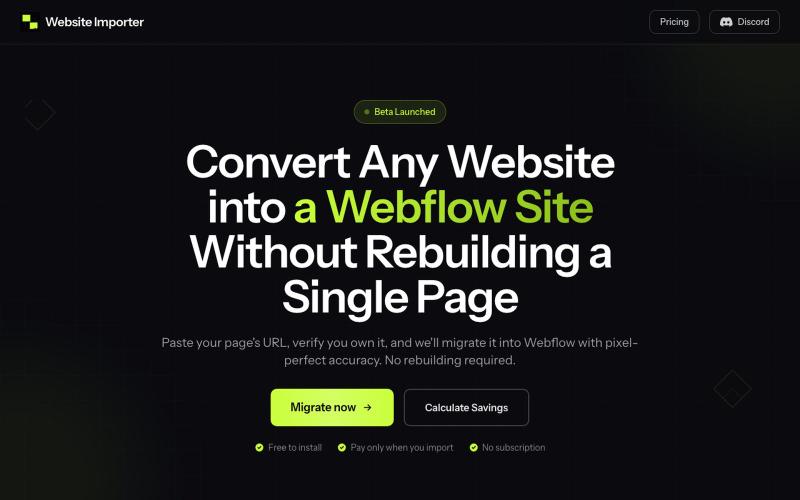
Paste a website URL to convert it into a Webflow site with pixel-perfect layout and styling preserved.
@elvis_cibalinda · X
Convert your #lovable site to #Webflow and scale

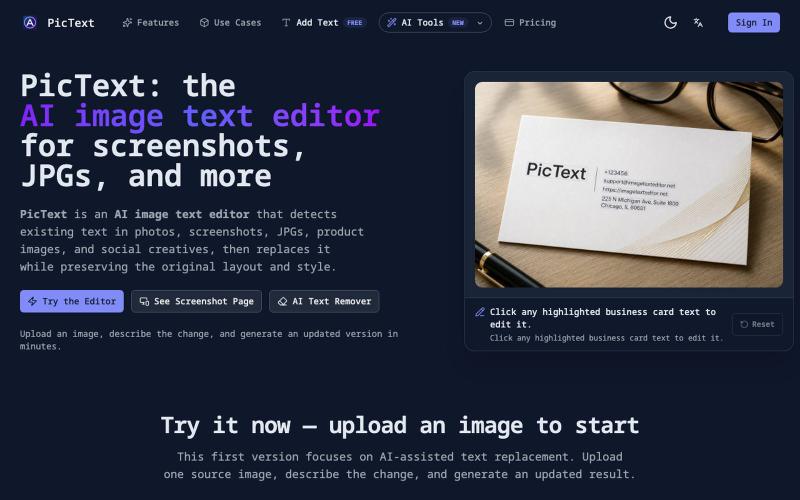
Detect and replace text in images while preserving layout and style.
PicText - 图片文字编辑器 — AI 驱动的图片文本编辑器,检测并替换照片、截图和产品图中的文本,同时保留原始布局和字体

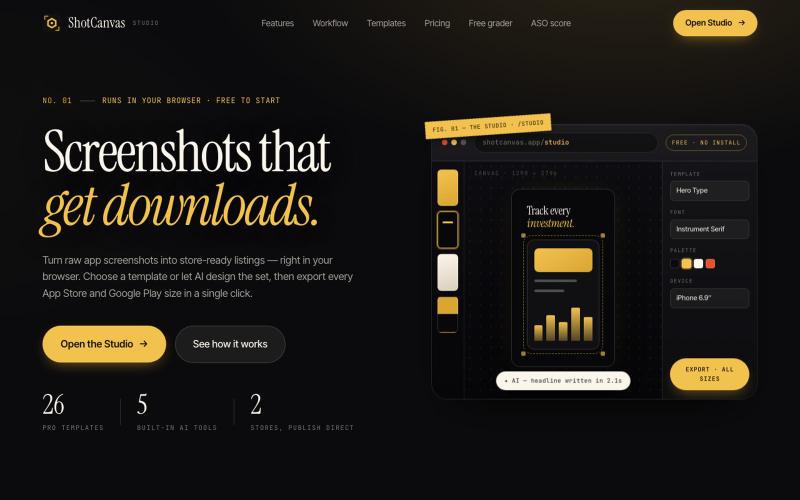
ShotCanvas Studio turns raw app screenshots into store-ready listings — 26 pro templates, AI-designed layouts and headlines, and one-click export in every App Store and Google Play
@shotcanvasapp · X
anyone willing to give feedback, ill do the same in return!

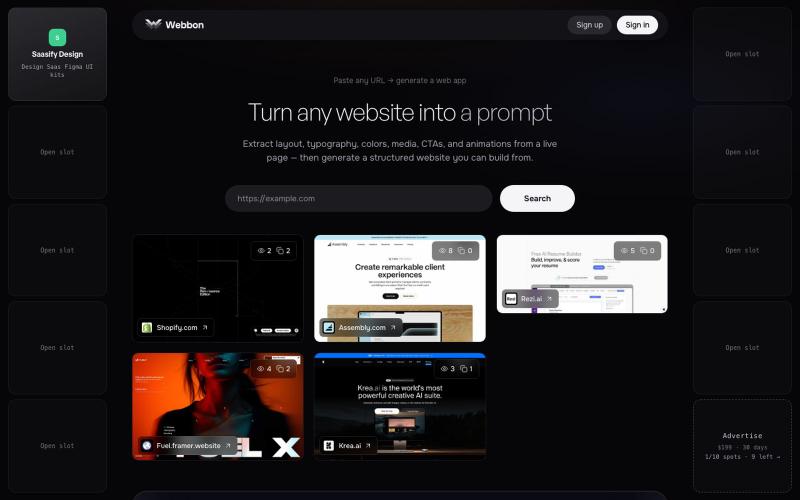
Paste any URL on webbon.xyz to generate a structured website from a live page — layout, typography, colors, media, CTAs, and animations.
@prakashuix · X

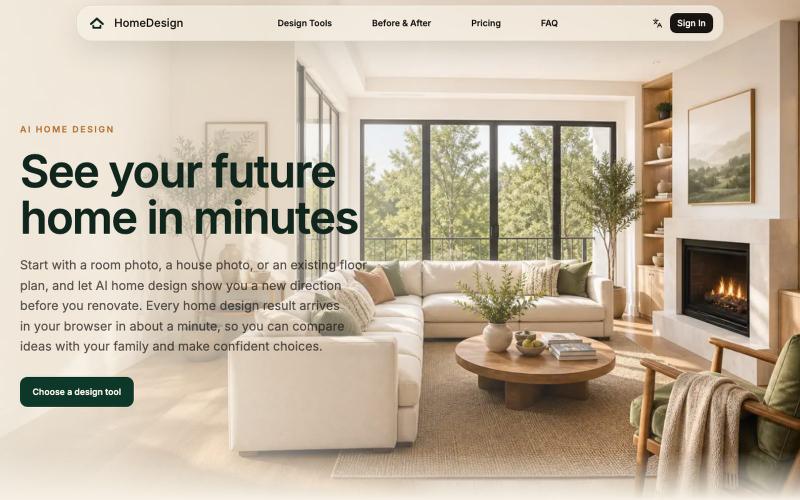
Redesign home interiors and exteriors with AI to generate 2D layouts, 3D renders, and 360° walkthroughs from photos.
HomeDesign — AI 空间与家装设计工具,上传房间实拍、建筑外观或户型图,即可预览室内外装修改造效果,并生成 2D 布局、3D 效果图与 360° 全景

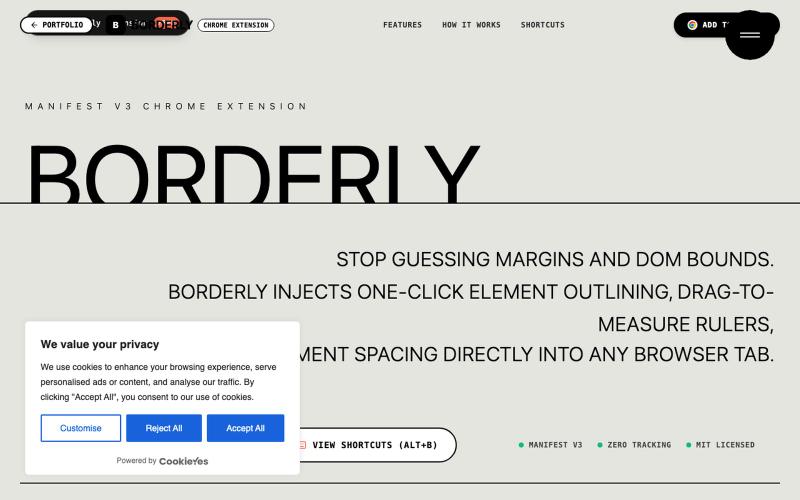
Borderly is a Manifest V3 Chrome Extension by Abhay Chauhan to inspect, measure, and debug web page layouts in real time with 1-click element outlining and pixel rulers.
@belikeabhayx · X

Convert text into formatted WeChat articles with AI auto-layout.
SnapWrite — 专注微信公众号的 AI 自动排版工具。一键将文本转化为精美移动端布局,支持实时手机预览与富文本一键复制。

A curated library of reusable UI components built with Framer.
@buildlylibrary · X

Generate UI screens for mobile and web apps from text descriptions in seconds.
@ninakolari · X
Google just dropped Stitch and it changes the entire vibe coding workflow. You describe what you want your app to look like. It builds full high-fidelity screens in seconds. No Figma. No designer. No credit card. Here is how to use it: Go to Sign in with your Google account. That’s it. You’re in. Instead of typing “make me an app” type this: “A lesson planning app for teachers. Clean and calm. Inspired by Notion. Minimal. White space.” The more specific you are the better your screens. Then refine with follow up prompts. Change the nav. Try dark mode. Get 3 menu variations. Or just speak it. Your screens become a clickable prototype in seconds. Click a button and Stitch generates the next screen automatically. Your entire app flow. Before you write one line of code. Then take it further. Export to Lovable or Cursor and build the logic on top. Use the MCP server to keep your design and code in sync. Pull any website’s design system in seconds. Save everything as

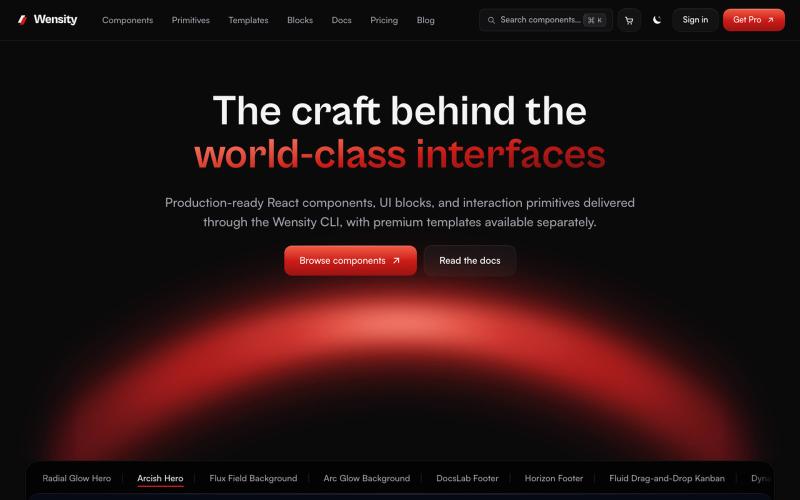
Browse interactive React and Next.js components, blocks, and Tailwind templates.
@Ksparth12 · X

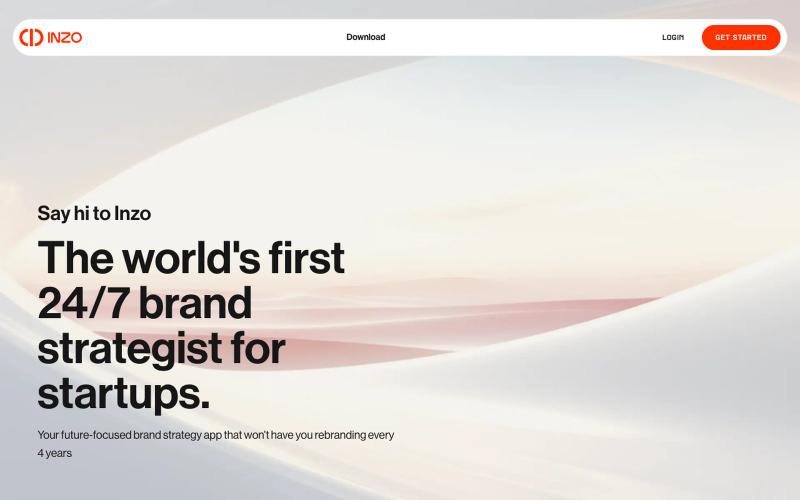
Organize all your brand assets and branding decisions in one place.
u/Andyrewden · Reddit
I built a tool to keep all your brand assets (and your brand sanity) in one place Hey everyone I run a small branding consultancy and got tired of watching early founders juggle logos, colours and half-remembered brand decisions across a mess of Google Drive folders. So I built Inzo. At its core it's a brand management tool, a proper home for all your brand assets, guidelines and decisions in one place. But the bit I'm most excited about is the inbuilt brand consultant. I've been building