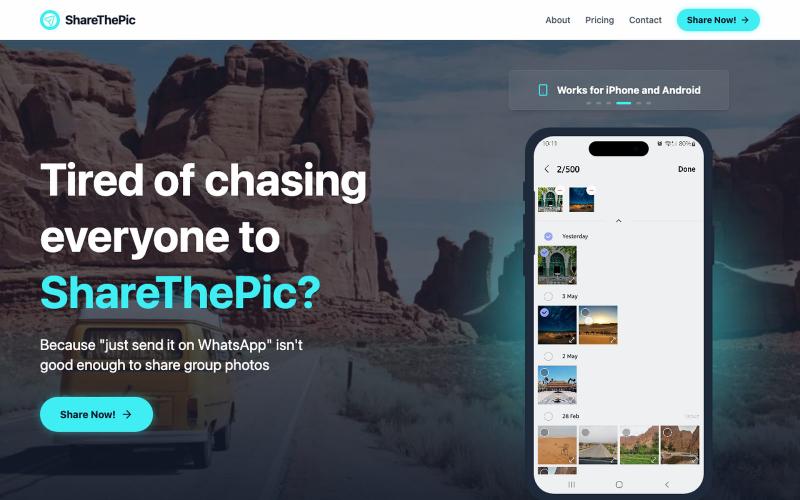
ShareThePic - Share Trip Photos Across iPhone & Android
Create a shareable link for trip photos with no compression or app required.
@masterjesuser · X
if you planning a group trip or activity recently, try out to make photo sharing less of a pain
The full gallery
Tech stack
28 projects

Create a shareable link for trip photos with no compression or app required.
@masterjesuser · X
if you planning a group trip or activity recently, try out to make photo sharing less of a pain

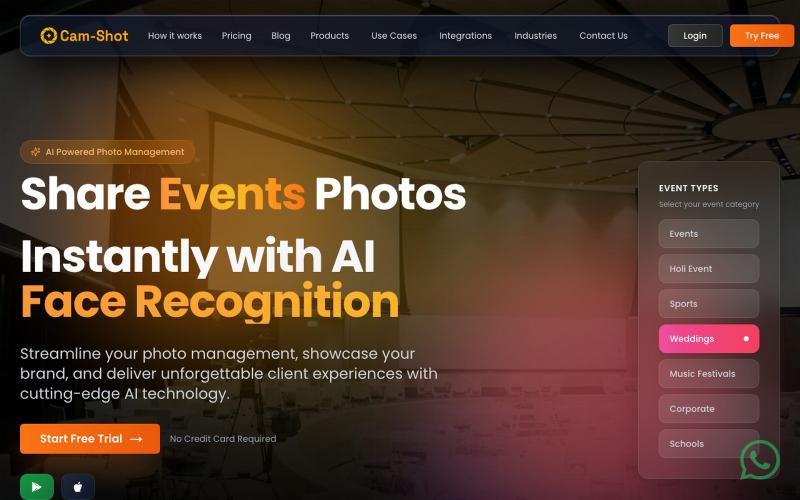
AI platform for photographers to instantly share event photos with face recognition and white-label galleries.
@Jatinthadani1 · X

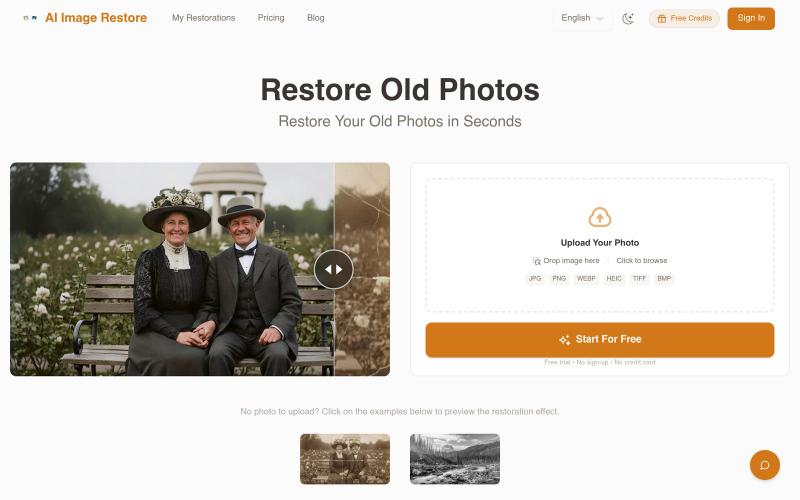
Restore and enhance old photos with AI to repair damage, add color, and improve clarity
@Umitech_AU · X
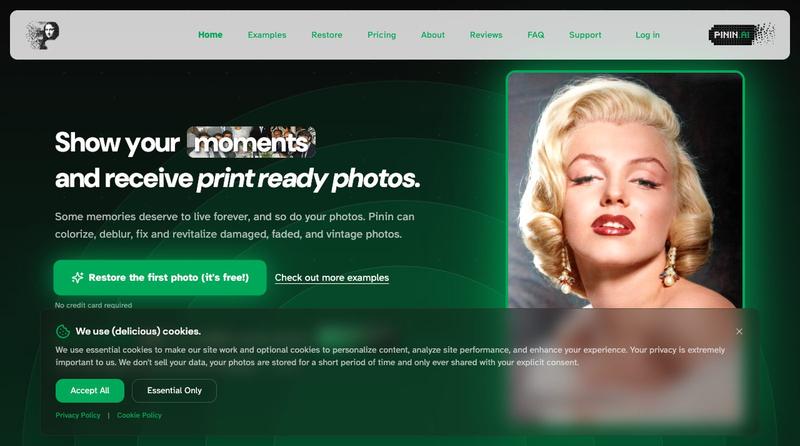
AI photo restoration without the AI slop.

Restore old, damaged, or faded photos and colorize black & white images with AI.
PhotoRestore.ai — AI 照片修复工具,支持老照片修复、划痕去除、黑白照片上色与图像增强,上传即可自动修复,无需注册

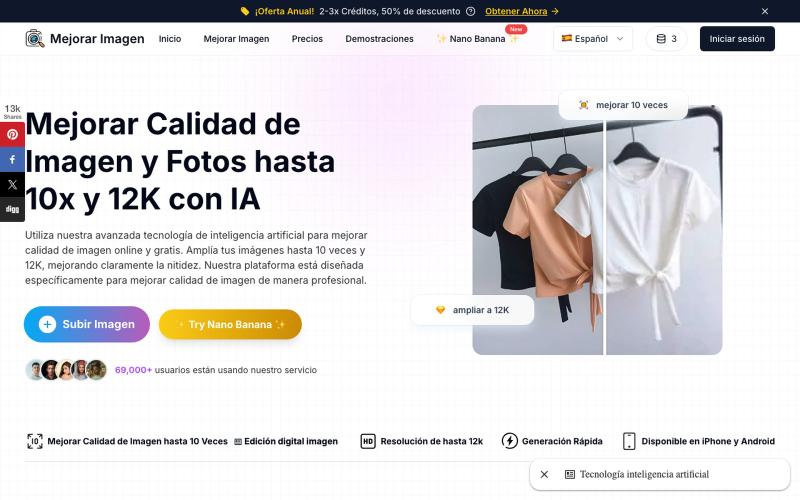
Upscale and enhance photos with AI up to 10x resolution.
Mejorar Imagen — AI 图像增强器:用 AI 将图片放大 10 倍,最高提升到 12K 分辨率

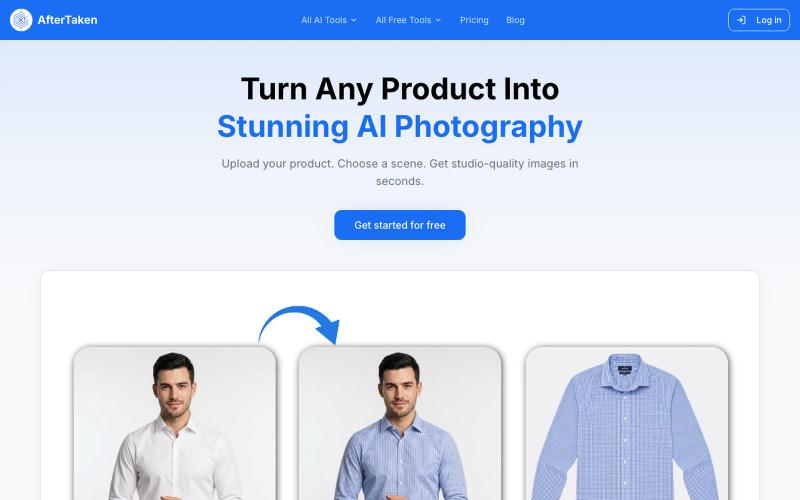
Upload a product image and choose a scene to generate studio-quality AI photos.
@aftertakenai · X
for AI e-commerce product photography

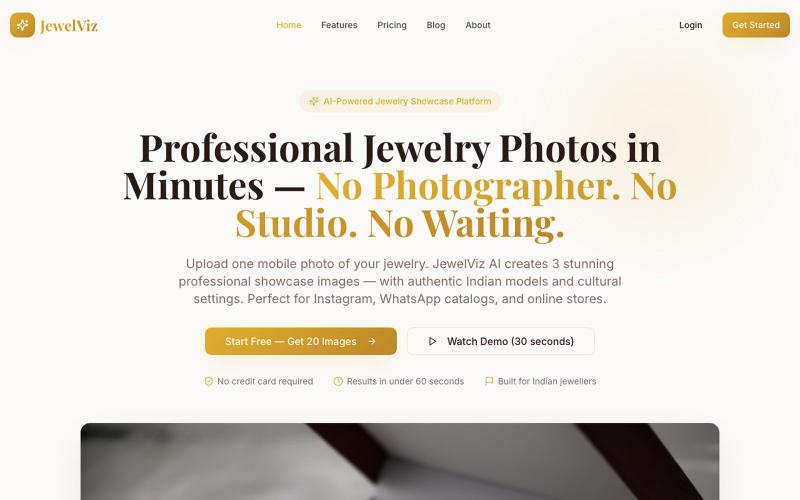
Create professional jewelry photos with AI-generated Indian models and cultural settings.
@Suhailqure52075 · X
AI tool for Indian jewellers — 1 mobile photo → 3 professional showcase images with Indian models & cultural settings. No studio. No photographer. Building from Saharanpur 🇮🇳

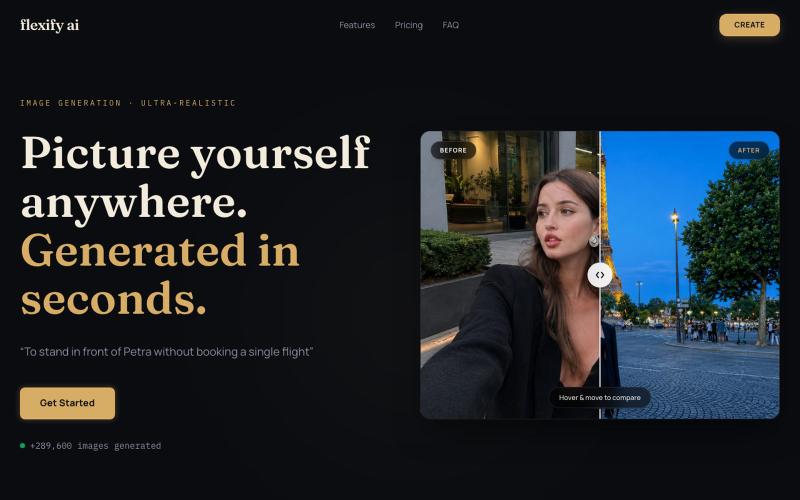
Generate ultra-realistic photos of yourself in luxury settings like landmarks and supercars.
@flexifyai321 · X
After weeks of building, Flexify AI live! 🚀 I'm 17-year old, a just launched my SaaS Upload any photo and turn it into stunning aesthetic, luxury lifestyle images. website - Would love your feedback! ❤️ #BuildInPublic #Launch #SaaS #AI #IndieHacker

Generate and edit AI images for product shots, ads, portraits, and thumbnails via text prompts.
Plugcamp · V2EX
最近在折腾一个小站,主要是围绕 Nano Banana 2 Lite 做图片生成和图片编辑: https://nanobanana2lite.me/ 一开始只是自己想要一个比较轻的入口,用来快速试 prompt 。后来发现每次测图都会遇到几个重复问题: - prompt 写完之后,不知道适合什么比例 - 文生图和图生图入口经常混在一起 - 想找几个可复制的 prompt 示例,但很多站要么太重,要么示例不够直观 - 只是想快速生成一张产品图、头像、广告图、封面图,不想进一个很复杂的工作台 所以就做了这个站。 目前主要有几个部分: - Text to Image:直接输入 prompt 生成图 - Image to Image:上传一张图,再用 prompt 做改图 - AI Image Editor:偏日常编辑,比如换背景、改光线、改风格 - Prompt Library:整理了一些可直接复制的 prompt - Gallery:放了一些 before/after 和示例图 我自己比较在意的是首页别太像传统 SaaS 落地页,所以最近一直在改视觉。之前太干了,后来加了一些更丰富的样张和暗色主题,但也还在调。 这个站不是 Google 官方产品,只是一个第三方工具站。现在更多是想把「轻量、直接、可复制」这件事做好。 如果大家有空的话,想请教几个问题: 1. 首屏看起来会不会太营销,还是说信息还算清楚? 2. 对图片工具来说,大家更想先看到生成表单,还是先看到效果案例? 3. Prompt Library 这种页面有没有用,还是大家更习惯直接自己写? 4. 如果你平时会用 AI 生成图,最常用的场景是产品图、头像、封面、广告图,还是别的? 欢迎拍砖,尤其是 UI 、文案、信息结构这块。 链接再放一次: https://nanobanana2lite.me/

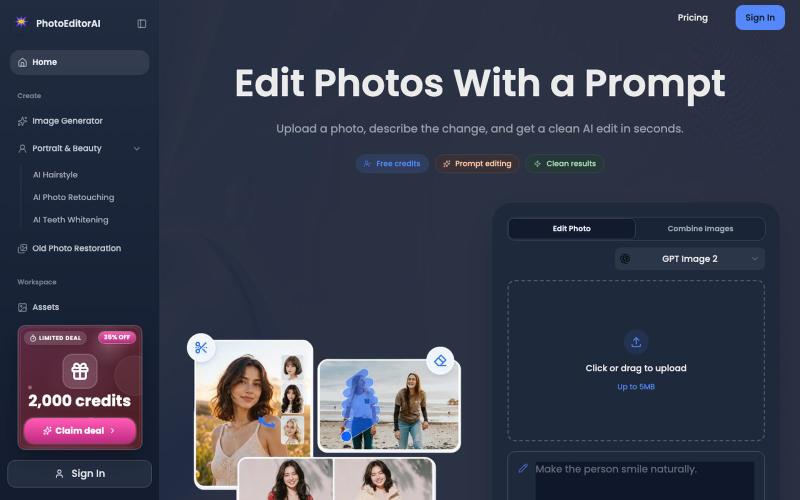
Online AI photo editor for portrait retouching, photo restoration, and image generation.
PhotoEditorAI — 在线AI 图片编辑工具,一句话将图片变为自己想要的样子,支持 NanoBanano 2, GPT images 2 模型,支持无限画布。

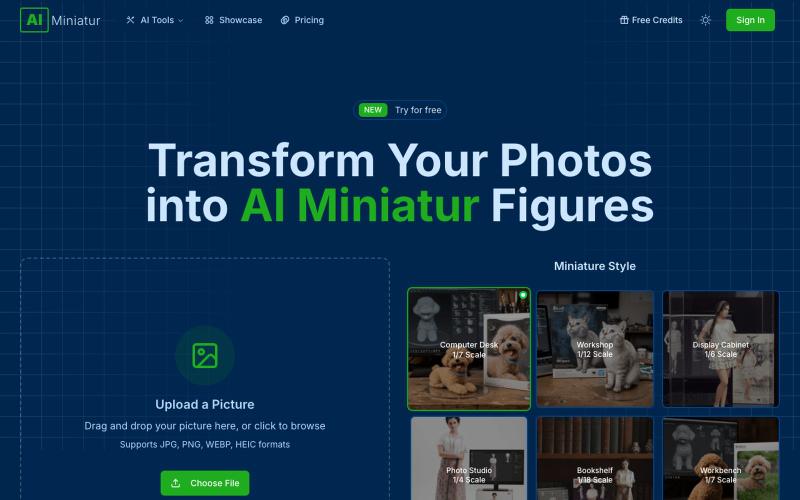
Generate collectible AI miniature figures from your photos with customization options.
AI miniatur — 将照片转换为 AI 手办模型

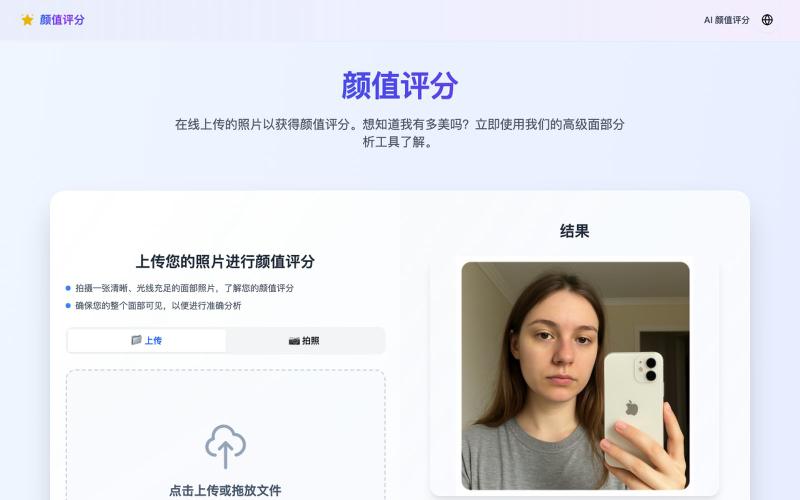
Upload a photo to receive an AI attractiveness score.
颜值评分 — AI 颜值测试