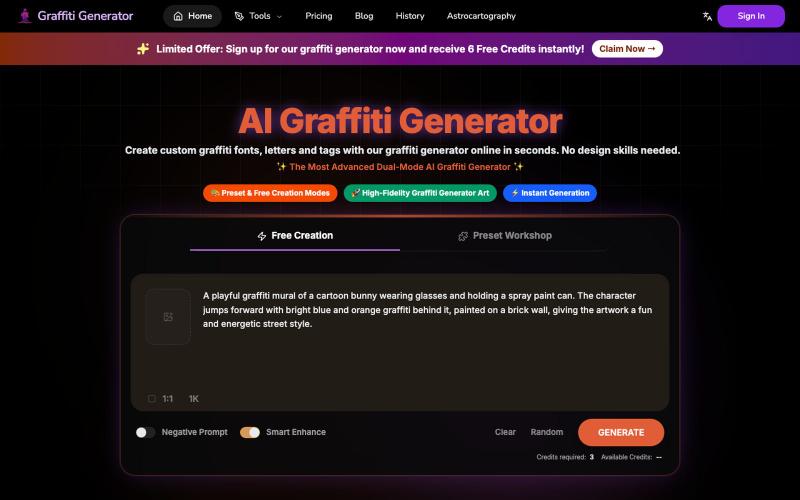
Graffiti Generator – Free Online Graffiti Font, Letters & Text Maker
Create graffiti fonts and text designs from any words using AI.
Graffiti Generator — 生成涂鸦艺术,旨在降低涂鸦创作的门槛。它结合了 AI 绘画生成与传统的字体设计功能,让用户无需任何绘画基础,也能在几秒钟内创造出专业级的涂鸦作品。
The full gallery
Tech stack
18 projects

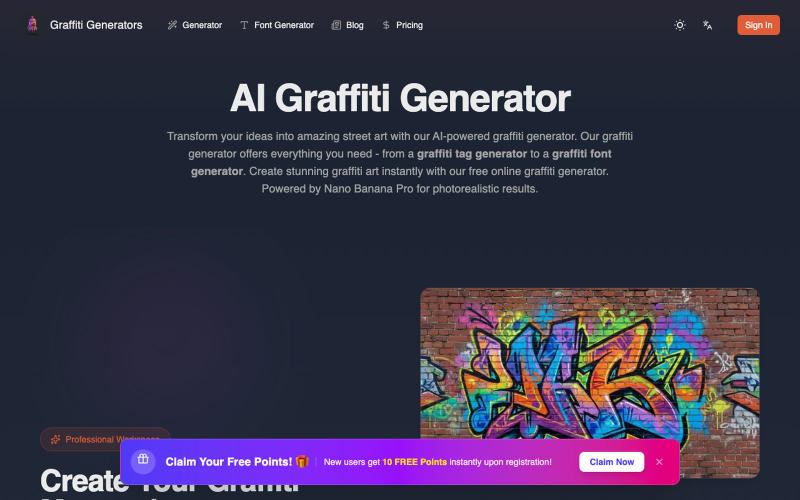
Create graffiti fonts and text designs from any words using AI.
Graffiti Generator — 生成涂鸦艺术,旨在降低涂鸦创作的门槛。它结合了 AI 绘画生成与传统的字体设计功能,让用户无需任何绘画基础,也能在几秒钟内创造出专业级的涂鸦作品。

Transform your ideas into photorealistic graffiti art using AI.
Graffiti generator — AI 街头涂鸦艺术生成器(基于 Nano Banana Pro)

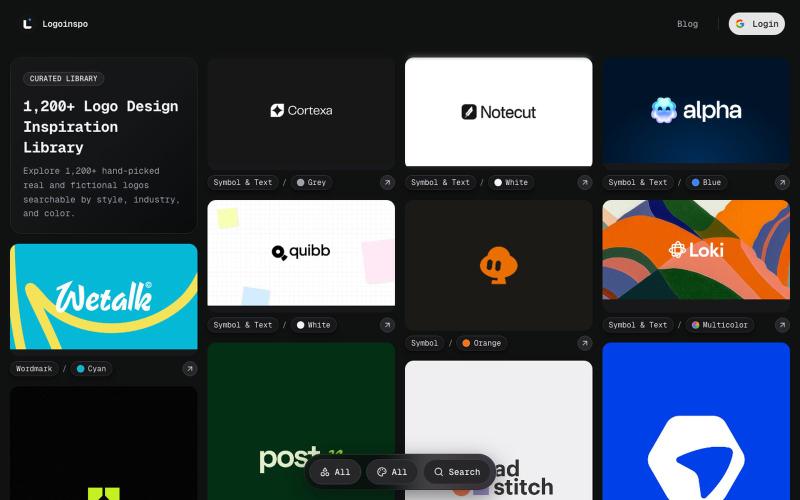
Explore 1,200+ curated logo references — symbol, wordmark, symbol and text, and animated.
@taher_max_ · X
Building and

Convert your tweets into stylish Unicode fonts for sharing on X and Twitter.

Design custom themes for Codex Desktop with backgrounds, colors, transparency, and visual effects.
plutozc · V2EX
做了个 Codex Desktop 主题预览和切换工具,先调好再安装 最近一直在用 Codex Desktop ,觉得默认界面看久了有点单调,就顺手做了个主题编辑工具,分享一下: [Codex Skin]( https://getcodexskin.com) 可以先在网页里预览主题,调整背景透明度、面板透明度、颜色、模糊和圆角等参数,满意之后再下载并切换到 Codex Desktop 。 目前支持: - 自定义 JPG 、PNG 、WebP 背景 - 在线实时预览主题效果 - 调整透明度、颜色、模糊、圆角 - 预览满意后生成安装命令 - 不喜欢了可以恢复默认外观 目前主要面向 macOS 上的 Codex Desktop ,还是个人项目,功能和兼容性都在继续打磨。 欢迎试试,也想听听大家对主题参数、预览效果和安装流程的反馈。 直接网址: https://getcodexskin.com [轻喷 轻喷,可能还有些 bug

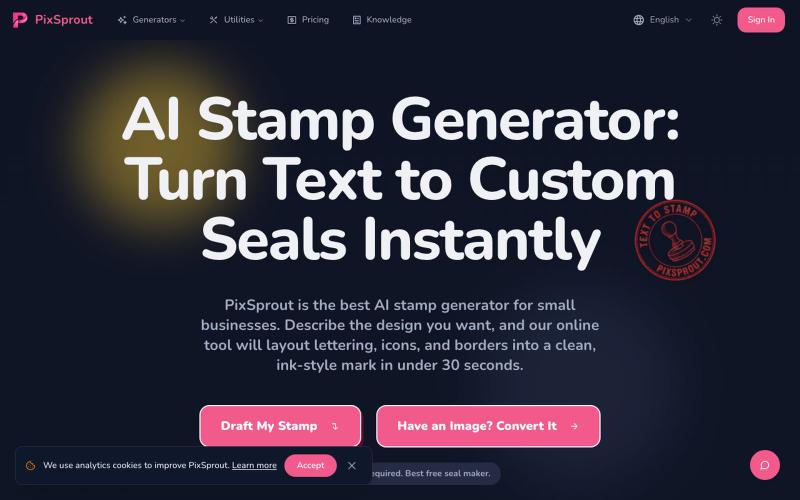
Generate custom business stamps and seals from text prompts using AI.
pixsprout.com — 专注于生成复古橡皮印章效果的 AI 工具,支持文字生成印章、图片转印章及自动去底 - [更多介绍](https://pixsprout.com/image-to-stamp)

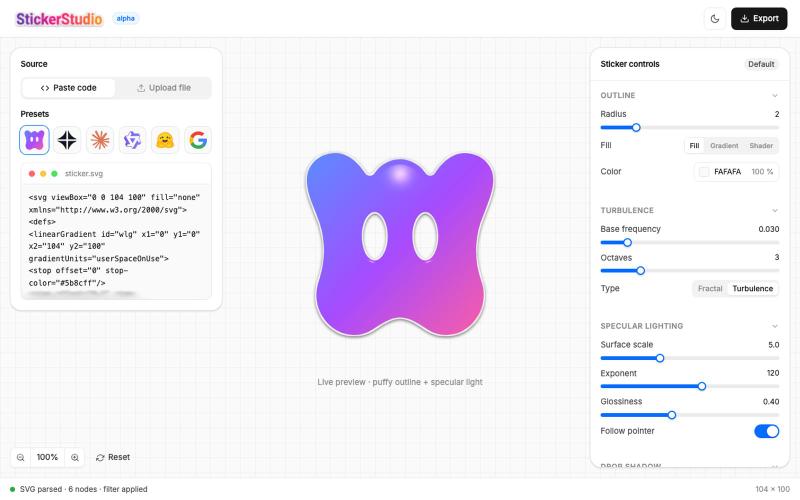
Turn SVG designs into puffy, glossy stickers with 3D effects and export as PNG.
@Ammar110_SM · X
Turn any SVG into a glossy die-cut sticker you can actually peel 🎨 Built Sticker Studio entirely in Wonder, UI in Wonder Chat, live shader outlines, and Wonder's MCP piped it all into Claude Code as a real app. Try it: @usewonder #wonderchallenge

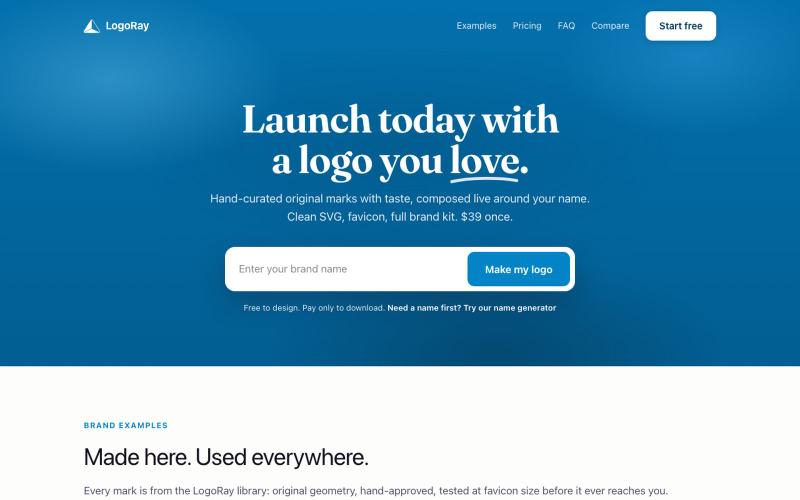
Create logos from a hand-curated library and download complete brand kits.
@AlexCommitter · X
I'm building and

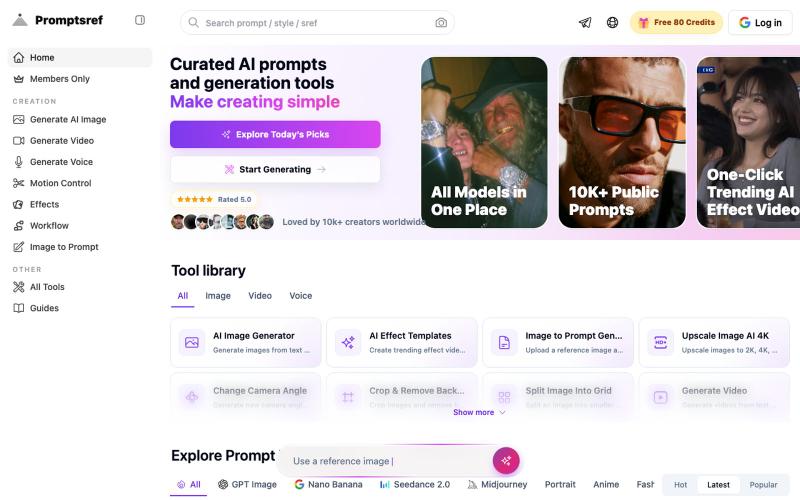
Browse curated Midjourney sref codes organized by style to generate consistent image aesthetics.
Midjourney Sref code 精选库 — 在 Midjourney 的 prompt 输入 `--sref xxx` ,可以固定生成某种特定风格的图片。这对很多人来说非常方便,不用写一堆效果词,只要记住几位数字就可以。但 `--sref xxx` 有大概 40 亿个,其中重复或者质量不佳的不在少数。因此做了一个网站把一些个人觉得不错的 sref code 收集起来并进行分类,方便新人或

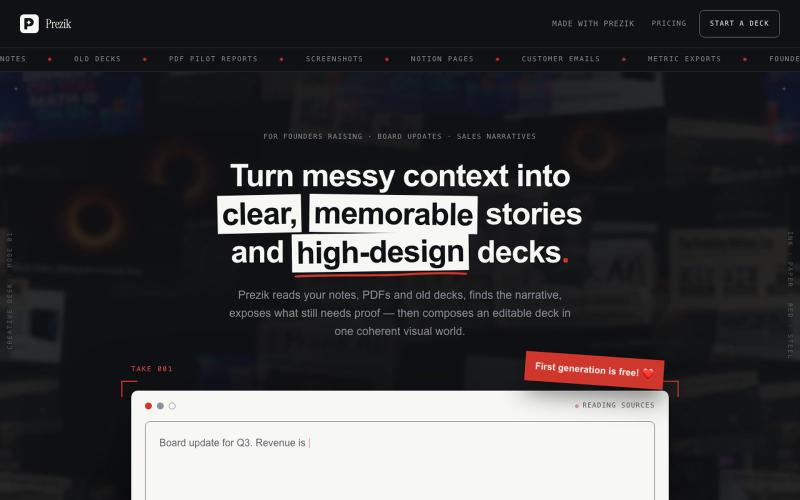
Upload a document. Prezik authors a visual movement around it and prints every slide as a designed image — the design quality no template tool can make.
@behindceo · X
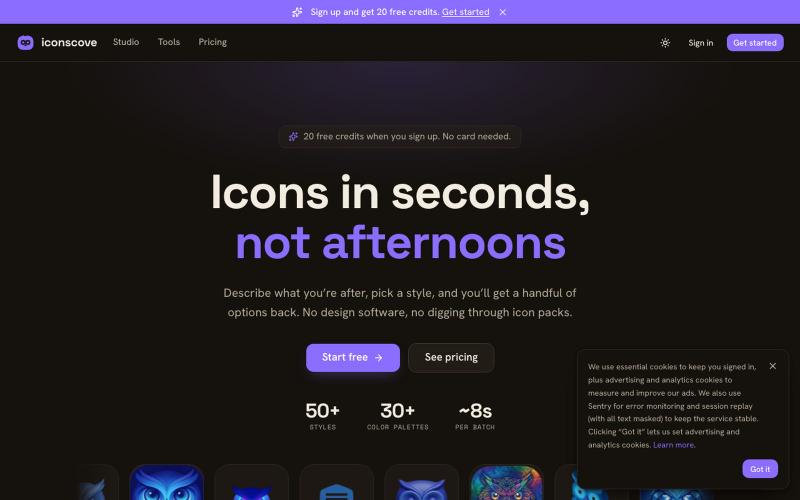
Generate custom icons from text prompts with 50+ styles and download as PNG.
mantasge · Product Hunt
IconsCove AI Icon Generator with 50+ styles and library management

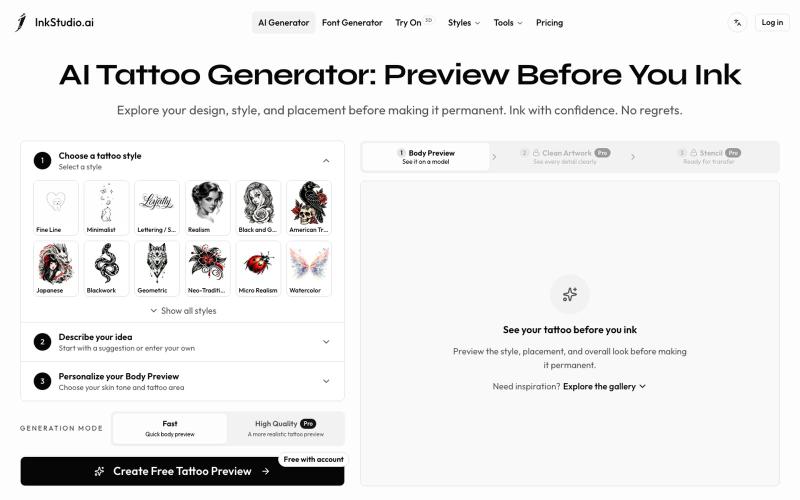
Create and preview your tattoo before you ink. Explore realistic body placement, clean artwork, and stencil linework to review with your tattoo artist.
Irving853 · V2EX
我的产品陷入绝望 先容许我花 2 分钟介绍一下产品背景吧。 今年年初,我在 Toolify 收入榜尾部看到一个 AI 纹身生成产品。看到真的有人付费,当时我觉得这个需求应该是存在的,而且产品门槛看起来也不高,我应该也能做。 于是说做就做,持续做了半年,就有了现在的 [InkStudio.ai]( https://inkstudio.ai)。 我前后看了几十款竞品,发现它们大多都是同一种模式:输入提示词,生成一张纹身图案。 我把主要目标用户定成了第一次纹身的人。 按照正常的纹身流程,用户需要先在线下和纹身师沟通想法,然后由纹身师设计,确认后再真正纹到身上。这个过程一旦开始逐步推进,留给用户后悔的余地就越来越少。 我也去 Reddit 做了一些调研,发现不少人都在吐槽类似的问题: 和纹身师沟通并不顺畅,拿到的设计不满意,不知道还要不要去纹;有的人到了纹身店,发现效果和预期不一样,也不知道该怎么提意见,甚至不敢提。最后纹到了自己身上,又开始后悔。 我的产品一开始也只是根据提示词生成纹身图案。 但随着调研越做越多,我对用户需求的理解也一直在