Zoomix - Screen Recorder for Product Demos | Chrome Extension
Chrome extension for recording screen demos with automatic zoom effects and custom backgrounds.
@gabani_vatsal · X
Building Screen recorder which adds zoom effects and custom backgrounds
The full gallery
Tech stack
18 projects

Chrome extension for recording screen demos with automatic zoom effects and custom backgrounds.
@gabani_vatsal · X
Building Screen recorder which adds zoom effects and custom backgrounds

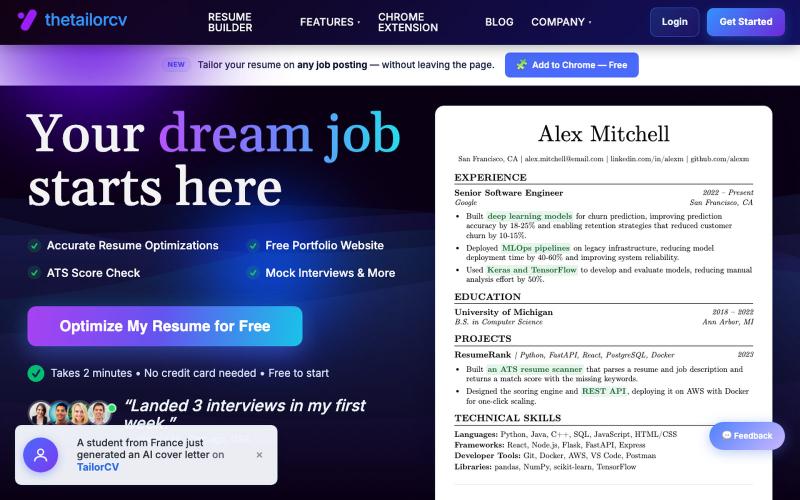
AI-powered resume optimizer with ATS scoring, mock interviews, and LinkedIn integration via Chrome extension.
@sarkar53765 · X
🚀 Just launched the TailorCV Chrome Extension. Tailor your resume directly from any LinkedIn job posting in ~30 seconds. No copy-pasting. No tab switching. Just one click. Try it: #buildinpublic

Design custom themes for Codex Desktop with backgrounds, colors, transparency, and visual effects.
plutozc · V2EX
做了个 Codex Desktop 主题预览和切换工具,先调好再安装 最近一直在用 Codex Desktop ,觉得默认界面看久了有点单调,就顺手做了个主题编辑工具,分享一下: [Codex Skin]( https://getcodexskin.com) 可以先在网页里预览主题,调整背景透明度、面板透明度、颜色、模糊和圆角等参数,满意之后再下载并切换到 Codex Desktop 。 目前支持: - 自定义 JPG 、PNG 、WebP 背景 - 在线实时预览主题效果 - 调整透明度、颜色、模糊、圆角 - 预览满意后生成安装命令 - 不喜欢了可以恢复默认外观 目前主要面向 macOS 上的 Codex Desktop ,还是个人项目,功能和兼容性都在继续打磨。 欢迎试试,也想听听大家对主题参数、预览效果和安装流程的反馈。 直接网址: https://getcodexskin.com [轻喷 轻喷,可能还有些 bug

Edit, compress, convert, and merge video and audio files in your browser.
zhw2590582 · V2EX
最近对网站进行了重构,做成了免费的视频工具站:[ArtPlayer Tools]( https://artplayer.org/tools/) 主要是围绕着 ffmpeg.wasm 和 mediabunny 实现的一些可以直接在浏览器里用的视频/音频工具,常用的有: - 视频压缩:[Compress Video]( https://artplayer.org/compress-video/) - 视频裁剪:[Crop Video]( https://artplayer.org/crop-video/) - 视频合并:[Merge Video]( https://artplayer.org/merge-video/) - 视频尺寸调整:[Resize Video]( https://artplayer.org/resize-video/) - 视频旋转:[Rotate Video]( https://artplayer.org/rotate-video/) - 视频调速:[Change Video Speed]( https://artplayer.org/change-video-speed/) - 添加文字到视频:[Add Text to Video]( https://artplayer.org/add-text-to-video/) - 添加水印:[Watermark Video]( https://artplayer.org/watermark-video/) - 提取字幕:[Subtitle Editor]( https://artplayer.org/subtitle-editor/) - HLS 转 MP4:[HLS to MP4]( https://artplayer.org/hls-to-mp4/) - 音频可视化:[Audio Visualizer]( https://artplayer.org/audio-visualizer/) 大部分工具都是本地处理,文件不会上传到服务器。最开始是因为自己偶尔要处理一些视频,开剪辑软件又有点重,在线工具又担心隐私,所以就慢慢做成了一个站。 目前还在持续完善,体验肯定还有不少粗糙的地方,比如不同浏览器的兼容、移动端操作、长视频性能之类的。 网站: [ArtPlayer Tools]( https:

Turn screenshots into polished designs using a Chrome extension and web-based editor.
@buildwithshyam · X

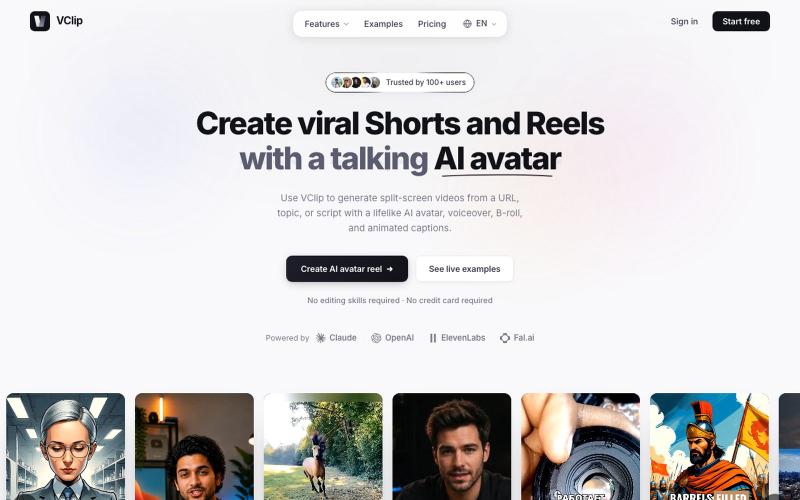
Create split-screen videos featuring AI avatars, voiceover, and animated captions.
@ilya990000 · X

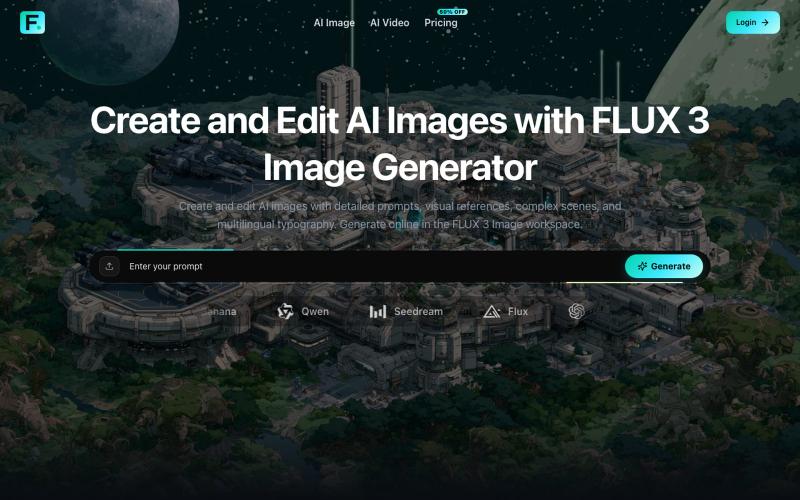
Generate and edit AI images with detailed prompts, reference images, and custom aspect ratios.
Zane3 · V2EX
做了一个视频生成工具,送大家一些积分体验体验 最近做了两个 AI 生成相关的小站,想发出来给大家试试,也顺便收一些真实反馈。 做了几个烂东西,满满的沉淀为现在的样子,实在是太不容易了。 图片站: https://flux3image.pro 视频站: https://flux3video.online 两个站的定位不太一样: Flux 3 Image 主要偏图片工作台,支持文生图、参考图生成、图片编辑、比例和分辨率选择,也接了一些不同风格的图片模型。 Flux 3 Video 主要偏视频生成,支持文本/图片输入生成视频,可以调时长、比例、分辨率、帧率,也有 Fast / Pro 这类模式。 独立 AI image / video workspace ,接第三方模型和自己的账号、积分、任务记录流程。 现在基础功能已经能用了,新用户登录后会有一些 starter credits ,可以先体验,不用一上来付费。具体积分和消耗以站内显示为准,避免我帖子里写死后面配置调整。 我自己知道现在还比较早期,尤其是两个站之间的定位、模型命名、价格解释,还

Create webtoons and comics from text stories with AI and export in 4K with multiple art styles.
StarVeil AI - 星河入梦 — 使用AI生成连续漫画的网站

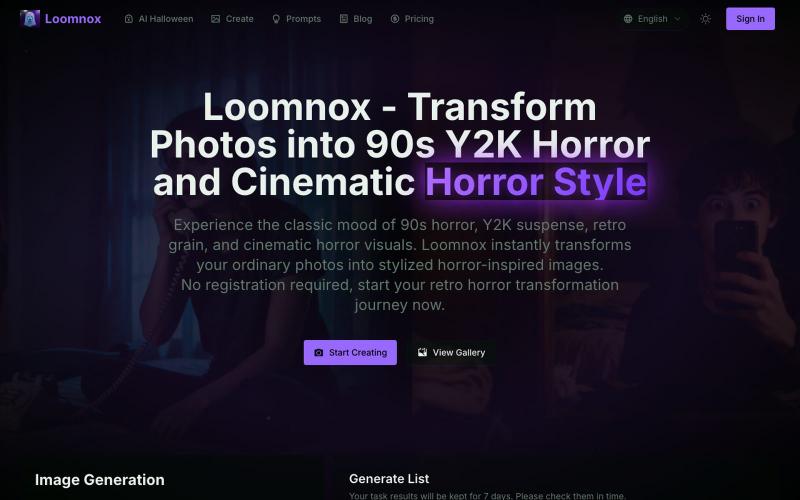
Transform photos into 90s Y2K horror, retro horror, and cinematic horror visuals.
aighostface.org — Ghostface AI 生成器,将照片转换为 90 年代恐怖风格

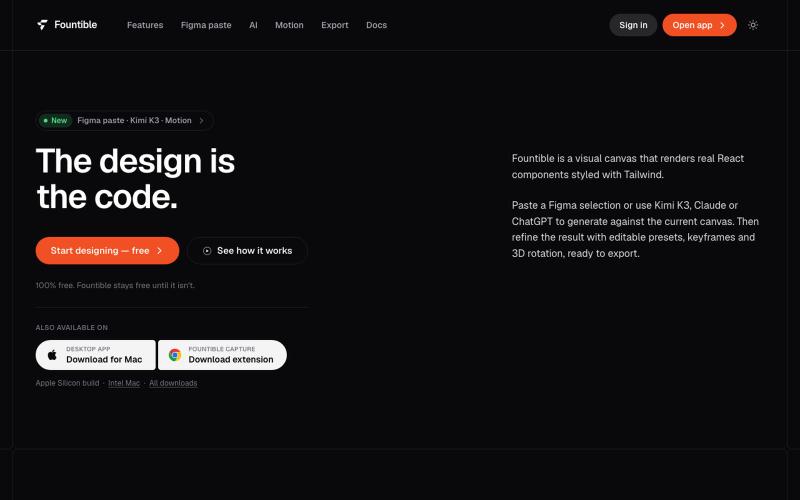
Convert Figma selections to native React and Tailwind code with AI design and 3D features.
@onuro · X

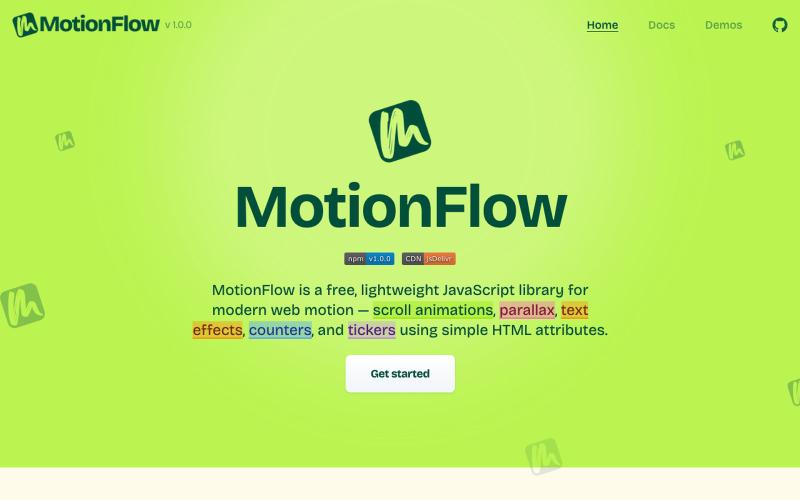
Free JavaScript library for adding scroll animations, parallax effects, and text animations to websites using HTML attributes.
@iamdeepak89 · X

A curated library of reusable UI components built with Framer.
@buildlylibrary · X