
Other1 week ago
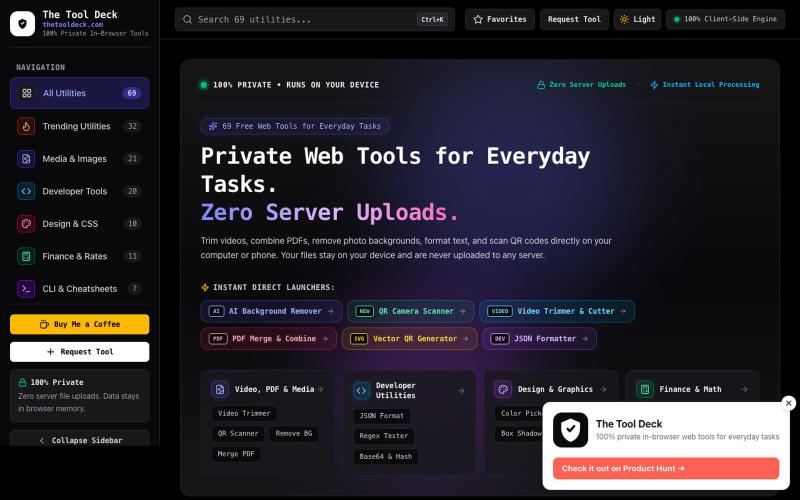
The Tool Deck — 69 Free Private In-Browser Web Tools for Everyone
69 free in-browser web tools for everyday tasks, small PDFs, remove BG, photo editing & code. 100% private — your files never leave your device.

@DevanshuRuhela · X
The full gallery
Tech stack
60 projects
69 free in-browser web tools for everyday tasks, small PDFs, remove BG, photo editing & code. 100% private — your files never leave your device.
@DevanshuRuhela · X
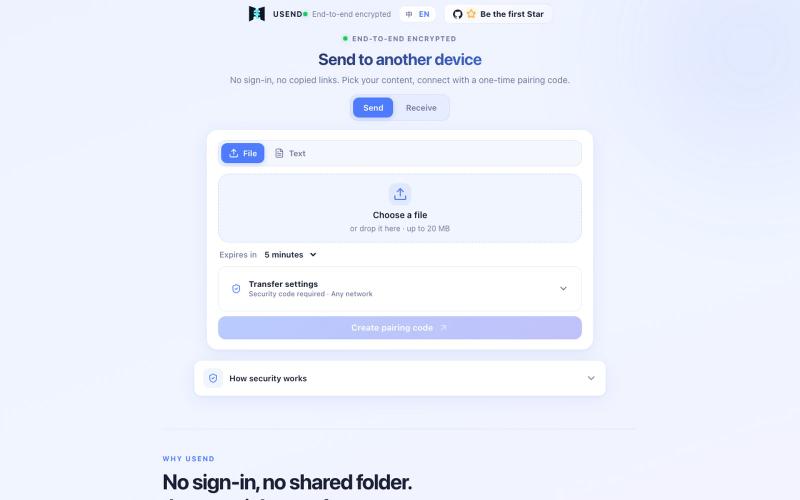
Transfer files or text between devices using a one-time pairing code with end-to-end encryption and automatic cleanup.

@FrankFika · X
Still using a chat app to send files to yourself? I built USend: no sign-in, no app, no permanent share link. An 8-digit code moves a file or text between devices. Browser-side encryption. Auto-delete after receipt or expiry. Try it: #VibeCoding #OpenSource
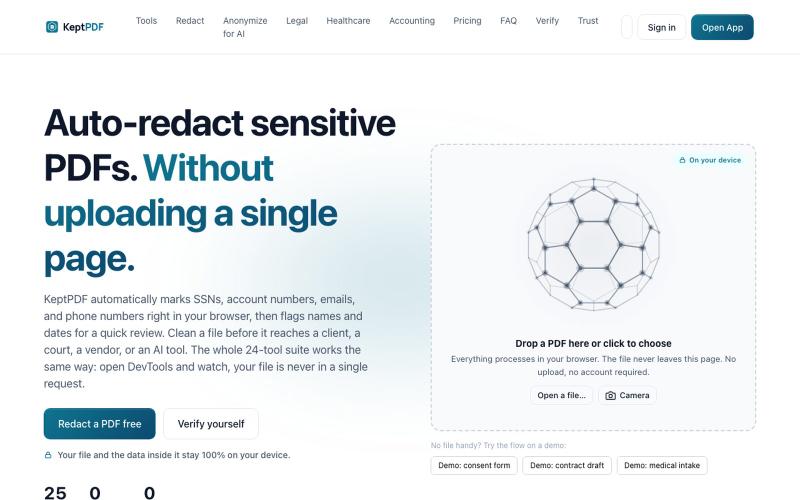
Redact, edit, OCR, and sign PDFs in your browser without uploading files.
u/jwwpua · Reddit
I built a PDF redactor that auto-detects names, SSNs, and account numbers without sending your file anywhere - works on your phone too. Free, no sign-up. Plenty of redaction tools upload your file to their server first (no thanks for legal/medical/tax docs). Some keep the file local but send the text off to an AI, so the text still leaves. And most of the truly local ones only let you draw black boxes by hand, which is how those "redacted" documents in the news keep getting un-r
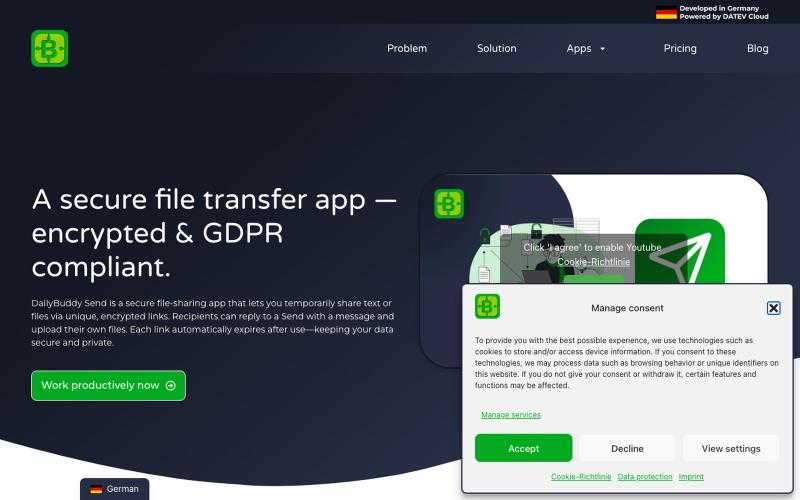
Secure file transfer app with encryption, expiration dates & password protection. Share files GDPR-compliant with DailyBuddy Send

@beckerilja · X
Just shipped: Send is now two-way. 🎉 You could always share files securely. Now the recipient can upload files & send text back too — no account needed. Secure file requests, basically. → #buildinpublic #saas
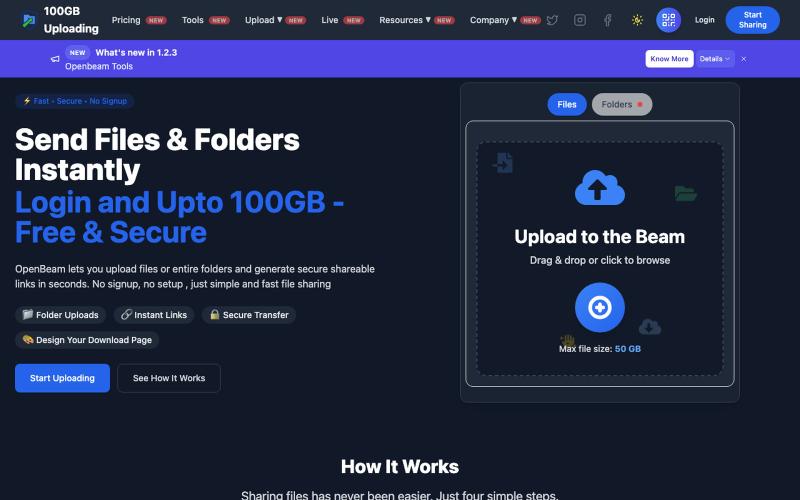
Share files and folders up to 100GB instantly without signing up.

@Abhishe33854772 · X
Replace Files, Keep the Same Link Upload a file once and share the link Need to update the file later? Simply replace it in and the original link continues to work.
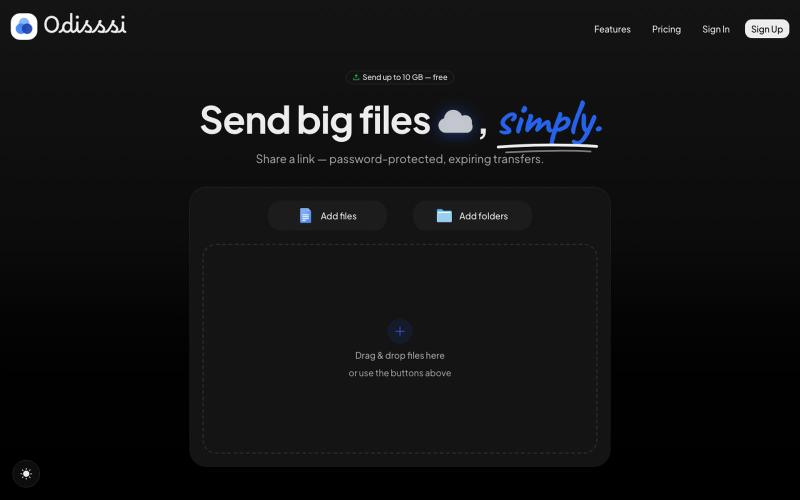
Send large files with a simple link. Password-protected, expiring transfers — no account needed to receive.

@Odisssi · X
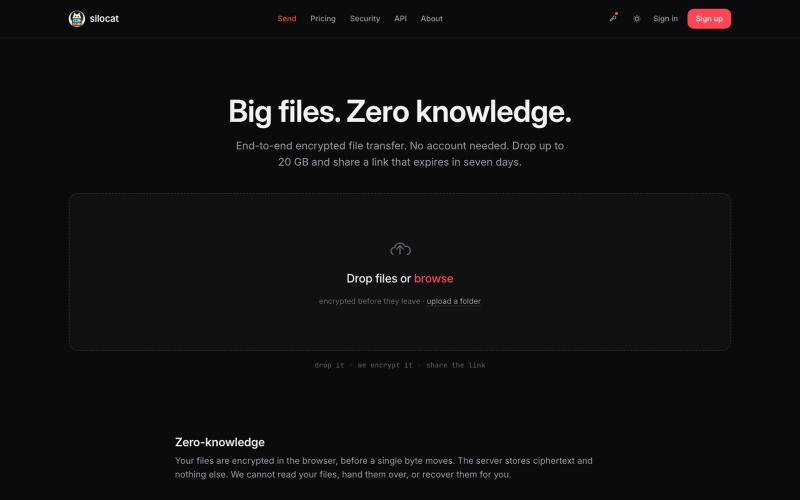
Share files up to 20 GB with zero-knowledge encryption and automatic link expiration.

@clickswave · X
vibe coded slop
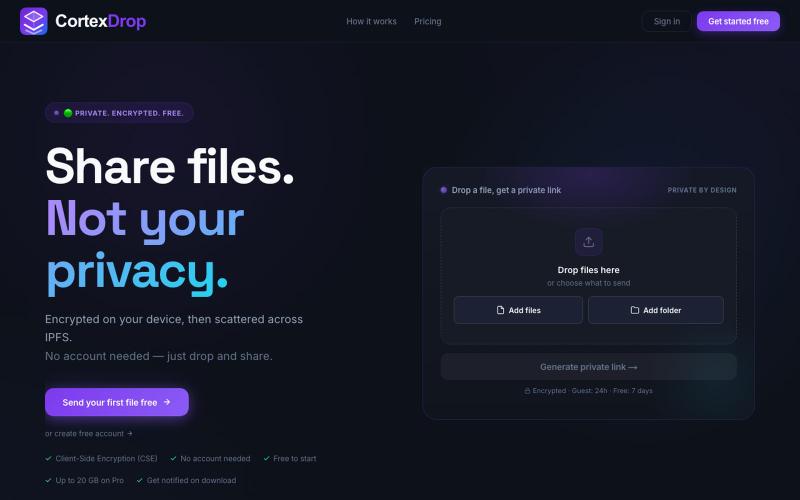
Share encrypted files with self-destructing links without signing up.

@cortexdrop · X
CortexDrop- first consumer file sharing built on IPFS. Drop a file, get a private link.
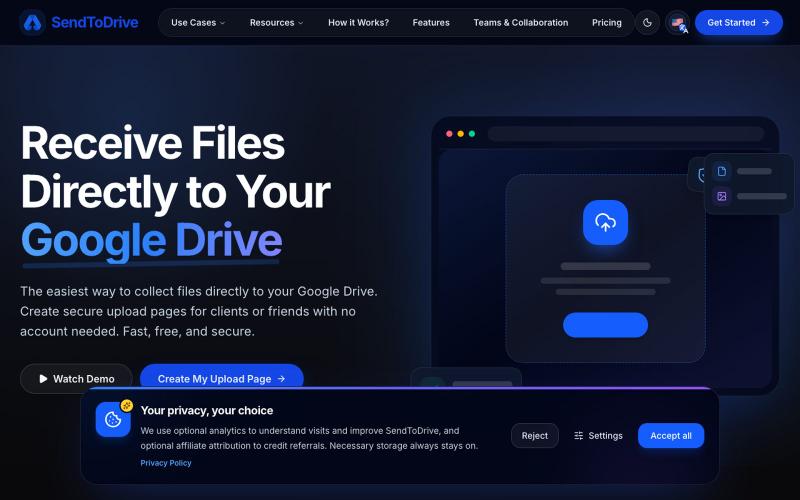
The easiest way to collect and receive files directly to your Google Drive. Create secure upload pages for clients with no account needed. Fast & secure.

@aribmbang · X
receive files from clients directly to your Google Drive
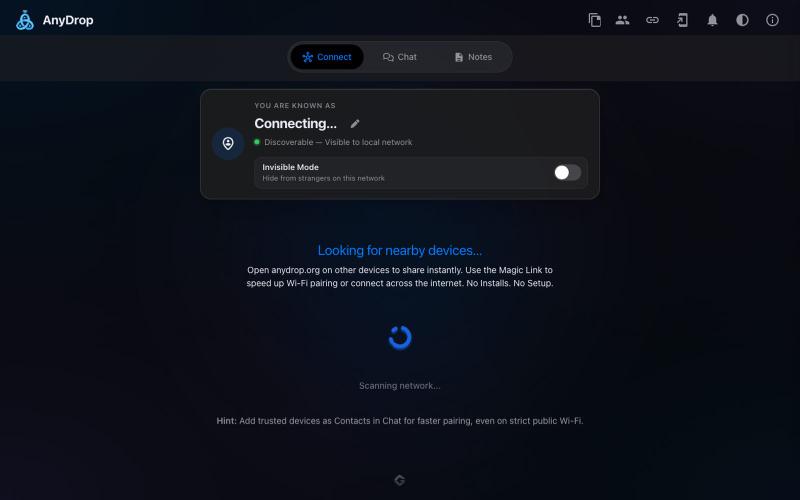
Instantly share files and text across devices (Mac, PC, iOS, Android, Smart TVs) via your browser, no signup needed.

@WackyCrocoGator · X
This one doesn’t require any signup or payment. Just load and multiple device by opening the site on them and connect them for an easy way to drop text and file to each other.
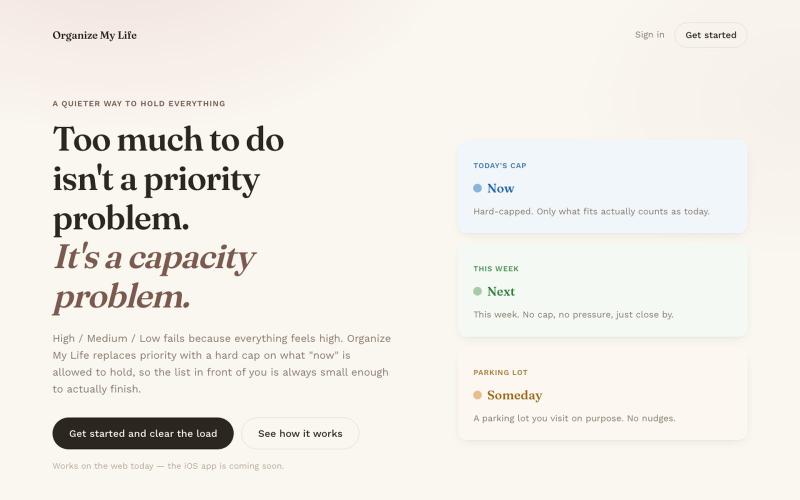
Task manager with Now, Next, and Someday buckets that sync between iOS and web.
u/dahooddawg · Reddit
I built a task manager that replaces priority levels with a hard cap on what "now" means Hey r/SideProject -- I built this for myself because every task manager I tried had the same problem: everything felt high priority. The core idea: instead of High/Med/Low (which fails because everything feels high), you get three buckets -- Now, Next, Someday -- and a hard cap on how many items "Now" can hold. When it's full, adding something new means consciously swapping it for something alread
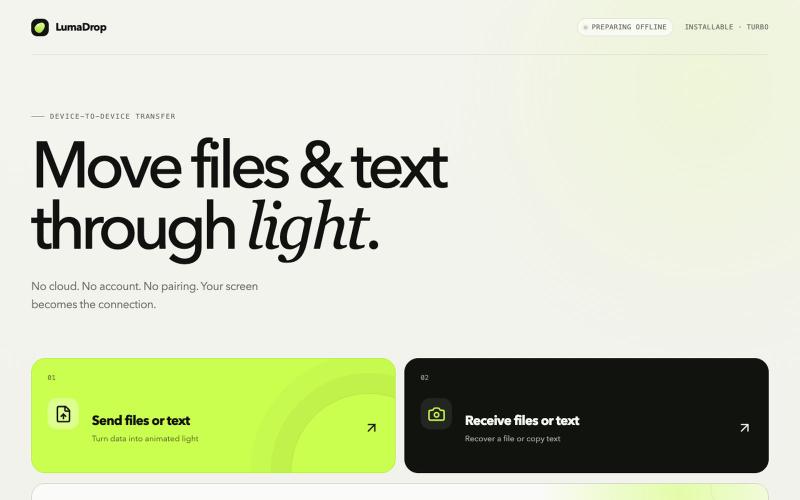
Transfer files and text between devices using light, offline and without accounts.

@0xajc · X
我做了一个不需要 Wi-Fi、蓝牙的文件传输工具 —— “LumaDrop”,它可以让两个设备在同时离线、且不接入 USB 的情况下进行文件传输,非常适合敏感信息的传输,如:助记词、私钥、私密照片…… 网站: Github(已开源):