
Creative Tools2 weeks ago
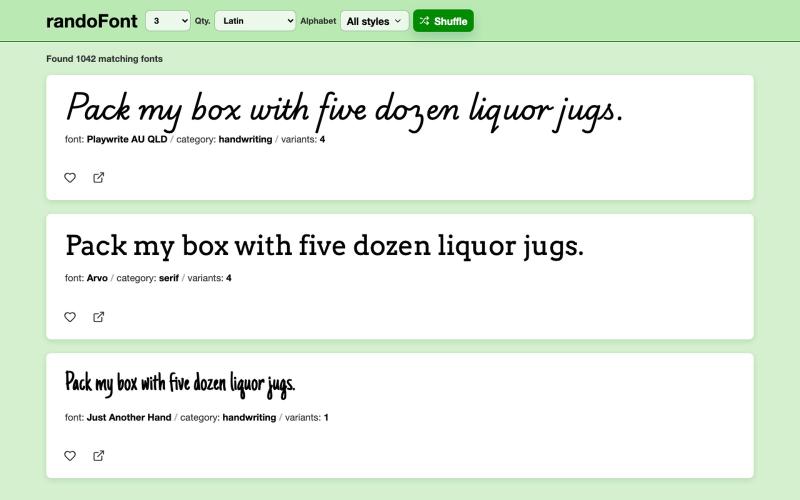
randoFont
Browse and preview Google Fonts with an interactive interface.
aleshh · HN
RandoFont – A browser for Google Fonts
The full gallery
Tech stack
27 projects
Browse and preview Google Fonts with an interactive interface.
aleshh · HN
RandoFont – A browser for Google Fonts

Find design inspiration, fonts, color palettes, and UI patterns from production websites.
sim04ful · HN
Fudge – Web Design References for AI
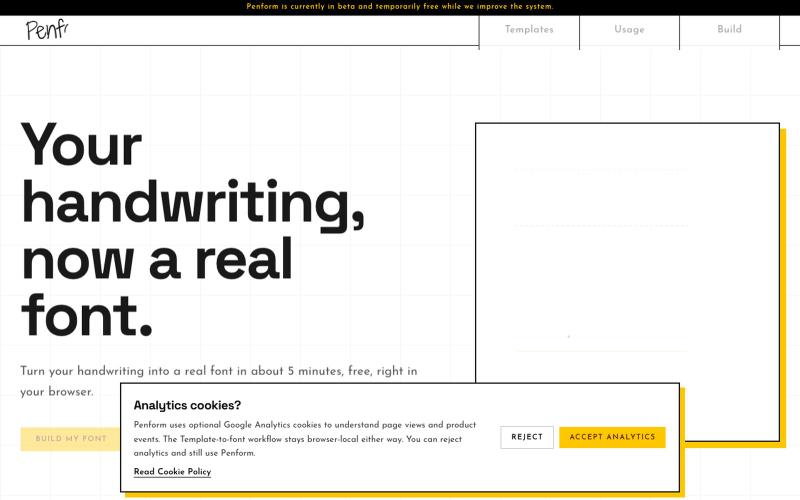
Turn your handwriting into an installable OTF font.

@alpsariyer · X
Building Penform, a browser-based tool that turns handwriting into a real installable font with supporting alternates.
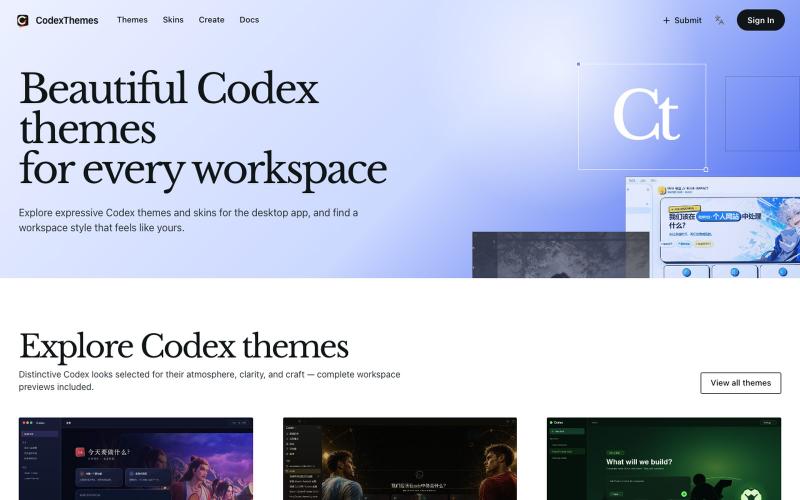
Browse and install Codex themes with workspace previews, or submit your own designs.

@cnyzgkc · X
idoubi @idoubicc 老师执行力拉满! 直接做了一个 CodexThemes 主题站,把创建、分享、查找、安装、启用 Codex 主题的流程闭环! 使用方式:直接复制提示词发给 Codex,就可以让Codex 管理主题。 网站地址:

Design custom themes for Codex Desktop with backgrounds, colors, transparency, and visual effects.
plutozc · V2EX
做了个 Codex Desktop 主题预览和切换工具,先调好再安装 最近一直在用 Codex Desktop ,觉得默认界面看久了有点单调,就顺手做了个主题编辑工具,分享一下: [Codex Skin]( https://getcodexskin.com) 可以先在网页里预览主题,调整背景透明度、面板透明度、颜色、模糊和圆角等参数,满意之后再下载并切换到 Codex Desktop 。 目前支持: - 自定义 JPG 、PNG 、WebP 背景 - 在线实时预览主题效果 - 调整透明度、颜色、模糊、圆角 - 预览满意后生成安装命令 - 不喜欢了可以恢复默认外观 目前主要面向 macOS 上的 Codex Desktop ,还是个人项目,功能和兼容性都在继续打磨。 欢迎试试,也想听听大家对主题参数、预览效果和安装流程的反馈。 直接网址: https://getcodexskin.com [轻喷 轻喷,可能还有些 bug
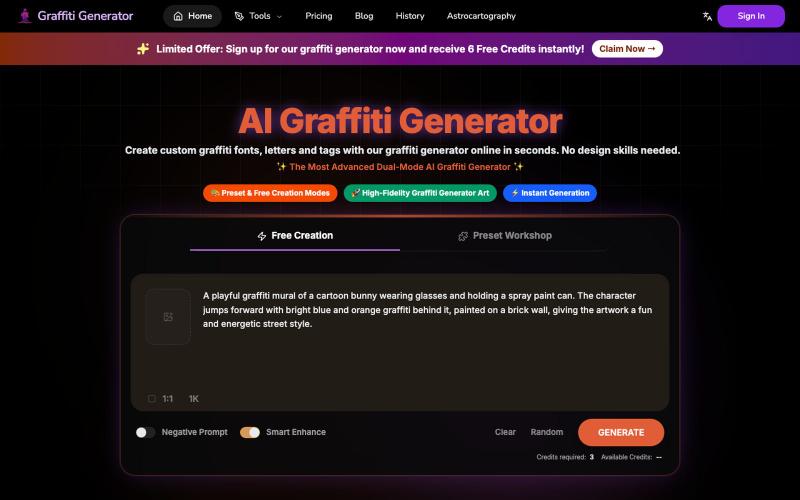
Create graffiti fonts and text designs from any words using AI.
Graffiti Generator — 生成涂鸦艺术,旨在降低涂鸦创作的门槛。它结合了 AI 绘画生成与传统的字体设计功能,让用户无需任何绘画基础,也能在几秒钟内创造出专业级的涂鸦作品。
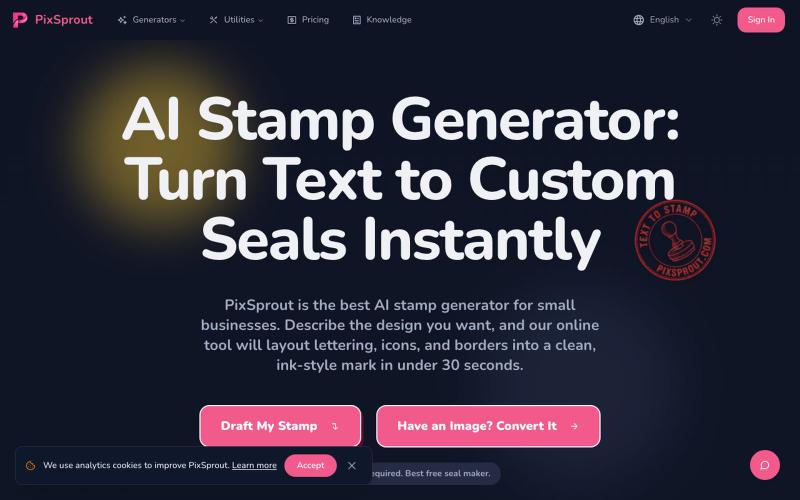
Generate custom business stamps and seals from text prompts using AI.
pixsprout.com — 专注于生成复古橡皮印章效果的 AI 工具,支持文字生成印章、图片转印章及自动去底 - [更多介绍](https://pixsprout.com/image-to-stamp)
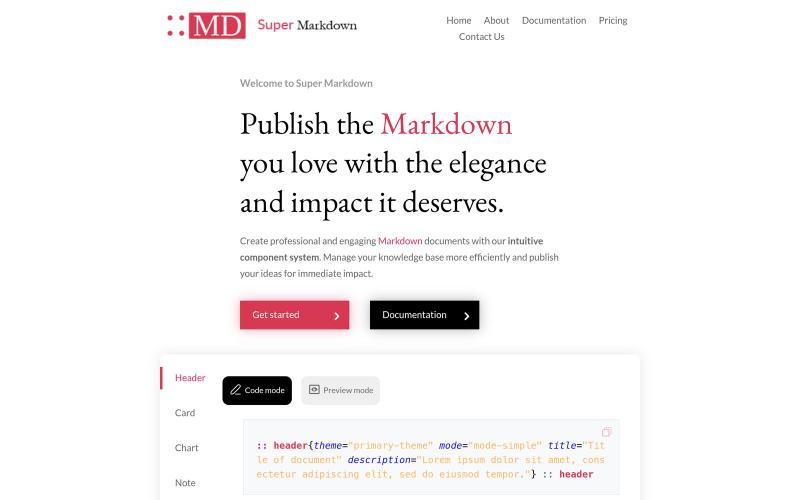
Create and style markdown documents with components to organize and publish your knowledge base.

@sidbyok · X
Write your documents in Markdown with a professional visual rendering without HTML/CSS, just native Markdown.
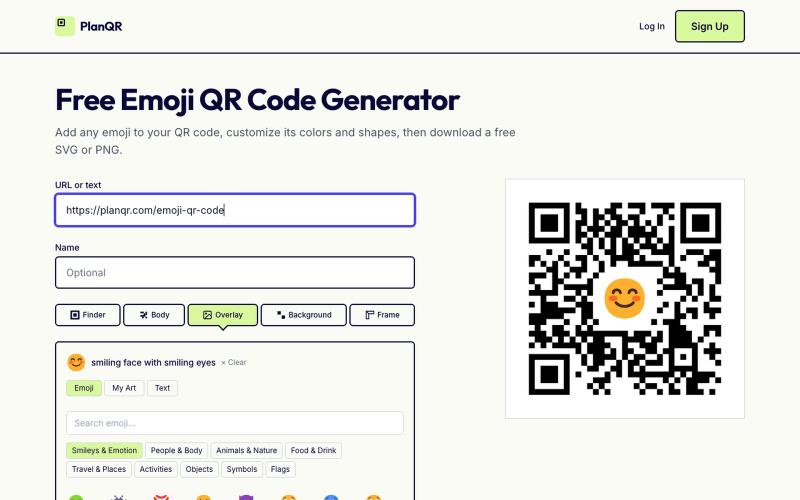
Create custom QR codes with emojis, adjust colors and shapes, then download as SVG or PNG.

@getplanqr · X
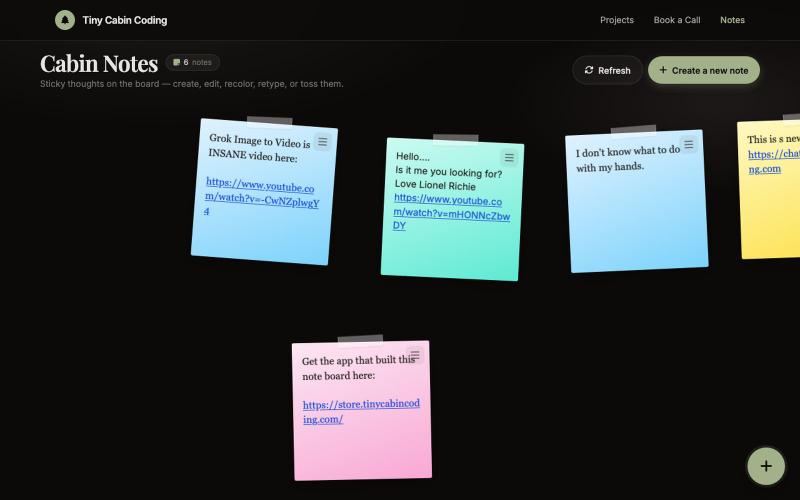
AI-powered notes app built with Codex and refined with Grok.

@Number1AIFanboy · X
I got to go to bed. More coding tomorrow. I just had a realization that I'm building cool shit, using @grok in an app that I built with Codex and refined with Grok. And now Grok just works on himself. LFG🚀 Drop me a note here: Get the app here (use LAUNCH50):

Convert photos or text into cartoon images in Disney, Ghibli, or Pixar styles.
免费在线 AI 卡通图片生成工具 — 将文本和照片转换为令人惊艳的卡通风格图像。它提供多种艺术风格、丰富的自定义选项和高质量的输出,让用户轻松创建独特的头像、社交媒体内容和品牌插画
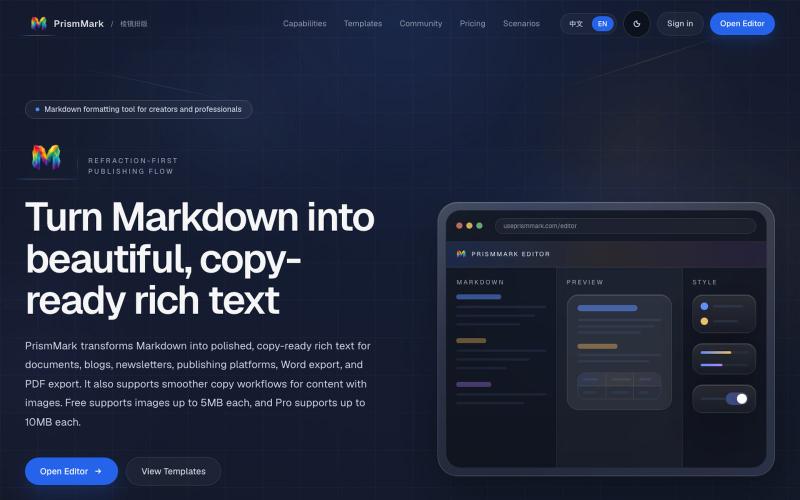
Convert Markdown to formatted content for WeChat Official Accounts, Word, and PDF export.

@bingobray · X
我做了一个类似的工具: 除了支持公众号,还支持word和pdf😁